





-
Recent Posts
- Thinking About Switching From WordPress? What Should You Consider Before You Move?
- The Airtable Acquisition Raises a Bigger Question: Do You Really Own the Software Your Business Runs On?
- How to Use Google Search Console’s New Generative AI Data to Improve Your SEO
- How to Update the Same Website Content on Multiple Pages at Once
- Discovered vs. Crawled Not Indexed in Google Search Console: What’s the Difference and How to Fix Each
- The Small Business Guide to Auditing Google Ads and Website Costs
- Do Professional Writers Still Need SEO in the Age of AI?
- Search Engine First vs. People First Content: Why Generic FAQ Dumps Harm Your SEO
- Looking for a Website Builder Without AI? Which One Should You Choose?
- Keyword Cannibalization: How to Find and Fix the Pages Stealing Your Own Google Traffic
- Why Great Content Gets Stuck on Page 8 (And How to Fix It)
- Why MySQL FULLTEXT Search Returns 0 Results (And How to Fix It)
- The Reality of Domain Speculation on New TLD Launches: Is It Still Worth It?
- The Hidden Domain Name Lock-In: Which Registrars Restrict Nameservers?
- Paying $10,000 a Month for SEO? Here’s How to Tell If You’re Getting Your Money’s Worth
- Introducing New WordPress Magazine Layouts in UltimateWB 9 (With Early Access)
- How to Fix the WordPress “Critical Error” on the Widgets Page After a PHP Upgrade
- The Hidden Risk of SaaS Website Builders: Lessons from the Recent Wix Outage
Categories
Tag Archives: accessibility
Why Blocking Paste in Form Fields Is a UX Mistake

If you’ve ever tried to paste information into a form and were blocked, you know it’s frustrating. Yet, some teams still implement “no-paste” rules for account numbers, confirmation fields, or even passwords. Here’s why that approach doesn’t make sense - and why it’s time to stop.
Copying Improves Accuracy - Even When the First Entry Might Be Wrong
Some stakeholders justify disabling paste by arguing that if a user makes a mistake in the first field, copying it to the
... Continue reading
Posted in Website Design
Tagged accessibility, auto-formatting, blocking paste, form fields, format validation, trust, usability, user experience, ux, wcag, website security
Leave a comment
Blocking Copy/Paste or Right-Click: Will It Hurt SEO or Just Frustrate Users?

Many website owners consider preventing visitors from copying content or using right/left mouse clicks. At first glance, it seems like a way to protect your work - but is it worth it? Is it a good idea? And could it hurt your SEO or the user experience on your website?
How Search Engines See Your Content
Google and other search engines don’t care if visitors can copy your text or right-click on your pages. Crawlers read your HTML source code,
... Continue reading
Posted in Ask David!, Search Engine Optimization (SEO)
Tagged accessibility, batch watermarking, block copy paste, bounce rate, canonical tags, content protection, copyscape, duplicate content, engagement, html, indexable, right-click disable, search engine optimization, seo, SEO impact, usability, user experience, user-friemdly, view page source, watermark, watermarking tool, website usability, website visitors
Leave a comment
How to Optimize Your Webpages So They Get Found by Search Engines and AI (LLMs)?

If you want your website to get noticed online, it’s important to make sure it’s easy to find and understand - not just by search engines like Google, but also by the latest AI technologies powered by something called large language models, or LLMs for short.
These LLMs - including well-known ones like OpenAI’s GPT-4 (used in ChatGPT), Google’s Gemini, Anthropic’s Claude, and Meta’s LLaMA - are advanced AI systems that read and interpret text on the web to answer
... Continue reading
Posted in AI, Ask David!, Search Engine Optimization (SEO)
Tagged accessibility, ai, anthropic, chatgpt, claude, faq, fast loading times, fast website, fresh content, gemini, Google Search Console, google search engine ranking, headings, high-quality conetnt, keywords, llama, llm, meta, meta description, meta tags, meta title, mobile-friendly, OpenAI, responsive, responsive app, schema markup, search snippets, structure, subheadings, trustworthy, usability
Leave a comment
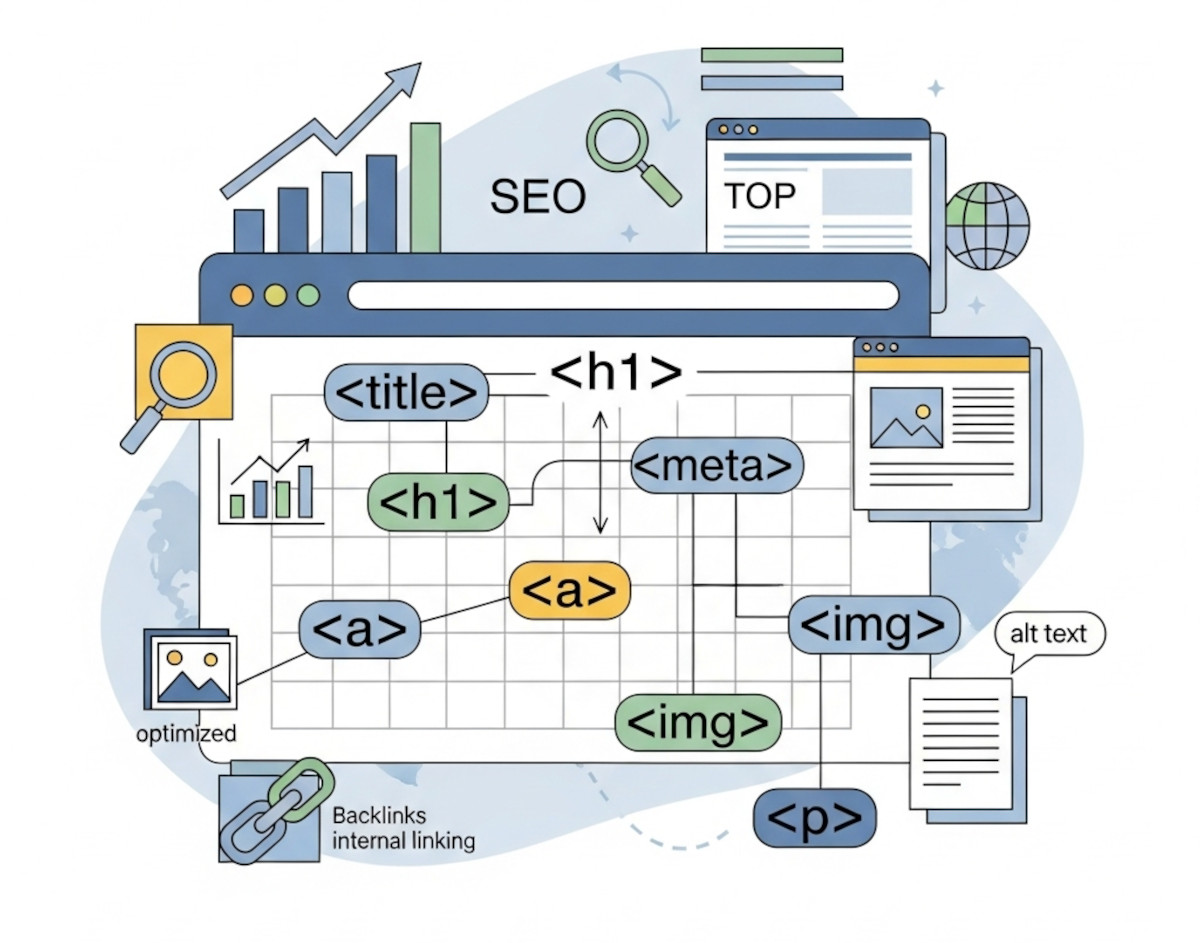
How Clean HTML Can Boost Your SEO (Even Without Coding)

Simple HTML structure tips that can help your site rank better - no coding required
When it comes to SEO, most people think about keywords, backlinks, and blog content. But one of the most overlooked factors behind how your site ranks is the HTML structure.
Even if you’re using a website builder like UltimateWB and never write a line of code, the way your HTML is set up still matters - a lot. The awesome thing
... Continue reading
Posted in Search Engine Optimization (SEO)
Tagged accessibility, alt tag, authority, backlinks, bold, boost traffic, build trust, clean code, click-through rate, ctr, emphasized content, external links, footer, header, headings, high-quality content, html, internal links, italic, keywords, meta description, nav, search engine optimization, search engine ranking, section, semantic tags, seo, structured data, title tag, user experience, valid html
Leave a comment
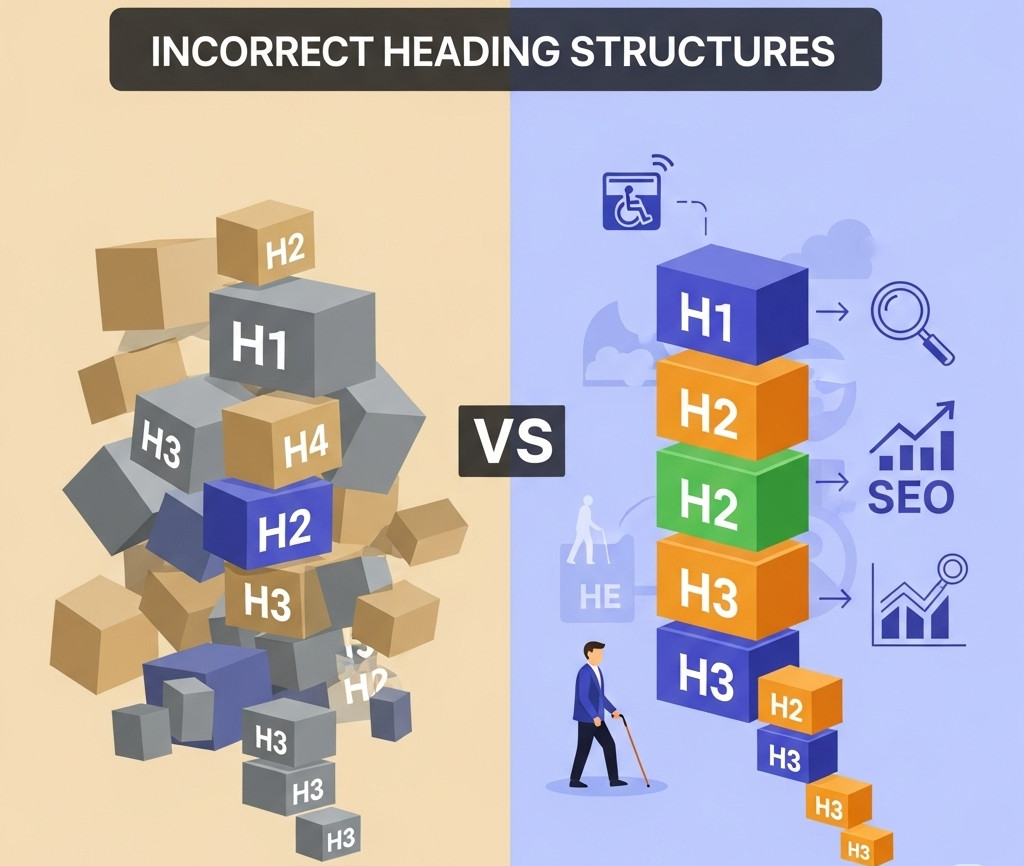
Why an H1 Shouldn’t Come After an H3 – And Why It Matters for SEO and Accessibility

When you're building a website, it's easy to focus on how things look - but how your site is structured under the hood is just as important. One commonly overlooked issue? Incorrect heading order.
We recently came across a website where the first visible heading was an <h3>, and the <h1> appeared after it. While it might not break the layout or cause visible problems, this kind of structure can negatively impact both SEO and accessibility. Here’s why heading
... Continue reading
Posted in Accessibility, Search Engine Optimization (SEO), Website Design
Tagged accessibility, accessibility compliance, assistive technologies, better indexing, clean code, compliance, easy navigation, focus, header, heading, heading order, heading tags, hierarchical structure, hierarchy, indexing, keyword relevance, logical hierarchy, main heading, page quality signals, performance, roadmap, screen readers, search engine optimization, search engine ranking, search engine results, search engines, semantic markers, seo, seo signals, snippets, standards-compliant, subheadings, usability, user experience, visibility, web standards, website structure
Leave a comment
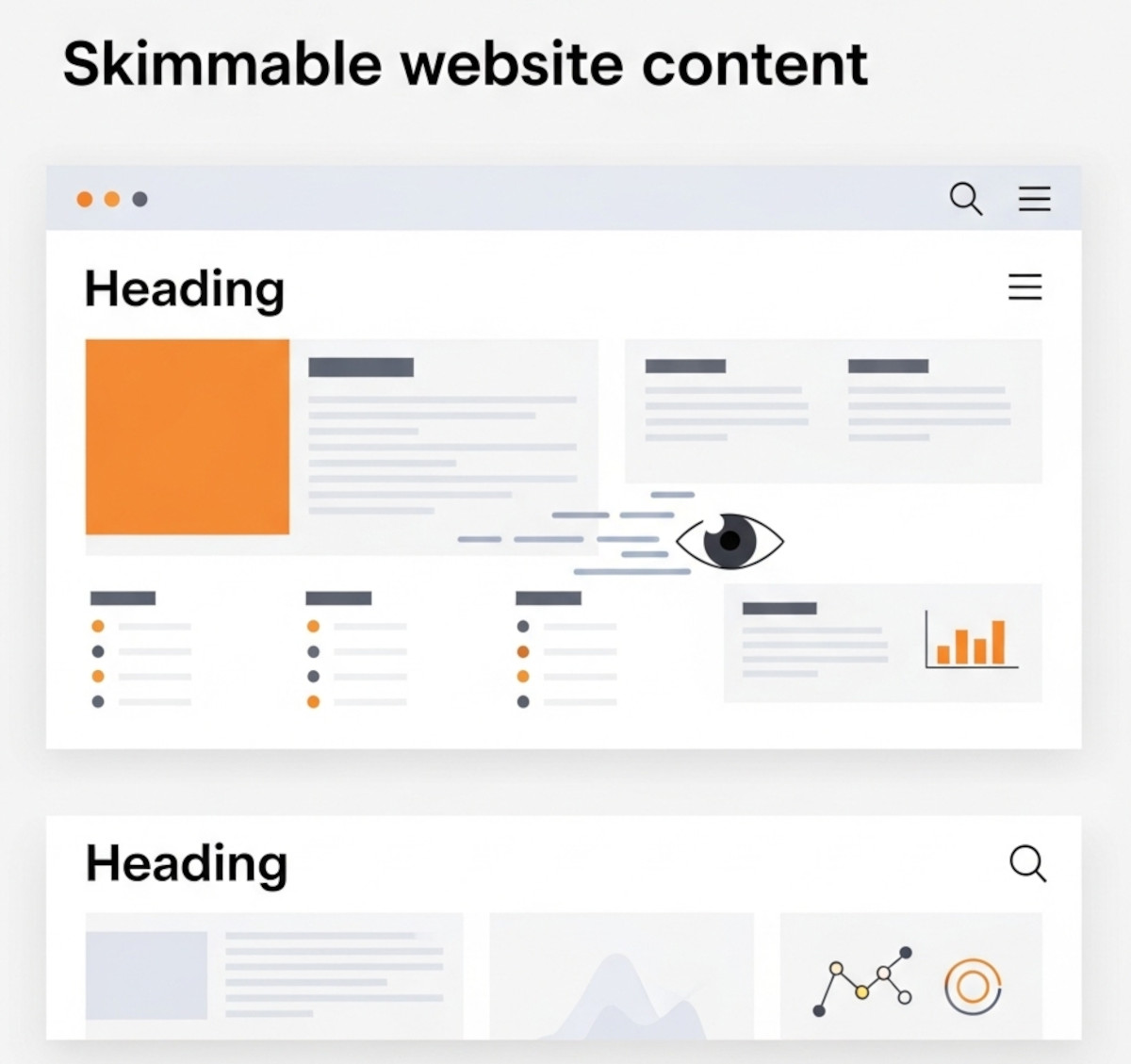
Make Your Website Content Skimmable: Boost Engagement and User Experience

Users rarely read every word on a webpage. Instead, they scan and skim content to quickly find the information they need. If your website content isn’t easy to skim, visitors might get frustrated and leave - fast.
That’s why skimmable formatting is one of the most powerful tools for website owners, designers, and content creators. It improves readability, user experience, and even SEO. At UltimateWB, we believe your website deserves to be easy to read and engaging
... Continue reading
Posted in Search Engine Optimization (SEO), Web Content
Tagged accessibility, bold, boost seo, bounce rates, bullet points, calls to action, cta, engagement, headers, headings, icons, images, infographics, italic, keywords, mobile readability, numbered lists, readability, screen readers, search engine optimization, seo, skimmable content, skimmable formatting, user experience, visual breaks, white space
Leave a comment
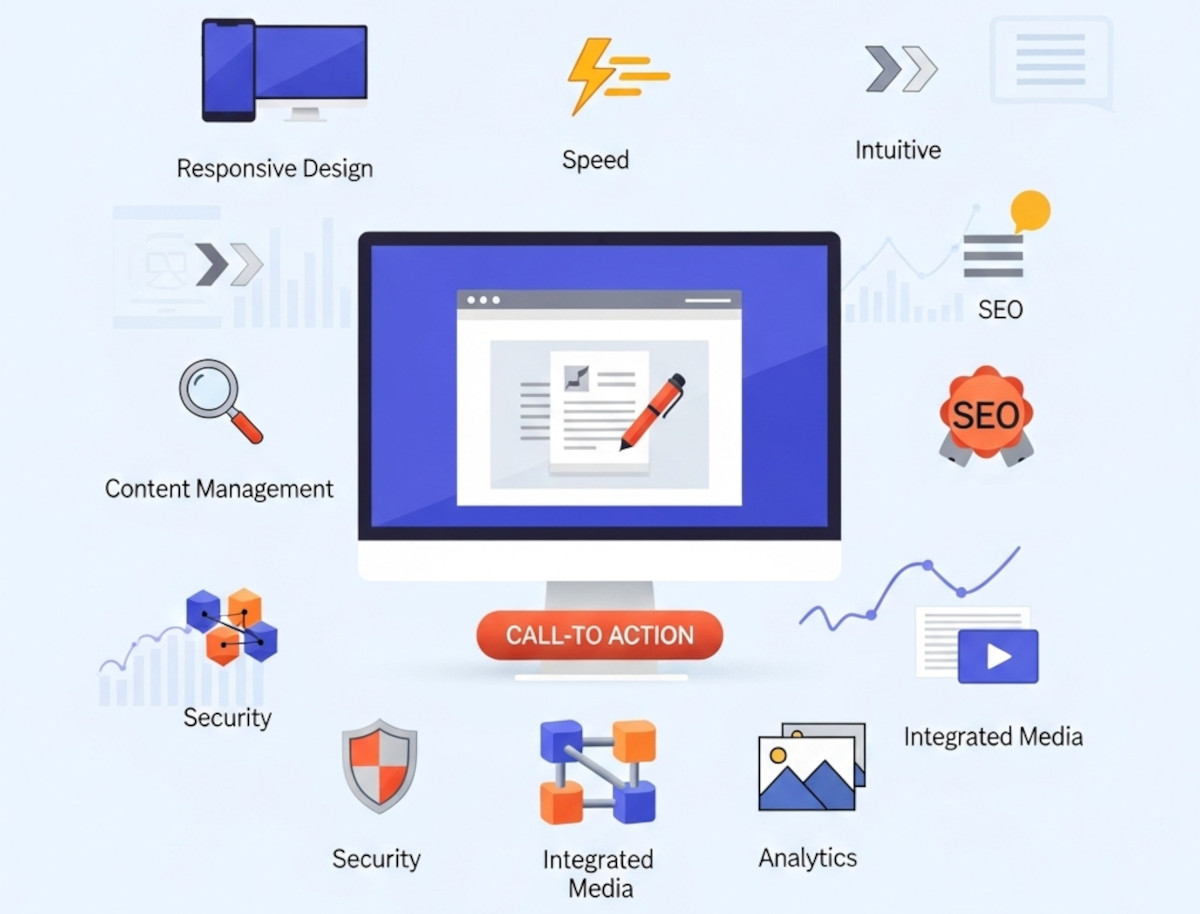
10 Essential Website Design Features Your Website Needs

Whether you're building your first website or looking to upgrade an existing one, understanding the key website design features can make or break your success online. A well-designed site isn't just about looking good - it should function seamlessly, load quickly, and help convert visitors into customers.
At UltimateWB, we know that having the right design features baked into your site is just as important as the content you publish. Here’s our ultimate list of website design features you
... Continue reading
Posted in Website Design
Tagged accessibility, alt text, bounce rate, bounce rates, build trust, built-in features, call-to-action, clean urls, clicks, cms, conversions, cta, easy navigation, easy updates, fast loading times, fast website, flexibility, Google Search Console, https, meta tags, mobile-friendly, responsive, responsive app, responsive design, scalability, search engine optimization, security, seo, sitemap, sitemap generator, spam controls, template lock, user experience, webp, webp converter, website design features, Wix, xml
Leave a comment
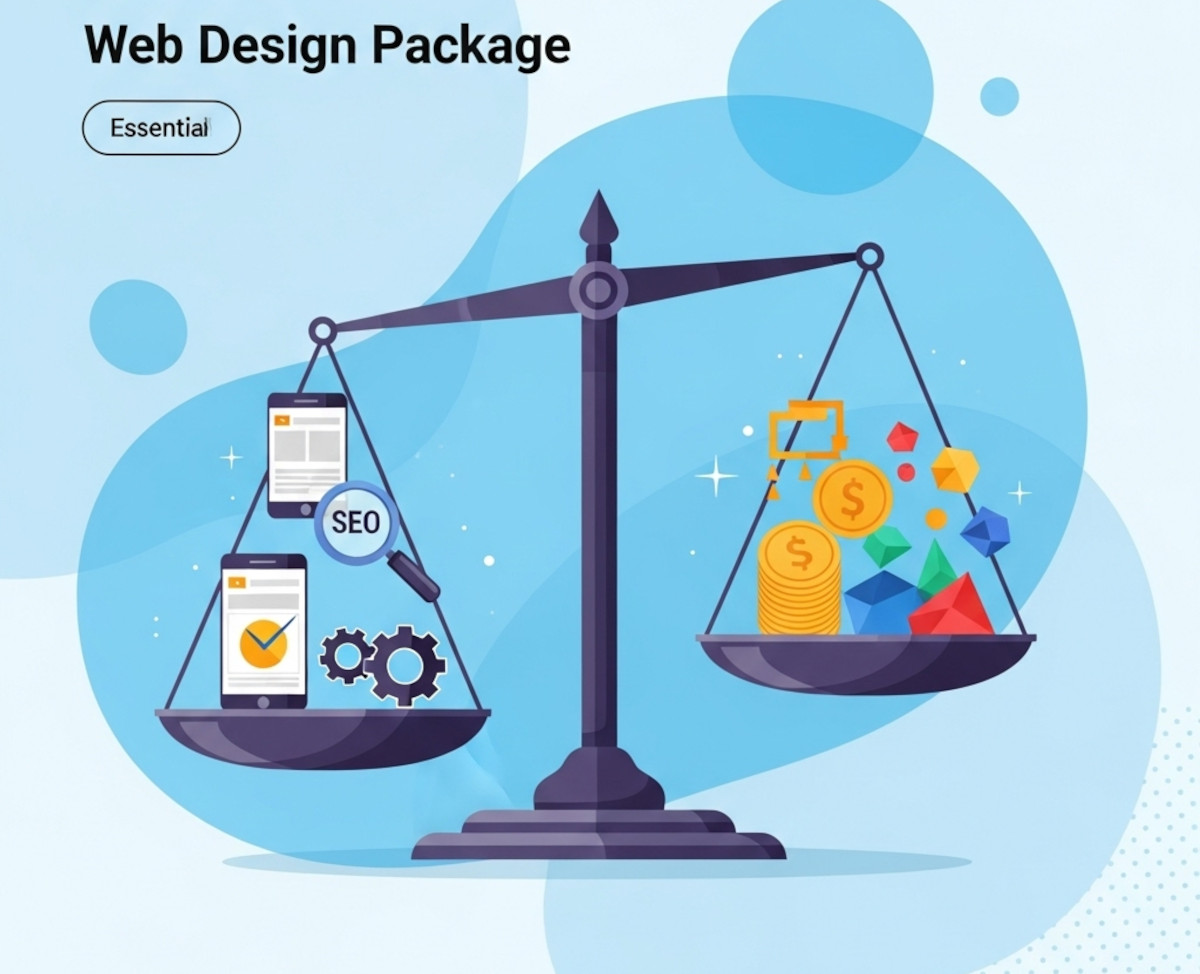
What to Look for in a Web Design Package – Avoid Overpaying for Unnecessary Features

Choosing the right web design package can feel overwhelming. With so many options and price points, it’s easy to pay for features that don’t truly benefit your business or miss out on essentials that drive real results. Whether you’re launching a new site or redesigning an existing one, understanding what to prioritize will help you get the best value for your investment.
This guide breaks down the must-have features of a quality web design package and highlights common areas where
... Continue reading
Posted in Website Design
Tagged accessibility, bloat, bounce rates, branding, build trust, clean code, cookie-cutter, engaging website, fast-loading speed, reliable hosting, responsive, responsive design, search engine optimization, search rankings, security, seo, seo-friendly, styles manager, user experience, web design package, webp, webp converter, website speed
Leave a comment
Valid HTML Matters: How Clean Code Boosts SEO, Accessibility, and Trust

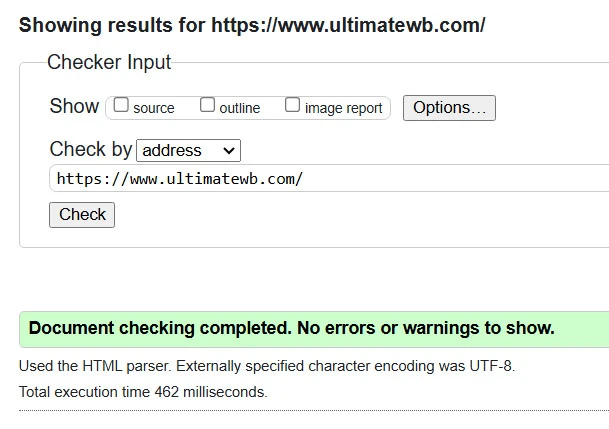
If you’ve ever been told you’re being too picky for caring about your website’s HTML validation, you’re not alone. Some developers brush off invalid code as “harmless,” and non-tech folks might even label you as having a bit of OCD. But here’s the truth: caring about clean, valid HTML isn’t obsessive -
... Continue reading
Posted in Accessibility, Search Engine Optimization (SEO)
Tagged accessibility, boost seo, bots, brand identity, browser compatibility, content structure, core web vitals, crawl, crawlability, cross-device compatibility, easy maintenance, fast loading times, index, invalid code, maintenace, ocd, pagespeed insgihts, pagespeed insights, professional, ranking, scalability, search engine optimization, search engine optimization tips, seo, seo tips, site maintenance, valid html, website speed
Leave a comment
10 Expert Tips for Writing SEO-Friendly Blog Content
Want your blog to rank higher and attract more readers? These 10 expert tips will help you write SEO-friendly content that gets noticed by both search engines and your audience.
1. Start with Keyword Research
Use tools like Google Keyword Planner, Ahrefs, or Ubersuggest to find keywords your target audience is searching for. Focus on a primary keyword and related secondary keywords to guide your content.
Related: Think Twice Before Using Ahrefs’ New Web Analytics: Are You Giving Away
... Continue reading