


-
Recent Posts
- “My Partner Wants to Use WordPress Because 50% of the Web Uses It. Help!”
- Does EmDash Solve WordPress’s Problems, or Do You Need UltimateWB?
- How Not to Use AI: Stanford University Can Tell You
- Best Website Builder for SEO: WordPress vs. Wix vs. UltimateWB
- How to Make Sure Your Website Colors Have Enough Contrast for Accessibility
- Mobile-Friendly Website Checklist: 20 Things to Check
- Beehiiv Website Builder Review: The Problem Isn’t the Design – It’s the Lack of Control
- Elementor’s “Angie” AI Is More Than Bloat: Credits, Subscriptions, and a Growing Platform Problem
- How to Pass Google Business Profile Video Verification for Service Businesses
- The Great Deskilling: Why AI Dependence is Turning Developers into Prompt Babysitters
- The Three-Month Fuse: The Everest Forms Pro Attack and Why a Patched Plugin Can Still Put Websites at Risk
- Computer Screen Has Black Bars on the Sides: How to Fix It
- Could AI Make Humans Extinct Within the Next Decade?
- Is Weebly Getting Out of the Website-Builder Business?
- Are You “Leaking SEO” by Linking to Other Websites?
- Wix Harmony Is Now in Google Gemini. So Why Are Users Still Complaining?
- When AI Sounds Confident but Gets It Wrong: The Mount Shasta Rescue
- When AI Agents Start Working Together, Who Is Really in Control?
Categories
Tag Archives: easy maintenance
Thinking About Switching From WordPress? What Should You Consider Before You Move?

Ask David!
I'm thinking about switching from WordPress to another platform.
It's not a complicated website, but over the years, I've had to add many plugins, for SEO, security, backups, forms, page building, etc. It feels like my website is living in an old house, and we're just waiting for the roof to leak, or something to break. I've been googling for discussions about migrating away from WordPress and found UltimateWB. Most other discussions I've found are the opposite, and
Posted in Ask David!, Compare Website Builders
Tagged 301 redirects, AI website builder, cpanel, css, custom url, customizable, drag-and-drop alternative, drag-and-drop website builder, duda, easy maintenance, flexible, htaccess, html, javascript, migrating website, ownership, page history tool, redirects, responsive app, switching website builders, third-party plugins, web hosting choice, Wix, WordPress, wordpress alternative, WYSIWYG
Leave a comment
What Makes UltimateWB Easier to Use Than WordPress

When choosing a platform to build your website, ease of use is one of the most important factors.
You might have initially gravitated towards WordPress because it’s popular. But that doesn't mean much when you are deep in plugin chaos - from compatibility issues to security issues. Maintenance can become a nightmare with each core update.
Worse, getting the features you want and need - even a simple contact form - can often require a frustrating search through thousands of
... Continue reading
Posted in Compare Website Builders
Tagged asy website builder, caching, clean urls, compatibility issues, customizable website builder, easier than WordPress, easy maintenance, meta tags, performance, plugin-free website builder, plugins, scalability, scalable website builder, security issues, security vulnerabilities, SEO built in, sitemap, third party plugins, UltimateWB vs WordPress, webp, website builder comparison, website speed, WordPress, WordPress alternatives, yoast seo
Leave a comment
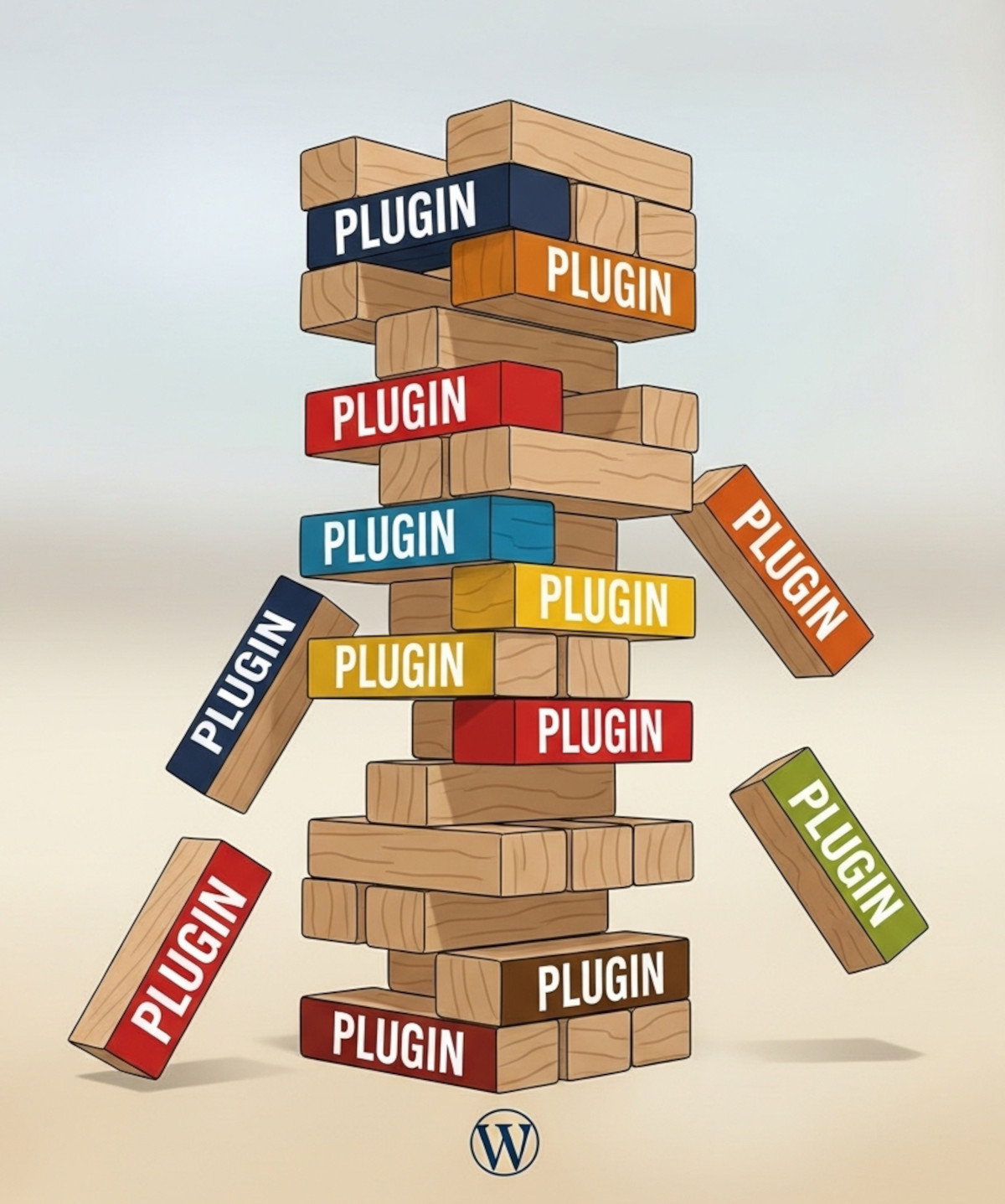
Why Relying on WordPress Plugins Can Backfire (And How to Avoid It)

Many people choose WordPress because they think “you own it” and can do whatever you want. And WordPress does offer a lot of flexibility. But there’s a hidden side to that flexibility: relying heavily on third-party plugins.
Plugins can add powerful functionality to your WordPress website, including forums, SEO tools, sliders, analytics, galleries, forms, and more. But those plugins are maintained by independent developers. That means your website’s features and stability can become dependent on someone else’s decisions.
And while
... Continue reading
Posted in Compare Website Builders
Tagged abandoned plugins, all-in-one, easy maintenance, forum plugins, plugin risks, plugin vulnerabilities, security risks, security vulnerabilities, SEO plugins, site maintenance, third-party plugins, UltimateWB vs WordPress, website builder, website maintenance, website security, WordPress, wordpress plugins, wordpress vulnerabilities
Leave a comment
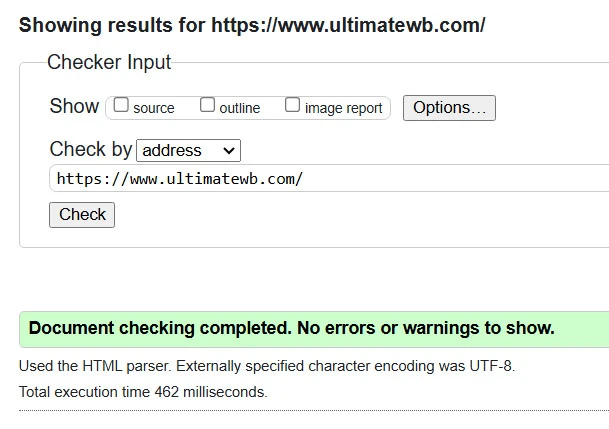
Valid HTML Matters: How Clean Code Boosts SEO, Accessibility, and Trust

If you’ve ever been told you’re being too picky for caring about your website’s HTML validation, you’re not alone. Some developers brush off invalid code as “harmless,” and non-tech folks might even label you as having a bit of OCD. But here’s the truth: caring about clean, valid HTML isn’t obsessive -
... Continue reading
Posted in Accessibility, Search Engine Optimization (SEO)
Tagged accessibility, boost seo, bots, brand identity, browser compatibility, content structure, core web vitals, crawl, crawlability, cross-device compatibility, easy maintenance, fast loading times, index, invalid code, maintenace, ocd, pagespeed insgihts, pagespeed insights, professional, ranking, scalability, search engine optimization, search engine optimization tips, seo, seo tips, site maintenance, valid html, website speed
Leave a comment
What is the difference between Responsive and Adaptive web design?

Creating a website that works well across a wide range of devices and screen sizes is a must-have. Two main approaches are responsive web design and adaptive web design. While both aim to make websites user-friendly on desktops, tablets, and smartphones, they achieve it in very different ways.
What Is Responsive Web Design?
Responsive web design (RWD) is a fluid approach that uses CSS media queries to automatically adjust a website’s layout
... Continue reading
Posted in Ask David!, Website Design
Tagged adaptive web design, awd, CSS media queries, css media query, easy maintenance, expandnodiv, fluid, mobile-friendly website, predefined layouts, responsive, responsive app, responsive design advantages, responsive tweaks, responsive vs adaptive, responsive web design, rwd, seo-friendly, ultimatewb, user experience, user-friendly, web design tips, website layout, website optimization
Leave a comment