


-
Recent Posts
- Could AI Make Humans Extinct Within the Next Decade?
- Is Weebly Getting Out of the Website-Builder Business?
- Are You “Leaking SEO” by Linking to Other Websites?
- Wix Harmony Is Now in Google Gemini. So Why Are Users Still Complaining?
- When AI Sounds Confident but Gets It Wrong: The Mount Shasta Rescue
- When AI Agents Start Working Together, Who Is Really in Control?
- WPForms and Rank Math: Did These WordPress Plugins Create a Backdoor With Admin Access?
- AI Can Text Your Friends for You. Wait, Who Am I Talking To?
- Bill Gates Is Betting on AI to Help Healthcare – While Warning About What AI Could Do to Jobs
- Wix Says AI Website Owners Should Care About Portability. There’s Just One Problem.
- WordPress 7.1 Broke WP Rocket: The Fatal Error and the Plugin Problem
- WordPress vs. UltimateWB for an Artist Website: Which Should You Choose?
- Thinking About Switching From WordPress? What Should You Consider Before You Move?
- The Airtable Acquisition Raises a Bigger Question: Do You Really Own the Software Your Business Runs On?
- How to Use Google Search Console’s New Generative AI Data to Improve Your SEO
- How to Update the Same Website Content on Multiple Pages at Once
- Discovered vs. Crawled Not Indexed in Google Search Console: What’s the Difference and How to Fix Each
- The Small Business Guide to Auditing Google Ads and Website Costs
Categories
Tag Archives: web design tips
How to Make Your FAQ Section More Engaging for Users

FAQs are a staple of websites - they help answer common questions quickly and reduce customer support requests. But if your FAQ section feels like a long, impersonal list, visitors may skim past it or leave your site looking for clearer guidance.
Here’s how to make your FAQs more engaging and user-friendly:
1. Use a Conversational Tone
Instead of formal or robotic responses, write answers as if you’re speaking directly to the visitor. This makes the information more approachable and
... Continue reading
Posted in Web Content
Tagged build trust, customer support tips, engaging FAQs, faq, FAQ best practices, FAQ design, FAQ layout, FAQ section ideas, frequently asked questions, improving FAQs, interactive FAQ, search engine optimization, seo, trust, user experience, UX tips, value, web design tips, website design, website FAQs, website tips, website usability
Leave a comment
What Makes a Website Design Truly Stand Out in 2026?

We’ve all seen websites that look amazing but don’t perform - and others that are minimal, even plain, yet somehow convert like crazy. So what’s the secret? In 2026, truly standout website design goes beyond looks. It’s about creating an experience that feels personal, fast, and effortless.
Here’s what’s defining great web design in 2026 - and how to make your site part of that next wave.
1. Purpose-Driven Design
Pretty doesn’t equal effective. Every button, image, and line
... Continue reading
Posted in Website Design
Tagged accessibility, accessible websites, authentic design, authenticity, bloat, branding, clarity, clutter, colors, fast website, fonts, high-contrast colors, hover effects, microanimations, microinteractions, minimalist websites, mobile-first design, performance, purpose, real photos, responsive, responsive app, search engine optimization, seo, transitions, typography, UI trends, ux design, web design 2026, web design tips, webp, webp converter, WebP images, website performance, website trends, whitespace
Leave a comment
Why Simple Websites Often Convert Better Than Fancy Websites

If you’ve ever noticed a plain-looking website (like Craigslist back in the day) outperforming a flashy, animation-heavy one, you’re not imagining things. This happens all the time across industries - from home services to e-commerce to SaaS.
The reason is simple:
People don’t visit websites to admire design. They visit to achieve a goal.
Find a product. Read a menu. Book a service. Get a quote. Buy something.
A “fancy” website can absolutely support that…
- but only if it
Posted in Website Design
Tagged animations, background videos, bloat, boost conversions, build trust, call-to-action, clean website layout, clear CTA, conversion optimization, conversions, credibility, cta, e-commerce, easy navigation, fast loading, fast loading times, fast website, fonts, hero image, high-converting websites, javascript, kiss, mobile-friendly, simple website design, sliders, spacing, storytelling, trust, trust signals, trustworthy, usability, user experience, ux, UX best practices, web design tips, website conversions, website speed
Leave a comment
The Rise of Cookie-Cutter Website Builders – And Why Everything Online Suddenly Looks the Same

Have you noticed that the internet is starting to feel… familiar?
And not in a comforting, nostalgic way - more like déjà vu with a splash of Ctrl+C, Ctrl+V.
It’s because so many websites today are built with the same cookie-cutter website builders. And while they’ve made building a website more accessible, they’ve also made the web strangely uniform. Scroll long enough, and you start to see the same layouts, the same animations, the same stock photos of suspiciously cheerful
... Continue reading
Posted in Compare Website Builders, Website Design
Tagged animation, blocks, branding, colors, cookie-cutter, cookie-cutter websites, drag-and-drop, fonts, grid patterns, layout, pre-made layouts, sans-serif, small business websites, spacing, stock photos, templates, ultimatewb, unique websites, web design, web design tips, website branding, website builders, website creativity
Leave a comment
When “Helpful” Automations Become a Headache: A Look at Wix’s Latest Surprise

Website platforms love to talk about automation. In theory, it’s supposed to save time, simplify workflows, and help you run your business more efficiently. But every now and then, a platform rolls out an “improvement” that reminds you just how quickly automation can cross the line from helpful to intrusive.
Recently, many Wix users logged into their dashboards to find a storm of newly generated automations - not a handful, but dozens - all added automatically without any request or
... Continue readingWhat Really Keeps Visitors Engaged on Your Website?

Getting people to visit your website is one thing - keeping them there is another. Attention spans are short, and competition for that attention is fierce. So, what actually keeps visitors interacting instead of bouncing away?
Let’s explore some proven (and a few creative) strategies that work.
1. Make It Interactive
Static pages don’t hold attention for long. Adding interactive elements - like quizzes, polls, sliders, or mini-tools - encourages visitors to do something rather than just read or scroll.
What actually makes a good website?

When it comes to websites, first impressions matter - a lot. People often decide within seconds whether to stick around or click away. That’s why good design is important. A site that looks modern, clean, and professional builds instant credibility. In many ways, the design is what gets people in the door.
That’s also why UltimateWB puts so much power in your hands. With the built-in Styles Manager, you can easily customize colors, fonts, and layouts to match your
... Continue reading
Posted in Ask David!, Website Design
Tagged authenticity, bloat, calls to action, clear messaging, credibility, fast loading times, fast website, good website tips, mobile friendly, mobile-friendly, responsive, responsive app, styles manager, trust, trust signals, web design basics, web design tips, website customization, website design, website performance, website speed
Leave a comment
What’s the best way to create a high-quality Favicon and add it to your website?

A favicon might be small, but it plays a big role in your website’s branding and user experience. That tiny icon in the browser tab, bookmarks, and shortcuts helps visitors recognize your site instantly and gives your website a professional touch. So, how do you create a high-quality favicon that stands out? And how do you add it to your website the easy way? Let's
... Continue reading
Posted in Ask David!, Website Design
Tagged bookmarks, branding, browser tab, browser tab icon, contrast, create favicon, favicon, favicon design, GIMP, Gimp favicon, high-contrast colors, internet browser icon, photoshop, Photoshop favicon, PNG to ICO, shortcuts, upload favicon, user experience, web design tips, website branding, website customization, website icon, website recognition, website user experience
Leave a comment
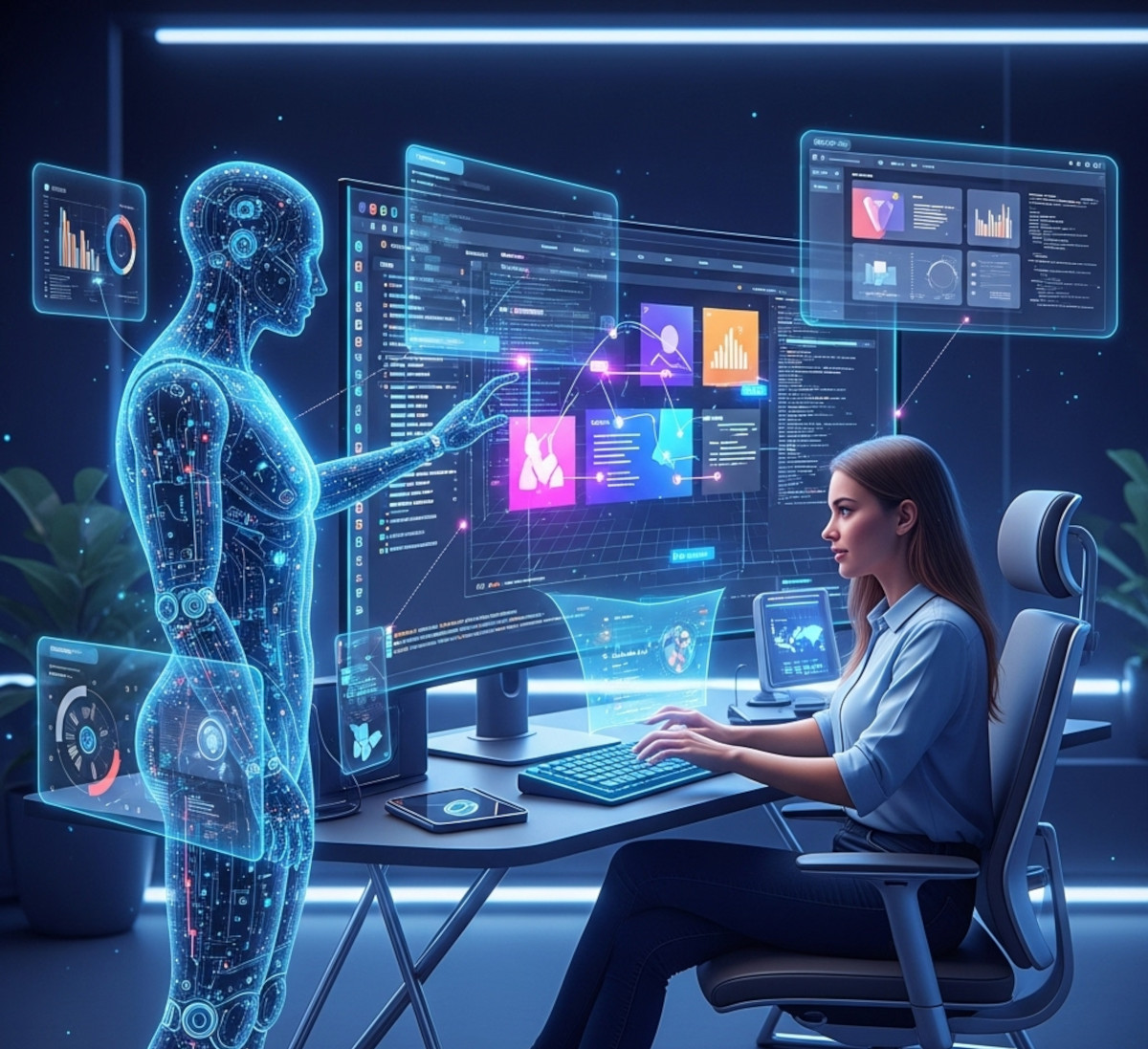
Is AI Really Taking Your Web Design Job?

If you’ve been following tech news, you’ve probably seen headlines warning that AI is replacing entry-level web design jobs. And yes, AI tools like ChatGPT, MidJourney, and automated website builders are changing the way websites are built. But what does this really mean for designers starting out?
What’s Actually Happening
AI can handle repetitive tasks - like generating layouts, writing boilerplate code, or resizing images - but it’s far from replacing human creativity, strategy, and user experience skills. Junior
... Continue reading
Posted in AI, Technology in the News
Tagged accessibility, adapting to AI, ai, AI and creativity, ai automation, ai in website design, AI tools for designers, AI web design, Andrew Yang, andrew yank, brand identity, branidng, chatgpt, coding, creativity, entry-level designers, entry-level web design, future of web design, generating layouts, junior designers, matt garman, MidJourney, performance, performance optimization, resizing images, search engine optimization, seo, speed up workflows, strategy, user behavior, user experience, ux, ux design, web design career, web design jobs, web design tips, web designer
Leave a comment