


-
Recent Posts
- “My Partner Wants to Use WordPress Because 50% of the Web Uses It. Help!”
- Does EmDash Solve WordPress’s Problems, or Do You Need UltimateWB?
- How Not to Use AI: Stanford University Can Tell You
- Best Website Builder for SEO: WordPress vs. Wix vs. UltimateWB
- How to Make Sure Your Website Colors Have Enough Contrast for Accessibility
- Mobile-Friendly Website Checklist: 20 Things to Check
- Beehiiv Website Builder Review: The Problem Isn’t the Design – It’s the Lack of Control
- Elementor’s “Angie” AI Is More Than Bloat: Credits, Subscriptions, and a Growing Platform Problem
- How to Pass Google Business Profile Video Verification for Service Businesses
- The Great Deskilling: Why AI Dependence is Turning Developers into Prompt Babysitters
- The Three-Month Fuse: The Everest Forms Pro Attack and Why a Patched Plugin Can Still Put Websites at Risk
- Computer Screen Has Black Bars on the Sides: How to Fix It
- Could AI Make Humans Extinct Within the Next Decade?
- Is Weebly Getting Out of the Website-Builder Business?
- Are You “Leaking SEO” by Linking to Other Websites?
- Wix Harmony Is Now in Google Gemini. So Why Are Users Still Complaining?
- When AI Sounds Confident but Gets It Wrong: The Mount Shasta Rescue
- When AI Agents Start Working Together, Who Is Really in Control?
Categories
Tag Archives: GIMP
Computer Screen Has Black Bars on the Sides: How to Fix It

Ask David! Question:
My HP laptop screen suddenly has black areas on both sides, and those parts of the screen aren't usable. If I move a window toward either side, part of the window disappears underneath the black area. This happened when I was trying to open GIMP. The screen seemed to suddenly snap into a different size. How do I fix this?
David’s Answer:
This is most likely a display resolution problem, not a damaged laptop screen.
Right-click
... Continue readingWhat’s the best way to create a high-quality Favicon and add it to your website?

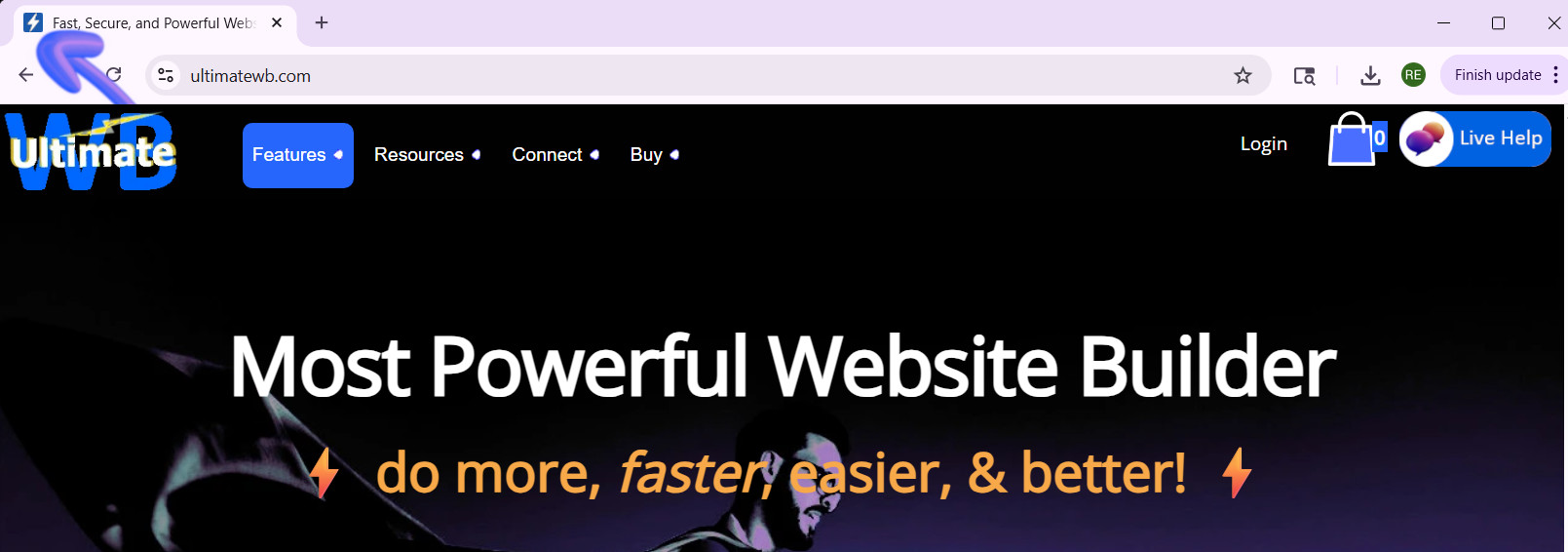
A favicon might be small, but it plays a big role in your website’s branding and user experience. That tiny icon in the browser tab, bookmarks, and shortcuts helps visitors recognize your site instantly and gives your website a professional touch. So, how do you create a high-quality favicon that stands out? And how do you add it to your website the easy way? Let's
... Continue reading
Posted in Ask David!, Website Design
Tagged bookmarks, branding, browser tab, browser tab icon, contrast, create favicon, favicon, favicon design, GIMP, Gimp favicon, high-contrast colors, internet browser icon, photoshop, Photoshop favicon, PNG to ICO, shortcuts, upload favicon, user experience, web design tips, website branding, website customization, website icon, website recognition, website user experience
Leave a comment
GIMP: A Powerful, Free Image Editor for Your Website

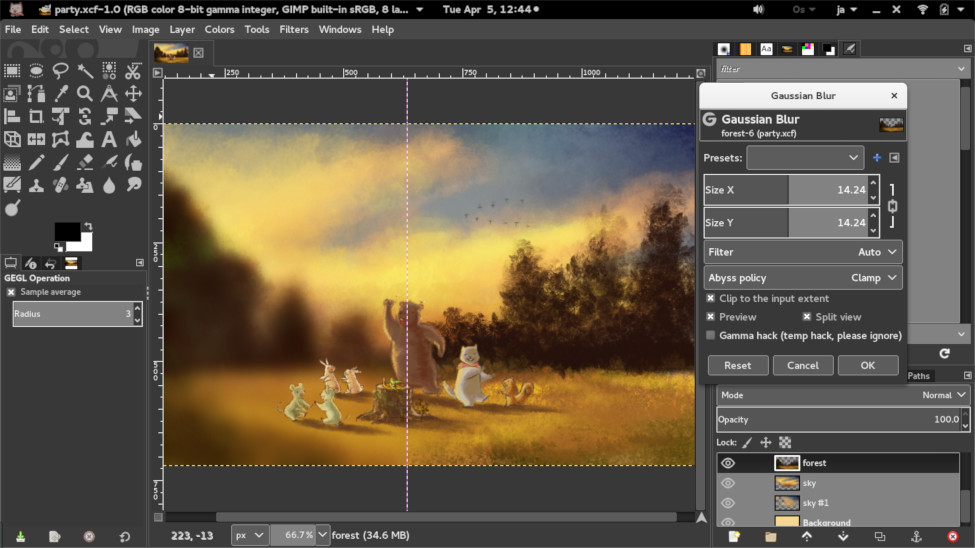
Recently, we discussed DIY logo design in our blog post, How to Create Your Own Logo? A DIY Guide. One of the recommended tools is GIMP, or GNU Image Manipulation Program - a free and open-source raster graphics editor that can be a valuable tool for anyone who needs to edit images for their website. With its wide range of features, GIMP can be used to create, edit, and manipulate images in a variety of ways. Let's learn
... Continue reading
Posted in Website Design
Tagged custom graphics, file formats, free, GIMP, graphic design, image editing tools, image editor, image manipulation, image manipulation techniques, infographics, layers and masks, open-source, painting and drawing, product images, raster graphics, website design, website elements
Leave a comment