


-
Recent Posts
- “My Partner Wants to Use WordPress Because 50% of the Web Uses It. Help!”
- Does EmDash Solve WordPress’s Problems, or Do You Need UltimateWB?
- How Not to Use AI: Stanford University Can Tell You
- Best Website Builder for SEO: WordPress vs. Wix vs. UltimateWB
- How to Make Sure Your Website Colors Have Enough Contrast for Accessibility
- Mobile-Friendly Website Checklist: 20 Things to Check
- Beehiiv Website Builder Review: The Problem Isn’t the Design – It’s the Lack of Control
- Elementor’s “Angie” AI Is More Than Bloat: Credits, Subscriptions, and a Growing Platform Problem
- How to Pass Google Business Profile Video Verification for Service Businesses
- The Great Deskilling: Why AI Dependence is Turning Developers into Prompt Babysitters
- The Three-Month Fuse: The Everest Forms Pro Attack and Why a Patched Plugin Can Still Put Websites at Risk
- Computer Screen Has Black Bars on the Sides: How to Fix It
- Could AI Make Humans Extinct Within the Next Decade?
- Is Weebly Getting Out of the Website-Builder Business?
- Are You “Leaking SEO” by Linking to Other Websites?
- Wix Harmony Is Now in Google Gemini. So Why Are Users Still Complaining?
- When AI Sounds Confident but Gets It Wrong: The Mount Shasta Rescue
- When AI Agents Start Working Together, Who Is Really in Control?
Categories
Tag Archives: website design
How to Make Sure Your Website Colors Have Enough Contrast for Accessibility

Choosing colors for a website is not just about whether they look good together. Your text, backgrounds, links, buttons, and other elements also need enough contrast to remain readable and distinguishable.
A color combination that looks perfectly clear on your monitor may be difficult for someone else to read, especially for people with low vision or color vision deficiencies.
Here are some practical things to check when choosing and reviewing your website colors.
1. Check the contrast between text and
... Continue readingMobile-Friendly Website Checklist: 20 Things to Check

Having a mobile-friendly website means more than making your desktop website shrink down to fit a phone screen.
People interact with websites differently on a phone. They tap instead of click, scroll with their fingers, type on a small keyboard, and may be viewing your website in bright sunlight or while using one hand.
A website can technically be responsive and still be frustrating to use on a phone.
Use this checklist to review your website on mobile and catch
... Continue reading
Posted in Website Design
Tagged mobile optimization, mobile usability, mobile website, mobile website checklist, mobile-friendly website, responsive web design, responsive website, touchscreen usability, wcag, web design, website accessibility, website checklist, website design, website usability
Leave a comment
Stop Fighting Your Website: Absolute Positioning vs. Fluid Design

If you’ve ever used the standard Wix editor, you probably know the frustration: move a button on the desktop layout, and suddenly the mobile version looks broken. That is not a glitch - it is a direct result of how many drag-and-drop website builders are designed.
The Hidden Tradeoff in Traditional Drag-and-Drop Builders
Many “easy” website builders like Wix rely heavily on absolute positioning. In simple terms, elements are assigned fixed X and Y coordinates on the page, almost like
... Continue reading
Posted in Compare Website Builders, Website Design
Tagged absolute positioning, drag-and-drop alternative, drag-and-drop website builder, flexibility, fluid design, grid layout, hosted vs self-hosted websites, hosted website builders, mobile friendly, responsive, responsive app, responsive design, rigid design, squarespace, squarespace alternative, website design, Wix, wix alternative, wix editor
Leave a comment
Your Website is Your Silent Salesperson: Is “Basic” Costing You Money?

Should I upgrade my website?
Every dollar matters when you’re building a small business. Early on, it’s natural to look for the fastest and cheapest way to get online, which is why so many businesses start with “basic” website templates.
At first glance, these platforms seem practical. They’re quick, affordable, and require little technical knowledge. But over time, a more important question emerges:
What is your current website actually costing you in lost trust, missed leads, and reduced conversions?
Because
... Continue reading
Posted in Ask David!, Business, Website Design
Tagged bloat, bounce rate, conversion optimization, conversions, convert leads, core web vitals, crawlability, custom websites, design trends, digital marketing, fast load times, fast website, first impressions, indexing, mobile friendly, online business, plugins, responsive, roi, scalability, seo, slow website, small business, templates, trustworthy, up-to-date, ux design, visibility, web development, website builder, website design, website performance, website ROI
Leave a comment
Design or Distraction? Avoiding the Most Overhyped Trends of 2026

There is nothing wrong with treating your website like a digital art project. In fact, standing out is essential in a crowded market. However, there is a massive difference between a creative, high-impact design and an "overhyped" trend that sacrifices usability for a specific "vibe."
At UltimateWB, we believe great design should amplify your message, not hide it. If your aesthetic is wasting your visitors' time or making your content hard to find, you aren't just being "artistic" -
... Continue reading
Posted in Website Design
Tagged 3D, accessibility, aesthetics, bloat, borders, buttons, cool design, fonts, glassmorphism, hall of hype, high-contrast colors, highlights, maintenance, navigation, neumorphism, Scroll-Driven Interactions, scroll-jacking, search engine optimization, seo, shadown, typography, usability, vibe coding, web design trends, website design
Leave a comment
How to Design a Website From Scratch: The Ultimate Guide for Builders

Starting a new web project is an incredible feeling, but it may come with a common challenge: The Blank Canvas Syndrome. When you have the power of a flexible platform like UltimateWB, the possibilities are endless - which might make it harder to pick a direction when you are new to designing.
To build a professional site, you don't need to be an artist. You just need to balance two things: Logic (the technical structure) and Empathy (the human
... Continue reading
Posted in Website Design
Tagged 5-second rule, accessibility, bloat, color contrast, colors, css, easy navigation, empathy, fast website, google search engine ranking, logic, mobile, navigation, ownership, plugin bloat, plugins, responsive, scalability, search engine optimization, seo, third-party plugins, website design, website speed, whitespace
Leave a comment
How to Make Your FAQ Section More Engaging for Users

FAQs are a staple of websites - they help answer common questions quickly and reduce customer support requests. But if your FAQ section feels like a long, impersonal list, visitors may skim past it or leave your site looking for clearer guidance.
Here’s how to make your FAQs more engaging and user-friendly:
1. Use a Conversational Tone
Instead of formal or robotic responses, write answers as if you’re speaking directly to the visitor. This makes the information more approachable and
... Continue reading
Posted in Web Content
Tagged build trust, customer support tips, engaging FAQs, faq, FAQ best practices, FAQ design, FAQ layout, FAQ section ideas, frequently asked questions, improving FAQs, interactive FAQ, search engine optimization, seo, trust, user experience, UX tips, value, web design tips, website design, website FAQs, website tips, website usability
Leave a comment
What actually makes a good website?

When it comes to websites, first impressions matter - a lot. People often decide within seconds whether to stick around or click away. That’s why good design is important. A site that looks modern, clean, and professional builds instant credibility. In many ways, the design is what gets people in the door.
That’s also why UltimateWB puts so much power in your hands. With the built-in Styles Manager, you can easily customize colors, fonts, and layouts to match your
... Continue reading
Posted in Ask David!, Website Design
Tagged authenticity, bloat, calls to action, clear messaging, credibility, fast loading times, fast website, good website tips, mobile friendly, mobile-friendly, responsive, responsive app, styles manager, trust, trust signals, web design basics, web design tips, website customization, website design, website performance, website speed
Leave a comment
5 Signs Your Business Has Outgrown Its DIY Website

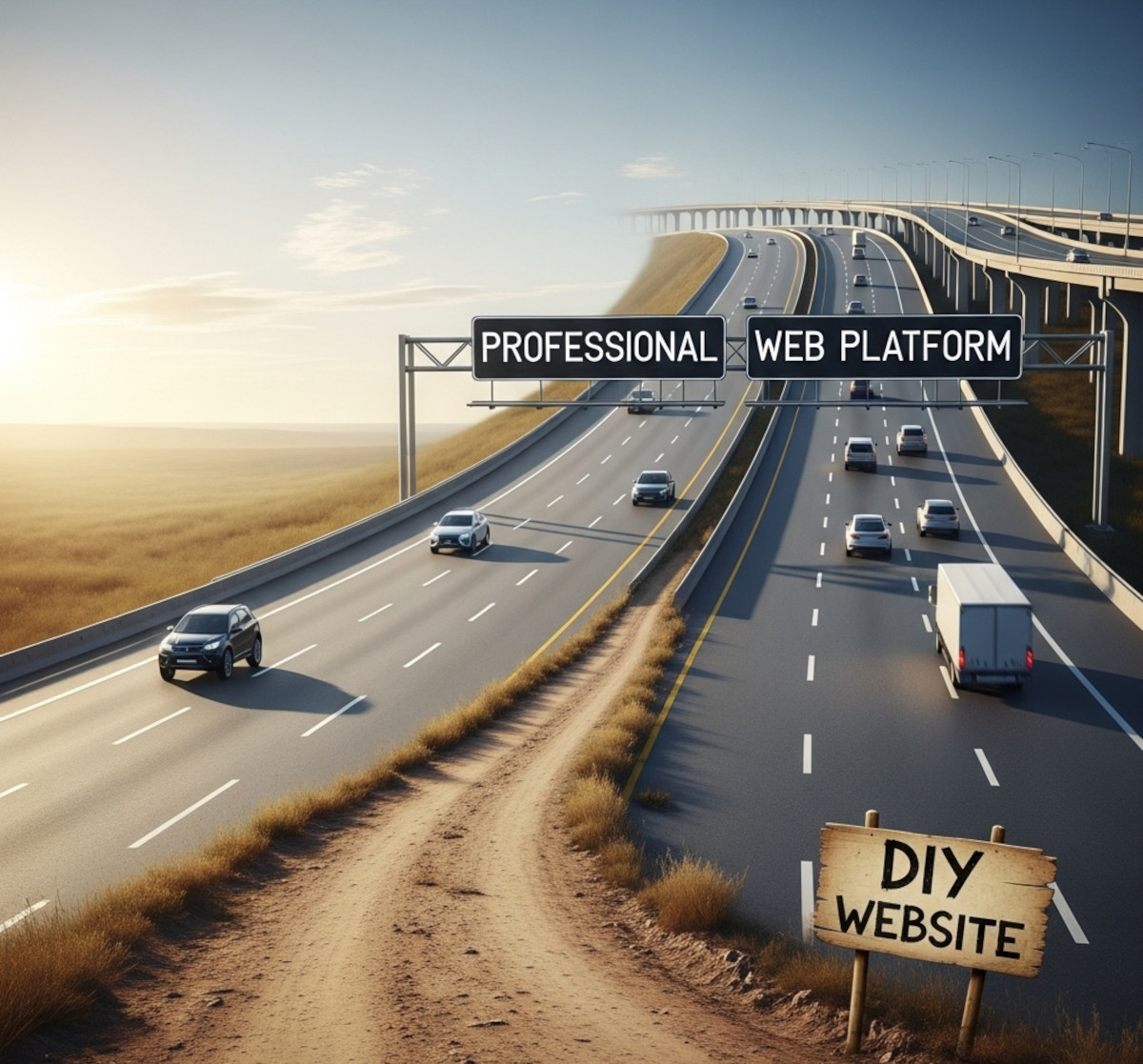
Many businesses start with a DIY website to get online quickly. But as your business grows, a basic site can start to feel limiting. Here are five signs it might be time to move to a more flexible, custom-built solution - or use a platform like UltimateWB that can grow with you.
1. You’re Hitting Functionality Limits
Basic websites often can’t support complex features. Maybe you need:
- Custom e-commerce workflows
- Advanced membership or subscription systems
- Integration with third-party tools like
Posted in Compare Website Builders
Tagged analytics, business website, crm, custom website, design flexibility, DIY website, diy website builder, functionality, marketing, outgrown website, page speed, performance, scalability, scalable website, seo, structure, ultimatewb, website design, website functionality, website growth, website speed, website upgrade
Leave a comment
UX vs UI: Understanding the Key Differences in Web Design

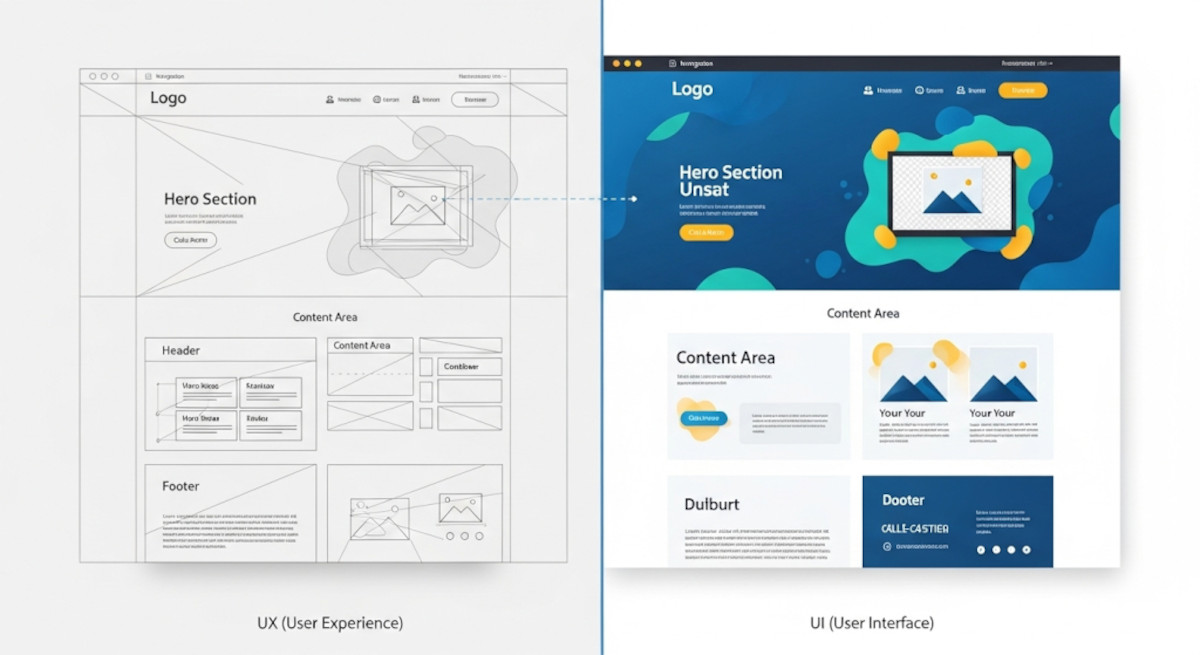
When it comes to web design and app development, you’ve probably heard the terms UX and UI thrown around. While they often appear together, they are not the same thing - and understanding the difference is crucial for building a website or app that not only looks great but also works intuitively for users.
What is UX?
UX stands for User Experience. It’s all about how a person feels when interacting with your product. A good UX design ensures
... Continue reading
Posted in Website Design
Tagged colors, easy navigation, fonts, interaction design, typography, ui, usability, user experience, user interface, ux, website design
Leave a comment