




-
Recent Posts
- “My Partner Wants to Use WordPress Because 50% of the Web Uses It. Help!”
- Does EmDash Solve WordPress’s Problems, or Do You Need UltimateWB?
- How Not to Use AI: Stanford University Can Tell You
- Best Website Builder for SEO: WordPress vs. Wix vs. UltimateWB
- How to Make Sure Your Website Colors Have Enough Contrast for Accessibility
- Mobile-Friendly Website Checklist: 20 Things to Check
- Beehiiv Website Builder Review: The Problem Isn’t the Design – It’s the Lack of Control
- Elementor’s “Angie” AI Is More Than Bloat: Credits, Subscriptions, and a Growing Platform Problem
- How to Pass Google Business Profile Video Verification for Service Businesses
- The Great Deskilling: Why AI Dependence is Turning Developers into Prompt Babysitters
- The Three-Month Fuse: The Everest Forms Pro Attack and Why a Patched Plugin Can Still Put Websites at Risk
- Computer Screen Has Black Bars on the Sides: How to Fix It
- Could AI Make Humans Extinct Within the Next Decade?
- Is Weebly Getting Out of the Website-Builder Business?
- Are You “Leaking SEO” by Linking to Other Websites?
- Wix Harmony Is Now in Google Gemini. So Why Are Users Still Complaining?
- When AI Sounds Confident but Gets It Wrong: The Mount Shasta Rescue
- When AI Agents Start Working Together, Who Is Really in Control?
Categories
Tag Archives: responsive design
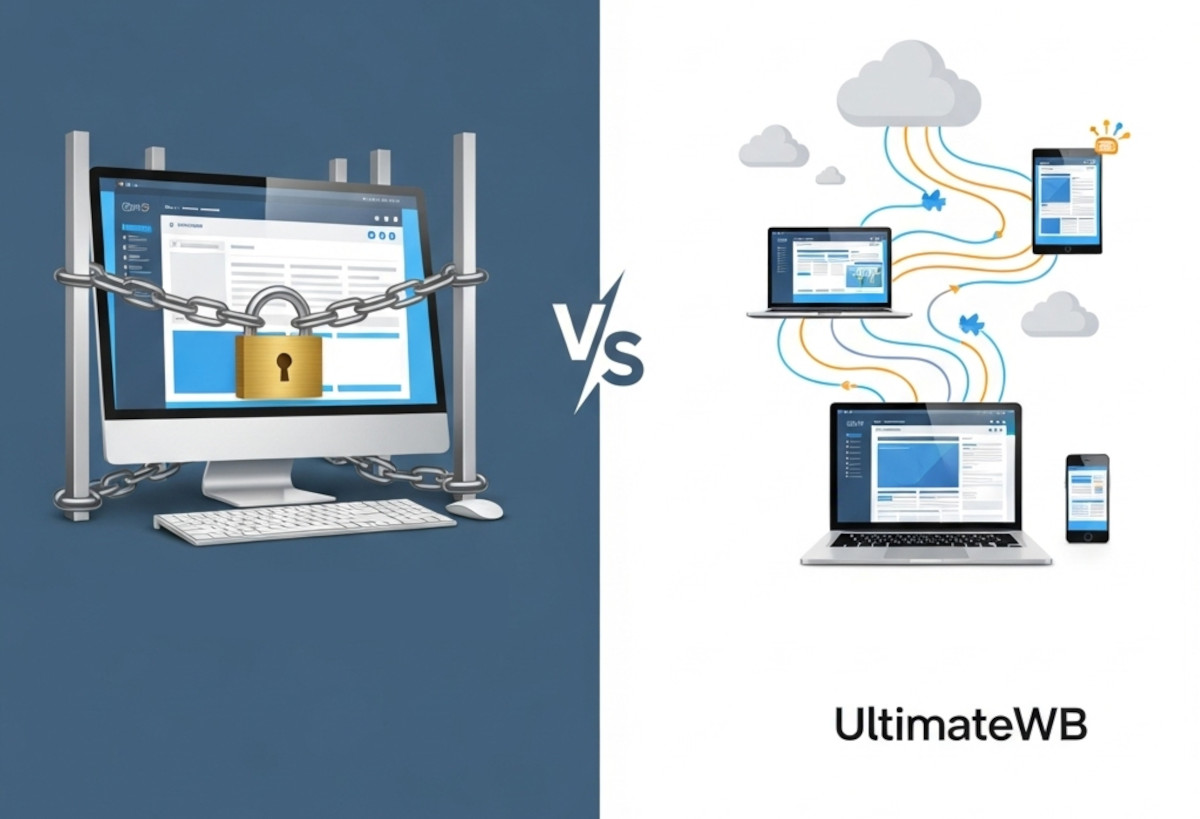
Stop Fighting Your Website: Absolute Positioning vs. Fluid Design

If you’ve ever used the standard Wix editor, you probably know the frustration: move a button on the desktop layout, and suddenly the mobile version looks broken. That is not a glitch - it is a direct result of how many drag-and-drop website builders are designed.
The Hidden Tradeoff in Traditional Drag-and-Drop Builders
Many “easy” website builders like Wix rely heavily on absolute positioning. In simple terms, elements are assigned fixed X and Y coordinates on the page, almost like
... Continue reading
Posted in Compare Website Builders, Website Design
Tagged absolute positioning, drag-and-drop alternative, drag-and-drop website builder, flexibility, fluid design, grid layout, hosted vs self-hosted websites, hosted website builders, mobile friendly, responsive, responsive app, responsive design, rigid design, squarespace, squarespace alternative, website design, Wix, wix alternative, wix editor
Leave a comment
Will AI Really Replace Junior Frontend Developers?

"Ask David" Question:
I’m a junior frontend developer with about a year of experience, and lately I’ve been uneasy about how fast AI tools are advancing. I keep seeing claims that junior developers are the most at risk, and it makes me question whether the skills I’m building now will still matter a few years from now. From a practical, technical standpoint, how concerned should I be - and what should I actually be focusing on to stay relevant?
Answer:
Posted in AI, Ask David!
Tagged accessibility, ai, AI and web development, AI limitations, AI replacing developers, css, frontend developer, frontend developer skills, frontend development careers, javascript, junior developer, junior frontend developer, responsive, responsive design, responsive user experience, user experience, web developer, web development future
Leave a comment
How to Find a Website Builder with Low Maintenance Requirements

Managing a website can be time-consuming - updating content, fixing broken links, or dealing with compatibility issues can quickly become a full-time job. Choosing a website builder that minimizes maintenance can save you hours of work each week.
The key is to look for a platform with built-in features, easy updates, responsive design, and easy content management. Platforms like UltimateWB are designed around these principles, making it easy to maintain a professional, scalable website without constant upkeep.
Here’s what
... Continue reading
Posted in Compare Website Builders
Tagged automatic updates, built-in features, built-in website features, compatibility, compatibility issues, easy website management, forms, forms builder, low maintenance, low maintenance website builder, minimal website upkeep, plugins, responsive, responsive app, responsive design, responsive website design, scalable, scalable website platform, search engine optimization, security, security risks, seo, third-party plugins, website content management
Leave a comment
Do I have to keep adding content for SEO?

"Ask David" Question: "I’ve launched my website and have been focusing on SEO. Do I have to keep adding new content constantly to maintain my search engine ranking and traffic?"
Quick Take:
No - you don’t have to publish new content constantly to maintain traffic. Updating your existing pages, optimizing technical SEO, and building quality backlinks can preserve or even grow your rankings. Fresh content helps, but it’s just one piece of the puzzle.
Detailed Answer:
1. Updating vs.
... Continue reading
Posted in Ask David!, Search Engine Optimization (SEO), Web Content, Website Traffic
Tagged authority, backlinks, build backlinks, clear navigation, easy navigation, engagement, engagement signals, fresh content, high-quality content, keyword targeting, mobile optimization, mobile-friendly, performance, readability, responsive, responsive design, search engine optimization, seo, site speed, structured data, technical seo, user experience, website content
Leave a comment
How to Choose a Website Builder That Works for Both Beginners and Developers?

Choosing a website builder often feels like picking sides.
Some platforms are designed for beginners but limit customization.
Others give developers full control but overwhelm non-technical users.
This leaves many people asking:
Is there a website builder that actually works for both beginners and developers - without tradeoffs?
This article breaks down what that balance really looks like, what most builders get wrong, and how to choose a platform that doesn’t box you in as your site grows.
The Core
... Continue reading
Posted in Ask David!, Compare Website Builders
Tagged beginner friendly, beginner friendly website builder, beginner-friendly, built-in features, clean code, css, custom code, developer-friendly, easy website builder, expert flexible, fast loading, fast website, flexibility, flexible cms, html, mysql, no plugins, performance, php, plugins, portability, progressive control, responsive design, scalability, scalable website, stability, third-party plugins, web design tools
Leave a comment
CSS Gradients Tutorial: How to Use Easy, Modern, Fast, and Flexible Backgrounds in Web Design

Gradients are one of the simplest ways to make a website look modern and polished. Instead of creating PNG or JPG backgrounds in Photoshop, you can now define smooth color transitions directly in CSS. This keeps your site lightweight, scalable, and easy to maintain - while giving you complete control over colors, angles, shapes, and even animation.
In this post, we’ll explore what gradients are, the different types, and - most importantly - how to add them to your UltimateWB
... Continue reading
Posted in AI, Website Design
Tagged ai, animation, background effects, chatgot, class, css, css gradients, css tricks, css tutorial, easy design, fast loading websites, fast-loading, fast-loading background, flexible design, frontend development, gemini, html, id, image background alternative, jpg, metallic reflections, modern background, modern design, modern effects, modern web design, pagespeed insights, performance, png, responsive, responsive design, styles manager, transparency, web design, website performance
Leave a comment
Why Desktop Website Builders Are Outdated – And Why UltimateWB is the Better Choice

Compare iWeb, Dreamweaver, RapidWeaver & More to the Flexibility of UltimateWB
Thinking about using a downloadable website builder to get your site online? Maybe you used to work with iWeb, Dreamweaver, RapidWeaver, EverWeb, or another offline website tool and are looking for something similar - or something better.
While desktop website builders can offer some appealing benefits, they come with major limitations that can hold your website back in today’s web environment.
Here’s how they compare
... Continue reading
Posted in Compare Website Builders
Tagged adobe, adobe creative cloud, apple, browser-based, build websites offline, code from scratch, collaboration, css, customizable, desktop website builders, downloadable website builder, dreamweaver, everweb, flexibility, freedom, ftp, hidden costs, html, iWeb, mac, manual uploading, mobile-friendly, mobirise, no code, no monthly SaaS fees, offline editing, offline website tool, plugins, powerful website builder, rapidweaver, responsive app, responsive design, scalability, scalable, security, subscription, web hosting choice
Leave a comment
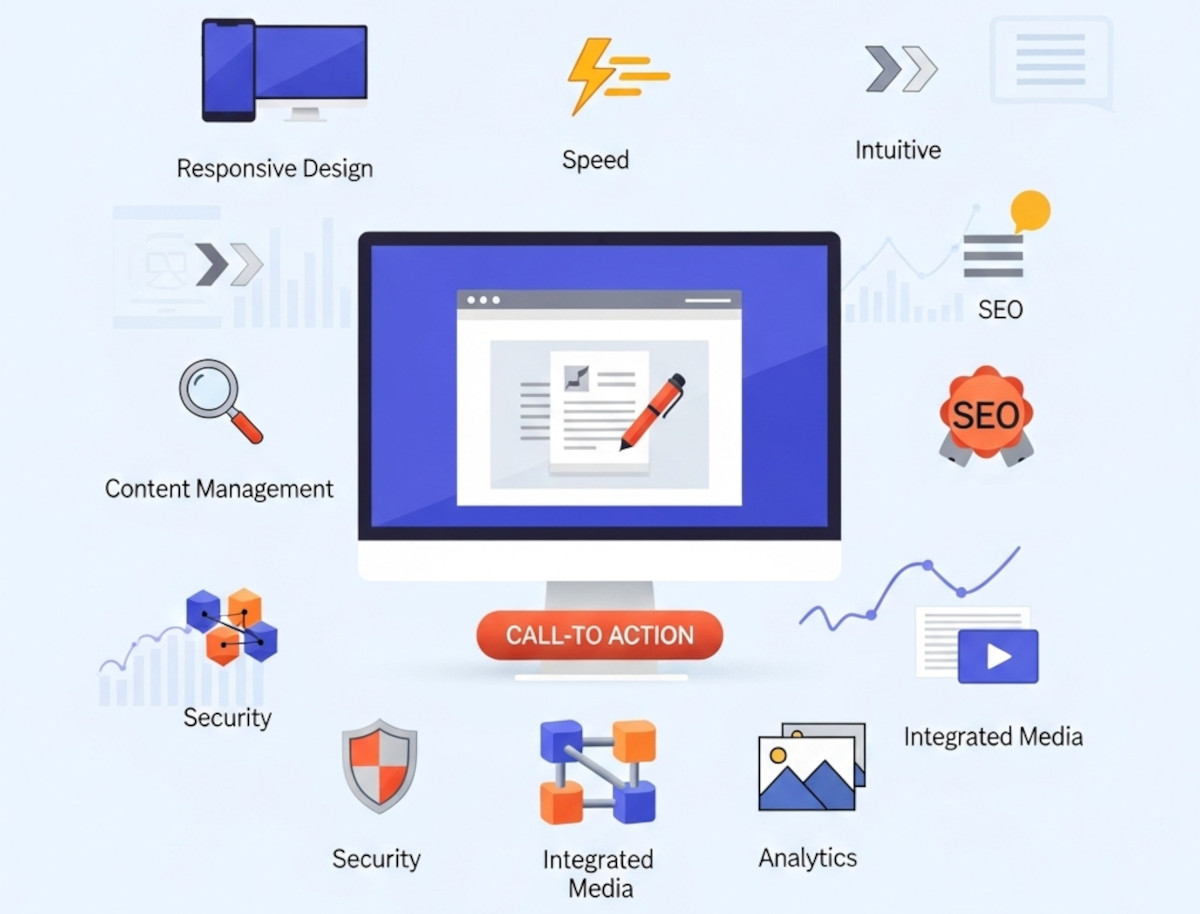
10 Essential Website Design Features Your Website Needs

Whether you're building your first website or looking to upgrade an existing one, understanding the key website design features can make or break your success online. A well-designed site isn't just about looking good - it should function seamlessly, load quickly, and help convert visitors into customers.
At UltimateWB, we know that having the right design features baked into your site is just as important as the content you publish. Here’s our ultimate list of website design features you
... Continue reading
Posted in Website Design
Tagged accessibility, alt text, bounce rate, bounce rates, build trust, built-in features, call-to-action, clean urls, clicks, cms, conversions, cta, easy navigation, easy updates, fast loading times, fast website, flexibility, Google Search Console, https, meta tags, mobile-friendly, responsive, responsive app, responsive design, scalability, search engine optimization, security, seo, sitemap, sitemap generator, spam controls, template lock, user experience, webp, webp converter, website design features, Wix, xml
Leave a comment
Best Website Builder for Developers – PHP/MySQL Flexibility with UltimateWB

If you're a developer, you've probably been frustrated by the limitations of most no-code website builders. They’re great for beginners, but when it comes to custom functionality - like PHP scripting, MySQL integration, or direct database access - they hit a wall fast.
Whether you're building a website for a client or launching your own project, you shouldn’t have to choose between convenience and control.
... Continue reading
Posted in Compare Website Builders
Tagged analytics, bloat, clean code, clean urls, cms, coders, css, custom code, database, drag-and-drop alternative, drag-and-drop website builder, dreamweaver, dreamweaver alternative, dreamweaver vs ultimatewb, fast loading times, fast web hosting, fast-loading website, flexibility, friendly urls, html, meta description, meta title, mobile-friendly, mysql, performance, php, plugins, request features, responsive, responsive design, scalability, schema, search engine optimization, seo, squarespace, structured data, ui, user interface, user-friendly, web developer, web hosting, web hosting choice, webflow, webp, webp converter, website speed, weebly, Wix, WordPress
Leave a comment
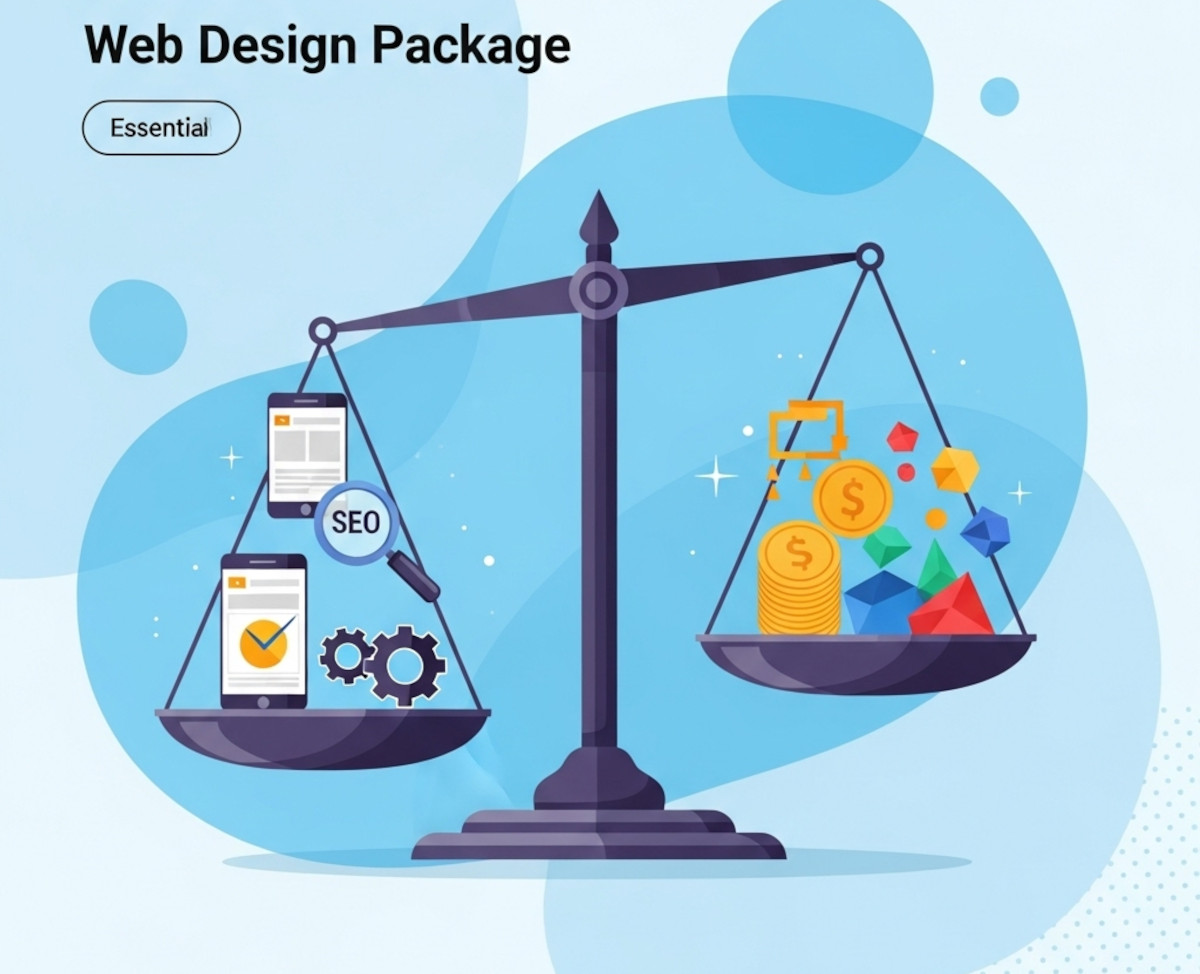
What to Look for in a Web Design Package – Avoid Overpaying for Unnecessary Features

Choosing the right web design package can feel overwhelming. With so many options and price points, it’s easy to pay for features that don’t truly benefit your business or miss out on essentials that drive real results. Whether you’re launching a new site or redesigning an existing one, understanding what to prioritize will help you get the best value for your investment.
This guide breaks down the must-have features of a quality web design package and highlights common areas where
... Continue reading
Posted in Website Design
Tagged accessibility, bloat, bounce rates, branding, build trust, clean code, cookie-cutter, engaging website, fast-loading speed, reliable hosting, responsive, responsive design, search engine optimization, search rankings, security, seo, seo-friendly, styles manager, user experience, web design package, webp, webp converter, website speed
Leave a comment