








-
Recent Posts
- “My Partner Wants to Use WordPress Because 50% of the Web Uses It. Help!”
- Does EmDash Solve WordPress’s Problems, or Do You Need UltimateWB?
- How Not to Use AI: Stanford University Can Tell You
- Best Website Builder for SEO: WordPress vs. Wix vs. UltimateWB
- How to Make Sure Your Website Colors Have Enough Contrast for Accessibility
- Mobile-Friendly Website Checklist: 20 Things to Check
- Beehiiv Website Builder Review: The Problem Isn’t the Design – It’s the Lack of Control
- Elementor’s “Angie” AI Is More Than Bloat: Credits, Subscriptions, and a Growing Platform Problem
- How to Pass Google Business Profile Video Verification for Service Businesses
- The Great Deskilling: Why AI Dependence is Turning Developers into Prompt Babysitters
- The Three-Month Fuse: The Everest Forms Pro Attack and Why a Patched Plugin Can Still Put Websites at Risk
- Computer Screen Has Black Bars on the Sides: How to Fix It
- Could AI Make Humans Extinct Within the Next Decade?
- Is Weebly Getting Out of the Website-Builder Business?
- Are You “Leaking SEO” by Linking to Other Websites?
- Wix Harmony Is Now in Google Gemini. So Why Are Users Still Complaining?
- When AI Sounds Confident but Gets It Wrong: The Mount Shasta Rescue
- When AI Agents Start Working Together, Who Is Really in Control?
Categories
Tag Archives: user friendly
Why Webflow, WordPress, Squarespace & Wix Fall Short on Page Backups (And the UltimateWB Fix)

As a web developer, there is a distinct type of panic that sets in when your phone rings and a client says: "I was trying to update the text on the homepage, and... I think I broke something."
You open the site, and sure enough, the layout you meticulously optimized for speed, design, and user experience is completely skewed.
On many website
... Continue readingHow does Google’s algorithm affect SEO?

Google's algorithm significantly impacts SEO by determining which websites appear in search results and in what order. Here's how:
- Prioritizing User Experience:
- Page Speed: Faster loading times are crucial. Google favors websites that load quickly on both desktop and mobile devices. It is much easier to have a fast loading website when you use sleek website builders like UltimateWB, vs ones known for bloat.
- Mobile-First Indexing: Google primarily indexes and ranks websites based on their mobile versions. So make
Posted in Ask David!, Search Engine Optimization (SEO)
Tagged algorithms, authority, backlinks, bloat, crawlability, E-A-T, expertise, fast-loading times, fast-loading website, Google's algorithm, high-quality content, https, mobile friendly, responisve, responsive app, search engine optimization, seo, technical seo, trust, user friendly
Leave a comment
What Factors Does Google Consider When Ranking Websites?

Google's search algorithm, known as PageRank, is a complex system that aims to rank web pages based on their relevance and importance. While the exact details are kept confidential, here are some of the key factors that Google considers:
1. Content Quality:
- Relevance: Does the content accurately and comprehensively address the user's search query?
- Originality: Is the content unique and free from plagiarism?
- Depth and Expertise: Does the content provide in-depth information and demonstrate expertise in the subject
Posted in Ask David!, Search Engine Optimization (SEO)
Tagged backlinks, domain authority, expertise, fast loading times, google algorithm, google my business listing, google pagerank, google search engine ranking, header tags, high-quality content, https, image optimization, in-depth info, local seo, meta descriptions, mobile friendly, on-page seo, organic traffic, originality, page authority, page speed, pagespeed insights, responsive, responsive app, search engine optimization, search engine ranking, seo, sleek, ssl, technical seo, title tags, user experience, user friendly, user signals, webp, webp converter
Leave a comment
Website or App First? A Startup’s Dilemma
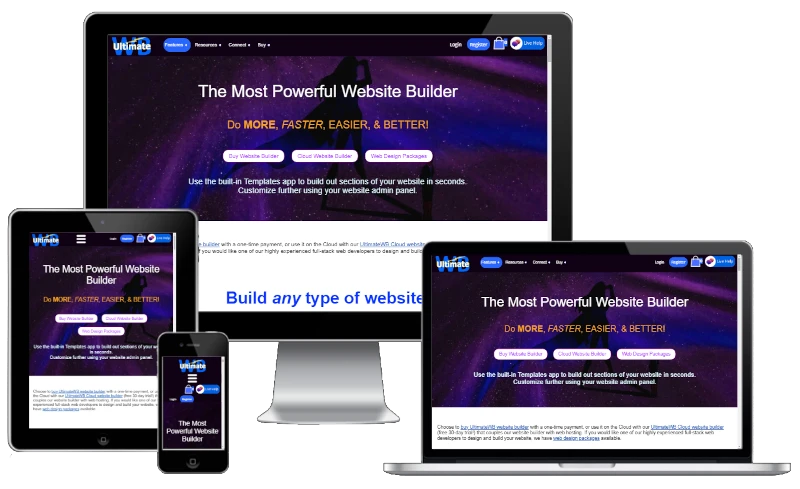
“Ask David!” question: "Should I build a website first or app for my startup?"
The age-old question for startups: website or app?
When launching a new venture, deciding whether to prioritize a website or a mobile app can be a daunting task. Both options have their merits and drawbacks, and the optimal choice often depends
... Continue reading
Posted in Ask David!, Business
Tagged brand loyalty, branding, cross-device compatibility, cross-platform compatibility, mobile friendly, organic traffic, push notifications, responsive, responsive app, search engine optimization, search engines, seo, startup, target audience, user friendly, website vs app
Leave a comment
Can you still get ranked just as well with a one-page website than with a multi-page website? i.e. with the proper use of h1 headers, etc.?

Yes, you can absolutely achieve good SEO rankings with a well-optimized one-page website. While multi-page websites offer certain advantages, such as targeting a wider range of keywords and providing a more structured user experience, a single-page website can be equally effective if done right.
In fact, in some cases, a one-page website can even have an advantage over a multi-page website. Here's 2 main reasons why:
1. User Experience: A one-page website can be more user-friendly, as visitors don't
... Continue reading
Posted in Ask David!, Search Engine Optimization (SEO)
Tagged backlinks, clean urls, clear content, concise, concise content, fast loading times, focus, header tags, headers, high-quality content, internal linking, keyword placement, keywords, meta description, mobile friendly, multi-page website, one-page website, optimized urls, organic traffic, page title, responsive, search engine optimization, search engine ranking, seo, user experience, user friendly
Leave a comment
Top 10 Mistakes That Make Your Website Look Unprofessional

A well-designed website is essential for establishing credibility and attracting customers. However, common mistakes can quickly undermine your professional image. Here are the top 10 pitfalls to avoid:
1. Poor Visual Design:
- Outdated or inconsistent design: Ensure your website's aesthetics are modern and cohesive.
- Low-quality images: Use high-resolution images to avoid pixelation and blurriness.
- Excessive clutter: Keep your layout clean and uncluttered for easy navigation.
2. Slow Loading Times:
- Optimize images: Compress images to reduce file size.
- Minimize code: Remove
Posted in Website Design
Tagged broken links, call to action, clutter, contact information, cta, fast loading times, fast web host, font sizes, font styles, high-quality content, high-quality images, high-quality photos, inconsistent typography, minimize code, mobile friendly, modern, optimize images, outdated, responisve, responsive app, typography, unprofessional, user experience, user friendly, visual design, web design mistakes
Leave a comment
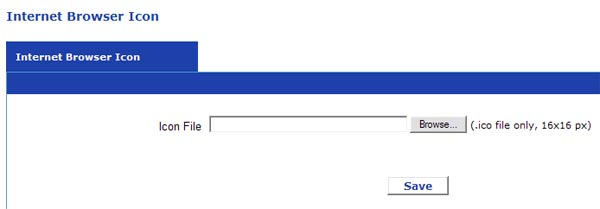
What is a Favicon and Why Does Your Website Need One?

Favicons: The Tiny Image That Packs a Big Punch
Users juggle multiple tabs and bookmarks. As one user shares on Me We Too: "I've got 20 tabs open on chrome right now." So standing out is crucial. Enter the favicon: that small, often overlooked image that can significantly impact your website's identity and user experience.
What is a Favicon?
A favicon, short for "favorites icon," is a small square
... Continue reading
Posted in Ask David!, Website Design
Tagged branding, favicon, internet browser icon, seo, user experience, user friendly, website optimization
Leave a comment
Single Page vs. Multi-Page Websites: Which is better for SEO?

In the world of website design, a key decision lies in the structure: single-page or multi-page? UltimateWB makes it easy to switch between the two formats with the click of a button through your website admin panel. While both have their merits, SEO (Search Engine Optimization) plays a crucial role, and understanding how each format impacts search visibility is essential.
The Power of Multiple Pages
Multi-page websites hold a distinct advantage in SEO for one key reason: keyword targeting.
... Continue reading
Posted in Ask David!, Search Engine Optimization (SEO), Website Design
Tagged authority, content is king, internal linking, multi-page website, one-page website, search engine optimization, search engine results pages, seo, serps, single page, target keywords, user experience, user friendly
Leave a comment
What is Jackobs Law in UX?

Jakob's Law, named after usability expert Jakob Nielsen, is a fundamental principle in UX design, or user experience design. It states that users prefer websites and apps to function in a way that is consistent with their past experiences on other similar products. In simpler terms, users like things to be familiar.
Here's the gist of Jakob's Law:
- Users develop mental models based on their past experiences with digital products. These mental models are essentially how users think a website
Posted in Ask David!, Website Design
Tagged common design patterns, jackob's law, learning curve, user experience, user friendly, ux, ux design, web design
Leave a comment
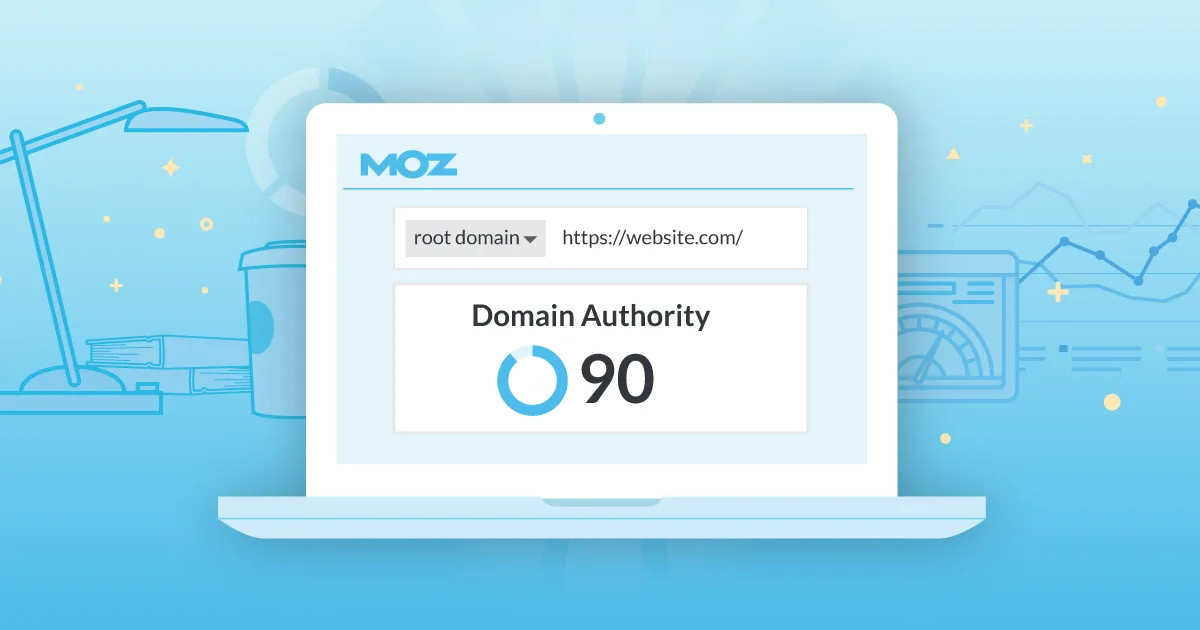
What is a good Domain Authority (DA) score?

"In the blog post, Cracking the Code: Understanding Moz’s Domain Analysis Results, you covered what a good spam score is - but what is a good Domain Authority (DA) score?"
Quick Answer: What counts as a good Domain Authority (DA) score differs depending on your website, industry, goals, and niche.
Domain Authority (DA) is a popular SEO metric developed by Moz that estimates how well a website will rank on search engines. Knowing what a 'good' DA score looks
... Continue reading
Posted in Ask David!, Search Engine Optimization (SEO), Website Traffic
Tagged backlinks, content is king, da, domain authority, industry, moz, Moz Domain Authority, quality content, search engine optimization, search engine ranking, seo, target keywords, trust, user friendly, website age
Leave a comment