




-
Recent Posts
- Could AI Make Humans Extinct Within the Next Decade?
- Is Weebly Getting Out of the Website-Builder Business?
- Are You “Leaking SEO” by Linking to Other Websites?
- Wix Harmony Is Now in Google Gemini. So Why Are Users Still Complaining?
- When AI Sounds Confident but Gets It Wrong: The Mount Shasta Rescue
- When AI Agents Start Working Together, Who Is Really in Control?
- WPForms and Rank Math: Did These WordPress Plugins Create a Backdoor With Admin Access?
- AI Can Text Your Friends for You. Wait, Who Am I Talking To?
- Bill Gates Is Betting on AI to Help Healthcare – While Warning About What AI Could Do to Jobs
- Wix Says AI Website Owners Should Care About Portability. There’s Just One Problem.
- WordPress 7.1 Broke WP Rocket: The Fatal Error and the Plugin Problem
- WordPress vs. UltimateWB for an Artist Website: Which Should You Choose?
- Thinking About Switching From WordPress? What Should You Consider Before You Move?
- The Airtable Acquisition Raises a Bigger Question: Do You Really Own the Software Your Business Runs On?
- How to Use Google Search Console’s New Generative AI Data to Improve Your SEO
- How to Update the Same Website Content on Multiple Pages at Once
- Discovered vs. Crawled Not Indexed in Google Search Console: What’s the Difference and How to Fix Each
- The Small Business Guide to Auditing Google Ads and Website Costs
Categories
Tag Archives: clean design
How WordPress Updates Broke This Website Design (And How UltimateWB Solved It)

Have you ever visited an old website you built a few years ago, only to realize things look… off? Maybe the custom fonts reverted to standard Arial, a layout shifted, or a main header image completely disappeared.
You didn’t touch a single file. You didn’t edit any code. Yet, your website changed while you were away - without you intentionally modifying anything.
This isn’t always a mystery; it is often a consequence of the modern web’s reliance on fragmented dependencies.
... Continue reading
Posted in Compare Website Builders
Tagged accessibility, background image, bloat, clean code, clean design, fast website, high maintenance, https, mixed content blocks, pagespeed insights, scrapbooks app, third-party plugins, WordPress, wordpress compatibility issues, wordpress updates broke website, wordpress vs ultimatewb
Leave a comment
Tutorial: How to Instantly Make Your Designs Look Cleaner

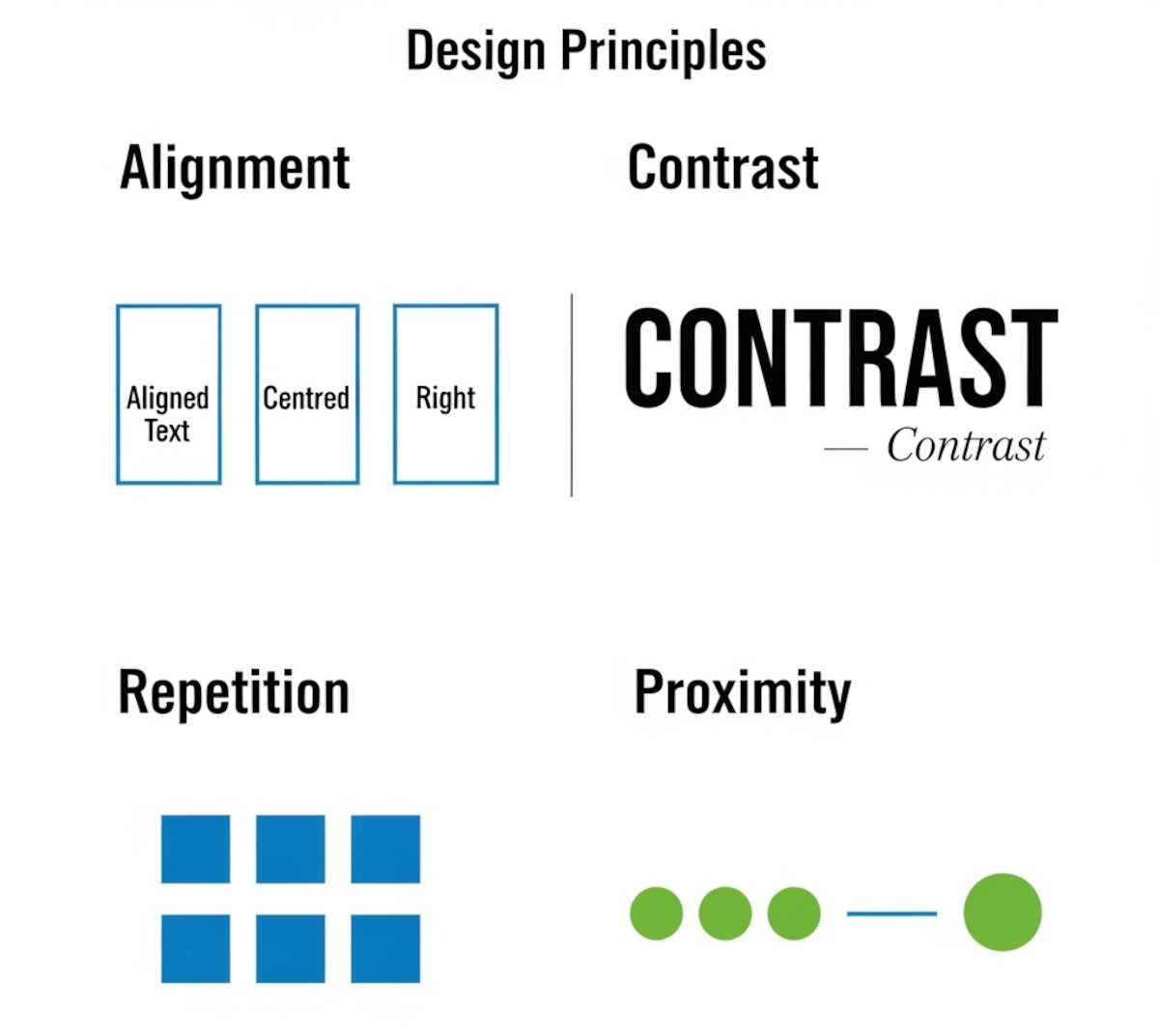
Ever notice how some websites or graphics just feel “off,” even if you can’t put your finger on why? Most of the time, it comes down to a few small mistakes that make a layout look messy. The good news: once you know what to look for, you can fix these issues quickly and make your work look more polished and professional.
Here’s a simple tutorial on the four core principles that will clean up almost any design.
1. Alignment:
... Continue reading
Posted in Website Design
Tagged alignment, avoid clutter, beginner design guide, clarity, clean design, clutter, color, consistency, contrast, design consistency, design hacks, design principles, design repetition, design tricks, design tutorial, fonts, good design, improve website design, layout design, proximity, repetition, spacing, trust, trustworthy, ux design, visual hierarchy, web design tips, white space, whitespace
Leave a comment
How Many Fonts Should Your Website Use – 1, 2, or More?

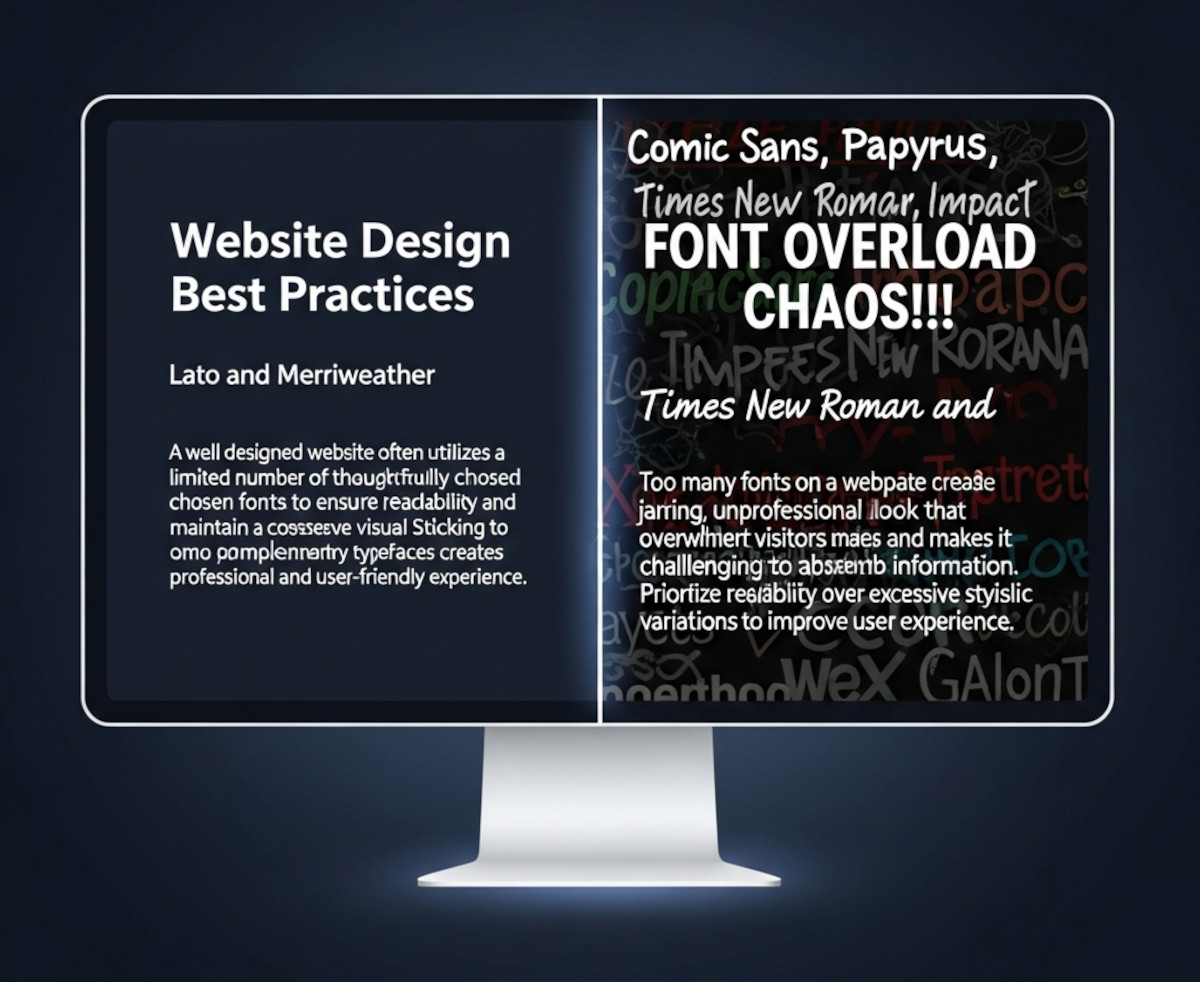
When you’re designing a website, picking fonts can be exciting - maybe too exciting. Suddenly, you’ve got your headline in a funky display font, your body text in something clean and minimal, your call-to-action in a bold condensed typeface, and before you know it… your site looks like a ransom note.
So how many fonts should you actually use on your website? The short answer: usually one or two.
Let’s break it down.
Why Font Restraint Matters
Fonts are more
... Continue reading
Posted in Ask David!, Website Design
Tagged branding, clean design, custom fonts, fast website, font choices, font hierarchy, font pairing, font pairs, font performance, fonts, google fonts, headings, headlines, minimalist design, performance, readability, typography, variable fonts, web design, website design tips, website fonts, website speed
Leave a comment
Do You Really Need a Website to Start a Business in 2025?

These days, it’s not unusual to see people running businesses entirely through social media. Platforms like Instagram, TikTok, and Facebook make it easy to share products, message customers, and even accept payments.
So if that’s possible, is a website still necessary?
This is something a lot of new entrepreneurs are thinking about. And while there’s no one-size-fits-all answer, there are some key reasons many businesses still choose to build a website - whether it’s on day one or
... Continue reading
Posted in Ask David!, Business, Social Media
Tagged backlnks, bloat, boost ranking, branding, build trust, caching, call to action, cdn, clean coding, clean design, credibility, easy navigation, facebook, fast website, google search engine ranking, headings, high-quality content, instagram, keywords, landing page, mobile friendly, responsive, responsive app, scalable, scalable website builder, search engine optimization, seo, social media, tiktok, website speed
Leave a comment
Monster and CareerBuilder File for Bankruptcy – What This Means for Online Job Boards

First the penny is going - and now Monster.
When I first started out as a web developer, Monster.com was one of the first websites I used to look for job opportunities. I remember carefully formatting my resume and uploading it, hoping a recruiter would see it and reach out. It wasn’t perfect or flashy, but it was the go-to site for job seekers at the time.
That news marked the end of an era for one of the internet’s
... Continue readingSingle Space vs. Double Space After a Period: Which Should You Use?
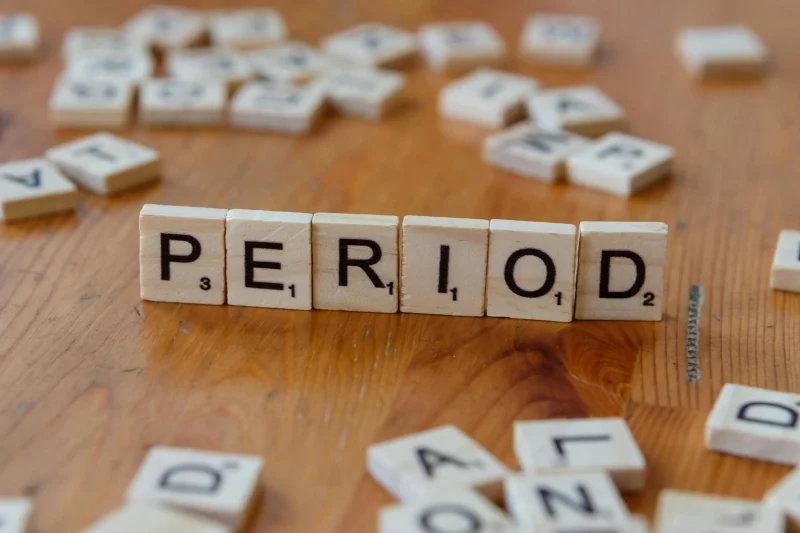
It’s a surprisingly common question among writers, editors, and designers: should you use one space or two after a period?
If you learned to type on a typewriter, you might be used to adding two spaces after a sentence. This convention helped create clearer sentence breaks because typewriters used monospaced fonts - where every character takes up the same amount of space.
But with modern computers and proportional fonts, the need for double spaces has largely disappeared.
Why Single Space
... Continue reading
Posted in Ask David!, Web Content
Tagged apa, branding, chicago manual of style, clean design, clean look, consistent spacing, mla, modern, modern design, modern standard, monospaced fonts, period, readability, sentence breaks, single space vs double space, typewriter, user experience
Leave a comment
How to Create a Website People Will Pay For: A Case Study for a Fitness App

“Ask David!” question: "I'm building a fitness app and want to know how to get people to pay for it. I'm already gathering feedback, using analytics, and iterating quickly. What else can I do to boost conversions?"
This is a common question for many app developers. While building a great fitness app is crucial, it's equally important to convince users to pay for it. Let's explore some strategies to help you achieve this goal.
1. Deepen Your Value Proposition
Posted in Ask David!, Business
Tagged a/b testing, analytics, boost conversions, clean design, content marketing, easy navigation, email marketing, influencer partnerships, intuitive, long-term value, paid advertising, paint point solution, personalized experience, pricing strategy, social media marketing, unique selling point, user experience, user feedback, usp, value proposition
Leave a comment
What are some best practices for designing a homepage that converts visitors into customers?

A homepage that converts visitors into customers should be designed with a clear understanding of your target audience and their needs. Here are some key best practices to follow:
Focus on Value Proposition:
- Clear and Concise Headline: Your headline should immediately communicate what your product or service does and its key benefit to the visitor.
- Benefit-Oriented Content: Instead of technical jargon, explain how your product or service solves the visitor's problem or improves their life.
- Visually Appealing Hero Section: The
Posted in Ask David!, Website Design
Tagged a/b testing, benefit-driven features, benefit-oriented content, call to action, clean design, clean layout, contrast, conversions, cta, fast loading times, headline, hero banner, homepage, mobile friendly, page history tool, simple layout, social proff, technical jargon, testimonials, trust signals, user experience, user friendly, value proposition
Leave a comment
How should a personal website look like?

The design of your personal website depends on a couple of things:
- Your Purpose: What are you using the website for? Are you trying to showcase your work as a freelancer or artist? Are you looking to build a personal brand or online presence? Knowing your goals will influence the kind of content you have and the overall feel of the site.
- Your Audience: Who are you trying to reach with your website? If it's potential employers, you might want
Posted in Ask David!, Website Design
Tagged audience, clean design, clutter, keep is simple, mobile-friendly, navigation, personal website, purpose, responsive, user-friendly, white space
Leave a comment