Online Consultant

Compare Website Builders: Avoid Lock-in & Choose the Right Platform

The UltimateWB Advantage: Quick Points

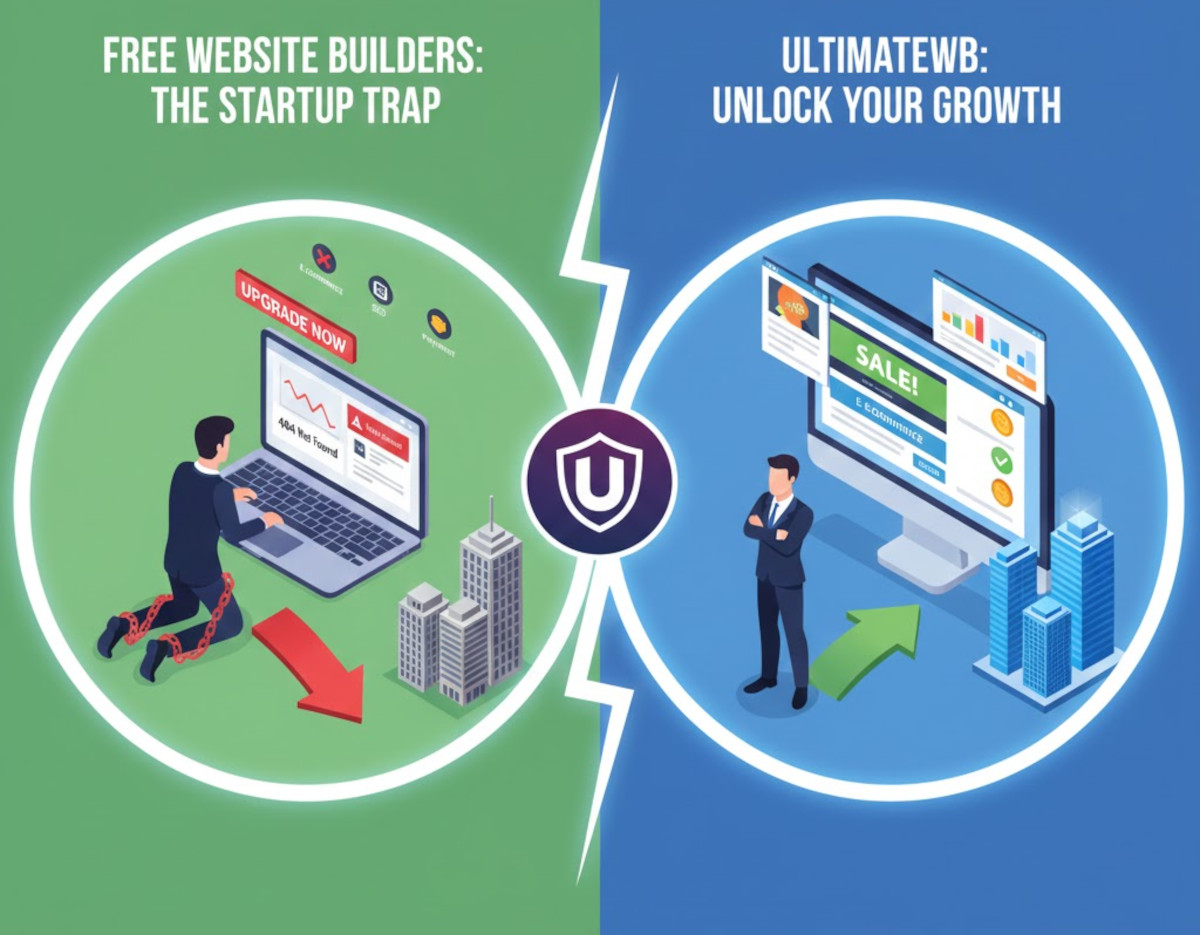
  • Hosted Builders (Wix, Squarespace, Webflow, Shopify, GoDaddy): The fundamental problem is platform lock-in. You are renting your website on their proprietary system. If you stop paying the monthly subscription, your site is gone. You can never move your work to another host.
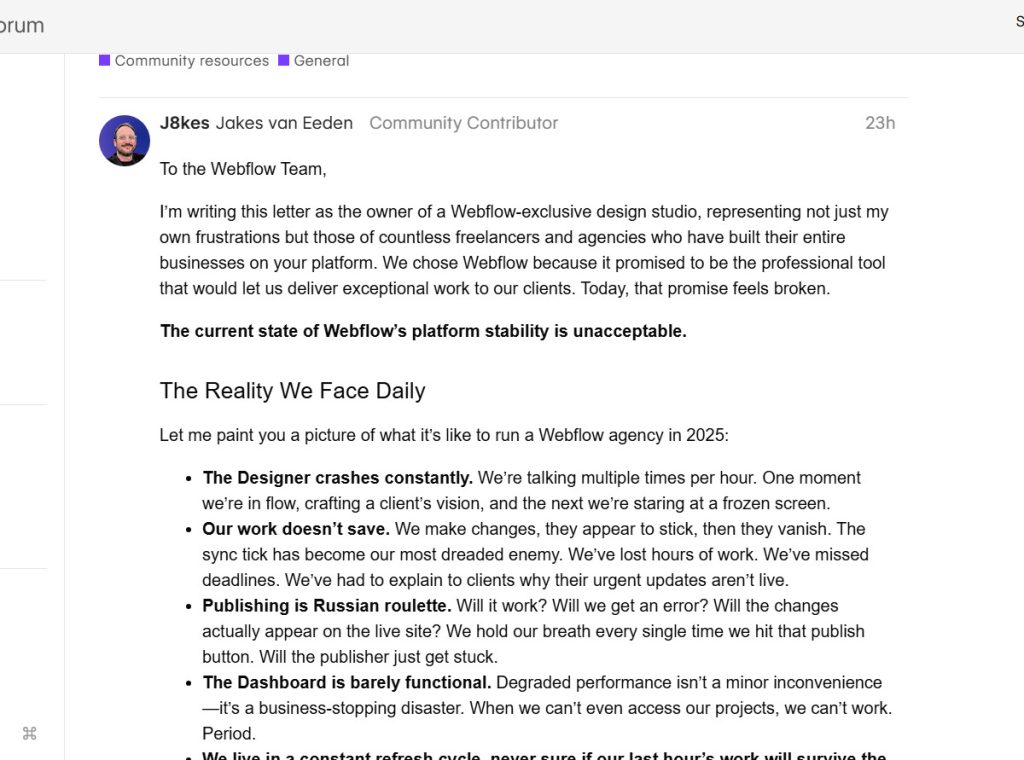
  • Webflow: Useful for visual design, but it has a steep learning curve and high costs. It's a design tool first, not an integrated platform for community features like forums or social networking.
  • Shopify: Tailored for pure e-commerce, but it's expensive, charges transaction fees, and is poorly suited for anything else, like content-rich blogs or community sites.
  • WordPress.org (Self-Hosted): Coding and server flexibility, but it's a DIY nightmare. You are the system administrator, responsible for hosting, security, and managing dozens of plugins from different developers, which often leads to conflicts and vulnerabilities.
  • UltimateWB: The solution to all of the above. Get the power and true ownership of self-hosting without the complexity of WordPress. It’s an all-in-one, integrated system. Choose a one-time purchase to own your website software forever, or use a low-cost cloud plan. No lock-in, no plugin conflicts, and all the advanced apps work together from day one.

Feature-by-Feature Comparison

Feature UltimateWB Wix Squarespace Webflow Shopify GoDaddy Builder WordPress.org
Pricing Model One-time fee to own or low monthly cloud plan. Subscription only. Subscription only. Subscription only (often expensive). Subscription only + transaction fees. Subscription only. Free software, but requires paid hosting, themes, & plugins.
Choose Your Own Web Host Total freedom. Locked into Wix hosting. Locked into Squarespace hosting. Locked into Webflow hosting for CMS features. Locked into Shopify hosting. Locked into GoDaddy hosting. The main benefit of this platform.
All-in-One Integrated Apps (Forum, Social, etc.) Built-in with Full version, no conflicts. Requires 3rd-party apps from App Market. Limited built-in, relies on extensions. No built-in community apps; requires 3rd-party integrations. Relies heavily on costly 3rd-party apps. Very limited features. Requires dozens of separate plugins, risking conflicts.
Built-in E-Commerce Full-featured app included. Requires expensive "Business & eCommerce" plans. Requires "Commerce" plans. Requires "eCommerce" plans; transaction fees apply. Its core function, but with transaction fees. Available on higher-tier plans. Via plugins like WooCommerce.
Built-in Membership / Gated Content Included with Full version. Yes, but functionality tied to plan level. Available via "Member Areas" add-on subscription. Available on "CMS" plans or higher, with user limits. Requires costly 3rd-party apps. Very basic or unavailable. Requires complex, often paid, membership plugins.
Create Own Templates/Styles without Code Full design freedom with Styles Manager. Limited to modifying existing templates. Limited to modifying templates. Its greatest strength, but with a steep learning curve. Limited to customizing themes. Very limited customization. Requires coding or complex page builder plugins.
Ease of Use for Beginners Easy for beginners, with advanced options available. Very easy. Easy. Difficult. Steep learning curve for non-designers. Easy for store setup. Very easy. Requires technical management of hosting, updates, security.
Allow Adding Custom Code (PHP, JS, etc.) Full access for developers (PHP, JS, CSS). Limited to HTML/JS embeds. No backend code. Limited to HTML/JS embeds. No backend code. Limited to HTML/JS embeds. No backend code. Limited to theme files (Liquid). No PHP. Not supported. Full control to add any code.
"Website Builder Software Comparison" Posts
Can You Use WooCommerce Without WordPress?

Can You Use WooCommerce Without WordPress?

The short answer is no - WooCommerce is a plugin designed specifically for WordPress. It cannot be used on its own or with other platforms. If you don’t want to use WordPress, WooCommerce won’t be an option. Related: Exploring Drawbacks...

Build your website on any computer - mac, pc, or even ipad, tablet!

Build your website on any computer - mac, pc, or even ipad, tablet!

Did you know you can design, build, and manage your website on a mac, pc, or even an ipad / tablet? You can even use a combination of them all - you are not stuck on one computer, or computer type with Ultimate Web Builder software.  Because it...

The benefits of an all-in-one website builder like Ultimate Web Builder

The benefits of an all-in-one website builder like Ultimate Web Builder

There's a long list of UltimateWB built-in features - check them out on the Built-In Features page! There are instances when you aren't looking for a jack of all trades, a handyman that does it all, primarily because you are looking for the best...

How to Choose a Website Builder That Works for Both Beginners and Developers

How to Choose a Website Builder That Works for Both Beginners and Developers

Choosing a website builder often feels like picking sides. Some platforms are designed for beginners but limit customization.Others give developers full control but overwhelm non-technical users. This leaves many people asking: Is...

Choosing the Best Website Builder: Your Ultimate Guide

Choosing the Best Website Builder: Your Ultimate Guide

Are you ready to create an online presence but overwhelmed by the myriad of website builder options? Don't worry; we've got you covered. In this guide, we'll dive into the factors you should consider when selecting a website builder and...

GoDaddy Website Builder Hit with $170 Million Patent Verdict: What It Means for Users

GoDaddy Website Builder Hit with $170 Million Patent Verdict: What It Means for Users

Your site is safe - but some features and content may be at risk Recently, a Delaware federal jury awarded $170 million to Express Mobile, Inc. in a patent infringement case against GoDaddy. The patents involved cover “runtime engine /...

Why Desktop Website Builders Are Outdated - And Why UltimateWB is the Better Choice

Why Desktop Website Builders Are Outdated - And Why UltimateWB is the Better Choice

Compare iWeb, Dreamweaver, RapidWeaver & More to the Flexibility of UltimateWB Thinking about using a downloadable website builder to get your site online? Maybe you used to work with iWeb, Dreamweaver, RapidWeaver, EverWeb, or another...

Which Website Builder Is Right for You? Compare the Options Side-by-Side

Which Website Builder Is Right for You? Compare the Options Side-by-Side

Choosing the best website builder can feel overwhelming. There are so many platforms, each with its own strengths, limitations, and pricing. Whether you’re building a simple business site, an online store, a blog, or something more advanced...

How can I create a website without knowledge of coding and without the help of a web designer?

How can I create a website without knowledge of coding and without the help of a web designer?

So you want a DIY (do-it-yourself) website builder. You can do it with the UltimateWB website builder because it has so many built-in apps that are very customizable without any coding required. You can create any type of website with it - no...

Review of Elementor for WordPress and Why UltimateWB is a Better Option

Review of Elementor for WordPress and Why UltimateWB is a Better Option

"Should I use Elementor for WordPress?" Elementor is a widely-used page builder for WordPress, known for its flexibility and extensive customization options. However, despite its popularity, there are several reasons why UltimateWB might be...