Online Consultant

Compare Website Builders: Avoid Lock-in & Choose the Right Platform

The UltimateWB Advantage: Quick Points

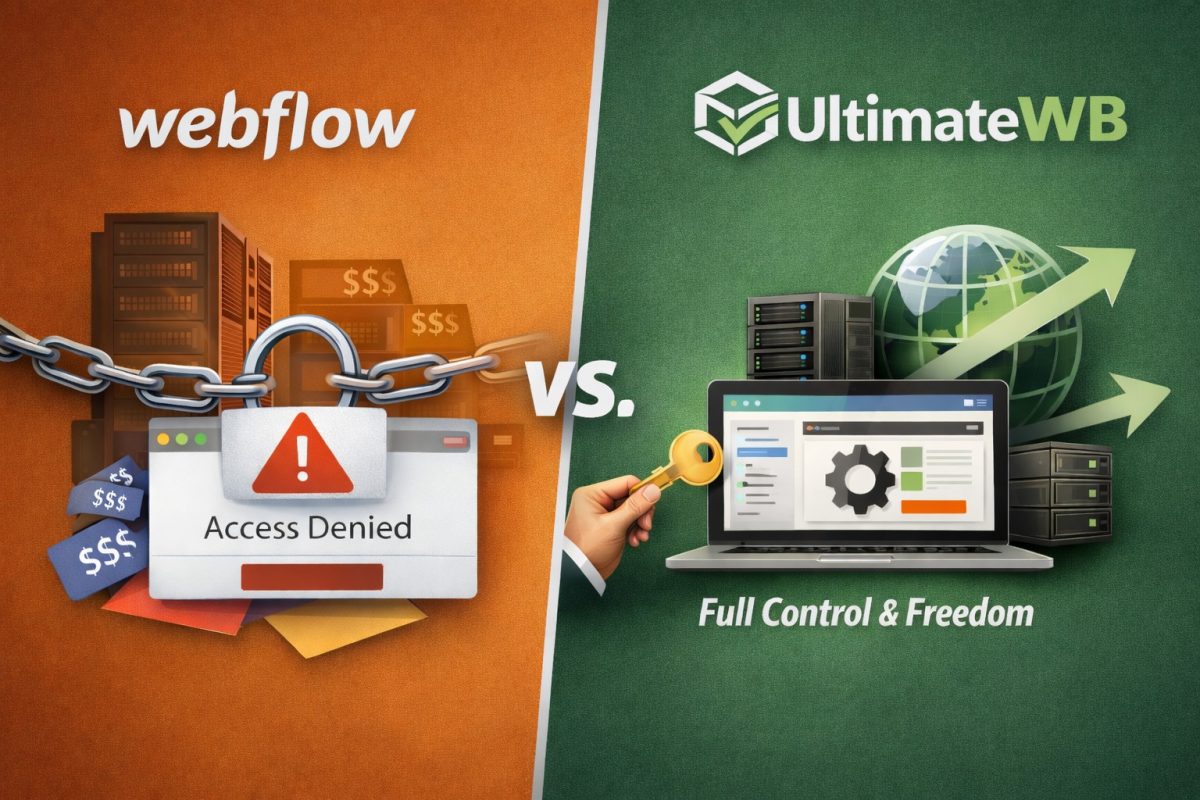
  • Hosted Builders (Wix, Squarespace, Webflow, Shopify, GoDaddy): The fundamental problem is platform lock-in. You are renting your website on their proprietary system. If you stop paying the monthly subscription, your site is gone. You can never move your work to another host.
  • Webflow: Useful for visual design, but it has a steep learning curve and high costs. It's a design tool first, not an integrated platform for community features like forums or social networking.
  • Shopify: Tailored for pure e-commerce, but it's expensive, charges transaction fees, and is poorly suited for anything else, like content-rich blogs or community sites.
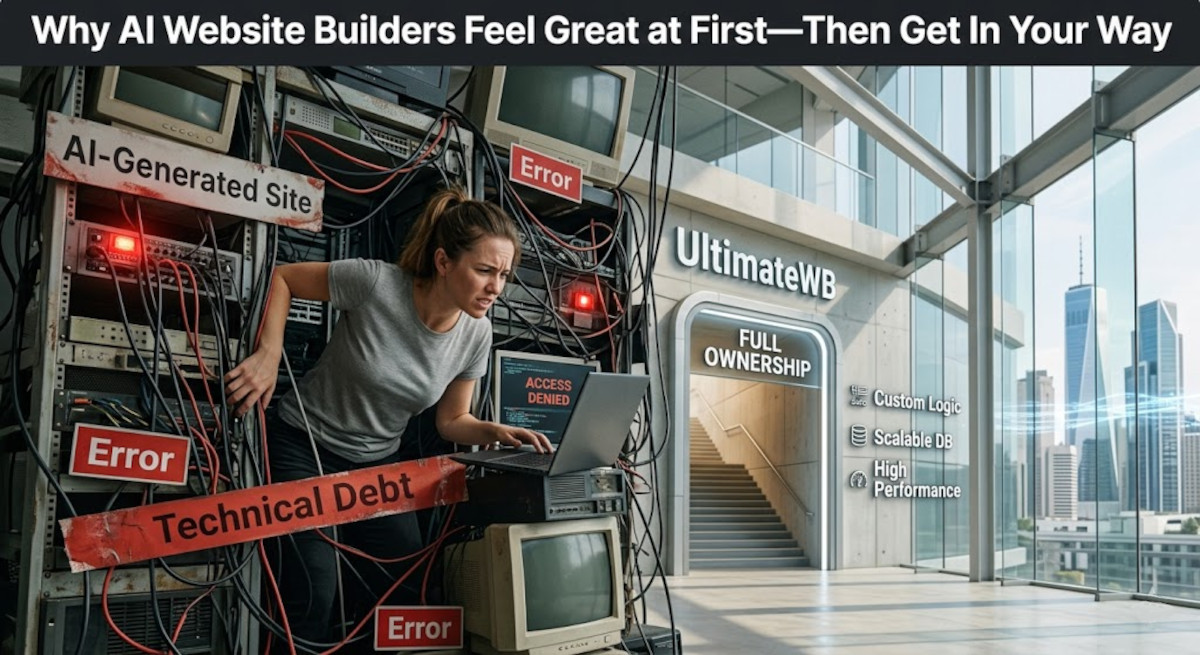
  • WordPress.org (Self-Hosted): Coding and server flexibility, but it's a DIY nightmare. You are the system administrator, responsible for hosting, security, and managing dozens of plugins from different developers, which often leads to conflicts and vulnerabilities.
  • UltimateWB: The solution to all of the above. Get the power and true ownership of self-hosting without the complexity of WordPress. It’s an all-in-one, integrated system. Choose a one-time purchase to own your website software forever, or use a low-cost cloud plan. No lock-in, no plugin conflicts, and all the advanced apps work together from day one.

Feature-by-Feature Comparison

Feature UltimateWB Wix Squarespace Webflow Shopify GoDaddy Builder WordPress.org
Pricing Model One-time fee to own or low monthly cloud plan. Subscription only. Subscription only. Subscription only (often expensive). Subscription only + transaction fees. Subscription only. Free software, but requires paid hosting, themes, & plugins.
Choose Your Own Web Host Total freedom. Locked into Wix hosting. Locked into Squarespace hosting. Locked into Webflow hosting for CMS features. Locked into Shopify hosting. Locked into GoDaddy hosting. The main benefit of this platform.
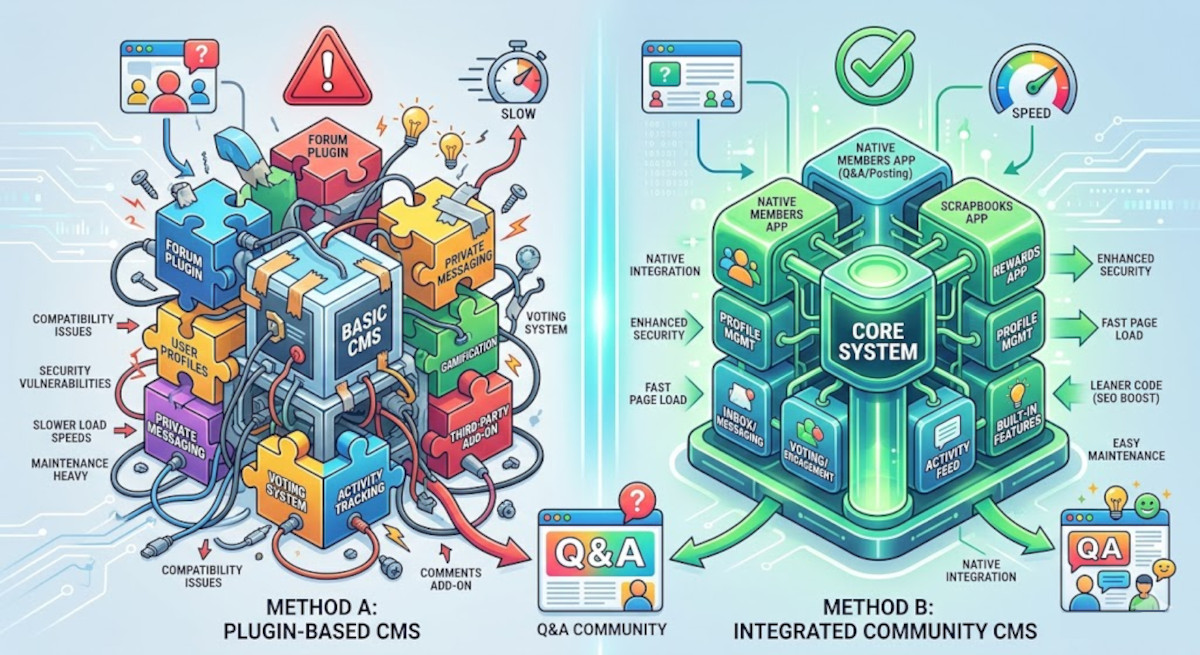
All-in-One Integrated Apps (Forum, Social, etc.) Built-in with Full version, no conflicts. Requires 3rd-party apps from App Market. Limited built-in, relies on extensions. No built-in community apps; requires 3rd-party integrations. Relies heavily on costly 3rd-party apps. Very limited features. Requires dozens of separate plugins, risking conflicts.
Built-in E-Commerce Full-featured app included. Requires expensive "Business & eCommerce" plans. Requires "Commerce" plans. Requires "eCommerce" plans; transaction fees apply. Its core function, but with transaction fees. Available on higher-tier plans. Via plugins like WooCommerce.
Built-in Membership / Gated Content Included with Full version. Yes, but functionality tied to plan level. Available via "Member Areas" add-on subscription. Available on "CMS" plans or higher, with user limits. Requires costly 3rd-party apps. Very basic or unavailable. Requires complex, often paid, membership plugins.
Create Own Templates/Styles without Code Full design freedom with Styles Manager. Limited to modifying existing templates. Limited to modifying templates. Its greatest strength, but with a steep learning curve. Limited to customizing themes. Very limited customization. Requires coding or complex page builder plugins.
Ease of Use for Beginners Easy for beginners, with advanced options available. Very easy. Easy. Difficult. Steep learning curve for non-designers. Easy for store setup. Very easy. Requires technical management of hosting, updates, security.
Allow Adding Custom Code (PHP, JS, etc.) Full access for developers (PHP, JS, CSS). Limited to HTML/JS embeds. No backend code. Limited to HTML/JS embeds. No backend code. Limited to HTML/JS embeds. No backend code. Limited to theme files (Liquid). No PHP. Not supported. Full control to add any code.
"Website Builder Software Comparison" Posts
Myths vs Facts About Website Builders

Myths vs Facts About Website Builders

Website builders have come a long way. Yet, despite their growth, misconceptions still surround them. Many people assume they’re only for hobbyists, too limited, or bad for serious business. In reality, most of these beliefs are outdated or...

Wordpress e-commerce plugin WooCommerce  - Upgrading Problems

Wordpress e-commerce plugin WooCommerce - Upgrading Problems

To upgrade or not to upgrade.  Many times it is clear that you must upgrade, either to solve new security issues found, or to fix functionality bugs newly found or newly existing due to changing technology/internet browsers.  But if you...

Website Builder vs. Content Management System (CMS): Which One Do You Need?

Website Builder vs. Content Management System (CMS): Which One Do You Need?

If you’re researching how to create a website, you’ve probably come across the terms “website builder” and “CMS” (Content Management System). Many people think a website builder and a CMS are completely different - and in the way...

How can you overcome the basic limitations of using Shopify?

How can you overcome the basic limitations of using Shopify?

Shopify is popular for its convenience and all-in-one hosting, but that simplicity comes with trade-offs. Many users quickly run into limitations such as: Restricted customization without paid apps Limited control over hosting and server...

How To Setup Email with Your Domain - UltimateWB vs Weebly et al.

How To Setup Email with Your Domain - UltimateWB vs Weebly et al.

You have your own website, your own domain name, now you want your own custom email address to match, i.e. your_name@your_domain_name.com.  Sounds simple enough right?  But the process to get what you want will differ depending on the web...

How can I create a website without knowledge of coding and without the help of a web designer?

How can I create a website without knowledge of coding and without the help of a web designer?

So you want a DIY (do-it-yourself) website builder. You can do it with the UltimateWB website builder because it has so many built-in apps that are very customizable without any coding required. You can create any type of website with it - no...

Technical Considerations for Setting Up a Forum Website: Size Matters (But Not That Much)

Technical Considerations for Setting Up a Forum Website: Size Matters (But Not That Much)

Gym Chat Sports Network online forums Building a forum website can be a thrilling journey, whether you're fostering a niche community of hundreds or a bustling hub for thousands. While the scale may differ, the core technical considerations...

Google Sites Review: A Simple Start, But Limited Potential

Google Sites Review: A Simple Start, But Limited Potential

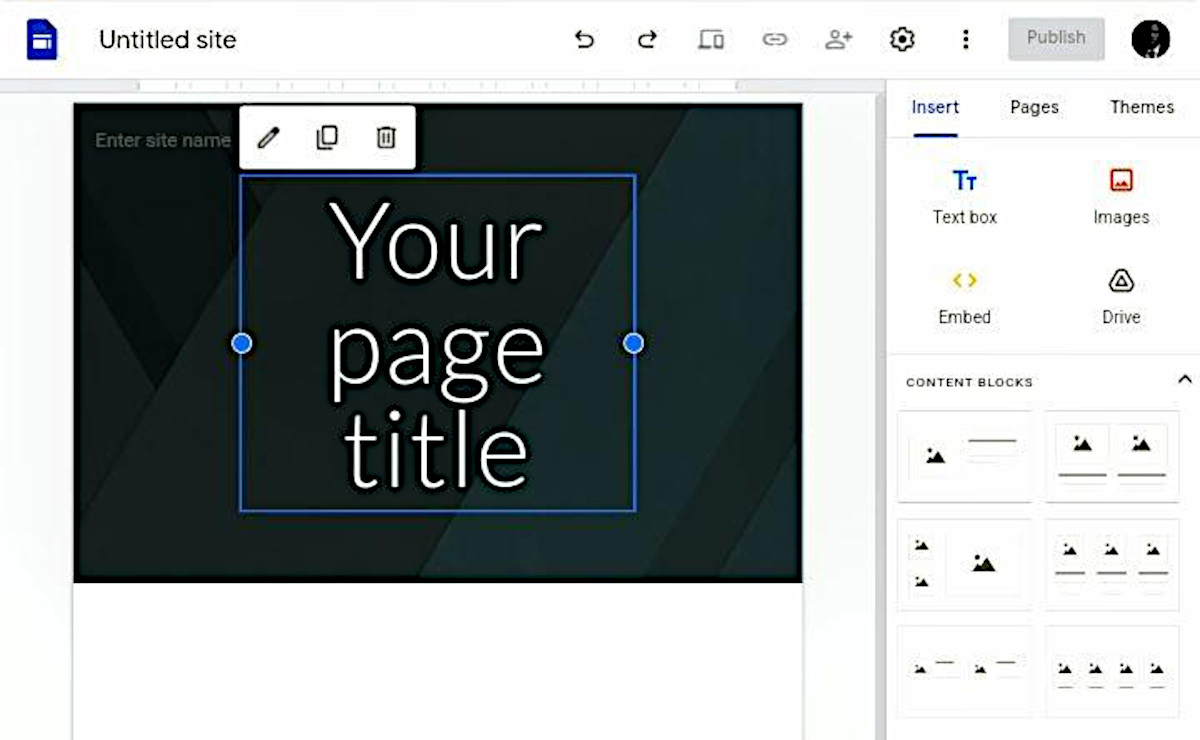
Google Sites has undergone a significant redesign, offering a user-friendly interface and seamless integration with other Google Workspace tools. For those seeking a quick and easy way to create basic websites, Google Sites can be a suitable...

Web Hosting vs Website Builder: What You Actually Need

Web Hosting vs Website Builder: What You Actually Need

If you’re new to building a website, the terms web hosting and website builder can be confusing - and it’s not always clear what you actually need to get your site online.Understanding the difference between these two and how they work...

Why WordPress Users Are Switching to UltimateWB: 10 Data-Driven Reasons

Why WordPress Users Are Switching to UltimateWB: 10 Data-Driven Reasons

💡 Introduction WordPress powers over 40% of the web, but in 2025, many site owners are realizing it comes with hidden costs, security risks, and maintenance headaches. From plugin vulnerabilities to performance slowdowns, these issues are...