




-
Recent Posts
- “My Partner Wants to Use WordPress Because 50% of the Web Uses It. Help!”
- Does EmDash Solve WordPress’s Problems, or Do You Need UltimateWB?
- How Not to Use AI: Stanford University Can Tell You
- Best Website Builder for SEO: WordPress vs. Wix vs. UltimateWB
- How to Make Sure Your Website Colors Have Enough Contrast for Accessibility
- Mobile-Friendly Website Checklist: 20 Things to Check
- Beehiiv Website Builder Review: The Problem Isn’t the Design – It’s the Lack of Control
- Elementor’s “Angie” AI Is More Than Bloat: Credits, Subscriptions, and a Growing Platform Problem
- How to Pass Google Business Profile Video Verification for Service Businesses
- The Great Deskilling: Why AI Dependence is Turning Developers into Prompt Babysitters
- The Three-Month Fuse: The Everest Forms Pro Attack and Why a Patched Plugin Can Still Put Websites at Risk
- Computer Screen Has Black Bars on the Sides: How to Fix It
- Could AI Make Humans Extinct Within the Next Decade?
- Is Weebly Getting Out of the Website-Builder Business?
- Are You “Leaking SEO” by Linking to Other Websites?
- Wix Harmony Is Now in Google Gemini. So Why Are Users Still Complaining?
- When AI Sounds Confident but Gets It Wrong: The Mount Shasta Rescue
- When AI Agents Start Working Together, Who Is Really in Control?
Categories
Tag Archives: one-page website
Is a Neo Sites “Free” Domain and Website Really Free? The 1-Year Subscription Catch Exposed

If you’ve been searching for a way to get your business online, you’ve likely seen the pitch from Neo Sites: "Free domain, free website, free email." You might even have read it from users on Reddit, wrongly advising Neo Sites offers "Completely free website with free custom domain". It sounds like the ultimate win for a startup on a budget. But it's not - there is a catch.
In short, the website is "free" in the same way a
... Continue reading
Posted in Compare Website Builders
Tagged .com, blog, blogging, catch, domain extensions, email hosting, free domain, free website, google search engine ranking, hosted platform, hosted website builder, locked in, neo sites, one-page website, organic traffic, portability, search engine optimization, seo, tld, traditional tld
Leave a comment
How long is too long for a website homepage?

The ideal length for a website homepage depends on several factors:
- Purpose of the website: A website with a single-page application (SPA) might have a longer homepage, while a traditional website with multiple pages might have a shorter homepage.
- Content: The amount and complexity of content will determine the length. A website with a lot of information or multimedia might require a longer homepage.
- User experience: A long homepage can be overwhelming for users. It's important to break up
Posted in Ask David!, Website Design
Tagged clear, clear content, didn't read, headings, homepage, multi-page website, one-page website, page length, read more, subheadings, too long, user experience, visuals
Leave a comment
Can you still get ranked just as well with a one-page website than with a multi-page website? i.e. with the proper use of h1 headers, etc.?

Yes, you can absolutely achieve good SEO rankings with a well-optimized one-page website. While multi-page websites offer certain advantages, such as targeting a wider range of keywords and providing a more structured user experience, a single-page website can be equally effective if done right.
In fact, in some cases, a one-page website can even have an advantage over a multi-page website. Here's 2 main reasons why:
1. User Experience: A one-page website can be more user-friendly, as visitors don't
... Continue reading
Posted in Ask David!, Search Engine Optimization (SEO)
Tagged backlinks, clean urls, clear content, concise, concise content, fast loading times, focus, header tags, headers, high-quality content, internal linking, keyword placement, keywords, meta description, mobile friendly, multi-page website, one-page website, optimized urls, organic traffic, page title, responsive, search engine optimization, search engine ranking, seo, user experience, user friendly
Leave a comment
Single Page vs. Multi-Page Websites: Which is better for SEO?

In the world of website design, a key decision lies in the structure: single-page or multi-page? UltimateWB makes it easy to switch between the two formats with the click of a button through your website admin panel. While both have their merits, SEO (Search Engine Optimization) plays a crucial role, and understanding how each format impacts search visibility is essential.
The Power of Multiple Pages
Multi-page websites hold a distinct advantage in SEO for one key reason: keyword targeting.
... Continue reading
Posted in Ask David!, Search Engine Optimization (SEO), Website Design
Tagged authority, content is king, internal linking, multi-page website, one-page website, search engine optimization, search engine results pages, seo, serps, single page, target keywords, user experience, user friendly
Leave a comment
One-Page or Multi-Page: The Art of Organizing Your Website

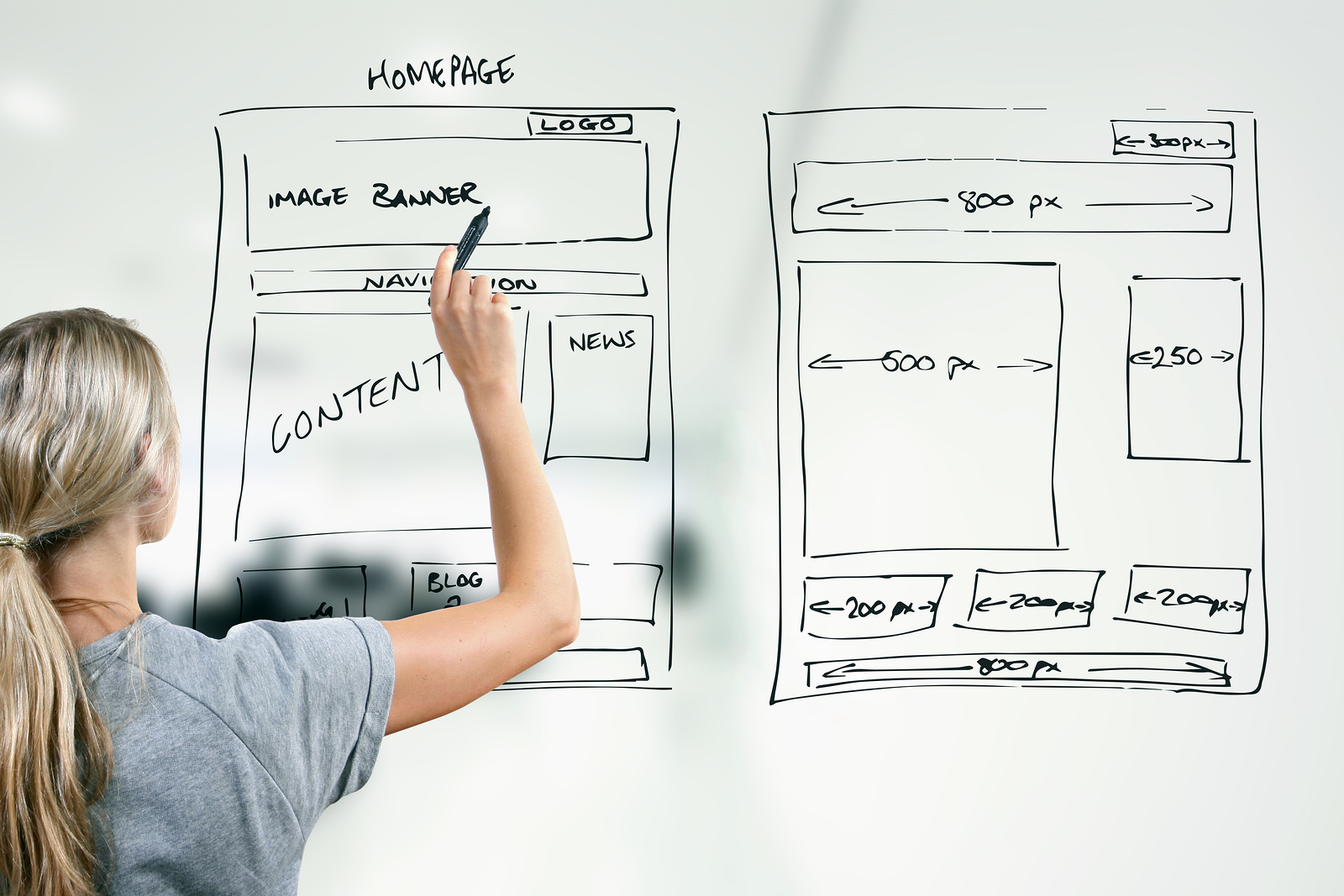
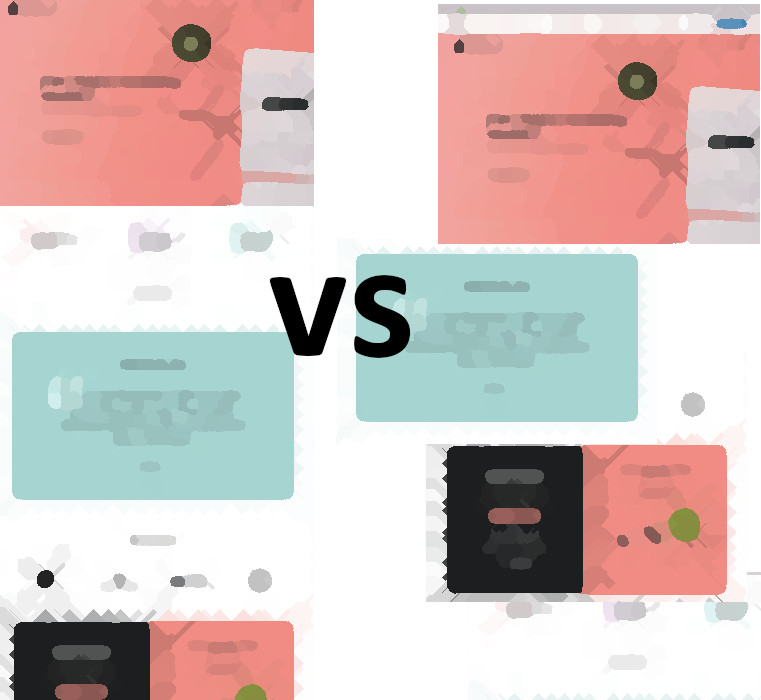
When it comes to designing your website, one critical decision you'll need to make is how to organize your content. Should you go for the simplicity of a one-page layout, or opt for a multi-page structure? Each has its advantages, and with the UltimateWB Website Builder, you can seamlessly switch between these two layouts with just a click. In this blog post, we'll explore the scenarios in which one-page and multi-page layouts shine, helping you make the right choice for
... Continue reading
Posted in Website Design
Tagged multi-page website, one-page website, organize website
Leave a comment
New One-Page Website Tool feature for all versions, UWB Full Search tool upgrade in UltimateWB 7.5!
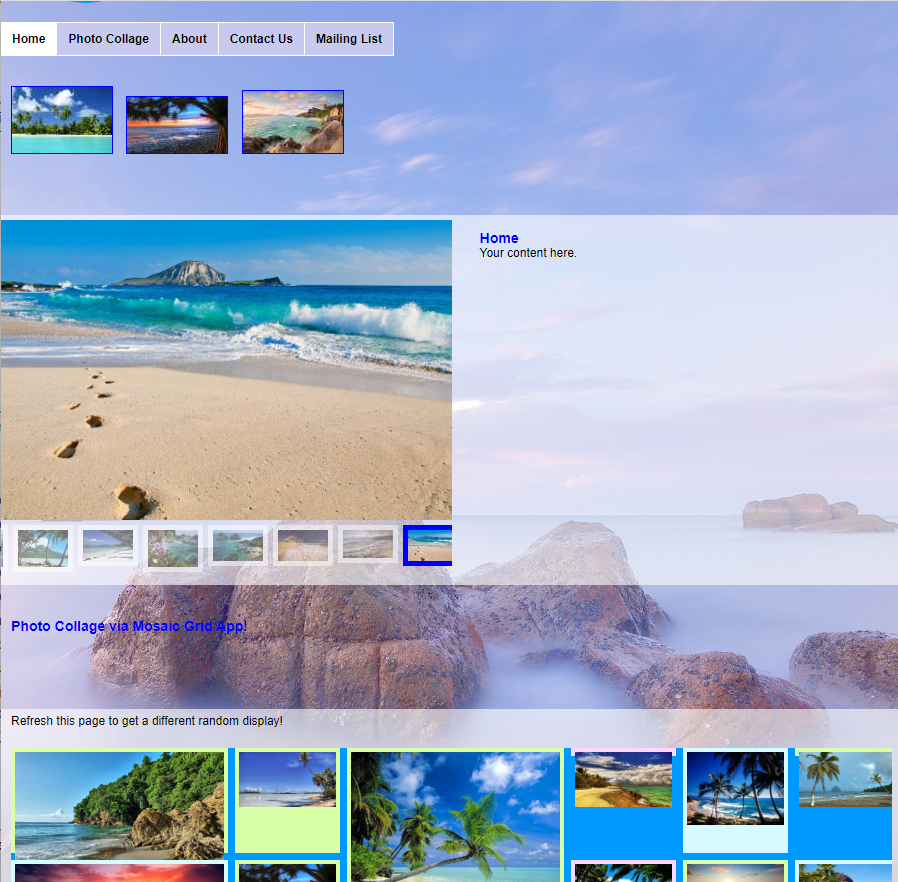
We are very excited to provide a new easy way to convert your simple website into a 1-page website. In the new UltimateWB 7.5 upgrade, with the click of a button you can switch your website into a 1-page website with all the sections on one page, and also switch it back with another click of a button. Read more about it on our user manual topic, How to switch your website into a one-page website . We have included
... Continue readingIs it possible to turn a one-page website on Wix into a website with multiple pages, and how could I go about doing this?

Yes, but for Wix you have to do it manually - there is no one-click button to convert a one-page website to one with multiple pages like there is with UltimateWB. So, with Wix, you have to use their website builder to add more pages.
Here's how to navigate the one-page to multi-page conversion on Wix:
1. Divide and Conquer:
- Analyze your existing one-page site and identify logical sections that would function well as individual pages. This could involve separating