


How to switch your website into a one-page website

With all UltimateWB versions from 7.5, you can easily turn your simple website into a one-page website with the click of a button, and also turn it back to an X-page website with the click of a button. It's easy with the UltimateWB One-Page Website tool!
Just go to your website Admin Panel > Configure Site page. You can jump to the One-Page Website section by clicking on the "One-Page" link on the top submenu.
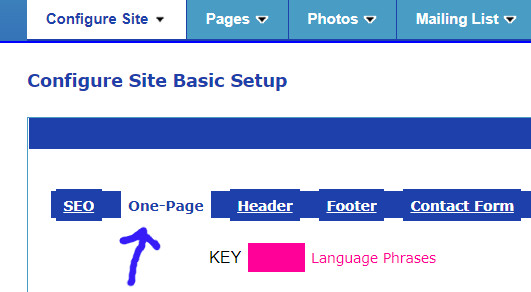
And here is the One-Page Website tool section:
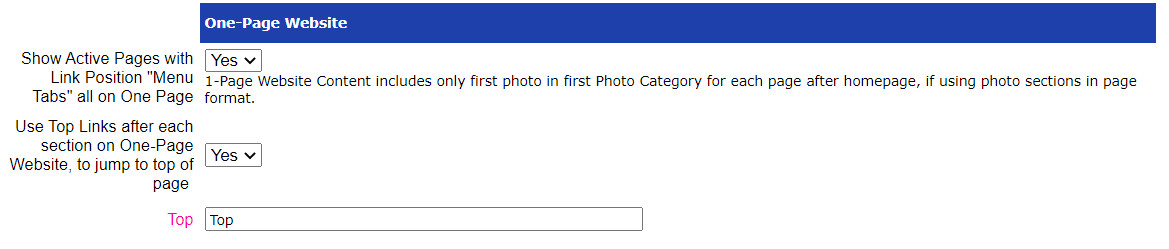
To activate the one-page setup, just change the 'Show Active Pages with Link Position "Menu Tabs" all on One Page' menu from "No" to "Yes", and click on the "Save" button at the bottom of the page to save your changes.
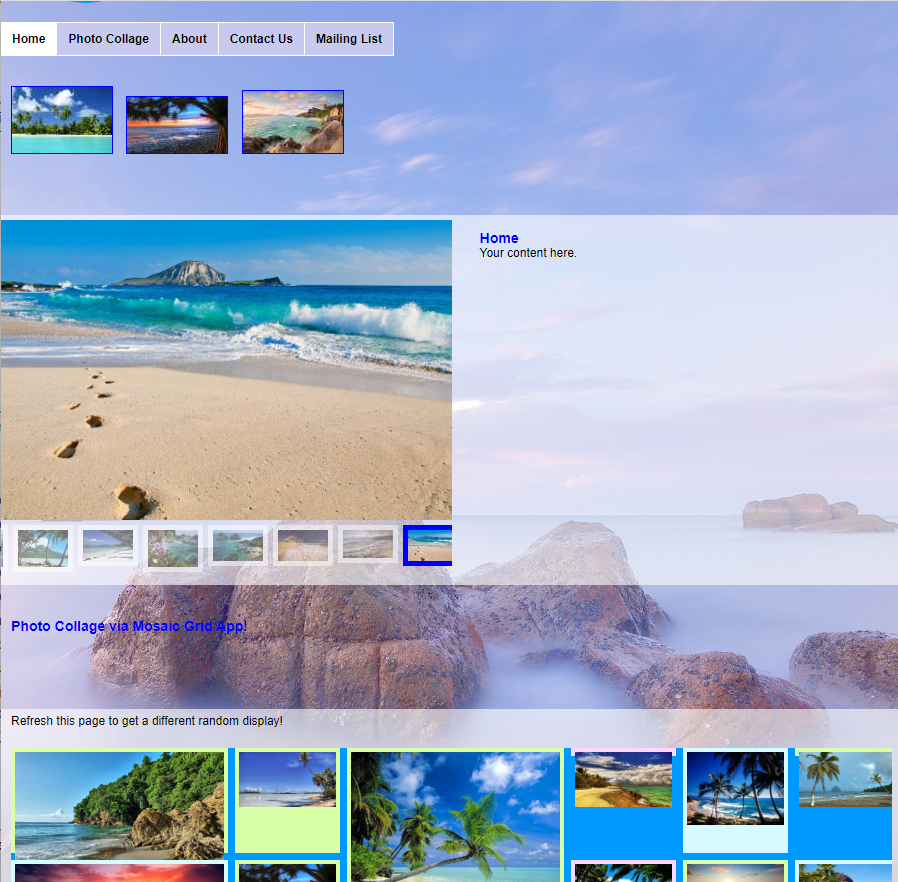
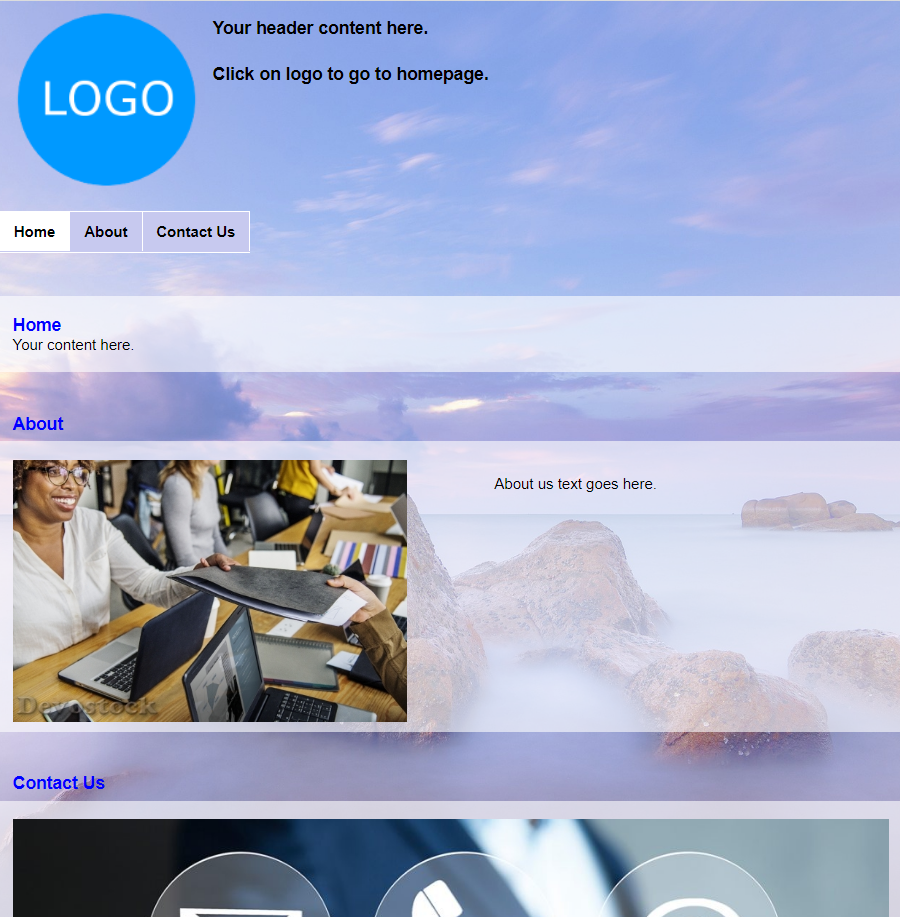
The way that this works is that on your homepage, instead of now just showing your homepage content, it also shows all the content you have for the other pages that are available from your website top menu. So it will not show the pages that you have set to show in your Footer links section, or in the "Other" position. The webpages content is shown in the order that you specify in the Page Ordering.
If you have a photo category set up for the homepage, it will still display as configured. For photo categories in the other pages, it will just display the first photo in the photo section of the webpage.
Clicking on a link in the top menu will jump the page to that section, rather than go to a new page, when you have the One-Page website tool activated.
You can also choose to add "Top" links in between each page section - just set the menu for "Use Top Links after each section on One-Page Website, to jump to top of page" to the option "Yes". You can customize the "Top" language phrade here too.
Check it out on our demos, here it is on our Demo Lite:
And another example on our Demo Essentials:
 Report a concern
 0 Ratings
 Add Comment