


-
Recent Posts
- “My Partner Wants to Use WordPress Because 50% of the Web Uses It. Help!”
- Does EmDash Solve WordPress’s Problems, or Do You Need UltimateWB?
- How Not to Use AI: Stanford University Can Tell You
- Best Website Builder for SEO: WordPress vs. Wix vs. UltimateWB
- How to Make Sure Your Website Colors Have Enough Contrast for Accessibility
- Mobile-Friendly Website Checklist: 20 Things to Check
- Beehiiv Website Builder Review: The Problem Isn’t the Design – It’s the Lack of Control
- Elementor’s “Angie” AI Is More Than Bloat: Credits, Subscriptions, and a Growing Platform Problem
- How to Pass Google Business Profile Video Verification for Service Businesses
- The Great Deskilling: Why AI Dependence is Turning Developers into Prompt Babysitters
- The Three-Month Fuse: The Everest Forms Pro Attack and Why a Patched Plugin Can Still Put Websites at Risk
- Computer Screen Has Black Bars on the Sides: How to Fix It
- Could AI Make Humans Extinct Within the Next Decade?
- Is Weebly Getting Out of the Website-Builder Business?
- Are You “Leaking SEO” by Linking to Other Websites?
- Wix Harmony Is Now in Google Gemini. So Why Are Users Still Complaining?
- When AI Sounds Confident but Gets It Wrong: The Mount Shasta Rescue
- When AI Agents Start Working Together, Who Is Really in Control?
Categories
Category Archives: Website Security
WPForms and Rank Math: Did These WordPress Plugins Create a Backdoor With Admin Access?

There is a new kind of WordPress security issue that deserves a lot more attention.
It isn’t simply a case of a hacker discovering a vulnerability in a plugin.
It is a plugin itself introducing a mechanism that can give an outside service or AI system the ability to act on your WordPress site.
And two major WordPress plugins have recently put this issue in the spotlight: Rank Math and WPForms.
The situations are not identical, and it would
... Continue reading
Posted in AI, Compare Website Builders, Technology in the News, Website Security
Tagged administrative token, ai, ai agent, ai assistant, ai chat assistant, ai features, Awesome Motive, backdoor, claude, cursor, forum analytics, MCP, metadata, onboarding wizard, php, plugins, rank math, rank math support agent, schema, Search Engine Journal, security vulnerabilities, seo, seo plugin, setup checklist, Sybre Waaijer, third-party plugins, vulnerabilities, WAP, website security, WordPress, wordpress alternative, wordpress plugins, wordpress security, wp forms, wp forms lite
Leave a comment
The Latest WordPress Core Exploit (wp2shell) and Why Forced Updates Break Websites

One of the biggest promises of WordPress is automatic security updates. When a critical vulnerability is discovered, millions of sites can be patched automatically without site owners having to lift a finger.
But when those background updates unexpectedly break active websites, that convenience quickly becomes a liability.
That is exactly what unfolded following the recently disclosed wp2shell vulnerability chain.
While issuing rapid patches was the right decision from a security standpoint, the automated push inevitably triggered unexpected compatibility crashes, fatal
... Continue reading
Posted in Compare Website Builders, Website Security
Tagged Allowed memory size exhausted, automatic security updates, broken wordpress website, cache, cdn, fatal errors, forced updates, max_execution_time, memory_limit, mysql, php, plugin, sql, sql injection, third-party plugins, WordPress, wordpress bugs, wordpress core, wordpress core exploit, wordpress core vulnerability, wordpress hacked, WordPress REST API, wordpress vulnerabilities, wp2shell
Leave a comment
The Hidden Cost of WordPress Security: Why Security Plugins Aren’t the Whole Answer

If you run a website, you know that security isn’t optional. For millions of WordPress users, the immediate reaction to securing a site is to install a security plugin. It’s practically a rite of passage.
But there is a conversation that many developers and web hosts avoid having until it's too late: the real cost of application-level security.
We aren't just talking about subscription fees. We're talking about the hidden performance tax, the administrative burden of constant updates, and the
... Continue reading
Posted in Compare Website Builders, Website Security
Tagged abandoned plugins, backdoor, backups, compatibility issues, cpu, CPU spikes, database, firewall, firewall rules, javascript, maintenance, malcar, malicious code, malware, performance tax, plugin, plugin compatibility issues, plugin vulnerabilities, RAM, security plugin, security stack, solid security, subscription fees, waf, web application firewall, website security, wordfence, WordPress, WordPress plugin vulnerabilities, wordpress security
Leave a comment
Over 1.6 Million WordPress Sites Hit: The OptinMonster and ShapedPlugin Supply Chain Attacks

For years, the gold-standard advice for WordPress website security has been simple: If you want to keep your site safe, stick to major, highly reputable brand names. A massive company has the infrastructure, team, and budget to audit their code and protect your perimeter.
But recent events have exposed a massive flaw in that logic.
When hackers shift from attacking individual sites to targeting the software creators themselves, relying on a big brand's reputation no longer guarantees safety. In fact,
... Continue reading
Posted in Compare Website Builders, Technology in the News, Website Security
Tagged 2FA, Awesome Motive, backdoor, cdn, database, Easy Digital Downloads, javascript, MalCare, malware, optinmonster, php, Product Slider, PushEngage, Real Testimonials Pro, shapedplugin, Smart Post Show Pro, supply chain attacks, TOTP, updraftplus, vulnerability, woocommerce, wordfence, Wordfence Login Security, WordPress, WP 2FA
Leave a comment
WordPress Kirki Customizer Takeover: The Automatic Bait-and-Switch Plugin Trend

The WordPress community is currently witnessing a troubling and "despicable" trend: the acquisition and subsequent "bloating" of popular, lightweight plugins. This isn't just a manual update issue - it is a systemic problem where sites are being fundamentally changed through automatic updates without the owner’s consent.
The recent crisis involving the Kirki Customizer framework and the historical "bait-and-switch" of WP User Avatar serve as a reminder in why the WordPress "plugin stack" model is a risky gamble for
... Continue reading
Posted in Compare Website Builders, Technology in the News, Website Security
Tagged auto-update, bloat, BuddyX, Droip, fatal errors, feature creep, Kirki Customizer, plugins, ProfilePress, Reign, security issues, security liability, slow website, Themeum, third-party plugins, website security, WordPress, WP User Avatar, XStore
Leave a comment
Beyond the Hype: The Systemic Security Risk in AI Agents

If you follow tech news, you might have heard about a "zero-click" flaw in Claude’s desktop app back in February. But as of April 2026, this story has evolved from a single app's problem into a systemic warning for the entire AI industry.
The Latest: The MCP SDK Flaw
Recent investigations have confirmed that the vulnerability isn't just a "bug" in one software version. It is built into the Model Context Protocol (MCP) SDK itself. This is the official
... Continue readingThe Best CAPTCHA for Your Website Forms: Code vs. Question & Answer

If you’ve ever filled out a website form, you’ve probably run into a CAPTCHA. That little test to prove you’re human and not a spam bot can be as simple as typing a distorted code or answering a question. UltimateWB, in all its versions, gives you both options for your forms - but which one works best?
The Classic CAPTCHA: Copying the Code
The traditional CAPTCHA shows a string of letters and numbers in a distorted image, and users
... Continue reading
Posted in Website Security
Tagged captcha, captcha code, code CAPTCHA, form security, question & answer pairs, question & answers captcha, question and answer, question and answer CAPTCHA, reduce spam, spam, spam controls, spam protection, user-friendly forms, web forms, website forms
Leave a comment
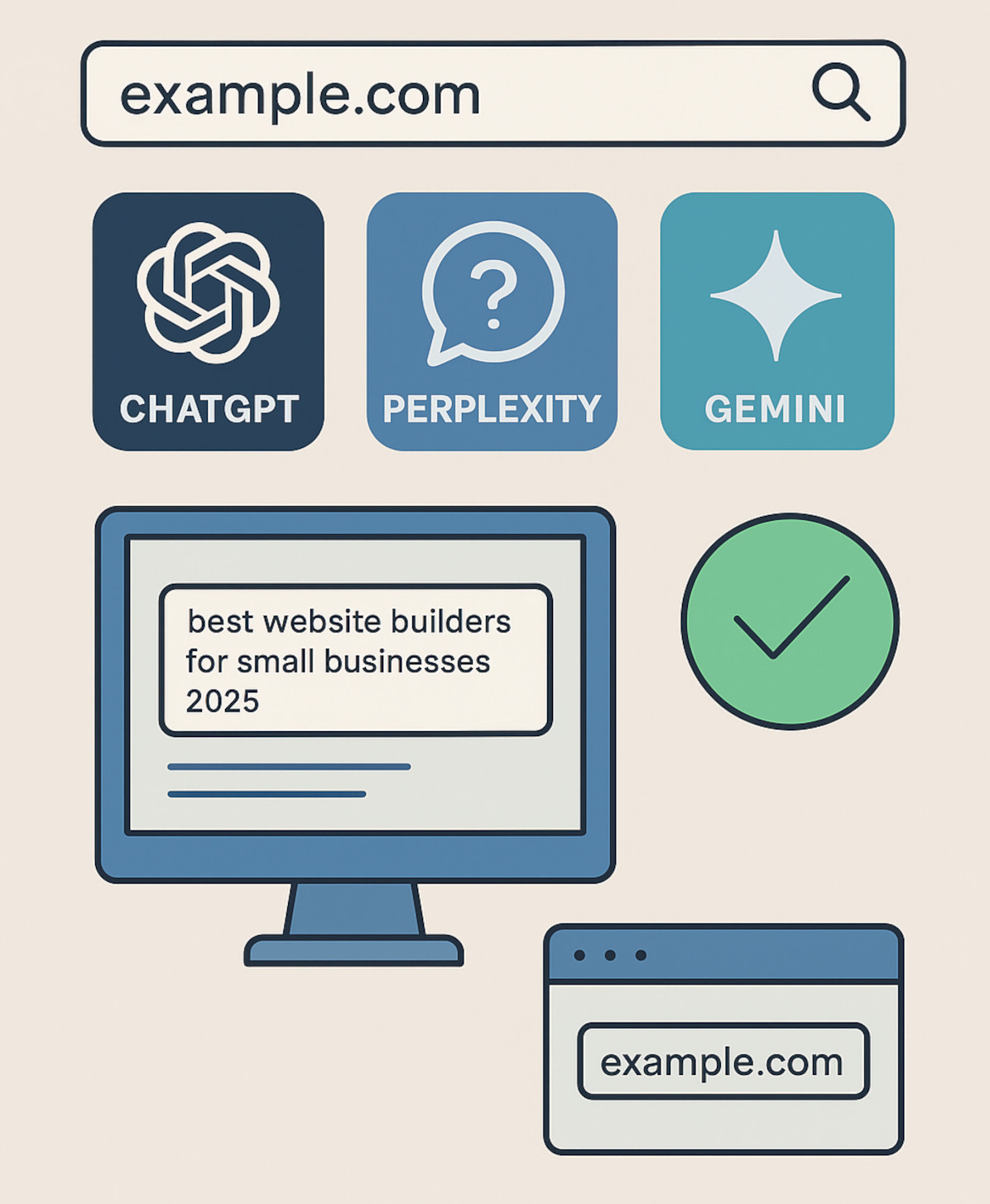
How to Check if Your Website is Showing Up in ChatGPT, Perplexity, Gemini, or Other AI Answers

AI tools like ChatGPT, Perplexity, and Google Gemini are quickly becoming the go-to search method for many users. Instead of typing queries into Google, people are getting instant answers directly from AI - sometimes with source links, sometimes without.
If you run a website, the question is simple:
Is your content showing up in those AI answers?
Here’s how you can find out.
1. Manual Testing (The Direct Way)
The most straightforward way to check is to ask
... Continue reading
Posted in AI, Search Engine Optimization (SEO), Website Security
Tagged ahrefs, ai, ai answers, aio, analytics, ao optimization, authority, brand visibility, branding, chatgpt, evergreen, ga4, gemini, google analytics, llm, matomo, niche, perplexity, referral traffic, search engine optimization, semrush, seo, similarweb, target audience
Leave a comment
Why Avoiding Third-Party Plugins Makes Your Website Faster, Safer, and Easier to Manage

Many website builders - like WordPress, Shopify, and Wix - rely heavily on third-party plugins to add features and functionality. While plugins can be convenient, they often come with trade-offs in speed, security, and maintenance, which can frustrate users and hold back your website’s performance. Here’s why choosing a plugin-free platform like UltimateWB gives you an edge.
1. Plugins Can Slow Your Website Down
Every plugin adds extra code, scripts, and server requests, which increases page
... Continue reading
Posted in Compare Website Builders, Search Engine Optimization (SEO), Website Design, Website Security
Tagged bloat, clean code, easy updates, fast load times, fast website, hacked, platform architecture, plugin vulnerabilities, plugin-free websites, plugins, search engine optimization, security risks, seo, SEO performance, Shopify, third party plugins, third-party plugins, user experience, web development best practices, web performance, website builder, website builders, website maintenance, website management, website performance, website reliability, website security, website speed, website speed optimization, Wix, WordPress, wordpress vulnerabilities
Leave a comment
What is the significance of web hosting in SEO?

Web hosting is the backbone of your online presence, and it plays a critical role in your SEO strategy. While it's not a direct ranking factor, it significantly influences factors that do impact your search engine rankings.
Here's how web hosting affects SEO:
1. Website Speed:
- Faster Loading Times: A reliable web host ensures your website loads quickly.
- Improved User Experience: Fast-loading websites keep visitors engaged, reducing bounce rates.
- Higher Search Engine Rankings: Search engines
Posted in Ask David!, Web Hosting, Website Security
Tagged bounce rate, conversions, cyber threats, cyberattacks, engagement, fast loading times, future-proofing, hackers, malware, ranking factor, scalable, search engine ranking, seo, seo ranking, server, ssl, traffic, uptime, user experience, web hosting
Leave a comment