




-
Recent Posts
- “My Partner Wants to Use WordPress Because 50% of the Web Uses It. Help!”
- Does EmDash Solve WordPress’s Problems, or Do You Need UltimateWB?
- How Not to Use AI: Stanford University Can Tell You
- Best Website Builder for SEO: WordPress vs. Wix vs. UltimateWB
- How to Make Sure Your Website Colors Have Enough Contrast for Accessibility
- Mobile-Friendly Website Checklist: 20 Things to Check
- Beehiiv Website Builder Review: The Problem Isn’t the Design – It’s the Lack of Control
- Elementor’s “Angie” AI Is More Than Bloat: Credits, Subscriptions, and a Growing Platform Problem
- How to Pass Google Business Profile Video Verification for Service Businesses
- The Great Deskilling: Why AI Dependence is Turning Developers into Prompt Babysitters
- The Three-Month Fuse: The Everest Forms Pro Attack and Why a Patched Plugin Can Still Put Websites at Risk
- Computer Screen Has Black Bars on the Sides: How to Fix It
- Could AI Make Humans Extinct Within the Next Decade?
- Is Weebly Getting Out of the Website-Builder Business?
- Are You “Leaking SEO” by Linking to Other Websites?
- Wix Harmony Is Now in Google Gemini. So Why Are Users Still Complaining?
- When AI Sounds Confident but Gets It Wrong: The Mount Shasta Rescue
- When AI Agents Start Working Together, Who Is Really in Control?
Categories
Category Archives: Accessibility
Do Images and Alt Text Actually Help SEO?

If you’re looking for ways to improve your website’s search engine visibility, you’ve likely come across advice telling you to focus on image optimization. Some case studies frame missing alt text and default file names like IMG_0012.jpg - the universal output from iPhones, screenshots, and most cameras - as a serious SEO oversight.
They present image optimization
... Continue readingWhy an H1 Shouldn’t Come After an H3 – And Why It Matters for SEO and Accessibility

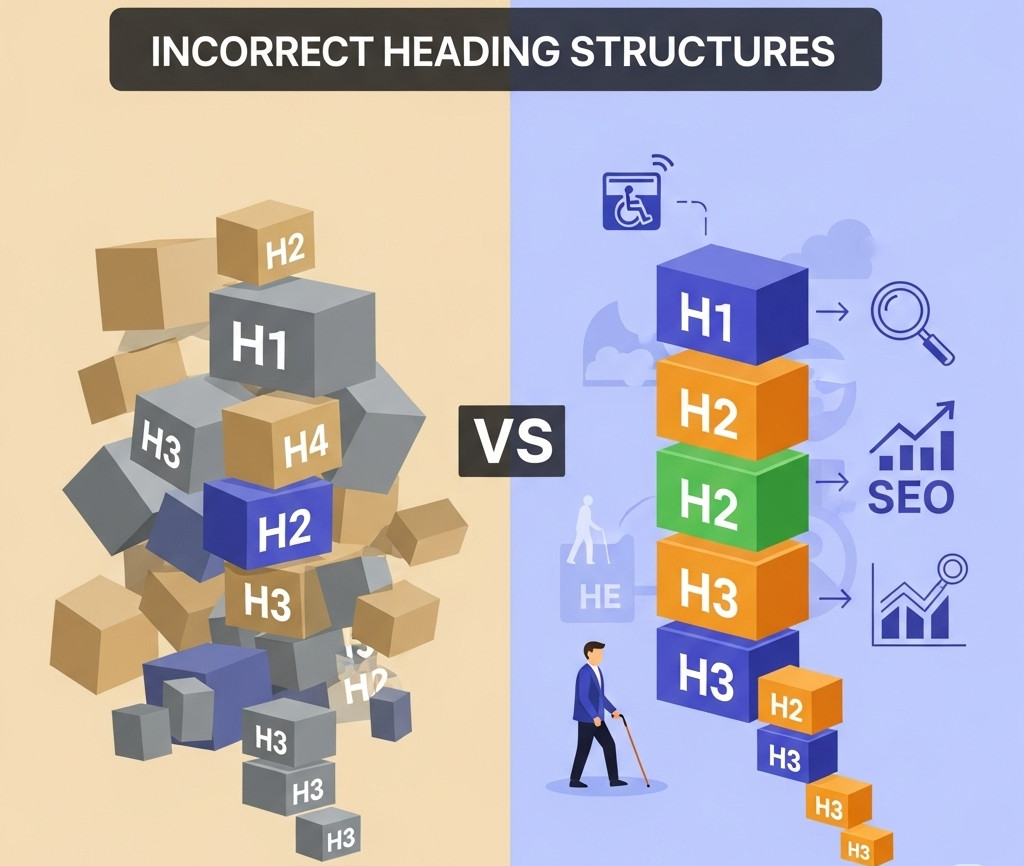
When you're building a website, it's easy to focus on how things look - but how your site is structured under the hood is just as important. One commonly overlooked issue? Incorrect heading order.
We recently came across a website where the first visible heading was an <h3>, and the <h1> appeared after it. While it might not break the layout or cause visible problems, this kind of structure can negatively impact both SEO and accessibility. Here’s why heading
... Continue reading
Posted in Accessibility, Search Engine Optimization (SEO), Website Design
Tagged accessibility, accessibility compliance, assistive technologies, better indexing, clean code, compliance, easy navigation, focus, header, heading, heading order, heading tags, hierarchical structure, hierarchy, indexing, keyword relevance, logical hierarchy, main heading, page quality signals, performance, roadmap, screen readers, search engine optimization, search engine ranking, search engine results, search engines, semantic markers, seo, seo signals, snippets, standards-compliant, subheadings, usability, user experience, visibility, web standards, website structure
Leave a comment
Valid HTML Matters: How Clean Code Boosts SEO, Accessibility, and Trust

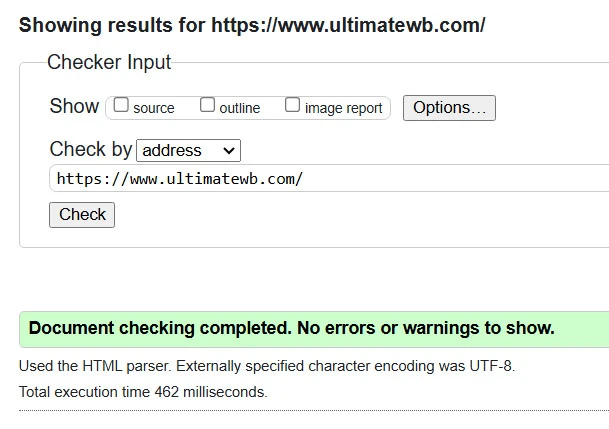
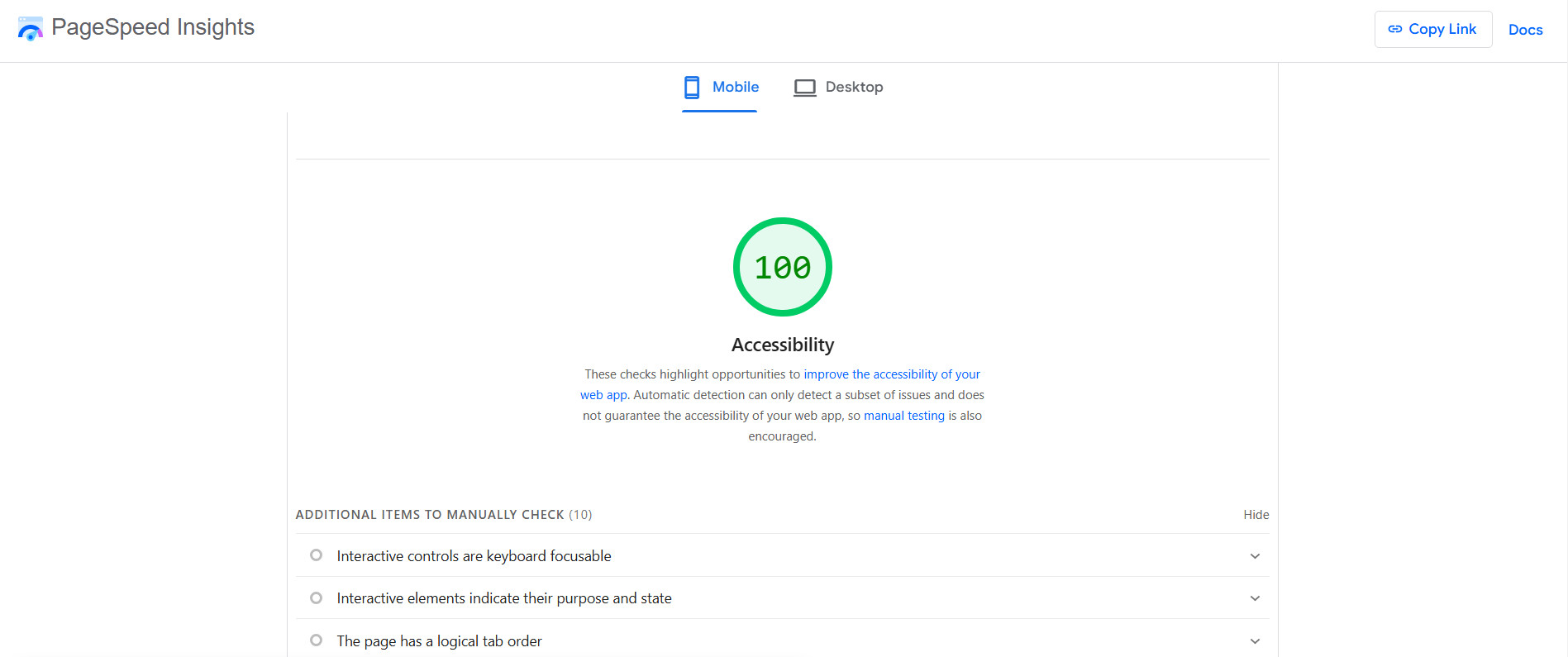
If you’ve ever been told you’re being too picky for caring about your website’s HTML validation, you’re not alone. Some developers brush off invalid code as “harmless,” and non-tech folks might even label you as having a bit of OCD. But here’s the truth: caring about clean, valid HTML isn’t obsessive -
... Continue reading
Posted in Accessibility, Search Engine Optimization (SEO)
Tagged accessibility, boost seo, bots, brand identity, browser compatibility, content structure, core web vitals, crawl, crawlability, cross-device compatibility, easy maintenance, fast loading times, index, invalid code, maintenace, ocd, pagespeed insgihts, pagespeed insights, professional, ranking, scalability, search engine optimization, search engine optimization tips, seo, seo tips, site maintenance, valid html, website speed
Leave a comment
Is Your Website ADA Compliant? What You Need to Know About Accessibility

Your website is the face of your brand online, but have you thought about whether everyone can use it? Making your website ADA compliant means ensuring it’s accessible to people with disabilities - and it’s more important now than ever before.
What Is ADA Compliance?
The Americans with Disabilities
... Continue readingDescriptive Link Text: A Guide to Accessibility

In the digital age, links are an essential part of navigating the web. However, for individuals with visual impairments or disabilities that affect their ability to read or understand text, links can pose a significant challenge. Descriptive link text plays a crucial role in ensuring that websites are accessible to all users.
What is Descriptive Link Text?
Descriptive link text is clear, concise, and informative text that accurately describes
... Continue reading
Posted in Accessibility, Website Design
Tagged accessibility, action verbs, avoid redundancy, be specific, broken links, click here, concise, context, descriptive link text, informative, link formatting, link text, screen reader accessibility, screen readers, search engine optimization, seo, user experience, user-friendly
Leave a comment
Is it bad to have underlined text on your website, even if your links are not underlined, for accessibility issues?

Yes, it is considered not a good idea to have underlined text on your website, even if your links are not underlined, due to accessibility issues. This is because underlining is a common way to indicate that a piece of text is a link. If you have underlined text on your website that is not a link, this can be confusing for users, especially users with disabilities who use screen readers.
Screen readers read out the text on a web
... Continue readingHow to Test the Color Contrast of Your Website for Accessibility?

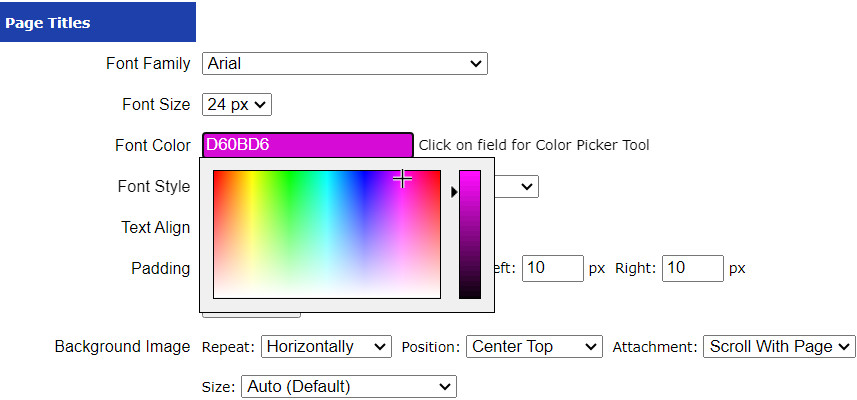
A website can look great and work well, but if the text is difficult to read because there isn't enough contrast between the colors, some visitors may struggle to use it.
Color contrast is an important part of website accessibility. Good contrast makes text and other elements easier to see and read, including for people with low vision or color vision deficiencies.
In this article, we'll look at how to
... Continue reading
Posted in Accessibility, Ask David!, Website Design
Tagged accessibility, accessibility compliance, accessibility testing, accessibility tools, cms, color accessibility, color contrast, color contrast ratios, contrast, contrast ratio, styles manager, wcag, WCAG 2.0, WCAG 2.1, web design, website accessibility, website design, website testing
Leave a comment
What are some free online websites that can help us test our websites for accessibility compliance?

Accessibility compliance is important for ensuring that all users can access and use your website, regardless of their abilities. There are a number of free online websites that can help you test your website for accessibility compliance.
Here are a 10 of the most popular free online accessibility testing websites:
1) WAVE: WAVE is the most popular free online accessibility testing website. It is developed by WebAIM and can be used to test websites for a variety of accessibility
... Continue reading
Posted in Accessibility, Ask David!
Tagged accessibility, accessibility compliance, accessibility testing
Leave a comment
What is web accessibility testing? Is it free or paid? What tools can be used to do accessibility testing?

Web accessibility testing is the process of evaluating a website or web application to ensure that it is usable and accessible to people with disabilities. The goal of accessibility testing is to identify and address barriers that might prevent individuals with disabilities from effectively using and navigating a website. This includes considerations for users with visual, auditory, motor, and cognitive impairments.
Web accessibility testing can be both free and paid, depending on the tools and methods you choose to use.
... Continue reading