



-
Recent Posts
- Could AI Make Humans Extinct Within the Next Decade?
- Is Weebly Getting Out of the Website-Builder Business?
- Are You “Leaking SEO” by Linking to Other Websites?
- Wix Harmony Is Now in Google Gemini. So Why Are Users Still Complaining?
- When AI Sounds Confident but Gets It Wrong: The Mount Shasta Rescue
- When AI Agents Start Working Together, Who Is Really in Control?
- WPForms and Rank Math: Did These WordPress Plugins Create a Backdoor With Admin Access?
- AI Can Text Your Friends for You. Wait, Who Am I Talking To?
- Bill Gates Is Betting on AI to Help Healthcare – While Warning About What AI Could Do to Jobs
- Wix Says AI Website Owners Should Care About Portability. There’s Just One Problem.
- WordPress 7.1 Broke WP Rocket: The Fatal Error and the Plugin Problem
- WordPress vs. UltimateWB for an Artist Website: Which Should You Choose?
- Thinking About Switching From WordPress? What Should You Consider Before You Move?
- The Airtable Acquisition Raises a Bigger Question: Do You Really Own the Software Your Business Runs On?
- How to Use Google Search Console’s New Generative AI Data to Improve Your SEO
- How to Update the Same Website Content on Multiple Pages at Once
- Discovered vs. Crawled Not Indexed in Google Search Console: What’s the Difference and How to Fix Each
- The Small Business Guide to Auditing Google Ads and Website Costs
Categories
Tag Archives: easy navigation
How to Design a High-Converting Website Homepage: Step-by-Step Guide

Most website homepages don’t fail because of design quality - they fail because they don’t guide the visitor.
A homepage is not just an introduction. It is a decision-making layer. Its job is to help users quickly understand what the site offers and move them toward the right action.
If users land on your homepage and don’t immediately understand what you do, who it’s for, and what they should do next, conversions drop.
This guide breaks down how to design
... Continue reading
Posted in Ask David!, E-commerce, Search Engine Optimization (SEO), Website Design
Tagged bloat, call-to-action, clarity, clean code, clean structure, consistency, conversions, cta, design consistency, easy navigation, fast-loading times, first impressions, headlines, high-converting website, homepage, intent, responsive, responsive app, web design
Leave a comment
How to Design a Website From Scratch: The Ultimate Guide for Builders

Starting a new web project is an incredible feeling, but it may come with a common challenge: The Blank Canvas Syndrome. When you have the power of a flexible platform like UltimateWB, the possibilities are endless - which might make it harder to pick a direction when you are new to designing.
To build a professional site, you don't need to be an artist. You just need to balance two things: Logic (the technical structure) and Empathy (the human
... Continue reading
Posted in Website Design
Tagged 5-second rule, accessibility, bloat, color contrast, colors, css, easy navigation, empathy, fast website, google search engine ranking, logic, mobile, navigation, ownership, plugin bloat, plugins, responsive, scalability, search engine optimization, seo, third-party plugins, website design, website speed, whitespace
Leave a comment
Do I have to keep adding content for SEO?

"Ask David" Question: "I’ve launched my website and have been focusing on SEO. Do I have to keep adding new content constantly to maintain my search engine ranking and traffic?"
Quick Take:
No - you don’t have to publish new content constantly to maintain traffic. Updating your existing pages, optimizing technical SEO, and building quality backlinks can preserve or even grow your rankings. Fresh content helps, but it’s just one piece of the puzzle.
Detailed Answer:
1. Updating vs.
... Continue reading
Posted in Ask David!, Search Engine Optimization (SEO), Web Content, Website Traffic
Tagged authority, backlinks, build backlinks, clear navigation, easy navigation, engagement, engagement signals, fresh content, high-quality content, keyword targeting, mobile optimization, mobile-friendly, performance, readability, responsive, responsive design, search engine optimization, seo, site speed, structured data, technical seo, user experience, website content
Leave a comment
Why Simple Websites Often Convert Better Than Fancy Websites

If you’ve ever noticed a plain-looking website (like Craigslist back in the day) outperforming a flashy, animation-heavy one, you’re not imagining things. This happens all the time across industries - from home services to e-commerce to SaaS.
The reason is simple:
People don’t visit websites to admire design. They visit to achieve a goal.
Find a product. Read a menu. Book a service. Get a quote. Buy something.
A “fancy” website can absolutely support that…
- but only if it
Posted in Website Design
Tagged animations, background videos, bloat, boost conversions, build trust, call-to-action, clean website layout, clear CTA, conversion optimization, conversions, credibility, cta, e-commerce, easy navigation, fast loading, fast loading times, fast website, fonts, hero image, high-converting websites, javascript, kiss, mobile-friendly, simple website design, sliders, spacing, storytelling, trust, trust signals, trustworthy, usability, user experience, ux, UX best practices, web design tips, website conversions, website speed
Leave a comment
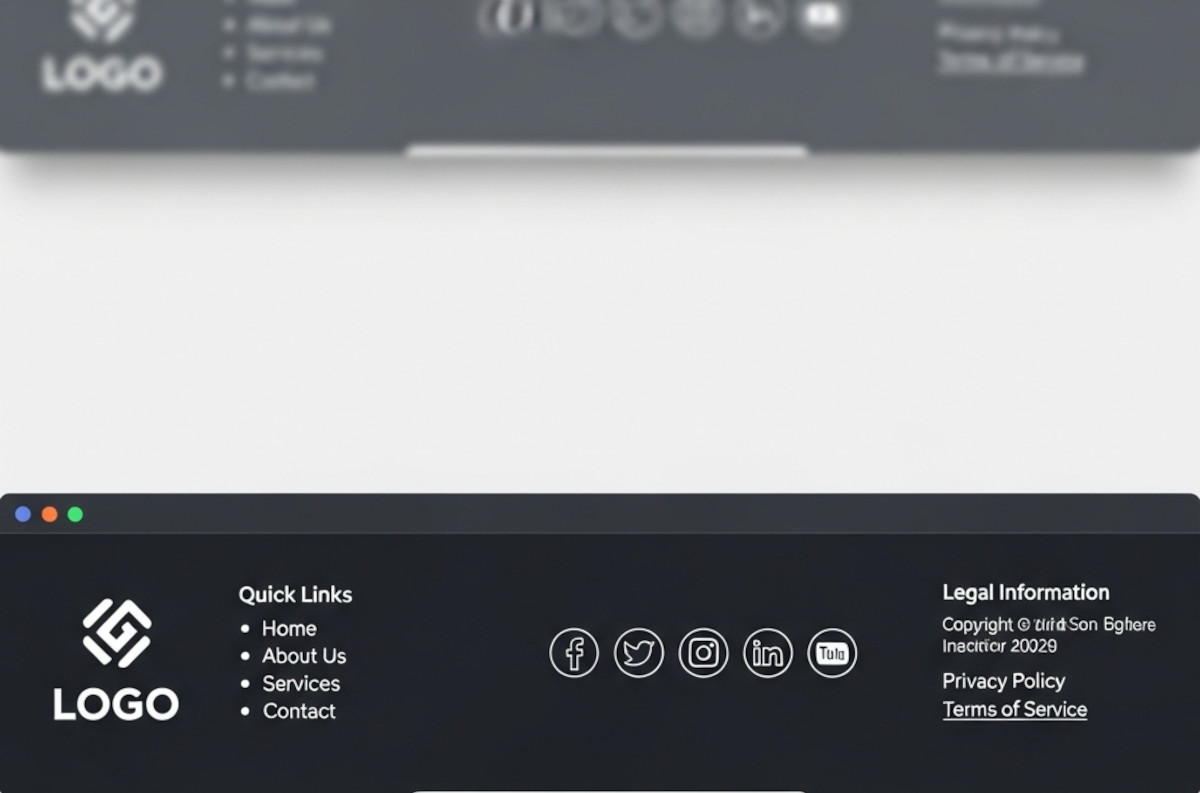
What Makes a Good Website Footer (Yes, You Really Need One)

Ah, the footer. That humble strip at the bottom of your website that most people ignore until they need it - or until they realize their website looks like it stops abruptly, like a book with no last page.
If you’ve ever wondered, “Do I really need a footer? What should even go in there?”, you’re not alone. Let’s break it down.
1. The Basics: What a Footer Is For
Think of your footer as the “everything else” section.
... Continue reading
Posted in Website Design
Tagged avoid clutter, branding, build trust, call to action, contact info, credibility, credibility signals, easy cms, easy navigation, footer, footer design, legal pages, mailing list, mailing list app, newsletter signup, privacy policy, quick links, readable, site organization, social media, social media links, tagline, terms of service, tos, web design tips, website footer, website navigation, website usability
Leave a comment
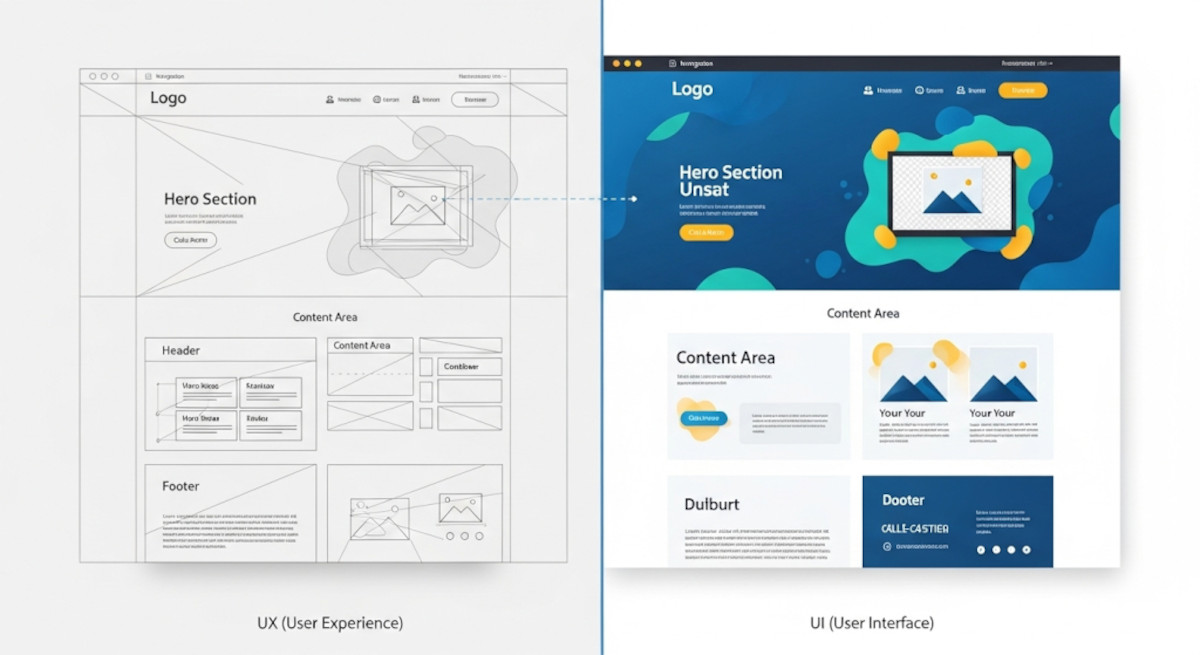
UX vs UI: Understanding the Key Differences in Web Design

When it comes to web design and app development, you’ve probably heard the terms UX and UI thrown around. While they often appear together, they are not the same thing - and understanding the difference is crucial for building a website or app that not only looks great but also works intuitively for users.
What is UX?
UX stands for User Experience. It’s all about how a person feels when interacting with your product. A good UX design ensures
... Continue reading
Posted in Website Design
Tagged colors, easy navigation, fonts, interaction design, typography, ui, usability, user experience, user interface, ux, website design
Leave a comment
Do You Really Need a Website to Start a Business in 2025?

These days, it’s not unusual to see people running businesses entirely through social media. Platforms like Instagram, TikTok, and Facebook make it easy to share products, message customers, and even accept payments.
So if that’s possible, is a website still necessary?
This is something a lot of new entrepreneurs are thinking about. And while there’s no one-size-fits-all answer, there are some key reasons many businesses still choose to build a website - whether it’s on day one or
... Continue reading
Posted in Ask David!, Business, Social Media
Tagged backlnks, bloat, boost ranking, branding, build trust, caching, call to action, cdn, clean coding, clean design, credibility, easy navigation, facebook, fast website, google search engine ranking, headings, high-quality content, instagram, keywords, landing page, mobile friendly, responsive, responsive app, scalable, scalable website builder, search engine optimization, seo, social media, tiktok, website speed
Leave a comment
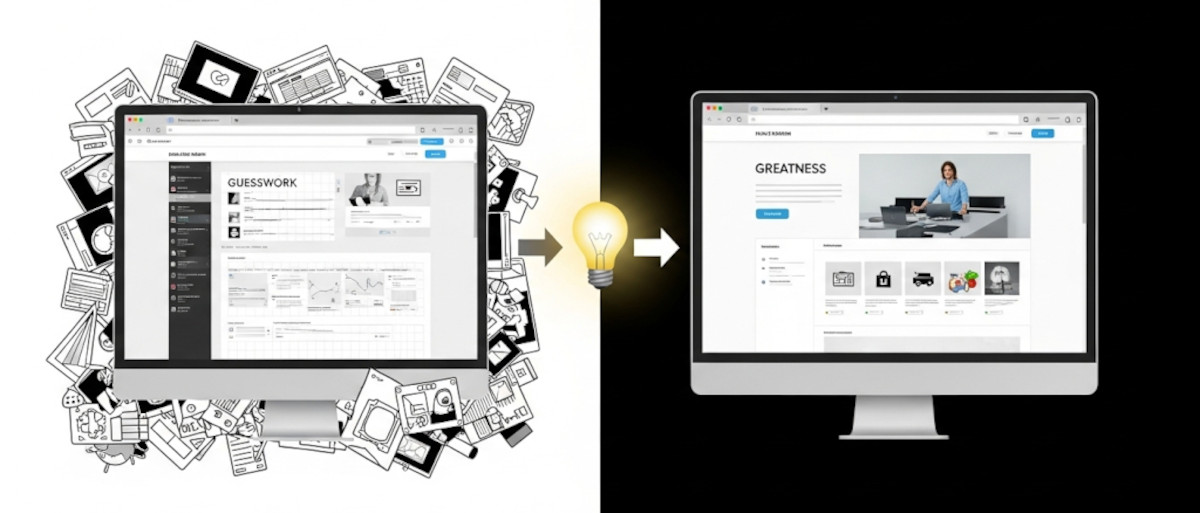
How to Learn Web Design: From Guesswork to Greatness

If you’re just getting started with web design, you might be asking yourself as one “Ask David!” particpant:
Am I just winging it? Are there rules? How do I know if my design actually works - or if it just looks nice?
These are questions almost every new designer has asked, and they’re completely valid. The good news? You don’t have to guess your way through it. While creativity plays a big role, great web design is a craft
... Continue reading
Posted in Ask David!, Website Design
Tagged avoid clutter, behance, branding, call-to-action, clear messaging, clear navigation, color palettes, color psychology, colors, conversions, cta, easy navigation, fast loading times, fast website, flow, fonts, great web design, hierarchy, landing page, learn web design, microinteractions, mobile-friendly, responsive, responsive app, reviews, small animations, social proof, spacing, testimonials, transitions, trust badges, usability, usability testing, user behavior, user experience, ux, web design best practices
Leave a comment
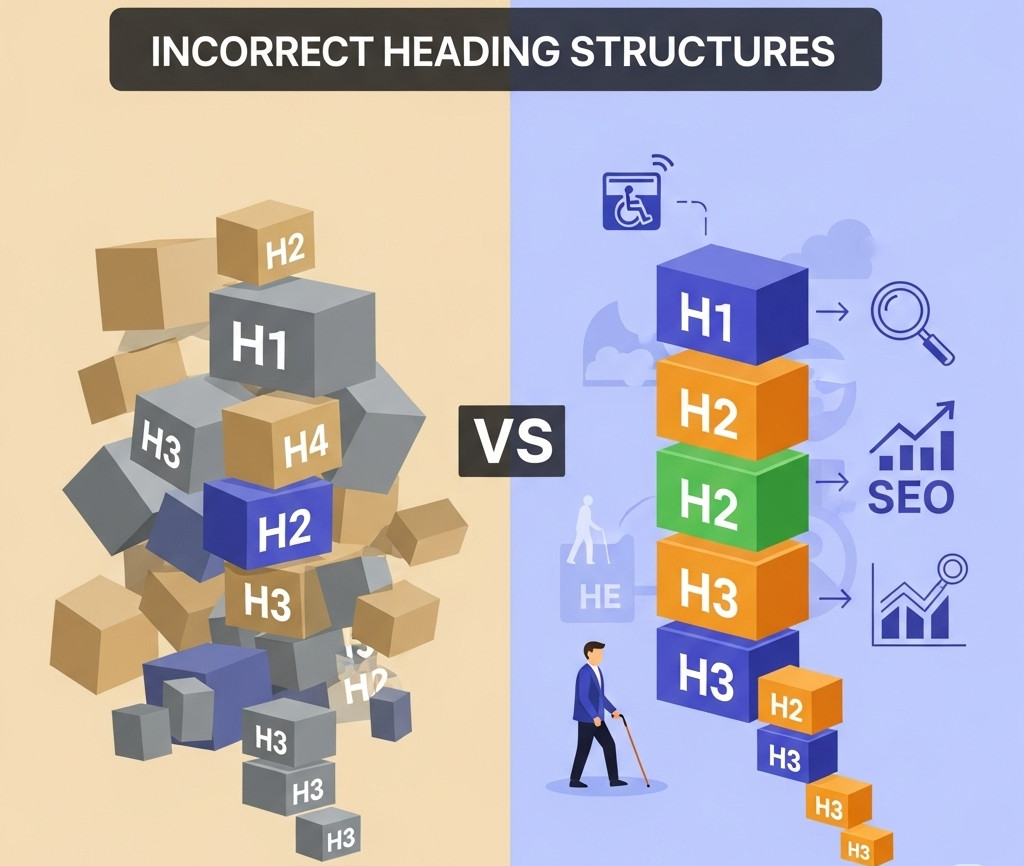
Why an H1 Shouldn’t Come After an H3 – And Why It Matters for SEO and Accessibility

When you're building a website, it's easy to focus on how things look - but how your site is structured under the hood is just as important. One commonly overlooked issue? Incorrect heading order.
We recently came across a website where the first visible heading was an <h3>, and the <h1> appeared after it. While it might not break the layout or cause visible problems, this kind of structure can negatively impact both SEO and accessibility. Here’s why heading
... Continue reading
Posted in Accessibility, Search Engine Optimization (SEO), Website Design
Tagged accessibility, accessibility compliance, assistive technologies, better indexing, clean code, compliance, easy navigation, focus, header, heading, heading order, heading tags, hierarchical structure, hierarchy, indexing, keyword relevance, logical hierarchy, main heading, page quality signals, performance, roadmap, screen readers, search engine optimization, search engine ranking, search engine results, search engines, semantic markers, seo, seo signals, snippets, standards-compliant, subheadings, usability, user experience, visibility, web standards, website structure
Leave a comment