



-
Recent Posts
- Could AI Make Humans Extinct Within the Next Decade?
- Is Weebly Getting Out of the Website-Builder Business?
- Are You “Leaking SEO” by Linking to Other Websites?
- Wix Harmony Is Now in Google Gemini. So Why Are Users Still Complaining?
- When AI Sounds Confident but Gets It Wrong: The Mount Shasta Rescue
- When AI Agents Start Working Together, Who Is Really in Control?
- WPForms and Rank Math: Did These WordPress Plugins Create a Backdoor With Admin Access?
- AI Can Text Your Friends for You. Wait, Who Am I Talking To?
- Bill Gates Is Betting on AI to Help Healthcare – While Warning About What AI Could Do to Jobs
- Wix Says AI Website Owners Should Care About Portability. There’s Just One Problem.
- WordPress 7.1 Broke WP Rocket: The Fatal Error and the Plugin Problem
- WordPress vs. UltimateWB for an Artist Website: Which Should You Choose?
- Thinking About Switching From WordPress? What Should You Consider Before You Move?
- The Airtable Acquisition Raises a Bigger Question: Do You Really Own the Software Your Business Runs On?
- How to Use Google Search Console’s New Generative AI Data to Improve Your SEO
- How to Update the Same Website Content on Multiple Pages at Once
- Discovered vs. Crawled Not Indexed in Google Search Console: What’s the Difference and How to Fix Each
- The Small Business Guide to Auditing Google Ads and Website Costs
Categories
Tag Archives: website usability
How to Make Your FAQ Section More Engaging for Users

FAQs are a staple of websites - they help answer common questions quickly and reduce customer support requests. But if your FAQ section feels like a long, impersonal list, visitors may skim past it or leave your site looking for clearer guidance.
Here’s how to make your FAQs more engaging and user-friendly:
1. Use a Conversational Tone
Instead of formal or robotic responses, write answers as if you’re speaking directly to the visitor. This makes the information more approachable and
... Continue reading
Posted in Web Content
Tagged build trust, customer support tips, engaging FAQs, faq, FAQ best practices, FAQ design, FAQ layout, FAQ section ideas, frequently asked questions, improving FAQs, interactive FAQ, search engine optimization, seo, trust, user experience, UX tips, value, web design tips, website design, website FAQs, website tips, website usability
Leave a comment
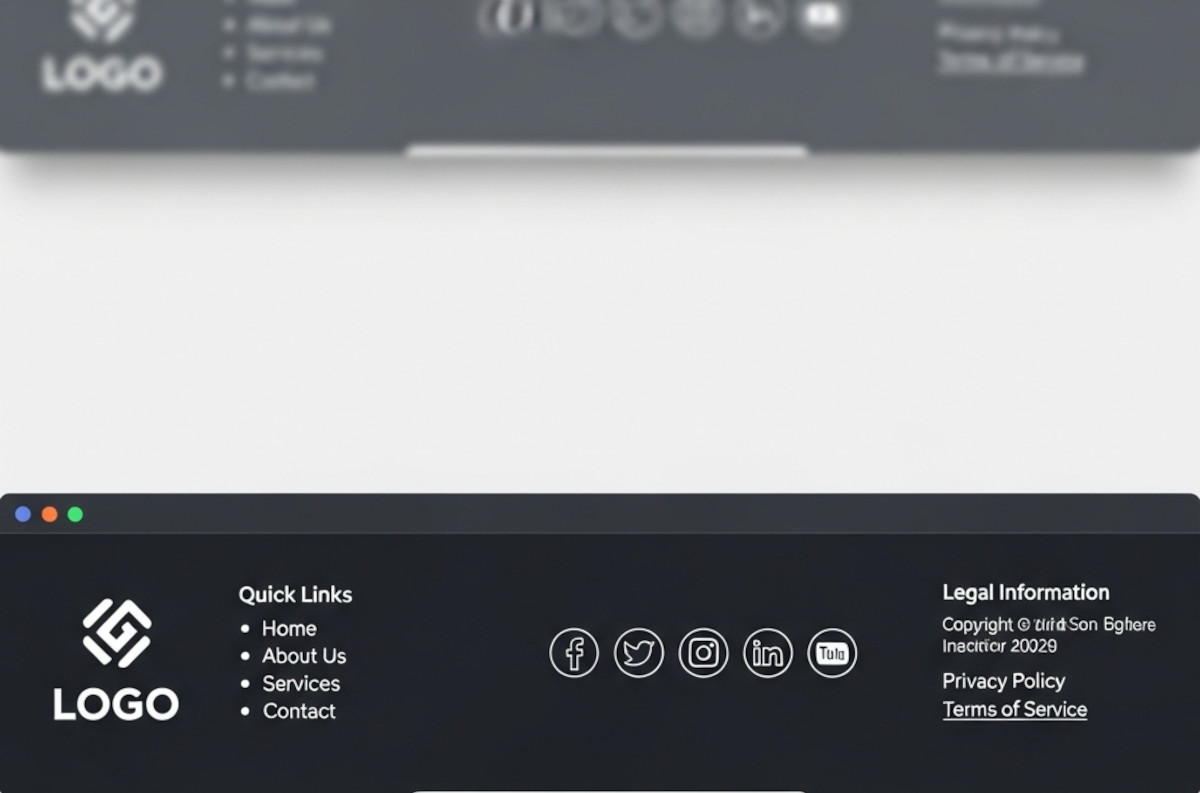
What Makes a Good Website Footer (Yes, You Really Need One)

Ah, the footer. That humble strip at the bottom of your website that most people ignore until they need it - or until they realize their website looks like it stops abruptly, like a book with no last page.
If you’ve ever wondered, “Do I really need a footer? What should even go in there?”, you’re not alone. Let’s break it down.
1. The Basics: What a Footer Is For
Think of your footer as the “everything else” section.
... Continue reading
Posted in Website Design
Tagged avoid clutter, branding, build trust, call to action, contact info, credibility, credibility signals, easy cms, easy navigation, footer, footer design, legal pages, mailing list, mailing list app, newsletter signup, privacy policy, quick links, readable, site organization, social media, social media links, tagline, terms of service, tos, web design tips, website footer, website navigation, website usability
Leave a comment
Blocking Copy/Paste or Right-Click: Will It Hurt SEO or Just Frustrate Users?

Many website owners consider preventing visitors from copying content or using right/left mouse clicks. At first glance, it seems like a way to protect your work - but is it worth it? Is it a good idea? And could it hurt your SEO or the user experience on your website?
How Search Engines See Your Content
Google and other search engines don’t care if visitors can copy your text or right-click on your pages. Crawlers read your HTML source code,
... Continue reading
Posted in Ask David!, Search Engine Optimization (SEO)
Tagged accessibility, batch watermarking, block copy paste, bounce rate, canonical tags, content protection, copyscape, duplicate content, engagement, html, indexable, right-click disable, search engine optimization, seo, SEO impact, usability, user experience, user-friemdly, view page source, watermark, watermarking tool, website usability, website visitors
Leave a comment