






-
Recent Posts
- “My Partner Wants to Use WordPress Because 50% of the Web Uses It. Help!”
- Does EmDash Solve WordPress’s Problems, or Do You Need UltimateWB?
- How Not to Use AI: Stanford University Can Tell You
- Best Website Builder for SEO: WordPress vs. Wix vs. UltimateWB
- How to Make Sure Your Website Colors Have Enough Contrast for Accessibility
- Mobile-Friendly Website Checklist: 20 Things to Check
- Beehiiv Website Builder Review: The Problem Isn’t the Design – It’s the Lack of Control
- Elementor’s “Angie” AI Is More Than Bloat: Credits, Subscriptions, and a Growing Platform Problem
- How to Pass Google Business Profile Video Verification for Service Businesses
- The Great Deskilling: Why AI Dependence is Turning Developers into Prompt Babysitters
- The Three-Month Fuse: The Everest Forms Pro Attack and Why a Patched Plugin Can Still Put Websites at Risk
- Computer Screen Has Black Bars on the Sides: How to Fix It
- Could AI Make Humans Extinct Within the Next Decade?
- Is Weebly Getting Out of the Website-Builder Business?
- Are You “Leaking SEO” by Linking to Other Websites?
- Wix Harmony Is Now in Google Gemini. So Why Are Users Still Complaining?
- When AI Sounds Confident but Gets It Wrong: The Mount Shasta Rescue
- When AI Agents Start Working Together, Who Is Really in Control?
Categories
Tag Archives: broken links
Why Have My Indexed Pages on Google Decreased? (Real Causes + Fixes Most Sites Miss)

Seeing your indexed pages drop in Google can feel like your website is quietly disappearing.
One day everything looks stable… the next, your index count is down - and you’re left wondering if your rankings are about to follow.
If you’re asking “Why have my indexed pages on Google decreased?”, here’s the reality:
This is common - but it’s not random.
Google doesn’t just “lose” pages. When your indexed count drops, it’s almost always the result of a decision
... Continue reading
Posted in Ask David!, Search Engine Optimization (SEO)
Tagged broken links, cannibalization, canonicalization, crawl efficiency, crawlability, crawled, disallow, duplicate content, engagement, google search engine ranking, indexed pages, indexing, internal links, keywords, noindex, noindex tags, not indexed, redirect chains, redirect loops, redirect url, relevance, reliability, robots.txt, search engine optimization, seo, sitemap, slow website, target keywords, thin pages, trust, user intent, wasted crawl budget
Leave a comment
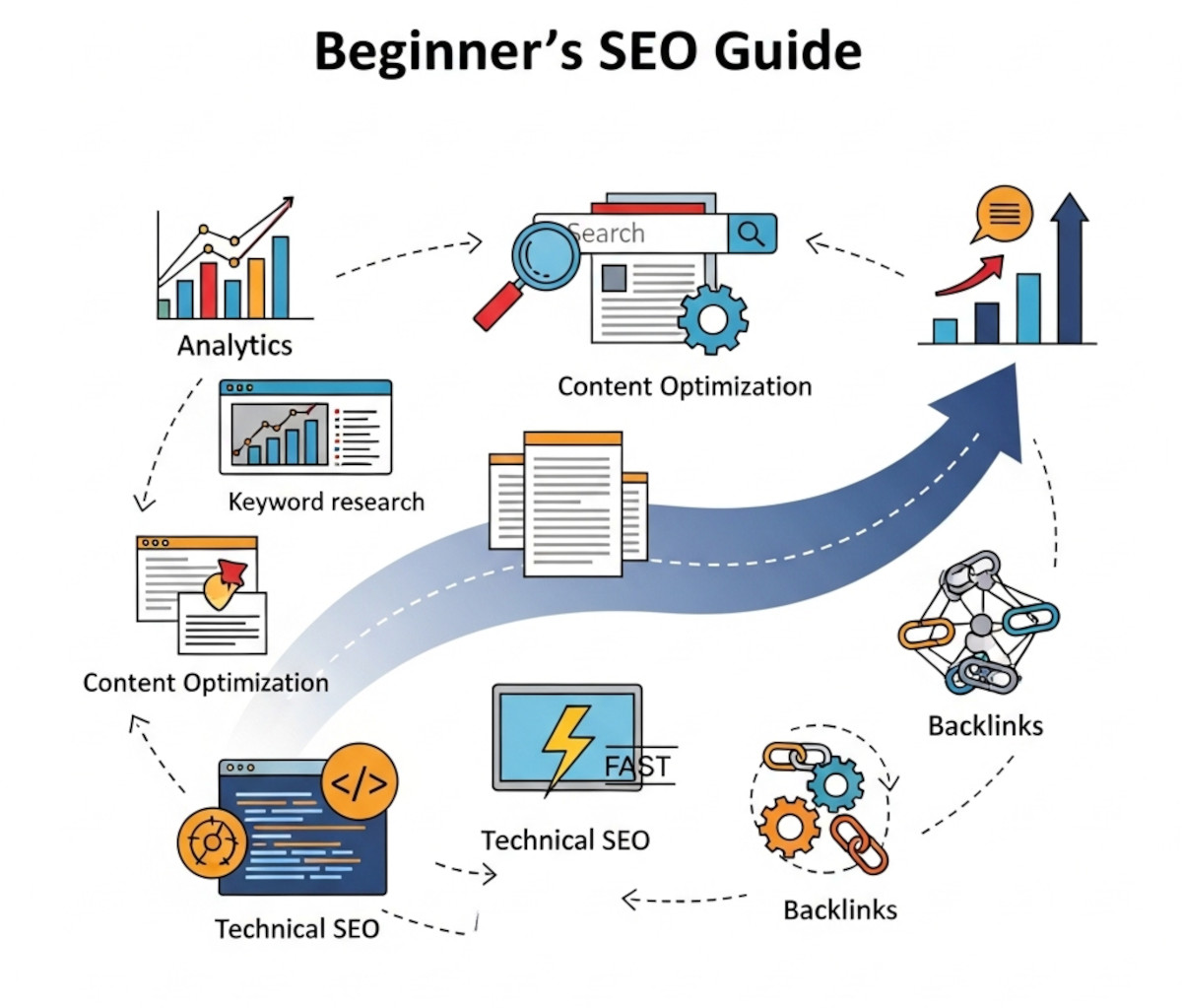
Beginner’s SEO Guide: Step-by-Step Process to Promote Your Business Online

Step 1: Set Up Website Analytics and Tracking
- Why? To understand who visits your site, where they come from, and how they interact with your pages.
- How?
- Create a Google Analytics account and install the tracking code on your website.
- Set up Google Search Console to monitor your website’s presence in Google search results and detect any issues.
Follow these Guides:
... Continue reading
Posted in Search Engine Optimization (SEO)
Tagged ahrefs, alt tag, alt text, authority, backlinks, bloat, bounce rate, broken links, clean code, compress images, conversions, drive traffic, fast load times, fast website, fresh content, google analytics, Google Business Profile, google keyword planner, Google Search Console, headers, headings, https, keyword research, keyword stuffing, lazy-load images, long-tail keywords, meta description, mobile-friendly, plugins, ranking factor, redirect, redirect url, responsive, responsive app, search engine optimization, search engine ranking, secure, seo, short-tail keywords, sitemap generator, sitempa, target audience, target keywords, technical seo, title, tracking, trust, trustworthy, ubersuggest, user experience, webp converter, website analytics, website visitors, xml
Leave a comment
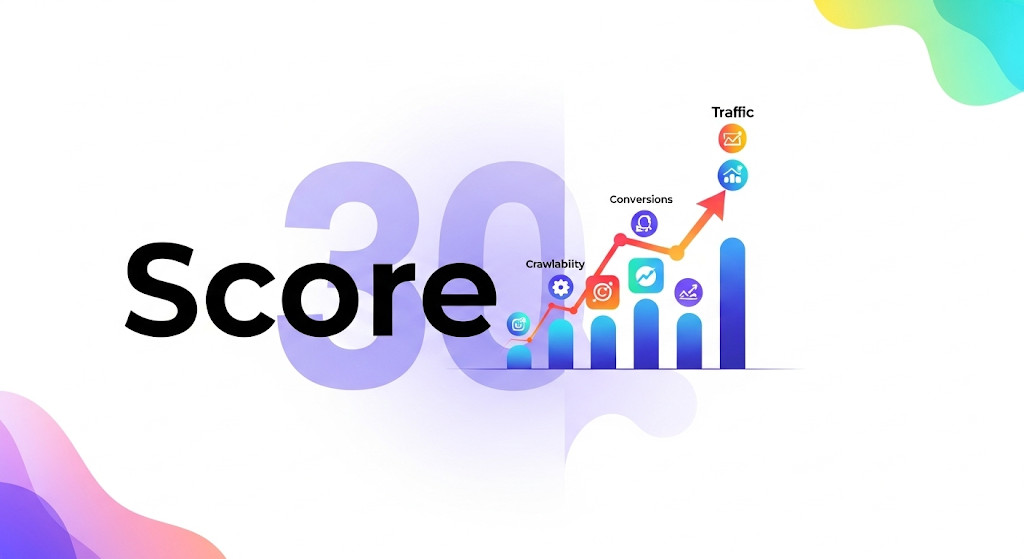
How Relevant Is the Ahrefs Health Score? What Actually Matters for SEO

If you’ve ever run an Ahrefs site audit and been hit with a low Health Score, it might feel like something’s seriously wrong. But is it?
Let’s be clear: the Ahrefs Health Score is not a ranking signal. It doesn’t reflect your traffic, search visibility, or how well your site actually performs in Google. What it does measure is how many technical issues Ahrefs finds based on its checklist.
And many of those issues? They’re not always critical.
What
... Continue reading
Posted in Search Engine Optimization (SEO)
Tagged ahrefs, Ahrefs Health Score, ahrefs site audit, alt tags, alt text, broken links, conversions, crawl errors, fast loading times, headings, meta description, ranking signal, redirect chains, search engine optimization, seo, seo tips, seo tools, technical issues, technical seo, title tags, UltimateWB SEO, Website Audit, Website Builder SEO, website optimization
Leave a comment
Does Google have a 410 redirect budget?

The concept of a fixed "410 redirect budget" for websites is not a formally defined term by Google. However, the number of 410 (Gone) responses in your .htaccess file can indirectly impact your website's SEO in a few ways:
- Crawl Budget: While not a strict budget, search engines like Google have a finite amount of resources to crawl and index your website. Excessive 410 responses can signal to the search engine that these pages are no longer relevant, potentially diverting
Posted in Ask David!, Search Engine Optimization (SEO), Website Design
Tagged 410 redirect, bloat, bounce rate, broken links, duplicate content, fast loading times, high-quality content, htaccess, redirect, search engine optimization, search engine ranking, seo, slow website, technical seo, user engagement, user experience, website health
Leave a comment
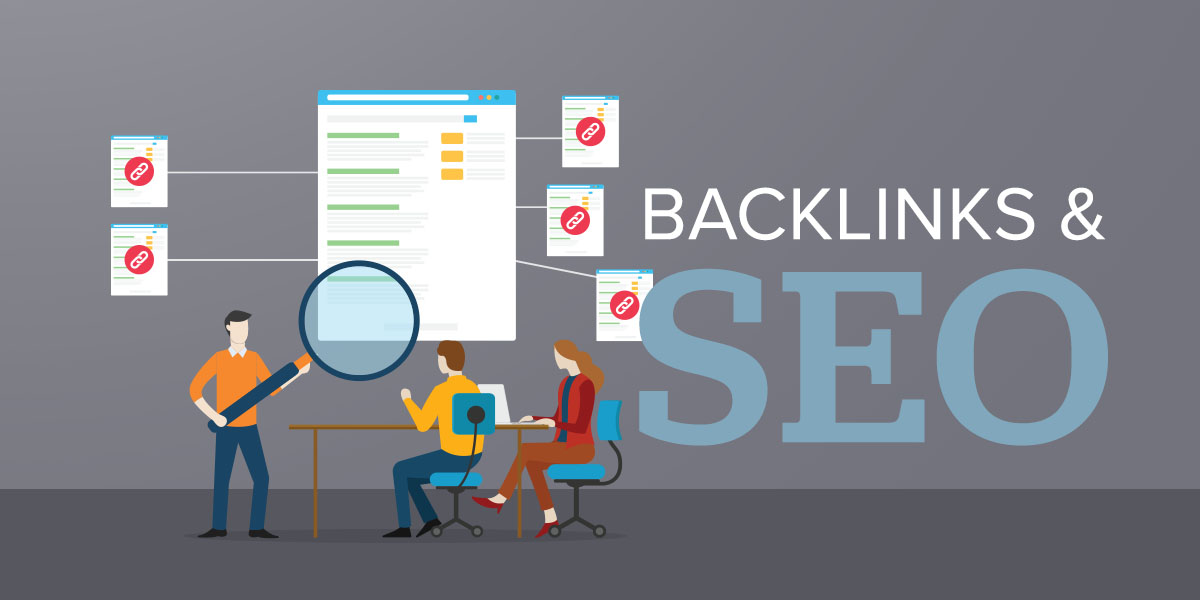
What is the best strategy to get high-quality SEO backlinks?

Crafting a Robust Backlink Strategy for SEO Success
A strong backlink profile is a cornerstone of effective SEO. Here are some of the most effective strategies to acquire high-quality backlinks:
1. Create Exceptional, Shareable Content:
- High-Quality Content: Develop informative, engaging, and visually appealing content that solves a problem or provides unique value.
- Data-Driven Content: Incorporate original research, statistics, or data visualizations to attract attention and backlinks.
- Interactive Content: Use interactive elements like quizzes, calculators, or
Posted in Ask David!, Search Engine Optimization (SEO)
Tagged anchor text, backlinks, black-hat tactics, broken link building, broken links, domain authority, engagement, guest posting, high-quality content, interactive, interactive elements, monitor backlinks, natural link placement, organic traffic, polls, resource pages, search engine optimization, seo, social sharing, surveys, white hat strategy
Leave a comment
10 Top Ways to Build Quality Backlinks

“Ask David!” question: "How can I get more backlinks to my website?"
Backlinks are crucial for improving your website's search engine ranking. They act as votes of confidence, indicating to search engines that your content is valuable and relevant. While there are numerous strategies to acquire backlinks, leveraging specific websites can significantly boost your backlink profile. Here are some of the top websites to consider:
1. HARO (Help a Reporter Out)
While HARO is shutting down soon, it's worth
... Continue reading
Posted in Ask David!, Search Engine Optimization (SEO)
Tagged backlink profile, backlinks, blogs, broken links, build backlinks, communities, drive traffic, email outreach, email pitch, facebook, forums, guest posting, HARO, help a reporter out, high-quality content, journofinder, link directories, linkedin, monitor backlinks, natural link building, niche, organic traffic, quora, reddit, resource pages, search engine optimization, search engine ranking, seo, share expertise, social media, source of sources, twitter, web directories, x
Leave a comment
How to Keep Bounce Rate in Check? Tips for a Successful Website

Bounce rate, the percentage of visitors who leave your website after viewing only one page, is a crucial metric for website success. A high bounce rate can indicate that your content isn't engaging or relevant to your target audience. Here are some tips to help you keep your bounce rate in check:
1. Optimize Page Load Speed
- Compress images: Reduce file sizes to speed up loading times.
- Minify CSS and JavaScript: Remove unnecessary characters to optimize code. If you use
Posted in Ask David!, Website Design, Website Traffic
Tagged a/b testing, bloat, bounce rate, branding, broken links, browser caching, call to action, cdn, clean code, clear navigation, compress images, consistent branding, easy navigation, fast loading times, fast website builder, google analytics, Google Search Console, high-quality content, htaccess, https, internal linking, intuitive layout, keyword research, meta descriptions, minify css, minify javascript, minimize redirects, mobile friendly, page load speed, responsive, responsive app, search engine optimization, search engine ranking, seo, server errors, ssl, strong visuals, successful, target keywords, touchscreens, user testing
Leave a comment
Descriptive Link Text: A Guide to Accessibility

In the digital age, links are an essential part of navigating the web. However, for individuals with visual impairments or disabilities that affect their ability to read or understand text, links can pose a significant challenge. Descriptive link text plays a crucial role in ensuring that websites are accessible to all users.
What is Descriptive Link Text?
Descriptive link text is clear, concise, and informative text that accurately describes
... Continue reading
Posted in Accessibility, Website Design
Tagged accessibility, action verbs, avoid redundancy, be specific, broken links, click here, concise, context, descriptive link text, informative, link formatting, link text, screen reader accessibility, screen readers, search engine optimization, seo, user experience, user-friendly
Leave a comment
Top 10 Mistakes That Make Your Website Look Unprofessional

A well-designed website is essential for establishing credibility and attracting customers. However, common mistakes can quickly undermine your professional image. Here are the top 10 pitfalls to avoid:
1. Poor Visual Design:
- Outdated or inconsistent design: Ensure your website's aesthetics are modern and cohesive.
- Low-quality images: Use high-resolution images to avoid pixelation and blurriness.
- Excessive clutter: Keep your layout clean and uncluttered for easy navigation.
2. Slow Loading Times:
- Optimize images: Compress images to reduce file size.
- Minimize code: Remove
Posted in Website Design
Tagged broken links, call to action, clutter, contact information, cta, fast loading times, fast web host, font sizes, font styles, high-quality content, high-quality images, high-quality photos, inconsistent typography, minimize code, mobile friendly, modern, optimize images, outdated, responisve, responsive app, typography, unprofessional, user experience, user friendly, visual design, web design mistakes
Leave a comment
How can you make an old website more visible on Google using SEO techniques?

Here are some SEO techniques that you can use to make an old website more visible on Google:
Update your content regularly.
Google likes to see fresh content, so it's important to update your website's content on a regular basis. This could involve adding new blog posts, articles, or product pages, or updating existing content to make it more accurate or informative. It's easy to do with the UltimateWB CMS.
Optimize your titles and meta descriptions.
Your titles
... Continue reading
Posted in Ask David!, Search Engine Optimization (SEO), Website Traffic
Tagged backlinks, broken links, fast loading times, google search console., keywords, meta data, meta description, outdated content, search engine optimization, seo, seo tips, target keywords, title, update content, website speed, website traffic
Leave a comment