



-
Recent Posts
- Could AI Make Humans Extinct Within the Next Decade?
- Is Weebly Getting Out of the Website-Builder Business?
- Are You “Leaking SEO” by Linking to Other Websites?
- Wix Harmony Is Now in Google Gemini. So Why Are Users Still Complaining?
- When AI Sounds Confident but Gets It Wrong: The Mount Shasta Rescue
- When AI Agents Start Working Together, Who Is Really in Control?
- WPForms and Rank Math: Did These WordPress Plugins Create a Backdoor With Admin Access?
- AI Can Text Your Friends for You. Wait, Who Am I Talking To?
- Bill Gates Is Betting on AI to Help Healthcare – While Warning About What AI Could Do to Jobs
- Wix Says AI Website Owners Should Care About Portability. There’s Just One Problem.
- WordPress 7.1 Broke WP Rocket: The Fatal Error and the Plugin Problem
- WordPress vs. UltimateWB for an Artist Website: Which Should You Choose?
- Thinking About Switching From WordPress? What Should You Consider Before You Move?
- The Airtable Acquisition Raises a Bigger Question: Do You Really Own the Software Your Business Runs On?
- How to Use Google Search Console’s New Generative AI Data to Improve Your SEO
- How to Update the Same Website Content on Multiple Pages at Once
- Discovered vs. Crawled Not Indexed in Google Search Console: What’s the Difference and How to Fix Each
- The Small Business Guide to Auditing Google Ads and Website Costs
Categories
Tag Archives: wordpress vulnerabilities
The Latest WordPress Core Exploit (wp2shell) and Why Forced Updates Break Websites

One of the biggest promises of WordPress is automatic security updates. When a critical vulnerability is discovered, millions of sites can be patched automatically without site owners having to lift a finger.
But when those background updates unexpectedly break active websites, that convenience quickly becomes a liability.
That is exactly what unfolded following the recently disclosed wp2shell vulnerability chain.
While issuing rapid patches was the right decision from a security standpoint, the automated push inevitably triggered unexpected compatibility crashes, fatal
... Continue reading
Posted in Compare Website Builders, Website Security
Tagged Allowed memory size exhausted, automatic security updates, broken wordpress website, cache, cdn, fatal errors, forced updates, max_execution_time, memory_limit, mysql, php, plugin, sql, sql injection, third-party plugins, WordPress, wordpress bugs, wordpress core, wordpress core exploit, wordpress core vulnerability, wordpress hacked, WordPress REST API, wordpress vulnerabilities, wp2shell
Leave a comment
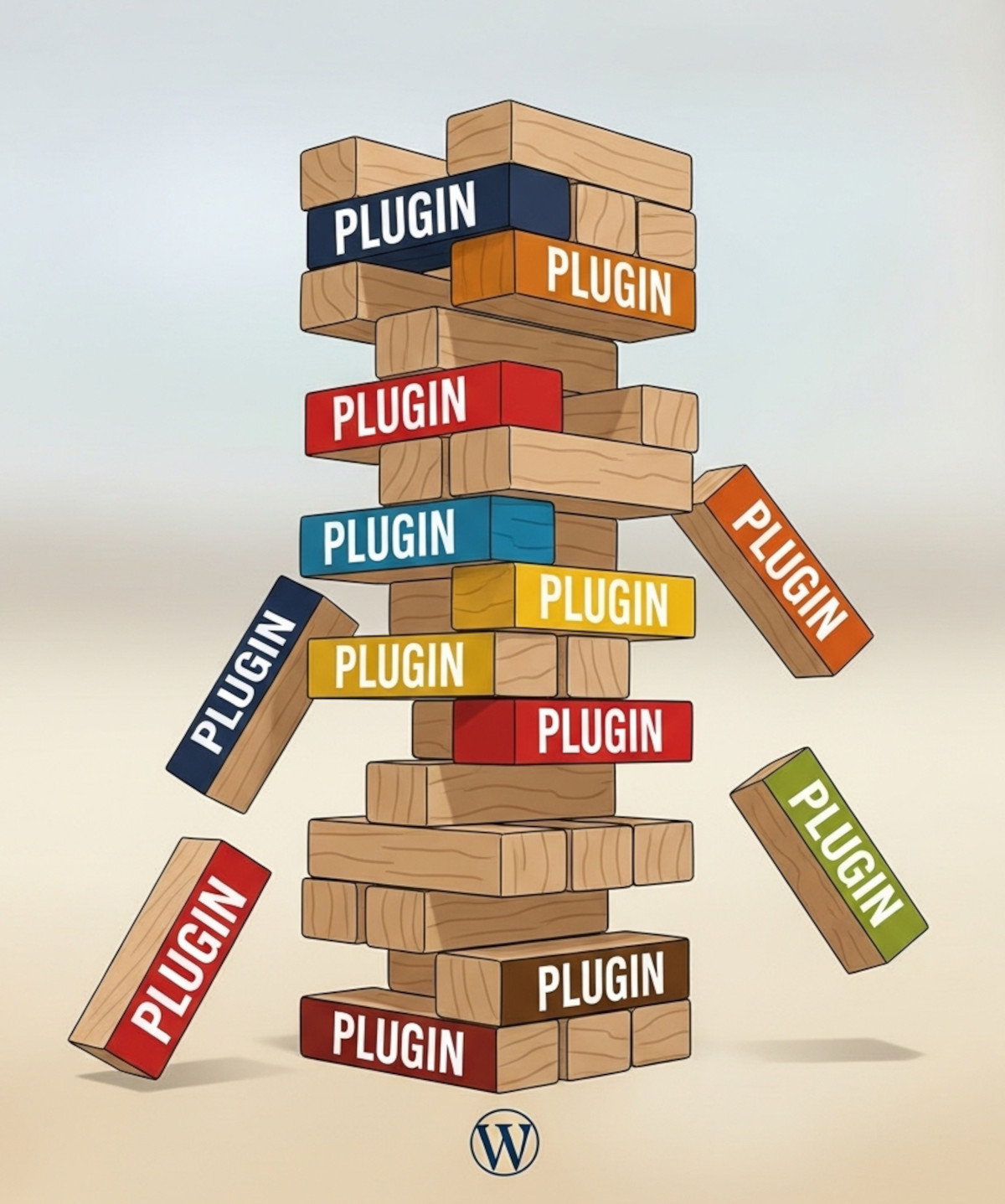
Why Relying on WordPress Plugins Can Backfire (And How to Avoid It)

Many people choose WordPress because they think “you own it” and can do whatever you want. While WordPress does offer flexibility, there’s a hidden risk: relying heavily on third-party plugins.
Plugins can add powerful functionality to your WordPress website - forums, SEO tools, sliders, analytics - but they’re maintained by independent developers. That means your site’s features and stability are dependent on someone else’s decisions. And history shows this can lead to real problems.
Real-Life Examples of Plugins That
... Continue reading
Posted in Compare Website Builders
Tagged abandoned plugins, all-in-one, easy maintenance, forum plugins, plugin risks, plugin vulnerabilities, security risks, security vulnerabilities, SEO plugins, site maintenance, third-party plugins, UltimateWB vs WordPress, website builder, website maintenance, website security, WordPress, wordpress plugins, wordpress vulnerabilities
Leave a comment
Why Avoiding Third-Party Plugins Makes Your Website Faster, Safer, and Easier to Manage

Many website builders - like WordPress, Shopify, and Wix - rely heavily on third-party plugins to add features and functionality. While plugins can be convenient, they often come with trade-offs in speed, security, and maintenance, which can frustrate users and hold back your website’s performance. Here’s why choosing a plugin-free platform like UltimateWB gives you an edge.
1. Plugins Can Slow Your Website Down
Every plugin adds extra code, scripts, and server requests, which increases page
... Continue reading
Posted in Compare Website Builders, Search Engine Optimization (SEO), Website Design, Website Security
Tagged bloat, clean code, easy updates, fast load times, fast website, hacked, platform architecture, plugin vulnerabilities, plugin-free websites, plugins, search engine optimization, security risks, seo, SEO performance, Shopify, third party plugins, third-party plugins, user experience, web development best practices, web performance, website builder, website builders, website maintenance, website management, website performance, website reliability, website security, website speed, website speed optimization, Wix, WordPress, wordpress vulnerabilities
Leave a comment
What are the most common WordPress vulnerabilities?

WordPress, although widely used, is not particularly easy or user-friendly and can be susceptible to various security vulnerabilities. Here are some of the most common ones:
Weak Passwords and Login Credentials:
This tops the list because it applies not just to WordPress but to any online system. Hackers can easily exploit weak passwords through brute-force attacks.
Outdated Software, Plugins, and Themes:
Outdated software often contains known vulnerabilities that hackers can exploit. Regularly updating WordPress core, themes, and plugins is crucial.