


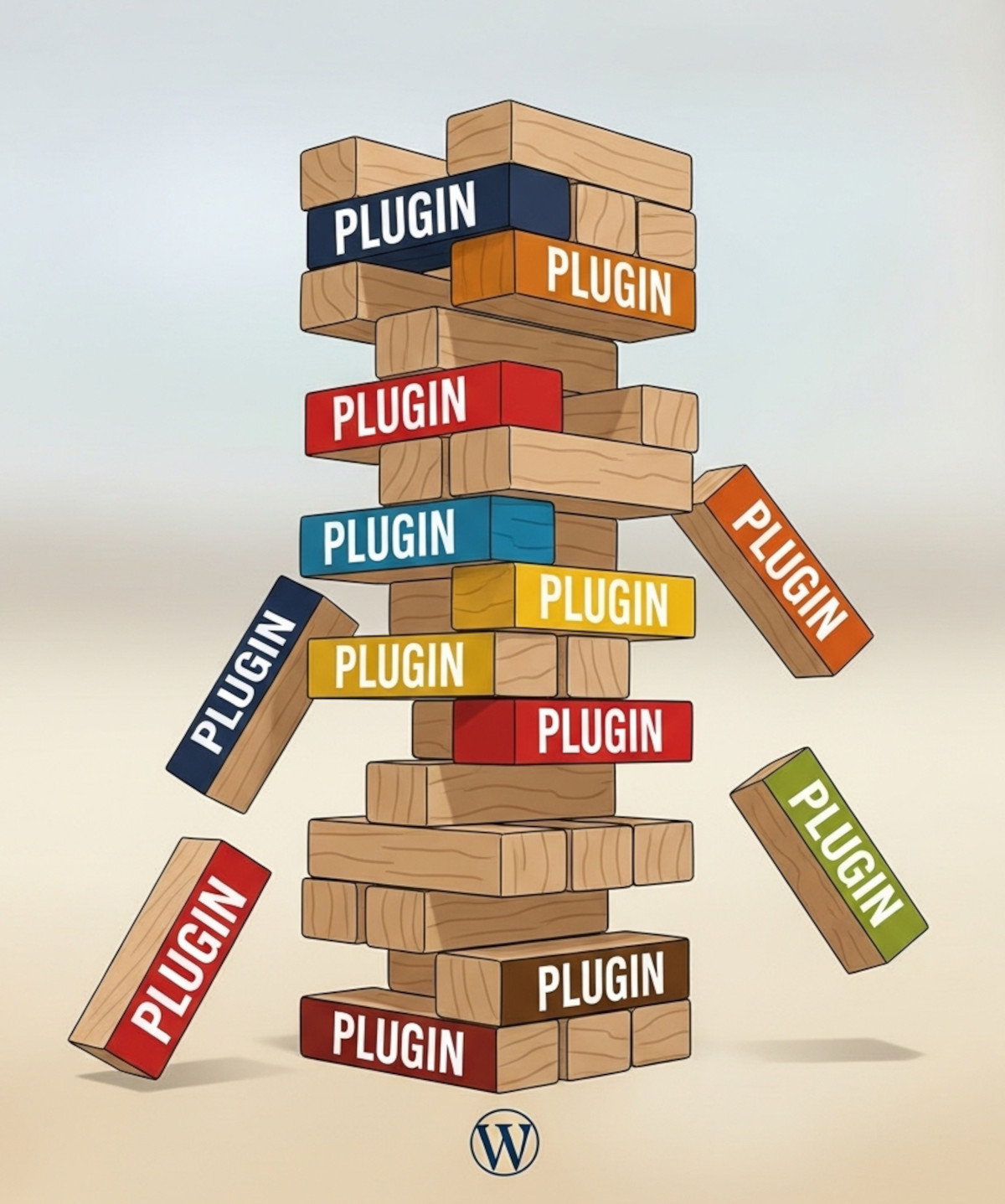
Many people choose WordPress because they think “you own it” and can do whatever you want. And WordPress does offer a lot of flexibility. But there’s a hidden side to that flexibility: relying heavily on third-party plugins.
Plugins can add powerful functionality to your WordPress website, including forums, SEO tools, sliders, analytics, galleries, forms, and more. But those plugins are maintained by independent developers. That means your website’s features and stability can become dependent on someone else’s decisions.
And while you may want the power and flexibility that WordPress offers, you don’t necessarily have to take on a long list of third-party plugins and everything that comes with managing them to get it. There are easier ways to build a powerful, flexible website without taking on all those extra dependencies.
So, what can actually happen when your website relies heavily on third-party WordPress plugins? Here are some real-world examples.
Real-Life Examples of WordPress Plugins That Caused Issues
Here are some concrete examples where WordPress users ran into problems with plugins:
WP Symposium (Forum plugin) – No longer supported. Sites that depended on it had to migrate or risk continuing to run an unsupported forum plugin.
bbPress & BuddyPress (Forum/Community plugins) – Free plugins, but they still require ongoing updates and compatibility with newer WordPress versions. Older versions can become problematic as WordPress and other components change.
ExactMetrics (formerly Google Analytics Dashboard for WP) – The plugin was acquired and rebranded as ExactMetrics, and its business model changed from being entirely free to offering a premium version for additional reports and functionality. Users had to upgrade to the paid version to regain functionality they previously had for free, such as eCommerce tracking and Contact Form/Gravity Forms tracking.
The 2026 Kadence WP Corporate Takeover – The acquisition and consolidation involving Kadence WP and Liquid Web is another example of how the direction of a WordPress product can change when ownership changes. For websites that rely on a particular product or ecosystem, changes in ownership can mean changes in development, pricing, features, or support.
Revolution Slider (Slider Revolution) – Older versions had serious security vulnerabilities. Sites that did not update were exposed to those vulnerabilities.
Yoast SEO – Features such as internal linking suggestions are part of Yoast SEO Premium, along with additional functionality related to internal linking and cornerstone content. A website relying on those capabilities therefore depends not only on the plugin, but also on which features are included in the version it is using.
All in One SEO (AIOSEO) – The free and paid versions have different feature sets, with certain advanced SEO capabilities available only through paid plans. This is another example of how functionality a website relies on can become tied to a premium version.
Jetpack – Several Jetpack modules and features have been deprecated or removed over time. If your website relies on a particular module, changes to the plugin can mean having to find another way to provide that functionality.
NextGEN Gallery – Some gallery functionality is available only through paid versions, meaning website owners may need to upgrade when the functionality they want is not included in the free version.
Envira Gallery – The plugin has both free and paid feature sets, with some advanced gallery functionality restricted to paid plans.
WooCommerce extensions – Many third-party WooCommerce extensions require paid licenses or recurring subscriptions for updates and support. If an online store depends on several extensions, those ongoing costs can add up.
WPForms / Gravity Forms – Form plugins can change functionality, settings, and available features as they are updated. A website that depends on a particular plugin configuration can therefore be affected when the plugin changes.
TablePress – TablePress has retired separate extensions over time, and some of the functionality provided by those extensions has been integrated into its premium plans. In some cases, sites using retired extensions have had to upgrade or give up the affected functionality.
Akismet Anti-Spam – Akismet distinguishes between personal and commercial use. Commercial websites need a paid plan for spam protection, creating an ongoing cost for websites that rely on the service.
These examples illustrate different types of plugin dependency: a plugin can become unsupported, develop security problems, change ownership, change its pricing model, move functionality into a premium version, retire an extension, or change how a feature works.
Even if you “own” a plugin, you’re not guaranteed ongoing functionality, security, or features. The developer controls the plugin’s development and future direction.
For more on the broader question of what it really means to own a WordPress website, read: Do you really own your WordPress website?
When WordPress Plugins Create Security Risks
We’ve covered many WordPress plugin security issues. Here are a few that show just how serious the risks can be when your website relies on third-party plugins:
The WordPress Backdoor Scandal: Why 30+ “Trusted” Plugins Just Turned Malicious
More than 30 trusted WordPress plugins were compromised with malicious code, putting websites that relied on them at risk.
Over 1.6 Million WordPress Sites Hit: The OptinMonster and ShapedPlugin Supply Chain Attacks
Two major supply-chain attacks affected more than 1.6 million WordPress sites, showing how problems at third-party software providers can affect large numbers of websites.
Security plugins can’t always protect your WordPress website: The Hidden Cost of WordPress Security: Why Security Plugins Aren’t the Whole Answer
Installing a security plugin doesn’t eliminate the security risks that can come with WordPress and the third-party components a website relies on.
Is WooCommerce Safe? Drawbacks and Security Risks You Should Know
Running an online store with WooCommerce brings its own security considerations, particularly when your store relies on additional extensions and third-party components.
How to Avoid WordPress Plugin Headaches
The easiest way to reduce these risks is to use a website platform where essential features are built in, rather than having to add them through a collection of third-party plugins.
With more functionality built into the platform, you can:
- Stay in control – You’re not relying on a separate developer for every essential feature.
- Reduce security risks – You have fewer third-party plugins to keep updated and monitor for vulnerabilities.
- Simplify maintenance – You have fewer separate plugins and compatibility issues to manage.
- Protect your investment – You’re less likely to suddenly need another paid plugin or subscription for functionality your website already depends on.
UltimateWB takes this all-in-one approach. Forums, SEO tools, analytics, galleries, forms, e-commerce, memberships, articles, mailing lists, file uploads, and many other features are built into the website builder.
That means you can still build a flexible website with the functionality you need, without having to assemble and maintain a long list of third-party plugins to get there.
If you’re considering an all-in-one website builder, there’s also more to evaluate than simply how many features are included. Performance, scalability, maintenance, and how those features are built into the platform are all worth considering:
How to Evaluate All-in-One Website Builders? Features, Performance, Scalability, Maintenance
Related: Why Avoiding Third-Party Plugins Makes Your Website Faster, Safer, and Easier to Manage
Think uninstalling a plugin makes the problem disappear? Not necessarily. Read: Do WordPress plugins sometimes leave stuff on your website after uninstalling the plugin?
Choose Built-In Stability Over Third-Party Risks
The issues above don’t stop with security, compatibility, pricing, or whether a plugin continues to provide the functionality you need. There’s another cost that comes with having a long list of separate plugins: more maintenance.
Every additional plugin is another component to update, monitor, test, and potentially troubleshoot. And WordPress itself also continues to change, which can create another layer of maintenance when updates affect plugins, themes, or website functionality.
We’ve covered some of these maintenance issues in more detail:
The Latest WordPress Core Exploit (wp2shell) and Why Forced Updates Break Websites
How WordPress Updates Broke This Website Design (And How UltimateWB Solved It)
And reducing maintenance isn’t just about avoiding problems. It’s also about how easy the website builder is to use and manage:
What Makes UltimateWB Easier to Use Than WordPress?
How to Find a Website Builder with Low Maintenance Requirements
Ready to design & build your own website, without a need for third-party plugins? Learn more about UltimateWB! We also offer web design packages if you would like your website designed and built for you.
Got a techy/website question? Whether it’s about UltimateWB or another website builder, web hosting, or other aspects of websites, just send in your question in the “Ask David!” form. We will email you when the answer is posted on the UltimateWB “Ask David!” section.