


-
Recent Posts
- “My Partner Wants to Use WordPress Because 50% of the Web Uses It. Help!”
- Does EmDash Solve WordPress’s Problems, or Do You Need UltimateWB?
- How Not to Use AI: Stanford University Can Tell You
- Best Website Builder for SEO: WordPress vs. Wix vs. UltimateWB
- How to Make Sure Your Website Colors Have Enough Contrast for Accessibility
- Mobile-Friendly Website Checklist: 20 Things to Check
- Beehiiv Website Builder Review: The Problem Isn’t the Design – It’s the Lack of Control
- Elementor’s “Angie” AI Is More Than Bloat: Credits, Subscriptions, and a Growing Platform Problem
- How to Pass Google Business Profile Video Verification for Service Businesses
- The Great Deskilling: Why AI Dependence is Turning Developers into Prompt Babysitters
- The Three-Month Fuse: The Everest Forms Pro Attack and Why a Patched Plugin Can Still Put Websites at Risk
- Computer Screen Has Black Bars on the Sides: How to Fix It
- Could AI Make Humans Extinct Within the Next Decade?
- Is Weebly Getting Out of the Website-Builder Business?
- Are You “Leaking SEO” by Linking to Other Websites?
- Wix Harmony Is Now in Google Gemini. So Why Are Users Still Complaining?
- When AI Sounds Confident but Gets It Wrong: The Mount Shasta Rescue
- When AI Agents Start Working Together, Who Is Really in Control?
Categories
Tag Archives: graphic design
How Do Graphic Design Services Impact Website User Experience (UX)?

When it comes to creating an effective and engaging website, the role of graphic design cannot be overstated. While it’s easy to think of graphic design as just aesthetic - colors, typography/fonts, and imagery - its impact goes far beyond just looking good. A well-executed design can drastically improve a website’s user experience (UX), leading to better usability, faster load times, and more intuitive navigation. Here’s how
... Continue reading
Posted in Ask David!, Graphic Design, Website Design
Tagged bounce rate, branding, call to action, colors, convert traffic, credibility, cta, easy navigation, engagement, fast-loading times, first impressions, graphic design, header tags, line spacing, mobile friendly, professional layout, responsive, responsive app, trust, typography, usability, user experience, user-friendly, ux, visuals, white space
Leave a comment
GIMP: A Powerful, Free Image Editor for Your Website

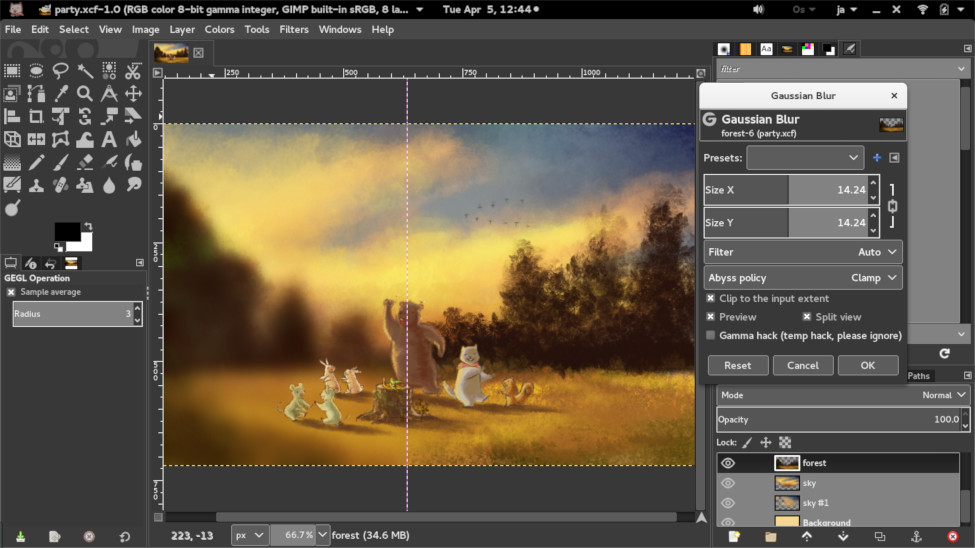
Recently, we discussed DIY logo design in our blog post, How to Create Your Own Logo? A DIY Guide. One of the recommended tools is GIMP, or GNU Image Manipulation Program - a free and open-source raster graphics editor that can be a valuable tool for anyone who needs to edit images for their website. With its wide range of features, GIMP can be used to create, edit, and manipulate images in a variety of ways. Let's learn
... Continue reading
Posted in Website Design
Tagged custom graphics, file formats, free, GIMP, graphic design, image editing tools, image editor, image manipulation, image manipulation techniques, infographics, layers and masks, open-source, painting and drawing, product images, raster graphics, website design, website elements
Leave a comment
How can I choose the right colors for my brand if I lack experience in design?

Don't worry! Choosing the right brand colors doesn't require expert design skills. You can play around with it and create different stylesheets easily with UltimateWB and the built-in Styles Manager, so the process can even be fun and headache-free. Here are some tips to help you make an informed decision even if you're new to the world of design:
1. Understand your brand:
- What are your brand's