




-
Recent Posts
- “My Partner Wants to Use WordPress Because 50% of the Web Uses It. Help!”
- Does EmDash Solve WordPress’s Problems, or Do You Need UltimateWB?
- How Not to Use AI: Stanford University Can Tell You
- Best Website Builder for SEO: WordPress vs. Wix vs. UltimateWB
- How to Make Sure Your Website Colors Have Enough Contrast for Accessibility
- Mobile-Friendly Website Checklist: 20 Things to Check
- Beehiiv Website Builder Review: The Problem Isn’t the Design – It’s the Lack of Control
- Elementor’s “Angie” AI Is More Than Bloat: Credits, Subscriptions, and a Growing Platform Problem
- How to Pass Google Business Profile Video Verification for Service Businesses
- The Great Deskilling: Why AI Dependence is Turning Developers into Prompt Babysitters
- The Three-Month Fuse: The Everest Forms Pro Attack and Why a Patched Plugin Can Still Put Websites at Risk
- Computer Screen Has Black Bars on the Sides: How to Fix It
- Could AI Make Humans Extinct Within the Next Decade?
- Is Weebly Getting Out of the Website-Builder Business?
- Are You “Leaking SEO” by Linking to Other Websites?
- Wix Harmony Is Now in Google Gemini. So Why Are Users Still Complaining?
- When AI Sounds Confident but Gets It Wrong: The Mount Shasta Rescue
- When AI Agents Start Working Together, Who Is Really in Control?
Categories
Tag Archives: custom graphics
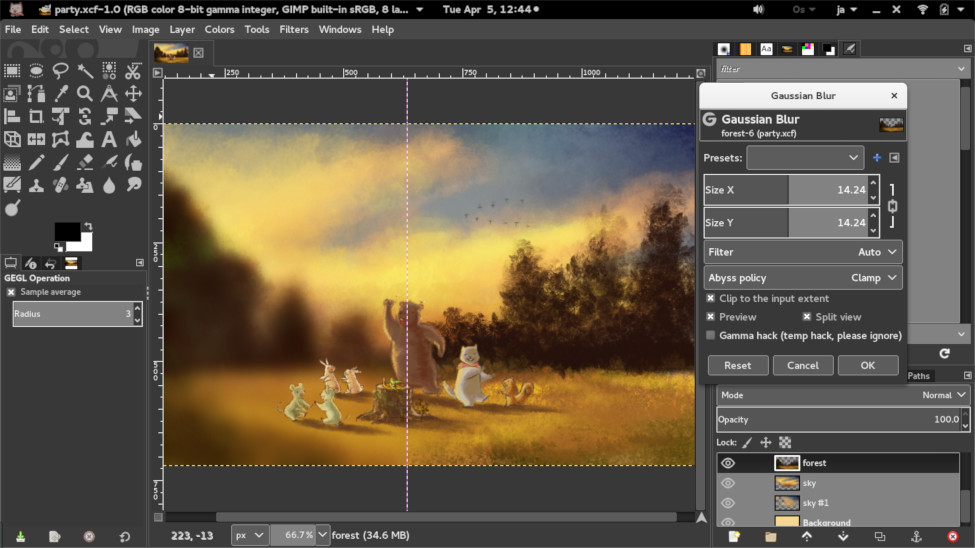
GIMP: A Powerful, Free Image Editor for Your Website

Recently, we discussed DIY logo design in our blog post, How to Create Your Own Logo? A DIY Guide. One of the recommended tools is GIMP, or GNU Image Manipulation Program - a free and open-source raster graphics editor that can be a valuable tool for anyone who needs to edit images for their website. With its wide range of features, GIMP can be used to create, edit, and manipulate images in a variety of ways. Let's learn
... Continue reading
Posted in Website Design
Tagged custom graphics, file formats, free, GIMP, graphic design, image editing tools, image editor, image manipulation, image manipulation techniques, infographics, layers and masks, open-source, painting and drawing, product images, raster graphics, website design, website elements
Leave a comment
What info should you provide after ordering a web design package at UltimateWB?

Creating your dream website with UltimateWB is a straightforward and collaborative process. To kickstart the journey effectively, there are some essential details we'll need from you. Here's a practical guide on what information you can provide to ensure we craft a website that perfectly suits your goals
1. Define Your Goals:
Before we set out to design your website, it's essential to outline your goals. What do you want to achieve with your site? Are you looking to promote your
... Continue reading
Posted in Website Design
Tagged branding, custom graphics, domain name, features, logo, ssl, target audience, web design package, web hosting
Leave a comment
Get the Most from UltimateWB’s Web Design Packages

In the world of the web, your site is your shopfront, your voice, and your connection with your audience. Whether you're starting fresh or giving your existing site a makeover, if you don't want to build your own website, UltimateWB offers web design packages that can make your vision a reality. What's more, your site is built using the versatile UltimateWB website builder, giving you an admin panel for easy management.
Your Creative Control: The UltimateWB Advantage
One of the
... Continue reading
Posted in Website Design
Tagged custom graphics, logo, professional services, web design packages
Leave a comment