Tag Archives: web design tips

Tutorial: How to Instantly Make Your Designs Look Cleaner

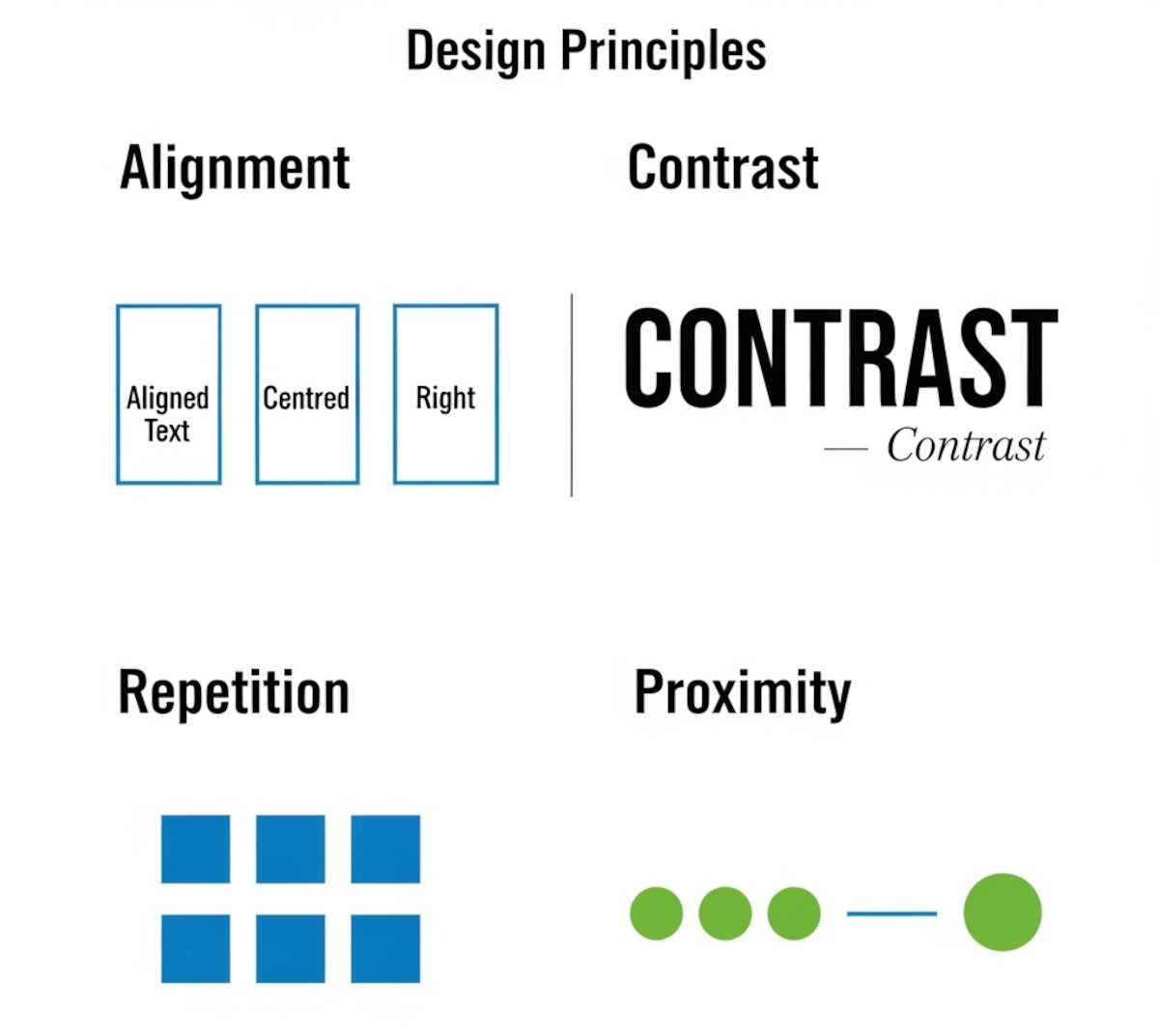
Web Design principles, easy tips: alignment, contrast, repetition, proximity

Ever notice how some websites or graphics just feel “off,” even if you can’t put your finger on why? Most of the time, it comes down to a few small mistakes that make a layout look messy. The good news: once you know what to look for, you can fix these issues quickly and make your work look more polished and professional.

Here’s a simple tutorial on the four core principles that will clean up almost any design.

1. Alignment:

... Continue reading
Posted in Website Design | Tagged , , , , , , , , , , , , , , , , , , , , , , , , , , , , | Leave a comment

What Makes a Simple Website Feel Trustworthy? (From Real User Experience, Not Theory)

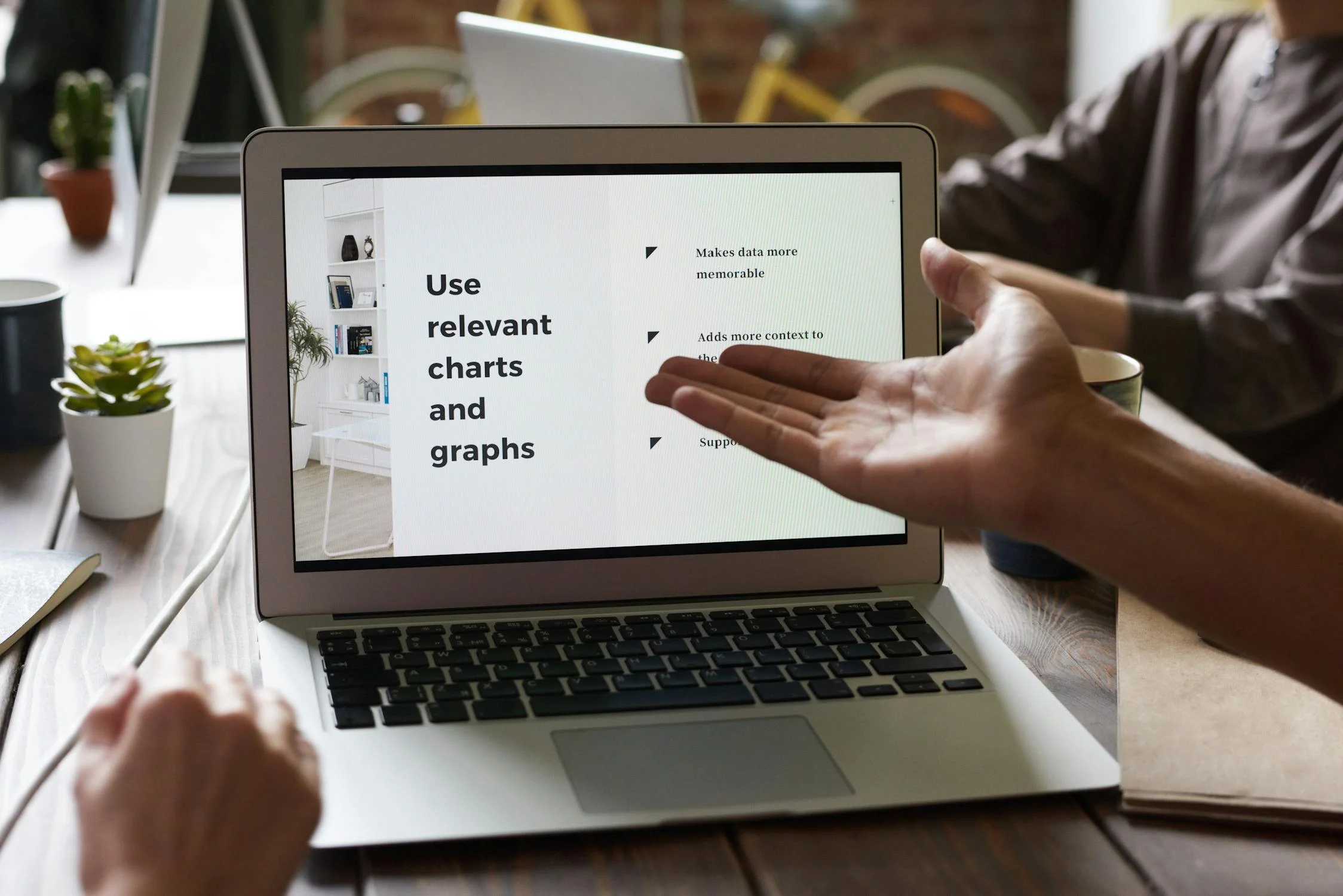
Trustworthy website, use relevant charts and graphs

When you’re visiting a website built by a solo creator or small team - not a big-name brand - you make a snap judgment: Can I trust this? That first impression often decides whether you stick around or bounce.

As someone who loves studying user behavior and indie websites, I’ve noticed a few key elements that consistently build trust, even on simple, self-made sites.

Here’s what makes me - and many others - stay.

1. Clear Purpose, Fast

If I

... Continue reading
Posted in Ask David!, Business, Website Design | Tagged , , , , , , , , , , , , , , , , , | Leave a comment

Make Your Homepage Count: Lead With What Sets You Apart
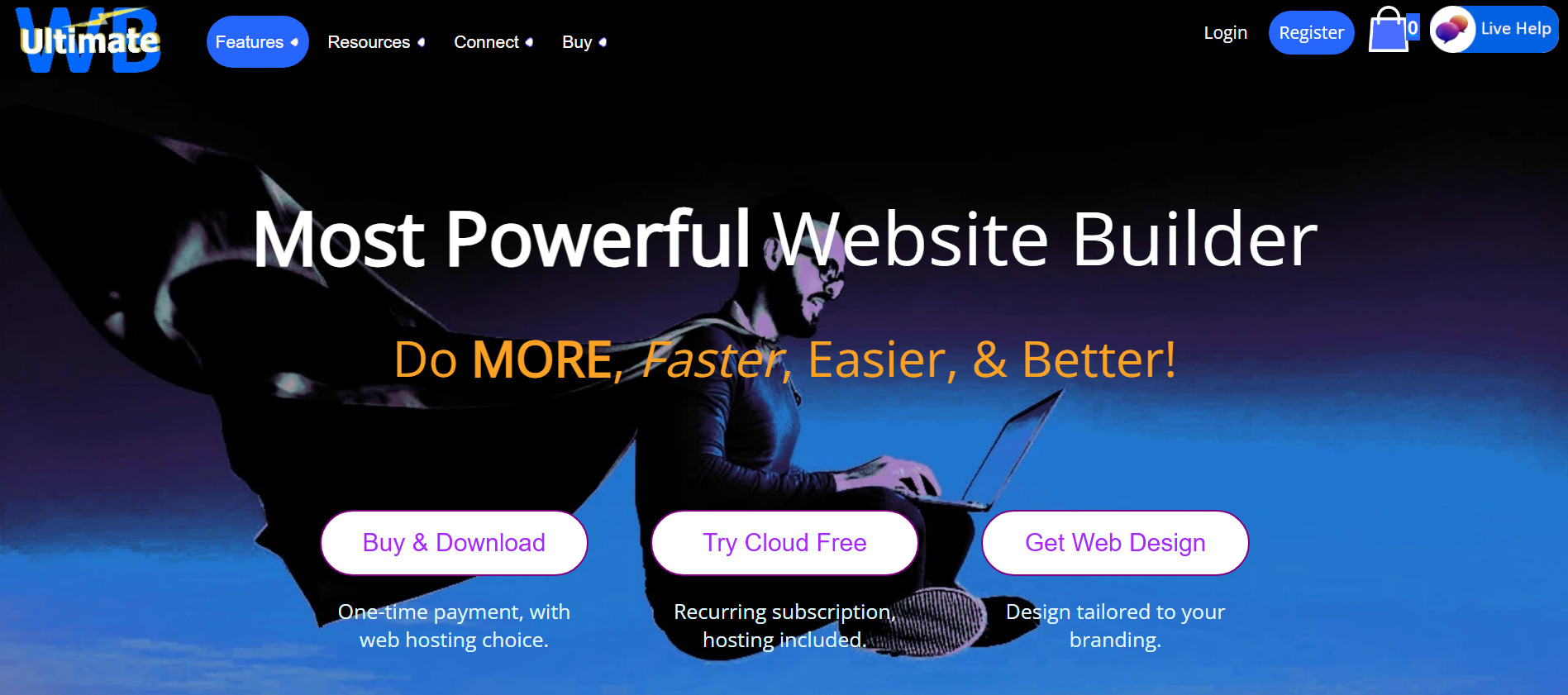
UltimateWB - most powerful website builder, hero image
"The Most Powerful Website Builder" is what makes UltimateWB stand out from the rest, and we lead with it.

When someone lands on your homepage, you’ve got seconds - maybe milliseconds - to capture their attention. That’s why where you place content and how you order it isn’t just a design decision; it’s a business strategy.

One of the most powerful things you can do for your website? Put what makes you stand out from your competitors front

... Continue reading
Posted in Search Engine Optimization (SEO), Web Hosting, Website Design | Tagged , , , , , , , , , , , , , , , , , , , , , , , , , , , , , | Leave a comment

Why a Customizable Website Builder is the Key to Unique Branding

Branding

A website is more than just an online presence; it's a reflection of your brand identity. While template-driven website builders offer a quick and easy solution, they often fall short when it comes to creating a truly distinctive and memorable online experience. A highly customizable website builder, on the other hand, empowers you to craft a digital space that is as unique as your brand itself.  

The Power of Customization

  • Unleash Your Brand's Personality: A customizable website builder
... Continue reading
Posted in Compare Website Builders, Marketing | Tagged , , , , , , , , , , , , , , , , , , , , , , | Leave a comment

What is the difference between Responsive and Adaptive web design?

UltimateWB built-in Responsive app
Customizations available in the UltimateWB built-in Responsive app

Creating a website that works well across a wide range of devices and screen sizes is a must-have. Two main approaches are responsive web design and adaptive web design. While both aim to make websites user-friendly on desktops, tablets, and smartphones, they achieve it in very different ways.

What Is Responsive Web Design?

Responsive web design (RWD) is a fluid approach that uses CSS media queries to automatically adjust a website’s layout

... Continue reading
Posted in Ask David!, Website Design | Tagged , , , , , , , , , , , , , , , , , , , , , , | Leave a comment

What are some effective web page design tips, especially for mobile devices (smartphones/tablets)?

smartphone-fun

Here are some effective web page design tips, especially for mobile devices (smartphones/tablets):

Use a responsive design

A responsive design means that your website will automatically adjust its layout to fit the size of the screen it is being viewed on. This is important for mobile devices, as screens can vary in size from very small to very large.

Use large fonts

Make sure that your text is large enough to be easily read on a small screen. You can

... Continue reading
Posted in Ask David!, Website Design | Tagged , , , , , , | Leave a comment

What makes a website “professional”…and how to create your own professional website

professional website Hint...it's not about wearing a suit and tie, necessarily! Even if you want a "cute" or "fun" website, you probably don't want it to go in the "unprofessional" category, a.k.a. it looks like a noobie (completely new to web design) or your next door neighbor's kid (also  noobie) created it free for you, or you offered someone on craigslist coffee/pizza to create your website (seriously, there are ads like that!). An "unprofessional" website shouts out to anyone who has surfed... Continue reading
Posted in Website Design | Tagged , , , , , | Leave a comment