


-
Recent Posts
- “My Partner Wants to Use WordPress Because 50% of the Web Uses It. Help!”
- Does EmDash Solve WordPress’s Problems, or Do You Need UltimateWB?
- How Not to Use AI: Stanford University Can Tell You
- Best Website Builder for SEO: WordPress vs. Wix vs. UltimateWB
- How to Make Sure Your Website Colors Have Enough Contrast for Accessibility
- Mobile-Friendly Website Checklist: 20 Things to Check
- Beehiiv Website Builder Review: The Problem Isn’t the Design – It’s the Lack of Control
- Elementor’s “Angie” AI Is More Than Bloat: Credits, Subscriptions, and a Growing Platform Problem
- How to Pass Google Business Profile Video Verification for Service Businesses
- The Great Deskilling: Why AI Dependence is Turning Developers into Prompt Babysitters
- The Three-Month Fuse: The Everest Forms Pro Attack and Why a Patched Plugin Can Still Put Websites at Risk
- Computer Screen Has Black Bars on the Sides: How to Fix It
- Could AI Make Humans Extinct Within the Next Decade?
- Is Weebly Getting Out of the Website-Builder Business?
- Are You “Leaking SEO” by Linking to Other Websites?
- Wix Harmony Is Now in Google Gemini. So Why Are Users Still Complaining?
- When AI Sounds Confident but Gets It Wrong: The Mount Shasta Rescue
- When AI Agents Start Working Together, Who Is Really in Control?
Categories
Tag Archives: search rankings
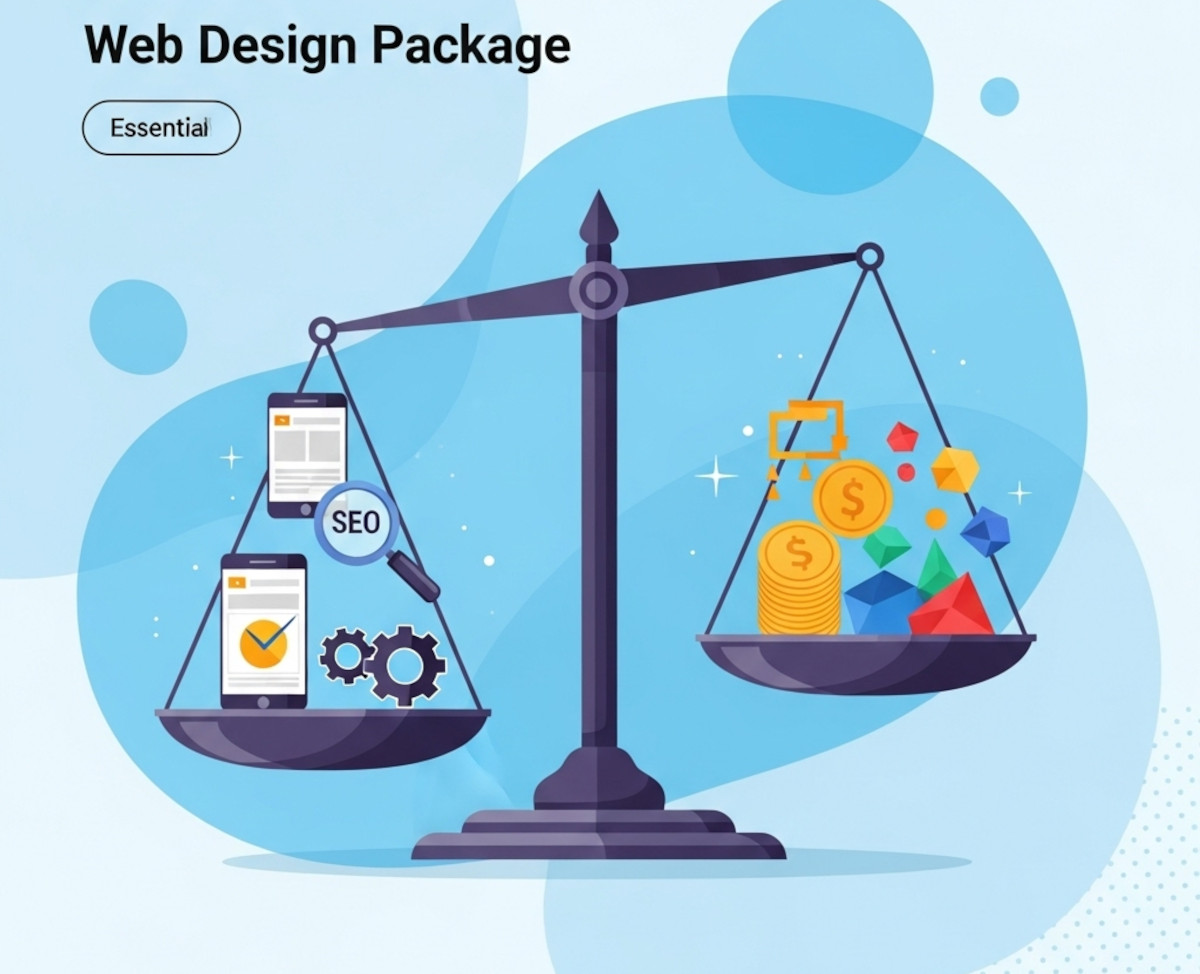
What to Look for in a Web Design Package – Avoid Overpaying for Unnecessary Features

Choosing the right web design package can feel overwhelming. With so many options and price points, it’s easy to pay for features that don’t truly benefit your business or miss out on essentials that drive real results. Whether you’re launching a new site or redesigning an existing one, understanding what to prioritize will help you get the best value for your investment.
This guide breaks down the must-have features of a quality web design package and highlights common areas where
... Continue reading
Posted in Website Design
Tagged accessibility, bloat, bounce rates, branding, build trust, clean code, cookie-cutter, engaging website, fast-loading speed, reliable hosting, responsive, responsive design, search engine optimization, search rankings, security, seo, seo-friendly, styles manager, user experience, web design package, webp, webp converter, website speed
Leave a comment
How can I check my website’s backlinks on Google Search Console?

Step-by-Step Instructions
To access your backlinks on Google Search Console, follow these steps:
- Go to Google Search Console: https://search.google.com/search-console/about.
- Sign in to your Google Search Console account.
- Select the website for which you want to check backlinks.
- Click on the Links tab in the left-hand menu.
- You will see a list of all the backlinks to your website.
Types of Backlink Information You Can View
You can filter the list of backlinks by:
- Linking domains: This shows you the