








-
Recent Posts
- “My Partner Wants to Use WordPress Because 50% of the Web Uses It. Help!”
- Does EmDash Solve WordPress’s Problems, or Do You Need UltimateWB?
- How Not to Use AI: Stanford University Can Tell You
- Best Website Builder for SEO: WordPress vs. Wix vs. UltimateWB
- How to Make Sure Your Website Colors Have Enough Contrast for Accessibility
- Mobile-Friendly Website Checklist: 20 Things to Check
- Beehiiv Website Builder Review: The Problem Isn’t the Design – It’s the Lack of Control
- Elementor’s “Angie” AI Is More Than Bloat: Credits, Subscriptions, and a Growing Platform Problem
- How to Pass Google Business Profile Video Verification for Service Businesses
- The Great Deskilling: Why AI Dependence is Turning Developers into Prompt Babysitters
- The Three-Month Fuse: The Everest Forms Pro Attack and Why a Patched Plugin Can Still Put Websites at Risk
- Computer Screen Has Black Bars on the Sides: How to Fix It
- Could AI Make Humans Extinct Within the Next Decade?
- Is Weebly Getting Out of the Website-Builder Business?
- Are You “Leaking SEO” by Linking to Other Websites?
- Wix Harmony Is Now in Google Gemini. So Why Are Users Still Complaining?
- When AI Sounds Confident but Gets It Wrong: The Mount Shasta Rescue
- When AI Agents Start Working Together, Who Is Really in Control?
Categories
Tag Archives: fast-loading speed
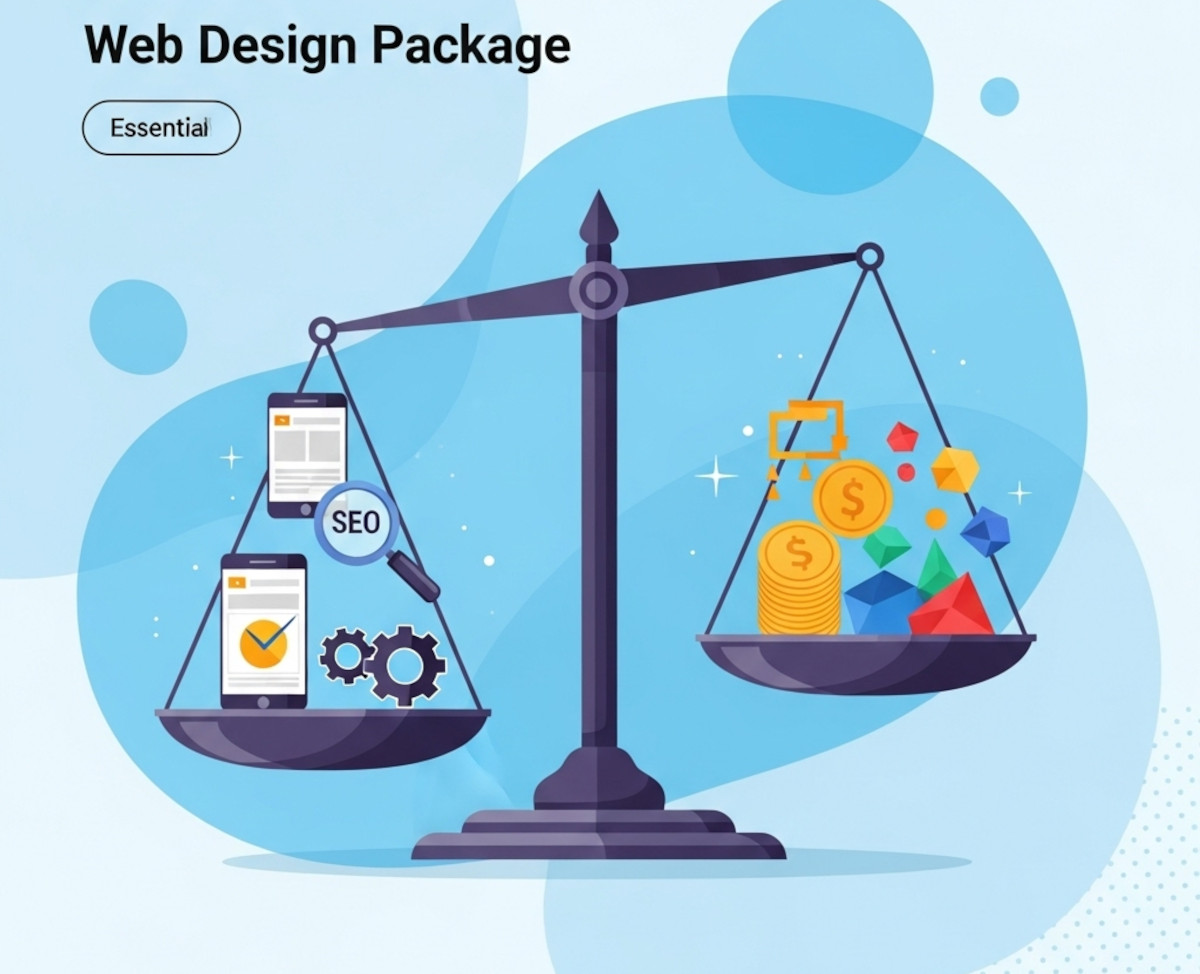
What to Look for in a Web Design Package – Avoid Overpaying for Unnecessary Features

Choosing the right web design package can feel overwhelming. With so many options and price points, it’s easy to pay for features that don’t truly benefit your business or miss out on essentials that drive real results. Whether you’re launching a new site or redesigning an existing one, understanding what to prioritize will help you get the best value for your investment.
This guide breaks down the must-have features of a quality web design package and highlights common areas where
... Continue reading
Posted in Website Design
Tagged accessibility, bloat, bounce rates, branding, build trust, clean code, cookie-cutter, engaging website, fast-loading speed, reliable hosting, responsive, responsive design, search engine optimization, search rankings, security, seo, seo-friendly, styles manager, user experience, web design package, webp, webp converter, website speed
Leave a comment
Little Tweaks, Big Impact: Navigating Your Website’s Make-or-Break Moments

Hey web buddies! Today, let's chat about websites and those low-key changes that can totally rock (or wreck) your website's vibe.
1. The Power of First Impressions:
Imagine someone stumbling upon your website. What's the first thing they notice? Details like font choice, color schemes, and a clean layout can either say, "Welcome, stay a while!" or murmur, "Eh, I'll pass." You can play around with your website design with the UltimateWB built-in Styles Manager. It's both easy to
... Continue readingWhat is the best CMS for fast loading websites?

Ask David! Question:
I want to have websites that run really fast, with minimum effort. So which website builder or CMS is the best for fast loading websites?
David's Answer:
What you want is a website builder that is also a CMS, built with a performance-first mindset. That means there is an emphasis on clean code and avoiding third-party plugins for the most part, which can add unnecessary bloat.
Among dynamic CMS options, a platform that keeps core features built
... Continue reading
Posted in Ask David!
Tagged best cms, bloat, caching, clean code, cms, conversions, css, database, dynamic, fast load times, fast loading times, fast website, fast-loading speed, hosted website builders, html, image compression, javascript, no plugins, page speed, performance, plugins, saas, scalability, search engine ranking, search ranking, security risk, third-party plugins, trust, trustworthy, user experience, web hosting, website speed, WordPress, WordPress themes
Leave a comment
What are the best website practices we must know?

Ah, the ever-evolving world of website best practices! It's a constant dance between the latest technologies and user expectations. Here's a closer look at some key practices to keep your website thriving:
User-centricity reigns supreme:
- Simplicity is key: Keep layouts clean and uncluttered, prioritize clarity over complexity. Users shouldn't have to decipher a maze to find what they need.
- Mobile-first mindset: Half the world browses on mobile, so optimize for all screen sizes and resolutions. Your website should be a
Posted in Ask David!, Website Design
Tagged a/b testing, accessibility, best website practices, calls to action, case studies, content creation, fast loading times, fast-loading speed, mobile friendly, responsive app, security, social media, social proof, ssl, testimonials, user-centered design, user-first, web hosting
Leave a comment
The Recipe for a Popular Social Network or Community Website

Creating a social network or community website that draws a crowd isn't magic; it's about doing the right things. Let's break it down and explore how you can make your website a lively and engaging place for users.
1. Know Your Crowd
Start by understanding who you're targeting. Knowing your audience's interests and needs is key to offering content and features they'll appreciate.
2. Keep It User-Friendly
Make sure your site is easy to use, looks good, and works well
... Continue readingHow to Set Up Browser Caching for Your Website

Browser caching is one technique to speed up your website by storing static files in a visitor's web browser. This enables returning visitors to load your site faster, as their browsers can retrieve cached content without making multiple server requests. In most cases it won't be necessary for your website if it's built on UltimateWB, but let's walk through the steps to set up browser caching for your website:
1. Access Your Website's .htaccess File
Browser caching is typically configured
... Continue readingHow do you use visuals effectively on your website?

Visuals can help visitors understand your website, find important information, and know what to do next. Images, graphics, colors, diagrams, videos, and other visual elements can also make a website more engaging.
The key is to use visuals intentionally rather than simply adding images to fill space.
1. Choose Visuals That Fit Your Brand
Your website's visuals should reinforce your brand's identity and
... Continue reading
Posted in Ask David!, Website Design
Tagged accessibility, branding, captions, fast-loading speed, high-quality images, image optimization, responsive web design, stock photos, user experience, visual design, visual hierarchy, visuals, web design, web graphics, website accessibility, website design, website images, website layout, website usability, website visuals, whitespace
Leave a comment
What makes a website modern – and good?

A modern website is one that is designed with the latest trends in web design in mind, and incorporates the principles of good web design.
Here are some of the key elements of modern website design:
Responsive design
A responsive website will adjust its layout to fit any screen size, from desktop computers to mobile phones. This is important for ensuring that users have a good experience on all devices. UltimateWB makes this easy with the built-in Responsive app
... Continue reading