




-
Recent Posts
- “My Partner Wants to Use WordPress Because 50% of the Web Uses It. Help!”
- Does EmDash Solve WordPress’s Problems, or Do You Need UltimateWB?
- How Not to Use AI: Stanford University Can Tell You
- Best Website Builder for SEO: WordPress vs. Wix vs. UltimateWB
- How to Make Sure Your Website Colors Have Enough Contrast for Accessibility
- Mobile-Friendly Website Checklist: 20 Things to Check
- Beehiiv Website Builder Review: The Problem Isn’t the Design – It’s the Lack of Control
- Elementor’s “Angie” AI Is More Than Bloat: Credits, Subscriptions, and a Growing Platform Problem
- How to Pass Google Business Profile Video Verification for Service Businesses
- The Great Deskilling: Why AI Dependence is Turning Developers into Prompt Babysitters
- The Three-Month Fuse: The Everest Forms Pro Attack and Why a Patched Plugin Can Still Put Websites at Risk
- Computer Screen Has Black Bars on the Sides: How to Fix It
- Could AI Make Humans Extinct Within the Next Decade?
- Is Weebly Getting Out of the Website-Builder Business?
- Are You “Leaking SEO” by Linking to Other Websites?
- Wix Harmony Is Now in Google Gemini. So Why Are Users Still Complaining?
- When AI Sounds Confident but Gets It Wrong: The Mount Shasta Rescue
- When AI Agents Start Working Together, Who Is Really in Control?
Categories
Tag Archives: web hosting control panel
How to Block Unwanted Visitors? Use .htaccess for IP Blocking on Your Website

Ever felt the need to restrict access to your website from certain visitors? Maybe you've been targeted by spammers or bots, or perhaps you want to limit access for security reasons. In such cases, IP blocking with your website's .htaccess file can be a handy tool. You have this option available with the downloadable UltimateWB website builder, accessible via your cPanel - or other - web hosting control panel File Manager. Let's dive into the world of .htaccess and
... Continue readingHow to Set Up Browser Caching for Your Website

Browser caching is one technique to speed up your website by storing static files in a visitor's web browser. This enables returning visitors to load your site faster, as their browsers can retrieve cached content without making multiple server requests. In most cases it won't be necessary for your website if it's built on UltimateWB, but let's walk through the steps to set up browser caching for your website:
1. Access Your Website's .htaccess File
Browser caching is typically configured
... Continue readingBest web hosting control panel? cPanel

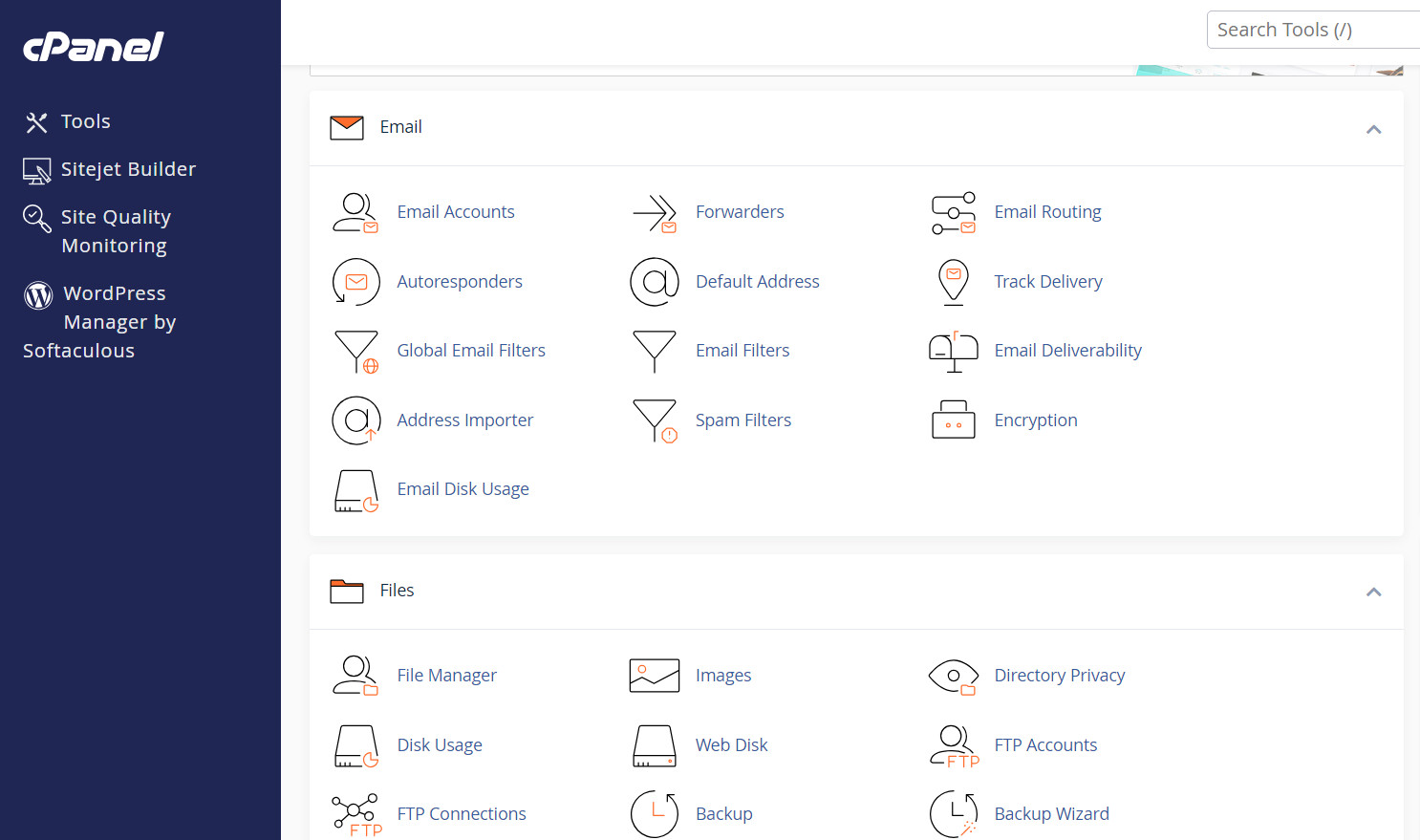
Different web hosting companies may offer different control panels to help you manage your files, database, create personal email accounts, make backups, and check on your traffic statistics. While they all may do the same functions, how they do it are not the same.
Our preference is cPanel web hosting control panels, and it is what we offer with our web hosting packages too. It is easy to use, with all the features you need. Moreover, you can create a
... Continue reading
Posted in Ask David!, Web Hosting
Tagged cpanel, godaddy web hosting, web hosting, web hosting control panel
1 Comment