


-
Recent Posts
- Thinking About Switching From WordPress? What Should You Consider Before You Move?
- The Airtable Acquisition Raises a Bigger Question: Do You Really Own the Software Your Business Runs On?
- How to Use Google Search Console’s New Generative AI Data to Improve Your SEO
- How to Update the Same Website Content on Multiple Pages at Once
- Discovered vs. Crawled Not Indexed in Google Search Console: What’s the Difference and How to Fix Each
- The Small Business Guide to Auditing Google Ads and Website Costs
- Do Professional Writers Still Need SEO in the Age of AI?
- Search Engine First vs. People First Content: Why Generic FAQ Dumps Harm Your SEO
- Looking for a Website Builder Without AI? Which One Should You Choose?
- Keyword Cannibalization: How to Find and Fix the Pages Stealing Your Own Google Traffic
- Why Great Content Gets Stuck on Page 8 (And How to Fix It)
- Why MySQL FULLTEXT Search Returns 0 Results (And How to Fix It)
- The Reality of Domain Speculation on New TLD Launches: Is It Still Worth It?
- The Hidden Domain Name Lock-In: Which Registrars Restrict Nameservers?
- Paying $10,000 a Month for SEO? Here’s How to Tell If You’re Getting Your Money’s Worth
- Introducing New WordPress Magazine Layouts in UltimateWB 9 (With Early Access)
- How to Fix the WordPress “Critical Error” on the Widgets Page After a PHP Upgrade
- The Hidden Risk of SaaS Website Builders: Lessons from the Recent Wix Outage
Categories
Category Archives: Website Design
HTML, CSS & JS: Minimized for Speed, Optimized for Web Developers

When it comes to website performance, every byte counts - but that doesn’t mean you need to sacrifice readability to get fast load times. At UltimateWB, we believe in smart minification: optimizing your website’s HTML, CSS, and JavaScript for performance without making your code unreadable or hard to update.
🚀 Why Minify at All?
Minifying code reduces file sizes by stripping out things like:
- Comments
- Unnecessary whitespace
- Line breaks
- Redundant characters
This helps:
- Speed up your website’s load
Posted in Website Design
Tagged bandwidth, clean code, code readability, compression, css, fast load times, fast loading times, html, javascript, js, minification, pagespeed insights, reduce file size, smart minification, user experience, web developer, website performance, website speed
Leave a comment
Top 10 Things That Instantly Make a Website Feel “Off” 😬

First impressions happen fast - often within a few seconds of landing on a website.
With website builders like UltimateWB making it easier than ever to launch polished, fast, mobile-friendly sites, users have zero patience for sloppy experiences. One small misstep and your site feels unprofessional, untrustworthy, or just “off.”
So what gives that “off” feeling? Here are 10 things that instantly throw up red flags for visitors - and how to avoid them.
1. 🔒 No
... Continue reading
Posted in Website Design
Tagged 404 errors, autoplay video issues, autoplay videos, bad website design, bloat, broken layouts, broken links SEO, broken lists, build trust, clashing colors, fast website, fix website bounce rate, headings, https, HTTPS warning, improve website UX, mobile web design, mobile-friendly, navigation, no ssl, not secure warning, popups, professional website tips, responsive web design, slow load times, slow website, slow website fix, spacing, ssl, structure, submenus, user-friendly websites, UX design tips, web design checklist 2025, web design errors, website first impressions, website mistakes 2025, website red flags, website trust signals, what makes a website feel off, white space
Leave a comment
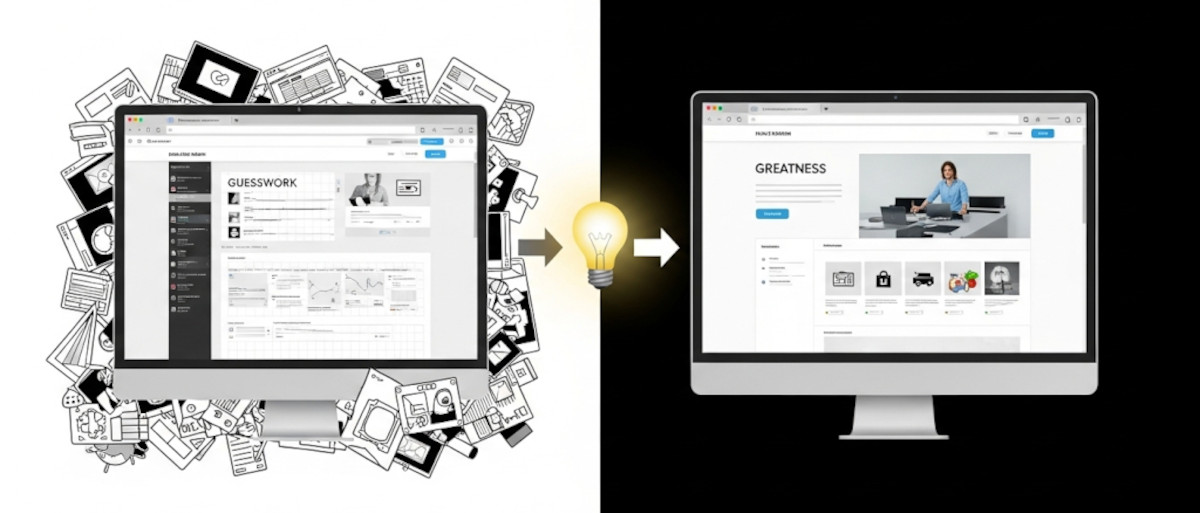
How to Learn Web Design: From Guesswork to Greatness

If you’re just getting started with web design, you might be asking yourself as one “Ask David!” particpant:
Am I just winging it? Are there rules? How do I know if my design actually works - or if it just looks nice?
These are questions almost every new designer has asked, and they’re completely valid. The good news? You don’t have to guess your way through it. While creativity plays a big role, great web design is a craft
... Continue reading
Posted in Ask David!, Website Design
Tagged avoid clutter, behance, branding, call-to-action, clear messaging, clear navigation, color palettes, color psychology, colors, conversions, cta, easy navigation, fast loading times, fast website, flow, fonts, great web design, hierarchy, landing page, learn web design, microinteractions, mobile-friendly, responsive, responsive app, reviews, small animations, social proof, spacing, testimonials, transitions, trust badges, usability, usability testing, user behavior, user experience, ux, web design best practices
Leave a comment
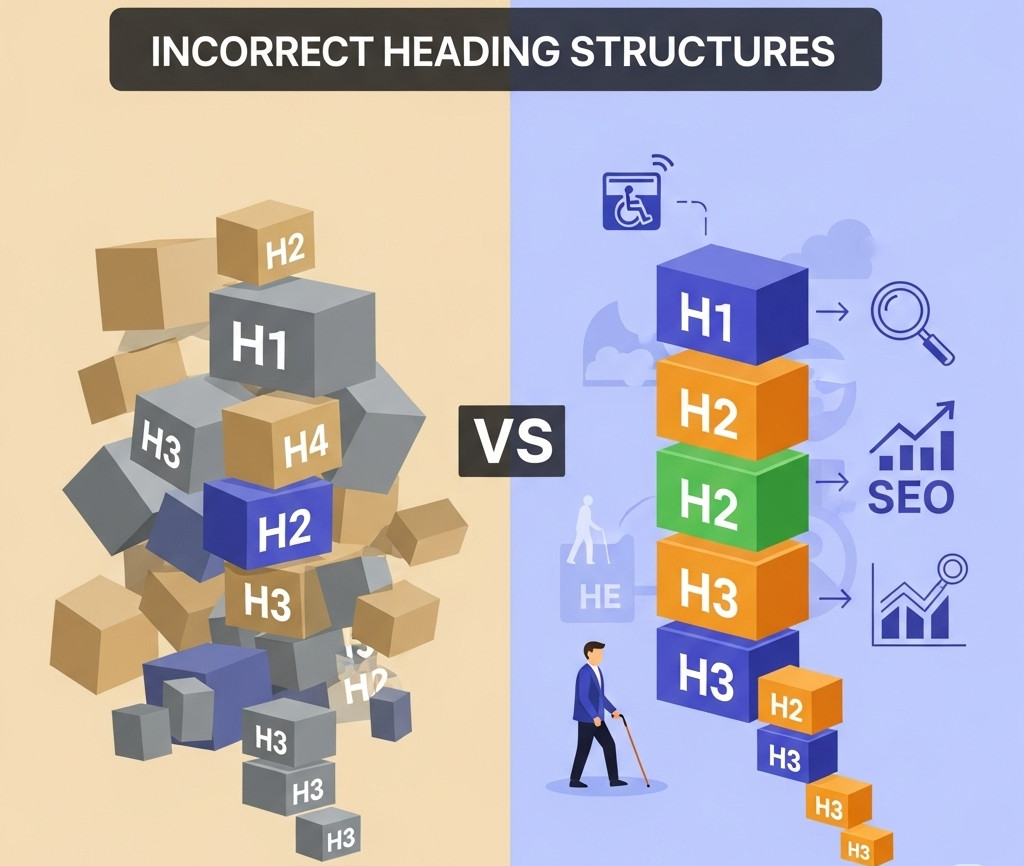
Why an H1 Shouldn’t Come After an H3 – And Why It Matters for SEO and Accessibility

When you're building a website, it's easy to focus on how things look - but how your site is structured under the hood is just as important. One commonly overlooked issue? Incorrect heading order.
We recently came across a website where the first visible heading was an <h3>, and the <h1> appeared after it. While it might not break the layout or cause visible problems, this kind of structure can negatively impact both SEO and accessibility. Here’s why heading
... Continue reading
Posted in Accessibility, Search Engine Optimization (SEO), Website Design
Tagged accessibility, accessibility compliance, assistive technologies, better indexing, clean code, compliance, easy navigation, focus, header, heading, heading order, heading tags, hierarchical structure, hierarchy, indexing, keyword relevance, logical hierarchy, main heading, page quality signals, performance, roadmap, screen readers, search engine optimization, search engine ranking, search engine results, search engines, semantic markers, seo, seo signals, snippets, standards-compliant, subheadings, usability, user experience, visibility, web standards, website structure
Leave a comment
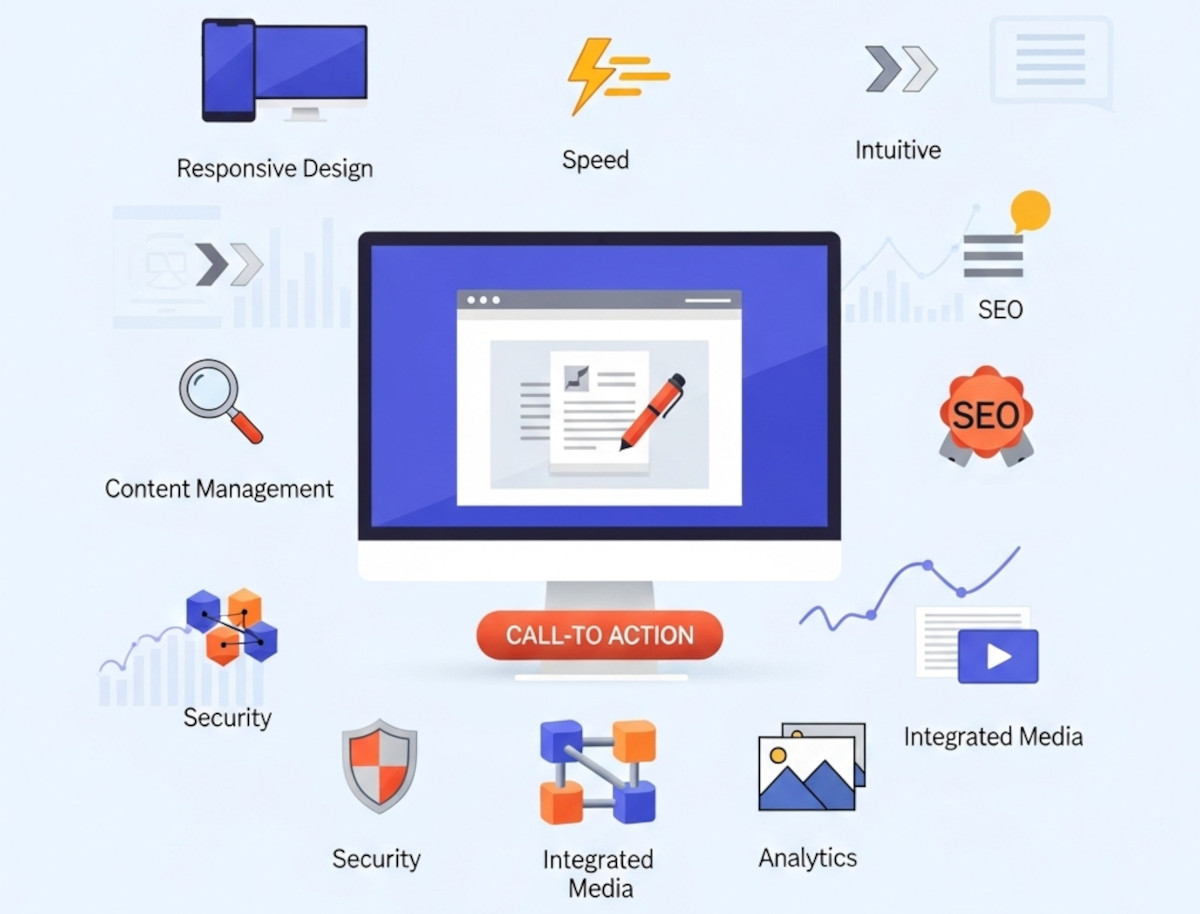
10 Essential Website Design Features Your Website Needs

Whether you're building your first website or looking to upgrade an existing one, understanding the key website design features can make or break your success online. A well-designed site isn't just about looking good - it should function seamlessly, load quickly, and help convert visitors into customers.
At UltimateWB, we know that having the right design features baked into your site is just as important as the content you publish. Here’s our ultimate list of website design features you
... Continue reading
Posted in Website Design
Tagged accessibility, alt text, bounce rate, bounce rates, build trust, built-in features, call-to-action, clean urls, clicks, cms, conversions, cta, easy navigation, easy updates, fast loading times, fast website, flexibility, Google Search Console, https, meta tags, mobile-friendly, responsive, responsive app, responsive design, scalability, search engine optimization, security, seo, sitemap, sitemap generator, spam controls, template lock, user experience, webp, webp converter, website design features, Wix, xml
Leave a comment
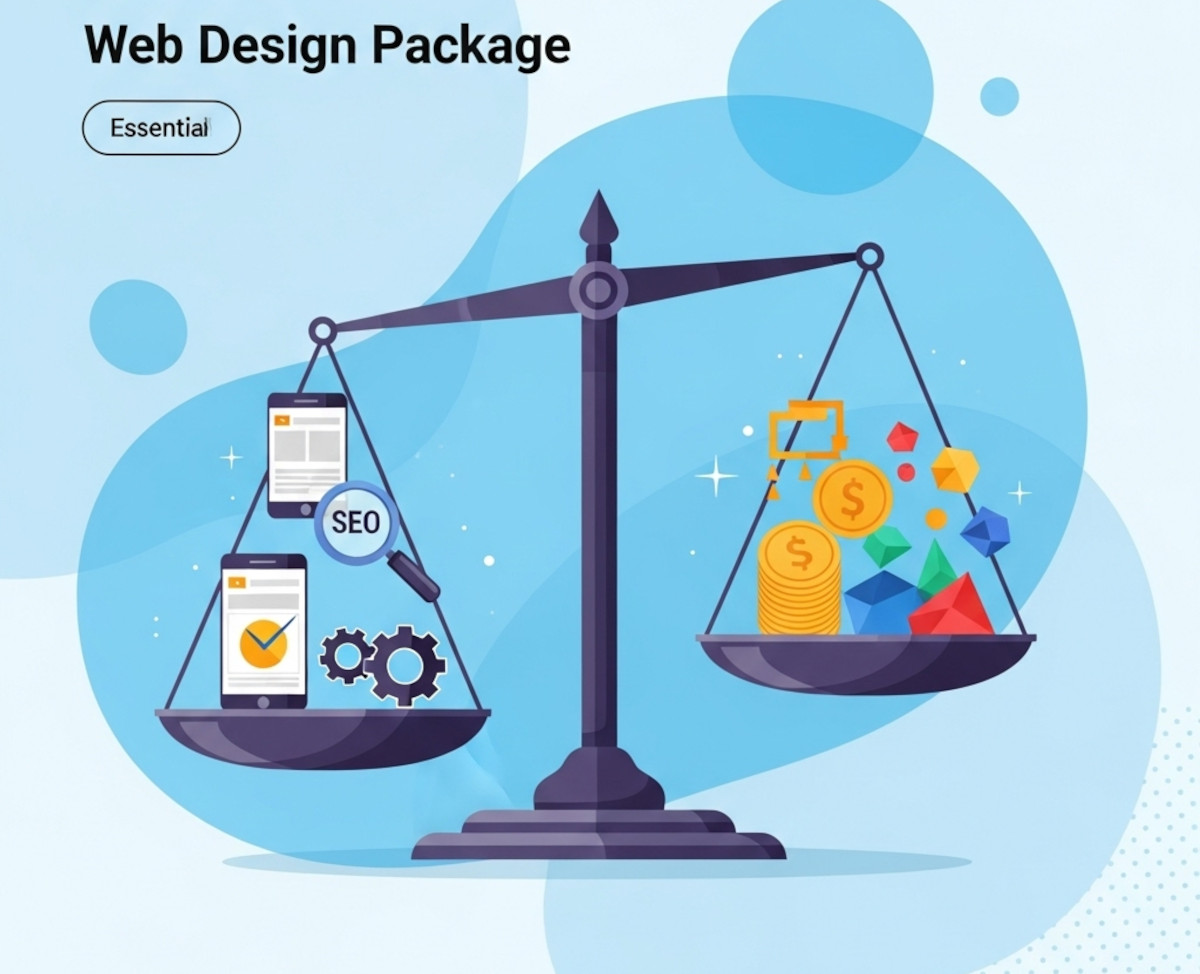
What to Look for in a Web Design Package – Avoid Overpaying for Unnecessary Features

Choosing the right web design package can feel overwhelming. With so many options and price points, it’s easy to pay for features that don’t truly benefit your business or miss out on essentials that drive real results. Whether you’re launching a new site or redesigning an existing one, understanding what to prioritize will help you get the best value for your investment.
This guide breaks down the must-have features of a quality web design package and highlights common areas where
... Continue reading
Posted in Website Design
Tagged accessibility, bloat, bounce rates, branding, build trust, clean code, cookie-cutter, engaging website, fast-loading speed, reliable hosting, responsive, responsive design, search engine optimization, search rankings, security, seo, seo-friendly, styles manager, user experience, web design package, webp, webp converter, website speed
Leave a comment
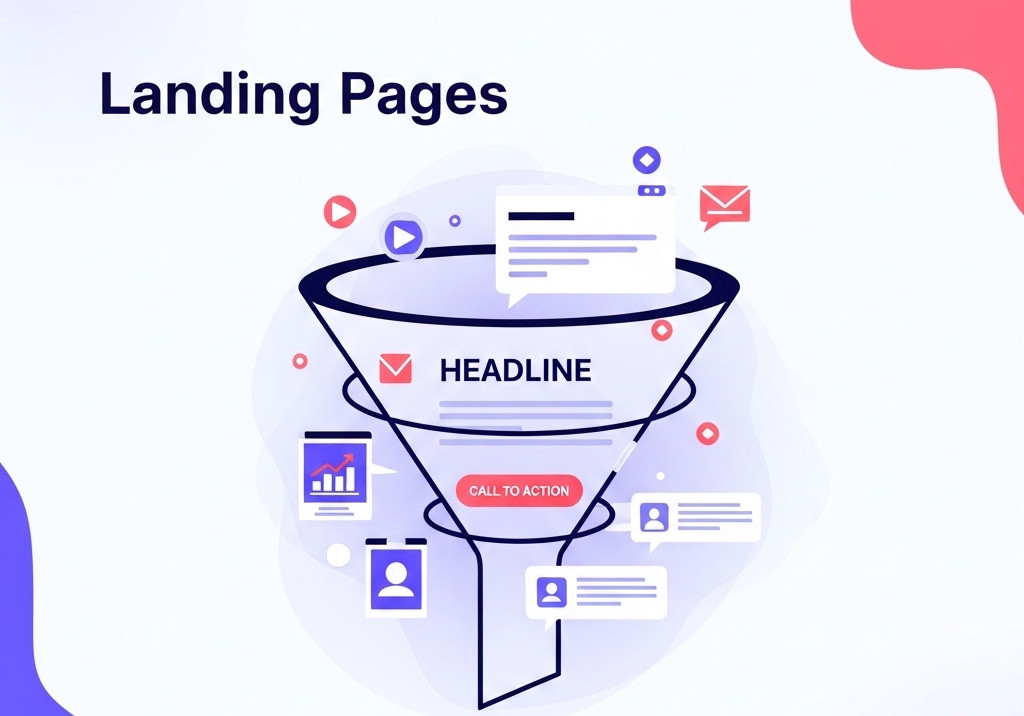
The Ultimate Guide to Structuring Your Landing Page (in the Right Order)

A well-structured landing page can make or break your conversion rates. Whether you’re promoting a product, service, or collecting email signups, the layout and content order on your page should guide your visitor seamlessly from arrival to action.
Here’s the ideal structure and content flow, section by section:
1. Above the Fold: The Hook
This is what visitors see without scrolling. You have seconds to grab attention.
Include:
- Headline: Clear, benefit-focused. State what and why.
Is Your Website Leaving Money on the Table? Fix Your Homepage to Convert More Visitors

If your website isn’t bringing in the customers, leads, or sales you were expecting, the issue might not be your product or service - it could be your homepage layout. Most DIY websites follow a predictable (and ineffective) structure that simply doesn’t convert visitors into customers. The good news? It’s a surprisingly easy fix.
The Problem with Typical DIY Homepages
Many self-made websites - especially those built on platforms like GoDaddy, Wix, or WordPress - tend to
... Continue reading
Posted in Business, Search Engine Optimization (SEO), Website Design
Tagged boost conversions, build trust, conversion rate optimization, customer journey, diy website builder, DIY website tips, godaddy, homepage, homepage design, homepage layout, homepage optimization, increase website sales, lead generation, online marketing, small business website, user experience, web design strategy, web development, website builder tips, website conversion, website design, Wix, WordPress
Leave a comment
The Most Important HTML and CSS Codes You Should Know (Even If You Use a Website Builder)

HTML and CSS are the core building blocks of every website on the internet. If you’ve ever wondered how web pages are structured or styled, these are the languages behind it all. Whether you’re a beginner or just curious, learning some basic HTML and CSS can be incredibly useful - even if you’re using a powerful website builder like UltimateWB.
The good news? You don’t need to know any coding to build and customize your website with UltimateWB. Our
... Continue reading
Posted in Website Design
Tagged cms, colors, css, css basics, fonts, headings, html, html and css tutorial, html basics, html css, layouts, learn css, learn html, no code, page editor, spacing, styles manager, ultimatewb, web design, website builder
Leave a comment
Why Avoiding Third-Party Plugins Makes Your Website Faster, Safer, and Easier to Manage

Many website builders - like WordPress, Shopify, and Wix - rely heavily on third-party plugins to add features and functionality. While plugins can be convenient, they often come with trade-offs in speed, security, and maintenance, which can frustrate users and hold back your website’s performance. Here’s why choosing a plugin-free platform like UltimateWB gives you an edge.
1. Plugins Can Slow Your Website Down
Every plugin adds extra code, scripts, and server requests, which increases page
... Continue reading
Posted in Compare Website Builders, Search Engine Optimization (SEO), Website Design, Website Security
Tagged bloat, clean code, easy updates, fast load times, fast website, hacked, platform architecture, plugin vulnerabilities, plugin-free websites, plugins, search engine optimization, security risks, seo, SEO performance, Shopify, third party plugins, third-party plugins, user experience, web development best practices, web performance, website builder, website builders, website maintenance, website management, website performance, website reliability, website security, website speed, website speed optimization, Wix, WordPress, wordpress vulnerabilities
Leave a comment