


-
Recent Posts
- “My Partner Wants to Use WordPress Because 50% of the Web Uses It. Help!”
- Does EmDash Solve WordPress’s Problems, or Do You Need UltimateWB?
- How Not to Use AI: Stanford University Can Tell You
- Best Website Builder for SEO: WordPress vs. Wix vs. UltimateWB
- How to Make Sure Your Website Colors Have Enough Contrast for Accessibility
- Mobile-Friendly Website Checklist: 20 Things to Check
- Beehiiv Website Builder Review: The Problem Isn’t the Design – It’s the Lack of Control
- Elementor’s “Angie” AI Is More Than Bloat: Credits, Subscriptions, and a Growing Platform Problem
- How to Pass Google Business Profile Video Verification for Service Businesses
- The Great Deskilling: Why AI Dependence is Turning Developers into Prompt Babysitters
- The Three-Month Fuse: The Everest Forms Pro Attack and Why a Patched Plugin Can Still Put Websites at Risk
- Computer Screen Has Black Bars on the Sides: How to Fix It
- Could AI Make Humans Extinct Within the Next Decade?
- Is Weebly Getting Out of the Website-Builder Business?
- Are You “Leaking SEO” by Linking to Other Websites?
- Wix Harmony Is Now in Google Gemini. So Why Are Users Still Complaining?
- When AI Sounds Confident but Gets It Wrong: The Mount Shasta Rescue
- When AI Agents Start Working Together, Who Is Really in Control?
Categories
Tag Archives: page editor
The Most Important HTML and CSS Codes You Should Know (Even If You Use a Website Builder)

HTML and CSS are the core building blocks of every website on the internet. If you’ve ever wondered how web pages are structured or styled, these are the languages behind it all. Whether you’re a beginner or just curious, learning some basic HTML and CSS can be incredibly useful - even if you’re using a powerful website builder like UltimateWB.
The good news? You don’t need to know any coding to build and customize your website with UltimateWB. Our
... Continue reading
Posted in Website Design
Tagged cms, colors, css, css basics, fonts, headings, html, html and css tutorial, html basics, html css, layouts, learn css, learn html, no code, page editor, spacing, styles manager, ultimatewb, web design, website builder
Leave a comment
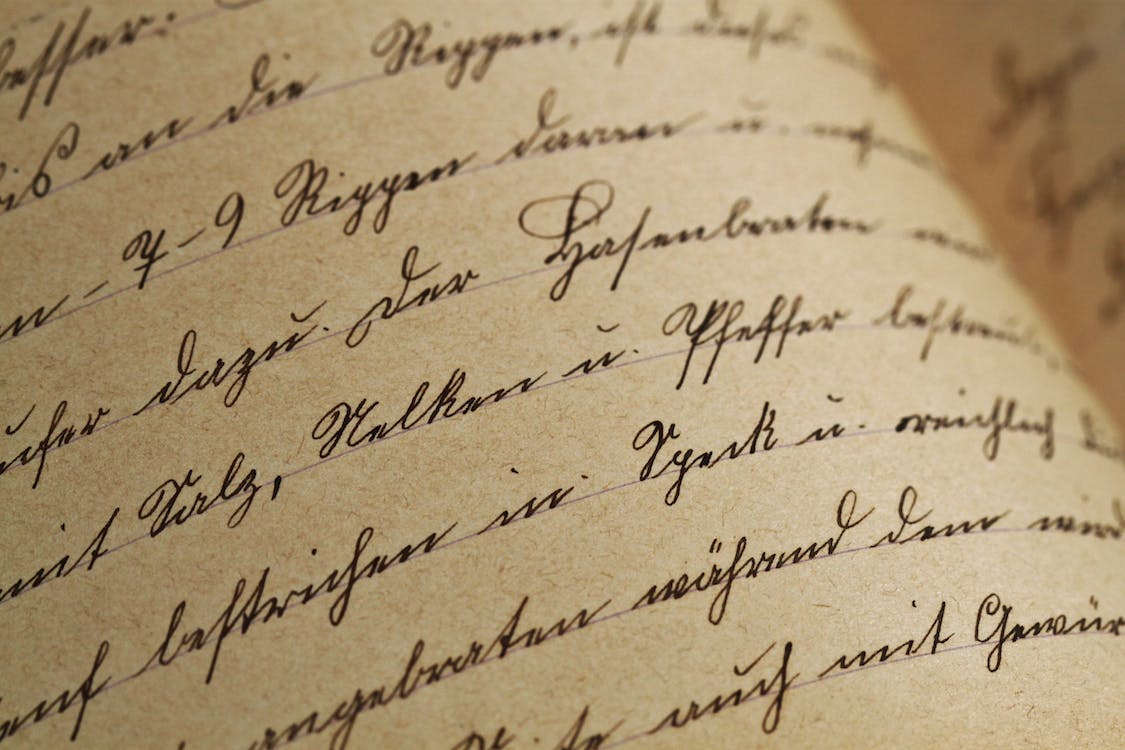
How do I make my website look a bit handmade or like it is my own handwriting?

To give your website a handmade or handwritten feel, follow these steps:
Custom Fonts:
Choose unique, handwritten, or script-style fonts for your website's text. This can add a personalized touch to your content. Just be sure the font remains readable.
Handwritten Graphics:
Create custom graphics or icons using your own handwriting or hand-drawn designs. These can be used as logos, buttons, or decorative elements throughout your site.
Background Textures:
Consider using background textures that resemble paper or canvas to create
... Continue reading
Posted in Ask David!, Website Design
Tagged custom design, customization, handmade look, handwriting, page editor, styles manager
Leave a comment