




-
Recent Posts
- “My Partner Wants to Use WordPress Because 50% of the Web Uses It. Help!”
- Does EmDash Solve WordPress’s Problems, or Do You Need UltimateWB?
- How Not to Use AI: Stanford University Can Tell You
- Best Website Builder for SEO: WordPress vs. Wix vs. UltimateWB
- How to Make Sure Your Website Colors Have Enough Contrast for Accessibility
- Mobile-Friendly Website Checklist: 20 Things to Check
- Beehiiv Website Builder Review: The Problem Isn’t the Design – It’s the Lack of Control
- Elementor’s “Angie” AI Is More Than Bloat: Credits, Subscriptions, and a Growing Platform Problem
- How to Pass Google Business Profile Video Verification for Service Businesses
- The Great Deskilling: Why AI Dependence is Turning Developers into Prompt Babysitters
- The Three-Month Fuse: The Everest Forms Pro Attack and Why a Patched Plugin Can Still Put Websites at Risk
- Computer Screen Has Black Bars on the Sides: How to Fix It
- Could AI Make Humans Extinct Within the Next Decade?
- Is Weebly Getting Out of the Website-Builder Business?
- Are You “Leaking SEO” by Linking to Other Websites?
- Wix Harmony Is Now in Google Gemini. So Why Are Users Still Complaining?
- When AI Sounds Confident but Gets It Wrong: The Mount Shasta Rescue
- When AI Agents Start Working Together, Who Is Really in Control?
Categories
Category Archives: Website Design
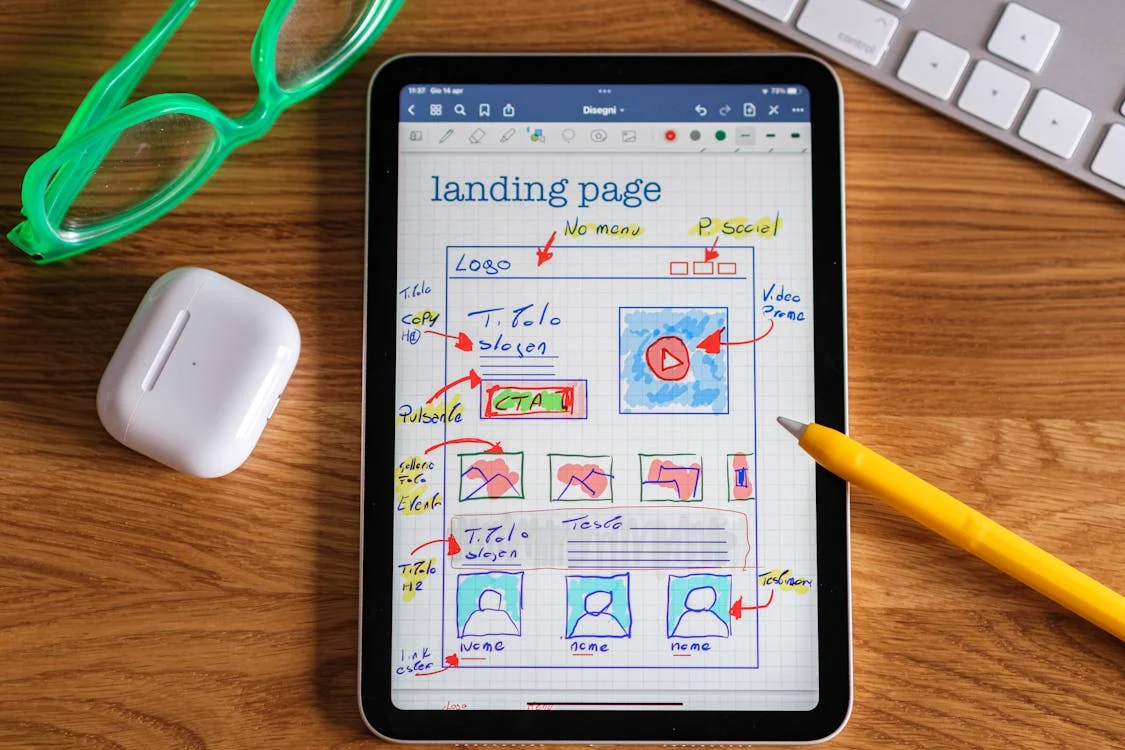
Website Design Checklist: Boost Conversions and User Experience
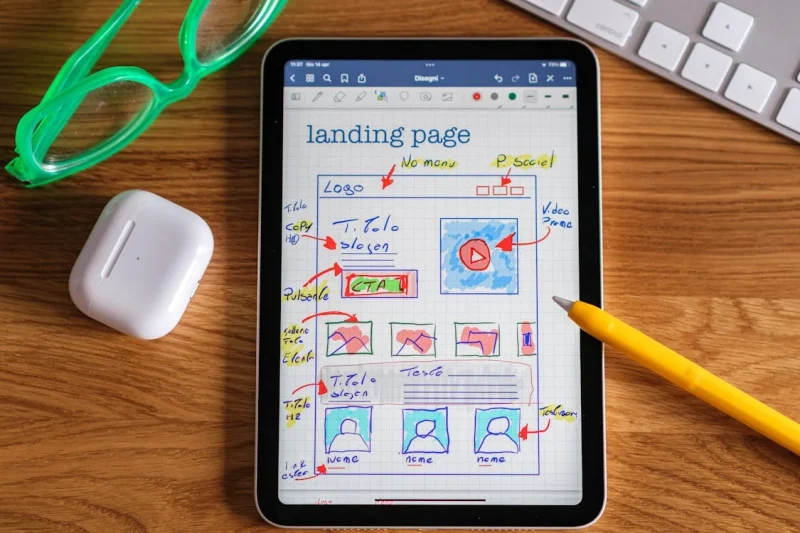
A well-designed website is more than just aesthetically pleasing; it’s a powerful tool that can significantly impact your business's success. To ensure your website is optimized for conversions and user experience, consider these crucial questions:
Clarity and Navigation
- Does everything make sense? Is the content clear, concise, and easy to understand? Avoid jargon and technical terms that might confuse visitors.
- Does it flow well? Is the information presented in a logical sequence, guiding visitors smoothly from one section to
Posted in Website Design
Tagged a/b testing, analytic tools, analytics, branding, calls to action, clarity, color psychology, color scheme, contact form, conversion rate optimization, conversions, cro, cta, easy navigation, fonts, functionality, functionality vs design, increase conversions, mobile-friendly, navigation, privacy policy, responisve, responsive app, terms of service, tos, transparency, trust, typography, ui, user experience, user interface, ux, website analytics, website flow, website optimization
Leave a comment
Desktop Web Design: A Forgotten Art?

“Ask David!” question: "What do you think of websites today?"
The Decline of the Desktop Experience
It seems like we've entered an era where mobile design has taken center stage, leaving desktop experiences to fend for themselves. While I appreciate the importance of mobile optimization, I can't help but feel a growing sense of disappointment with the state of desktop design.
The Noise and the Boredom
Many websites today are designed with a mobile-first approach, often resulting in bloated
... Continue readingShade Your Service Area: Creating a Custom Map for Your Website

Do you need a map on your website that showcases your service area? Maybe you're a landscaper, a delivery company, or a local plumber with a specific range. A shaded map can be a visually appealing way to highlight the areas you cover. Here's how you can create and add this type of map to your website:
Building Your Shaded Map:
There are two main approaches to create a map with a shaded service area:
1. Google My Maps:
This
... Continue reading
Posted in Website Design
Tagged ad(d)s app, geographic information systems, GIS, Google My Maps, html, KML, map, mapping tools, service area, shaded map, website
Leave a comment
How to Keep Bounce Rate in Check? Tips for a Successful Website
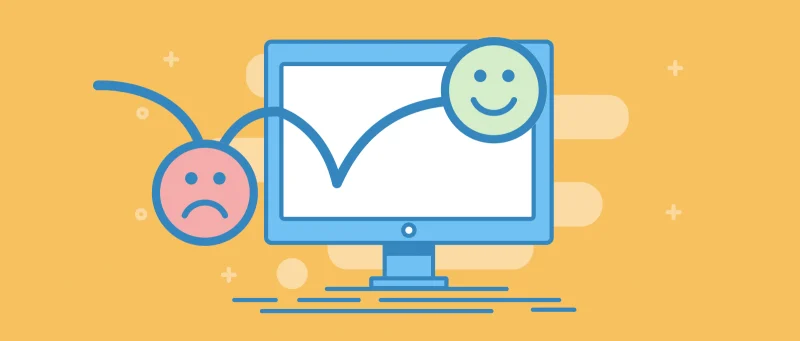
Bounce rate, the percentage of visitors who leave your website after viewing only one page, is a crucial metric for website success. A high bounce rate can indicate that your content isn't engaging or relevant to your target audience. Here are some tips to help you keep your bounce rate in check:
1. Optimize Page Load Speed
- Compress images: Reduce file sizes to speed up loading times.
- Minify CSS and JavaScript: Remove unnecessary characters to optimize code. If you use
Posted in Ask David!, Website Design, Website Traffic
Tagged a/b testing, bloat, bounce rate, branding, broken links, browser caching, call to action, cdn, clean code, clear navigation, compress images, consistent branding, easy navigation, fast loading times, fast website builder, google analytics, Google Search Console, high-quality content, htaccess, https, internal linking, intuitive layout, keyword research, meta descriptions, minify css, minify javascript, minimize redirects, mobile friendly, page load speed, responsive, responsive app, search engine optimization, search engine ranking, seo, server errors, ssl, strong visuals, successful, target keywords, touchscreens, user testing
Leave a comment
GIMP: A Powerful, Free Image Editor for Your Website

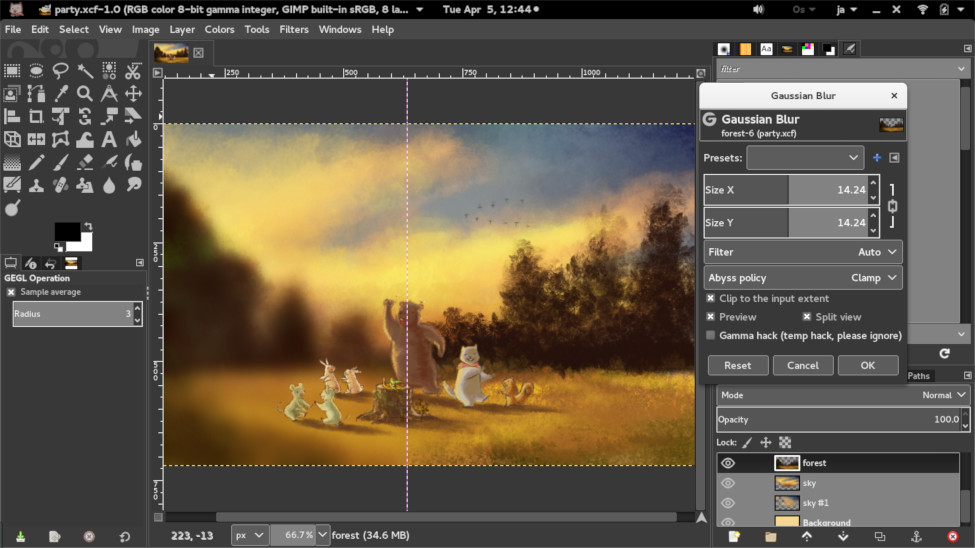
Recently, we discussed DIY logo design in our blog post, How to Create Your Own Logo? A DIY Guide. One of the recommended tools is GIMP, or GNU Image Manipulation Program - a free and open-source raster graphics editor that can be a valuable tool for anyone who needs to edit images for their website. With its wide range of features, GIMP can be used to create, edit, and manipulate images in a variety of ways. Let's learn
... Continue reading
Posted in Website Design
Tagged custom graphics, file formats, free, GIMP, graphic design, image editing tools, image editor, image manipulation, image manipulation techniques, infographics, layers and masks, open-source, painting and drawing, product images, raster graphics, website design, website elements
Leave a comment
How to Create Your Own Logo? A DIY Guide
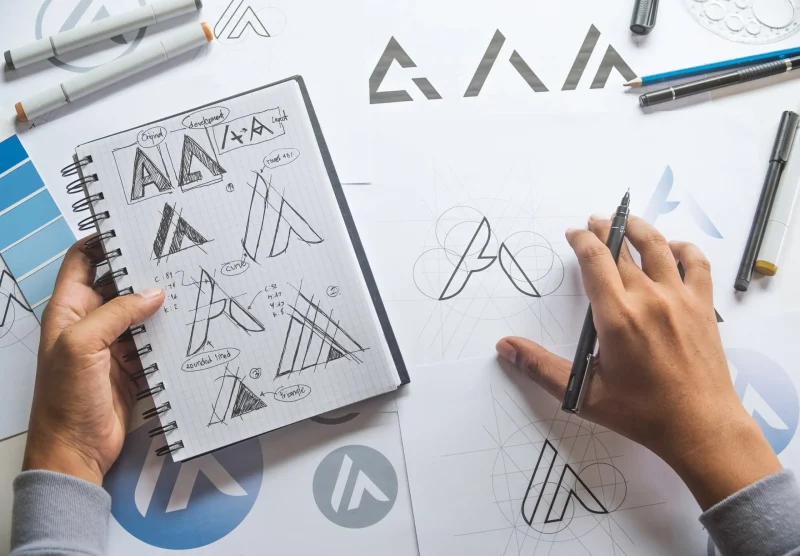
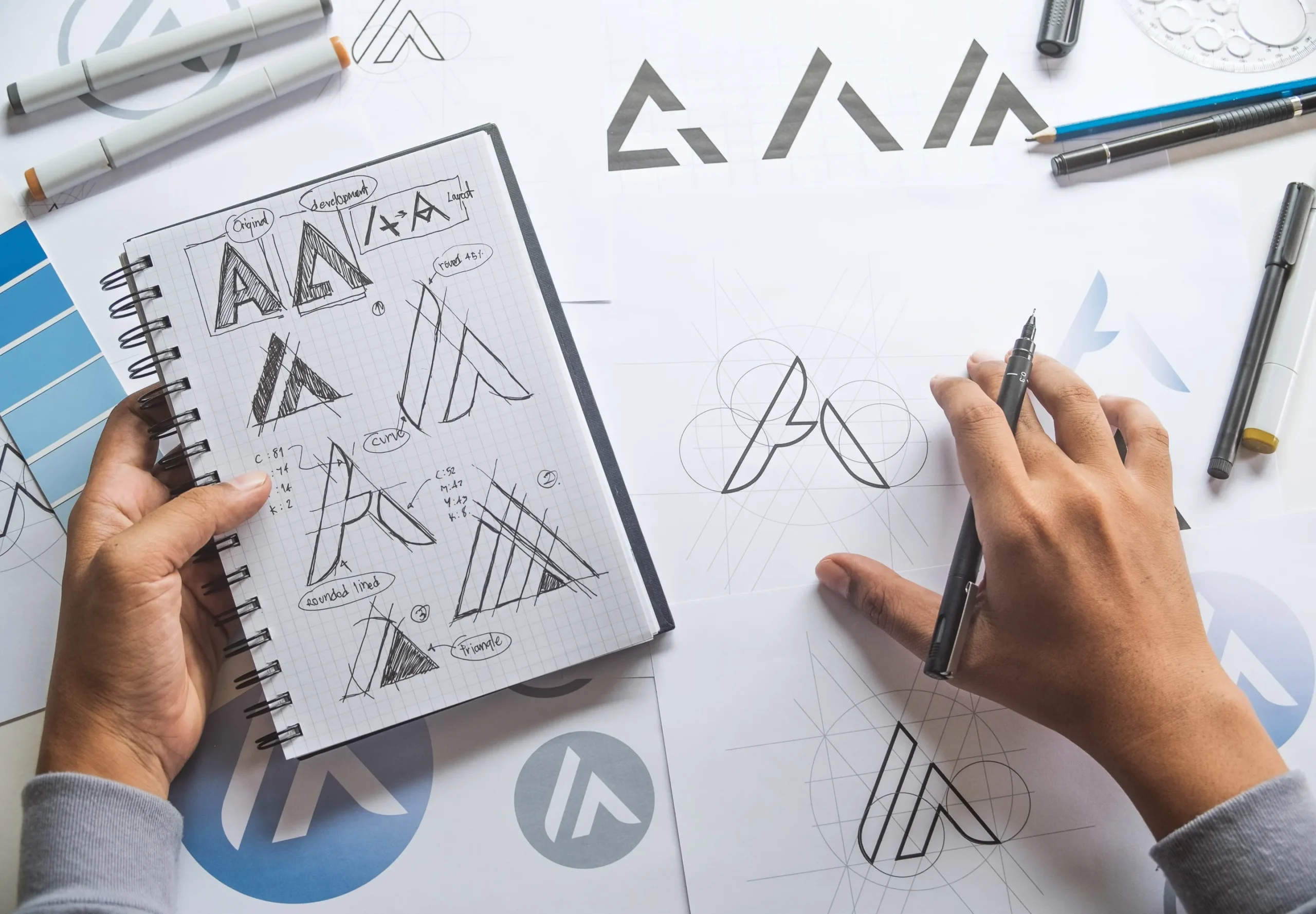
Are you looking to give your brand a unique identity without breaking the bank? While purchasing a professionally designed logo can be a great investment, creating your own can be a rewarding and cost-effective experience. This guide will equip you with the essential tools and tips to design a memorable logo that represents your brand's essence.
What Makes a Good Logo?
A well-designed logo is more than just a pretty picture; it's a visual representation of your brand's values, personality,
... Continue reading
Posted in Ask David!, Business, Marketing, Website Design
Tagged adobe illustrator, billboards, branding, business cards, canva, colors, combination mark, create logo, digital version, diy, diy logo, evoke emotions, fonts, gimo, graphic design software, intellectual property, lettermark, logo, logo type, relevance, simplicity, sketch, symbol, target audience, timelessness, trademark, versatility, wordmark
Leave a comment
Web Design Fundamentals: A Comprehensive Guide

Introduction
Web design is always evolving, combining creativity, usability, and functionality to build websites that are not just visually appealing, but also easy to use and effective. Whether you're a beginner or an experienced designer looking to refine your skills, understanding the fundamentals of web design is crucial. In this guide, we will explore key concepts and best practices that are
... Continue reading
Posted in Website Design
Tagged accessibility, alt text, aria labels, brand identity, branding, build trust, call to action, color psychology, color scheme, color theory, colors, consistency, contrast, contrasting color, cta, digestible content, easy navigation, fast loading times, font sizes, fonts, goals, header tags, headings, line spacing, logo, mobile friendly, paragraph length, purpose, responsive, responsive app, search engine optimization, search engine ranking, seo, short paragraphs, styles manager, subheadings, target audience, typography, user engagement, user experience, user-centered design, user-friendly, ux, ux design, visual hierarchy, website goals, whitespace
Leave a comment
Descriptive Link Text: A Guide to Accessibility

In the digital age, links are an essential part of navigating the web. However, for individuals with visual impairments or disabilities that affect their ability to read or understand text, links can pose a significant challenge. Descriptive link text plays a crucial role in ensuring that websites are accessible to all users.
What is Descriptive Link Text?
Descriptive link text is clear, concise, and informative text that accurately describes
... Continue reading
Posted in Accessibility, Website Design
Tagged accessibility, action verbs, avoid redundancy, be specific, broken links, click here, concise, context, descriptive link text, informative, link formatting, link text, screen reader accessibility, screen readers, search engine optimization, seo, user experience, user-friendly
Leave a comment
Should You Host Google Fonts Directly on Your Website?

A Closer Look at Performance and Security
When it comes to incorporating fonts into your website, Google Fonts is a popular choice. It offers a vast library of free, high-quality fonts that can enhance the visual appeal of your site. However, there's a common question among web developers: Is it better to host Google Fonts directly on your website, or should you link to them externally? Let's explore the pros and cons of both approaches.