


-
Recent Posts
- “My Partner Wants to Use WordPress Because 50% of the Web Uses It. Help!”
- Does EmDash Solve WordPress’s Problems, or Do You Need UltimateWB?
- How Not to Use AI: Stanford University Can Tell You
- Best Website Builder for SEO: WordPress vs. Wix vs. UltimateWB
- How to Make Sure Your Website Colors Have Enough Contrast for Accessibility
- Mobile-Friendly Website Checklist: 20 Things to Check
- Beehiiv Website Builder Review: The Problem Isn’t the Design – It’s the Lack of Control
- Elementor’s “Angie” AI Is More Than Bloat: Credits, Subscriptions, and a Growing Platform Problem
- How to Pass Google Business Profile Video Verification for Service Businesses
- The Great Deskilling: Why AI Dependence is Turning Developers into Prompt Babysitters
- The Three-Month Fuse: The Everest Forms Pro Attack and Why a Patched Plugin Can Still Put Websites at Risk
- Computer Screen Has Black Bars on the Sides: How to Fix It
- Could AI Make Humans Extinct Within the Next Decade?
- Is Weebly Getting Out of the Website-Builder Business?
- Are You “Leaking SEO” by Linking to Other Websites?
- Wix Harmony Is Now in Google Gemini. So Why Are Users Still Complaining?
- When AI Sounds Confident but Gets It Wrong: The Mount Shasta Rescue
- When AI Agents Start Working Together, Who Is Really in Control?
Categories
Tag Archives: canva
Making Your Website Accessible with a QR Code: A Simple Guide
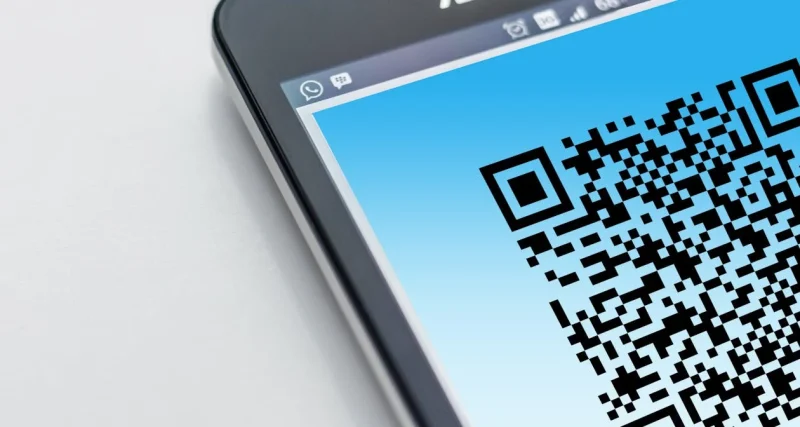
QR codes are everywhere these days! You see them on menus, posters, and even on business cards. They're a super easy way to quickly visit a website. This guide will walk you through the process of creating a QR code that directs users to your website.
1. Choose a QR Code Generator:
- Online Generators: Numerous free and paid online platforms offer QR code generation. Popular options include:
- Canva: Offers a basic free QR code generator with limited customization options.
- Adobe
Posted in Ask David!, Business, Marketing
Tagged adobe express, canva, flowcode, goqr.me, QR code, qr code generator, qr code monkey, qr code tiger, uniqode, website url
Leave a comment
How to Create Your Own Logo? A DIY Guide
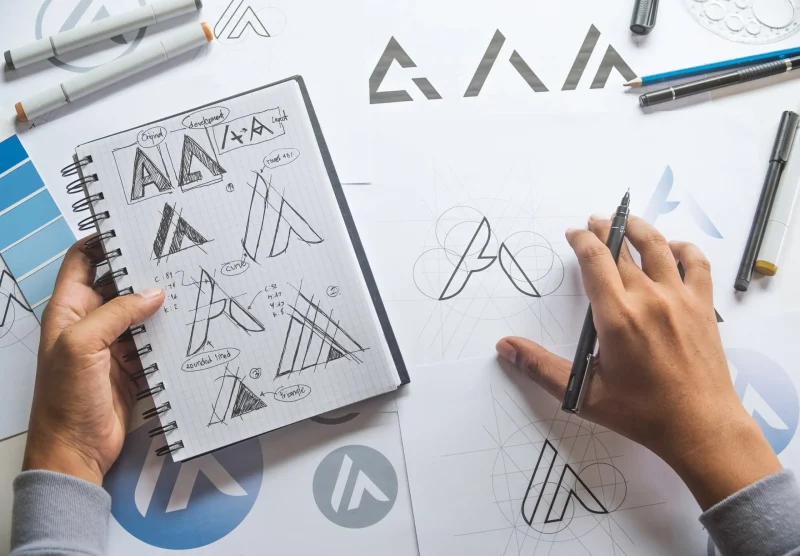
Are you looking to give your brand a unique identity without breaking the bank? While purchasing a professionally designed logo can be a great investment, creating your own can be a rewarding and cost-effective experience. This guide will equip you with the essential tools and tips to design a memorable logo that represents your brand's essence.
What Makes a Good Logo?
A well-designed logo is more than just a pretty picture; it's a visual representation of your brand's values, personality,
... Continue reading
Posted in Ask David!, Business, Marketing, Website Design
Tagged adobe illustrator, billboards, branding, business cards, canva, colors, combination mark, create logo, digital version, diy, diy logo, evoke emotions, fonts, gimo, graphic design software, intellectual property, lettermark, logo, logo type, relevance, simplicity, sketch, symbol, target audience, timelessness, trademark, versatility, wordmark
Leave a comment