






-
Recent Posts
- “My Partner Wants to Use WordPress Because 50% of the Web Uses It. Help!”
- Does EmDash Solve WordPress’s Problems, or Do You Need UltimateWB?
- How Not to Use AI: Stanford University Can Tell You
- Best Website Builder for SEO: WordPress vs. Wix vs. UltimateWB
- How to Make Sure Your Website Colors Have Enough Contrast for Accessibility
- Mobile-Friendly Website Checklist: 20 Things to Check
- Beehiiv Website Builder Review: The Problem Isn’t the Design – It’s the Lack of Control
- Elementor’s “Angie” AI Is More Than Bloat: Credits, Subscriptions, and a Growing Platform Problem
- How to Pass Google Business Profile Video Verification for Service Businesses
- The Great Deskilling: Why AI Dependence is Turning Developers into Prompt Babysitters
- The Three-Month Fuse: The Everest Forms Pro Attack and Why a Patched Plugin Can Still Put Websites at Risk
- Computer Screen Has Black Bars on the Sides: How to Fix It
- Could AI Make Humans Extinct Within the Next Decade?
- Is Weebly Getting Out of the Website-Builder Business?
- Are You “Leaking SEO” by Linking to Other Websites?
- Wix Harmony Is Now in Google Gemini. So Why Are Users Still Complaining?
- When AI Sounds Confident but Gets It Wrong: The Mount Shasta Rescue
- When AI Agents Start Working Together, Who Is Really in Control?
Categories
Tag Archives: user experience
Why Blocking Paste in Form Fields Is a UX Mistake

If you’ve ever tried to paste information into a form and were blocked, you know it’s frustrating. Yet, some teams still implement “no-paste” rules for account numbers, confirmation fields, or even passwords. Here’s why that approach doesn’t make sense - and why it’s time to stop.
Copying Improves Accuracy - Even When the First Entry Might Be Wrong
Some stakeholders justify disabling paste by arguing that if a user makes a mistake in the first field, copying it to the
... Continue reading
Posted in Website Design
Tagged accessibility, auto-formatting, blocking paste, form fields, format validation, trust, usability, user experience, ux, wcag, website security
Leave a comment
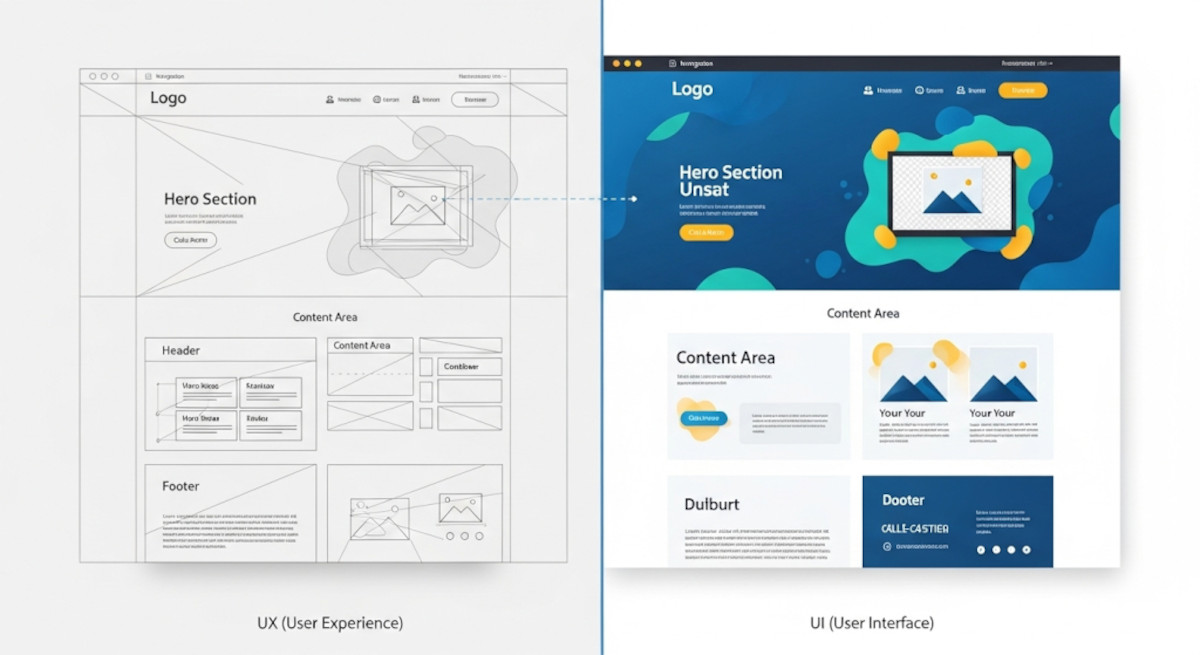
UX vs UI: Understanding the Key Differences in Web Design

When it comes to web design and app development, you’ve probably heard the terms UX and UI thrown around. While they often appear together, they are not the same thing - and understanding the difference is crucial for building a website or app that not only looks great but also works intuitively for users.
What is UX?
UX stands for User Experience. It’s all about how a person feels when interacting with your product. A good UX design ensures
... Continue reading
Posted in Website Design
Tagged colors, easy navigation, fonts, interaction design, typography, ui, usability, user experience, user interface, ux, website design
Leave a comment
Blocking Copy/Paste or Right-Click: Will It Hurt SEO or Just Frustrate Users?

Many website owners consider preventing visitors from copying content or using right/left mouse clicks. At first glance, it seems like a way to protect your work - but is it worth it? Is it a good idea? And could it hurt your SEO or the user experience on your website?
How Search Engines See Your Content
Google and other search engines don’t care if visitors can copy your text or right-click on your pages. Crawlers read your HTML source code,
... Continue reading
Posted in Ask David!, Search Engine Optimization (SEO)
Tagged accessibility, batch watermarking, block copy paste, bounce rate, canonical tags, content protection, copyscape, duplicate content, engagement, html, indexable, right-click disable, search engine optimization, seo, SEO impact, usability, user experience, user-friemdly, view page source, watermark, watermarking tool, website usability, website visitors
Leave a comment
HTML, CSS & JS: Minimized for Speed, Optimized for Web Developers

When it comes to website performance, every byte counts - but that doesn’t mean you need to sacrifice readability to get fast load times. At UltimateWB, we believe in smart minification: optimizing your website’s HTML, CSS, and JavaScript for performance without making your code unreadable or hard to update.
🚀 Why Minify at All?
Minifying code reduces file sizes by stripping out things like:
- Comments
- Unnecessary whitespace
- Line breaks
- Redundant characters
This helps:
- Speed up your website’s load
Posted in Website Design
Tagged bandwidth, clean code, code readability, compression, css, fast load times, fast loading times, html, javascript, js, minification, pagespeed insights, reduce file size, smart minification, user experience, web developer, website performance, website speed
Leave a comment
Why Organic Traffic Is the Best Kind of Traffic (And How to Get More of It)

When it comes to website traffic, not all sources are created equal. Paid ads can offer quick wins, and social media can spark buzz - but organic traffic is the gold standard. It’s steady, scalable, and sustainable.
Here’s why organic traffic stands out and why it should be at the core of your digital strategy.
1. It’s Cost-Effective (Long-Term)
Yes, good SEO takes time and effort, whether you’re writing blog posts, optimizing pages, or building backlinks. But once your
... Continue reading
Posted in Search Engine Optimization (SEO), Website Traffic
Tagged authority, backlinks, bounce rate, brand authority, buy ads, content marketing, conversions, credibility, digital marketing strategy, domain authority, engagement, fast loading times, fast website, fast-loading website, high-quality content, inbound marketing, keyword research, long-term growth, mobile-friendly, organic traffic, paid ads, responsive app, return on investment, roi, search engine optimization, seo, social media, structure, targeted traffic, trust, user experience, user intent, website speed, website structure, website traffic sources
Leave a comment
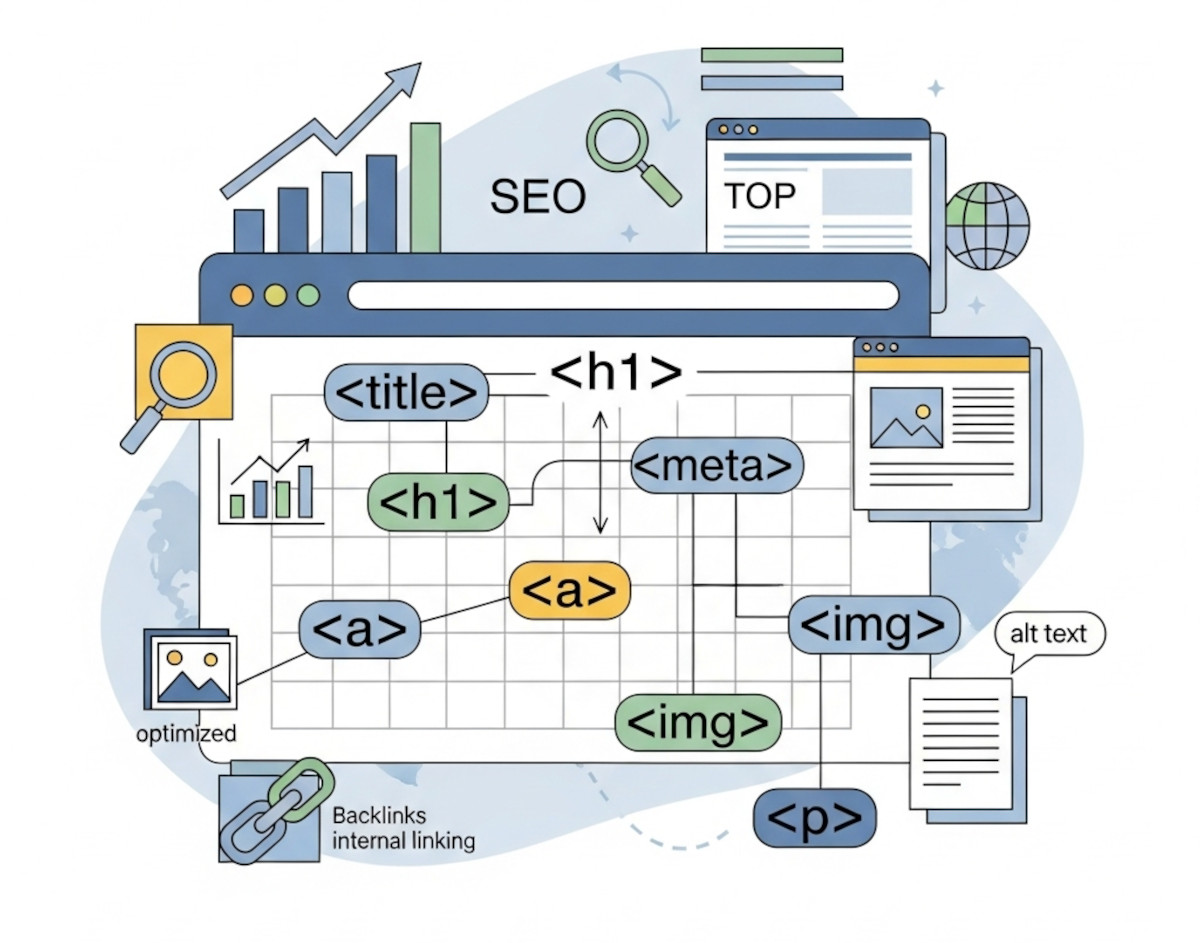
How Clean HTML Can Boost Your SEO (Even Without Coding)

Simple HTML structure tips that can help your site rank better - no coding required
When it comes to SEO, most people think about keywords, backlinks, and blog content. But one of the most overlooked factors behind how your site ranks is the HTML structure.
Even if you’re using a website builder like UltimateWB and never write a line of code, the way your HTML is set up still matters - a lot. The awesome thing
... Continue reading
Posted in Search Engine Optimization (SEO)
Tagged accessibility, alt tag, authority, backlinks, bold, boost traffic, build trust, clean code, click-through rate, ctr, emphasized content, external links, footer, header, headings, high-quality content, html, internal links, italic, keywords, meta description, nav, search engine optimization, search engine ranking, section, semantic tags, seo, structured data, title tag, user experience, valid html
Leave a comment
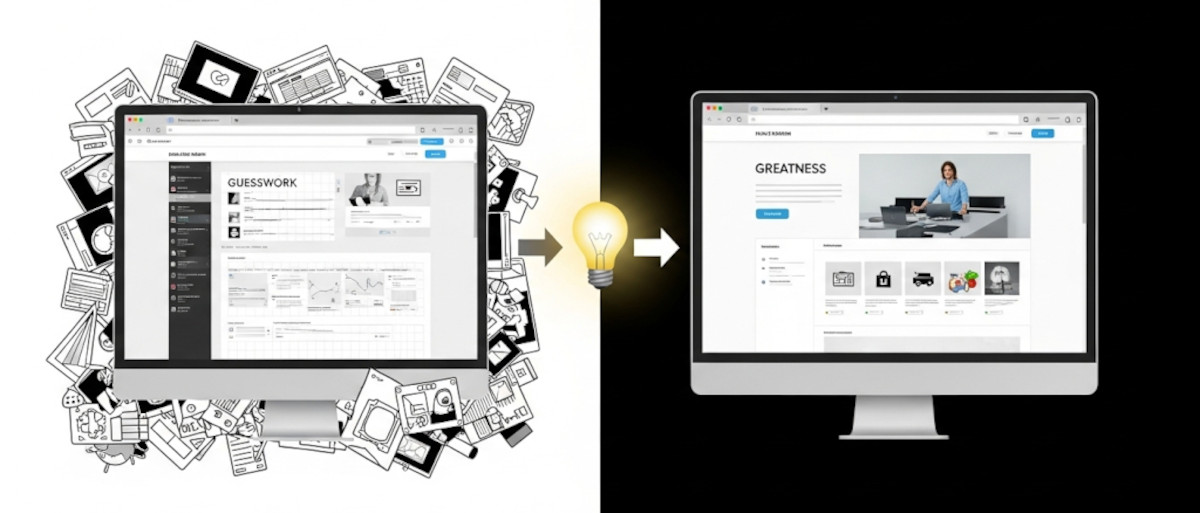
How to Learn Web Design: From Guesswork to Greatness

If you’re just getting started with web design, you might be asking yourself as one “Ask David!” particpant:
Am I just winging it? Are there rules? How do I know if my design actually works - or if it just looks nice?
These are questions almost every new designer has asked, and they’re completely valid. The good news? You don’t have to guess your way through it. While creativity plays a big role, great web design is a craft
... Continue reading
Posted in Ask David!, Website Design
Tagged avoid clutter, behance, branding, call-to-action, clear messaging, clear navigation, color palettes, color psychology, colors, conversions, cta, easy navigation, fast loading times, fast website, flow, fonts, great web design, hierarchy, landing page, learn web design, microinteractions, mobile-friendly, responsive, responsive app, reviews, small animations, social proof, spacing, testimonials, transitions, trust badges, usability, usability testing, user behavior, user experience, ux, web design best practices
Leave a comment
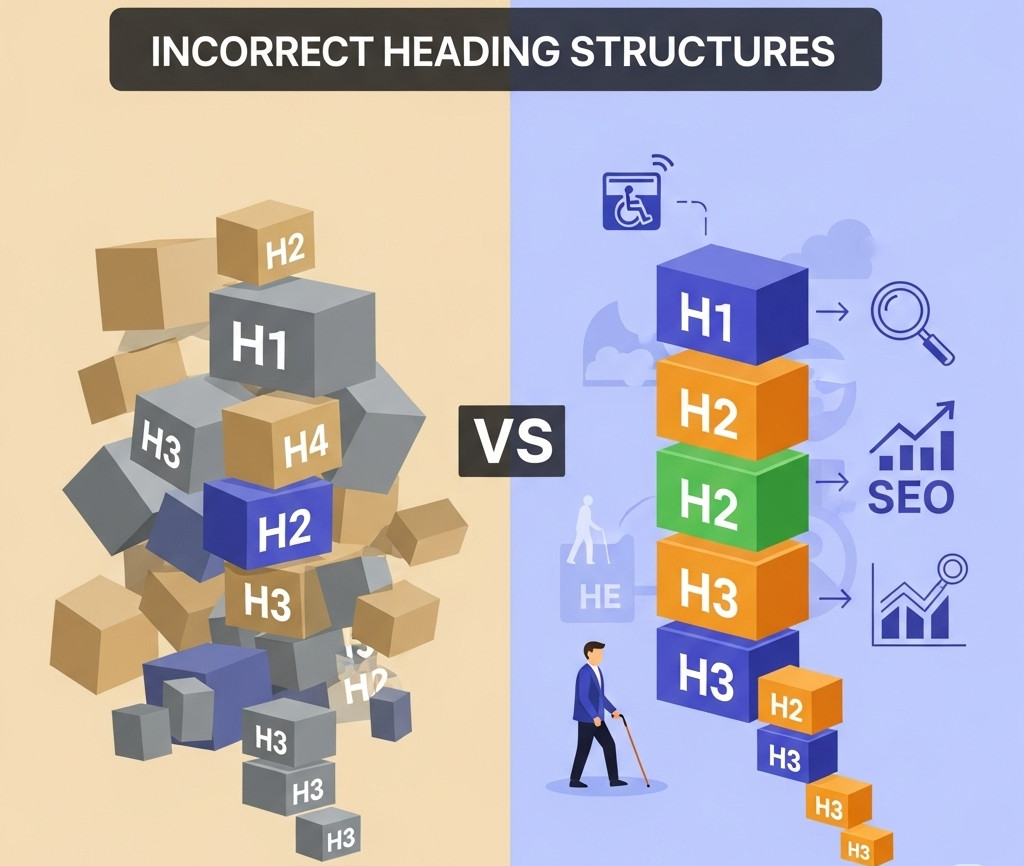
Why an H1 Shouldn’t Come After an H3 – And Why It Matters for SEO and Accessibility

When you're building a website, it's easy to focus on how things look - but how your site is structured under the hood is just as important. One commonly overlooked issue? Incorrect heading order.
We recently came across a website where the first visible heading was an <h3>, and the <h1> appeared after it. While it might not break the layout or cause visible problems, this kind of structure can negatively impact both SEO and accessibility. Here’s why heading
... Continue reading
Posted in Accessibility, Search Engine Optimization (SEO), Website Design
Tagged accessibility, accessibility compliance, assistive technologies, better indexing, clean code, compliance, easy navigation, focus, header, heading, heading order, heading tags, hierarchical structure, hierarchy, indexing, keyword relevance, logical hierarchy, main heading, page quality signals, performance, roadmap, screen readers, search engine optimization, search engine ranking, search engine results, search engines, semantic markers, seo, seo signals, snippets, standards-compliant, subheadings, usability, user experience, visibility, web standards, website structure
Leave a comment
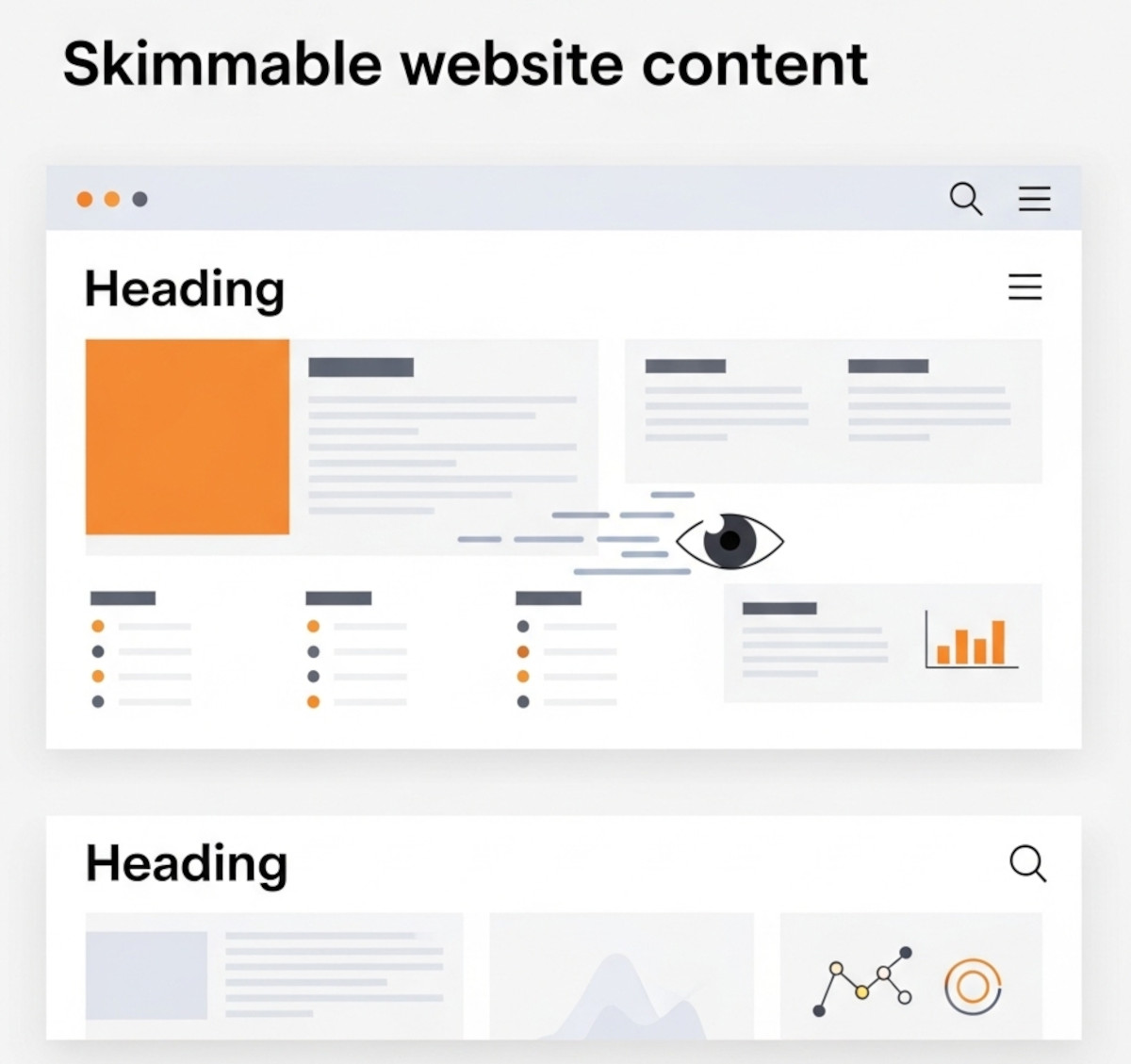
Make Your Website Content Skimmable: Boost Engagement and User Experience

Users rarely read every word on a webpage. Instead, they scan and skim content to quickly find the information they need. If your website content isn’t easy to skim, visitors might get frustrated and leave - fast.
That’s why skimmable formatting is one of the most powerful tools for website owners, designers, and content creators. It improves readability, user experience, and even SEO. At UltimateWB, we believe your website deserves to be easy to read and engaging
... Continue reading
Posted in Search Engine Optimization (SEO), Web Content
Tagged accessibility, bold, boost seo, bounce rates, bullet points, calls to action, cta, engagement, headers, headings, icons, images, infographics, italic, keywords, mobile readability, numbered lists, readability, screen readers, search engine optimization, seo, skimmable content, skimmable formatting, user experience, visual breaks, white space
Leave a comment
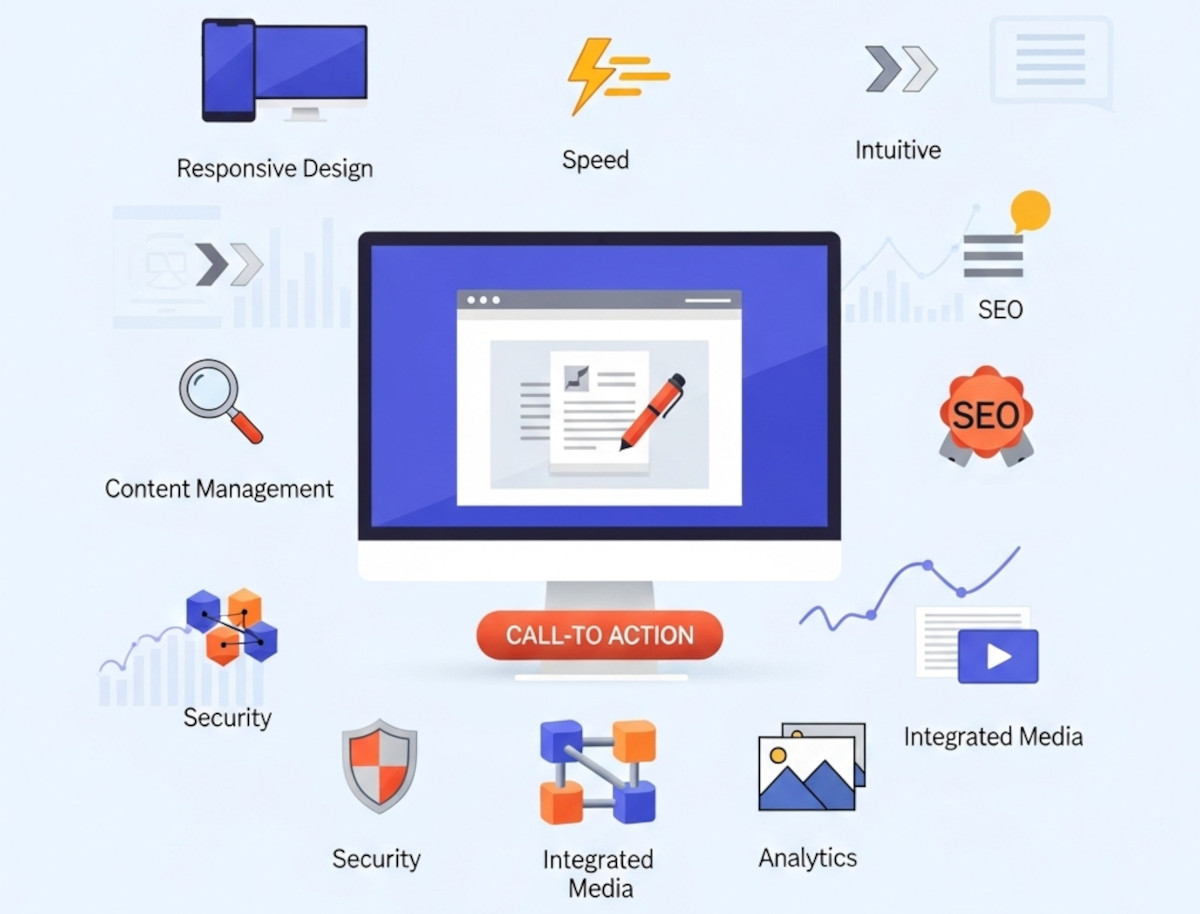
10 Essential Website Design Features Your Website Needs

Whether you're building your first website or looking to upgrade an existing one, understanding the key website design features can make or break your success online. A well-designed site isn't just about looking good - it should function seamlessly, load quickly, and help convert visitors into customers.
At UltimateWB, we know that having the right design features baked into your site is just as important as the content you publish. Here’s our ultimate list of website design features you
... Continue reading
Posted in Website Design
Tagged accessibility, alt text, bounce rate, bounce rates, build trust, built-in features, call-to-action, clean urls, clicks, cms, conversions, cta, easy navigation, easy updates, fast loading times, fast website, flexibility, Google Search Console, https, meta tags, mobile-friendly, responsive, responsive app, responsive design, scalability, search engine optimization, security, seo, sitemap, sitemap generator, spam controls, template lock, user experience, webp, webp converter, website design features, Wix, xml
Leave a comment