





-
Recent Posts
- Could AI Make Humans Extinct Within the Next Decade?
- Is Weebly Getting Out of the Website-Builder Business?
- Are You “Leaking SEO” by Linking to Other Websites?
- Wix Harmony Is Now in Google Gemini. So Why Are Users Still Complaining?
- When AI Sounds Confident but Gets It Wrong: The Mount Shasta Rescue
- When AI Agents Start Working Together, Who Is Really in Control?
- WPForms and Rank Math: Did These WordPress Plugins Create a Backdoor With Admin Access?
- AI Can Text Your Friends for You. Wait, Who Am I Talking To?
- Bill Gates Is Betting on AI to Help Healthcare – While Warning About What AI Could Do to Jobs
- Wix Says AI Website Owners Should Care About Portability. There’s Just One Problem.
- WordPress 7.1 Broke WP Rocket: The Fatal Error and the Plugin Problem
- WordPress vs. UltimateWB for an Artist Website: Which Should You Choose?
- Thinking About Switching From WordPress? What Should You Consider Before You Move?
- The Airtable Acquisition Raises a Bigger Question: Do You Really Own the Software Your Business Runs On?
- How to Use Google Search Console’s New Generative AI Data to Improve Your SEO
- How to Update the Same Website Content on Multiple Pages at Once
- Discovered vs. Crawled Not Indexed in Google Search Console: What’s the Difference and How to Fix Each
- The Small Business Guide to Auditing Google Ads and Website Costs
Categories
Tag Archives: html
Website Builder vs. Content Management System (CMS): Which One Do You Need?

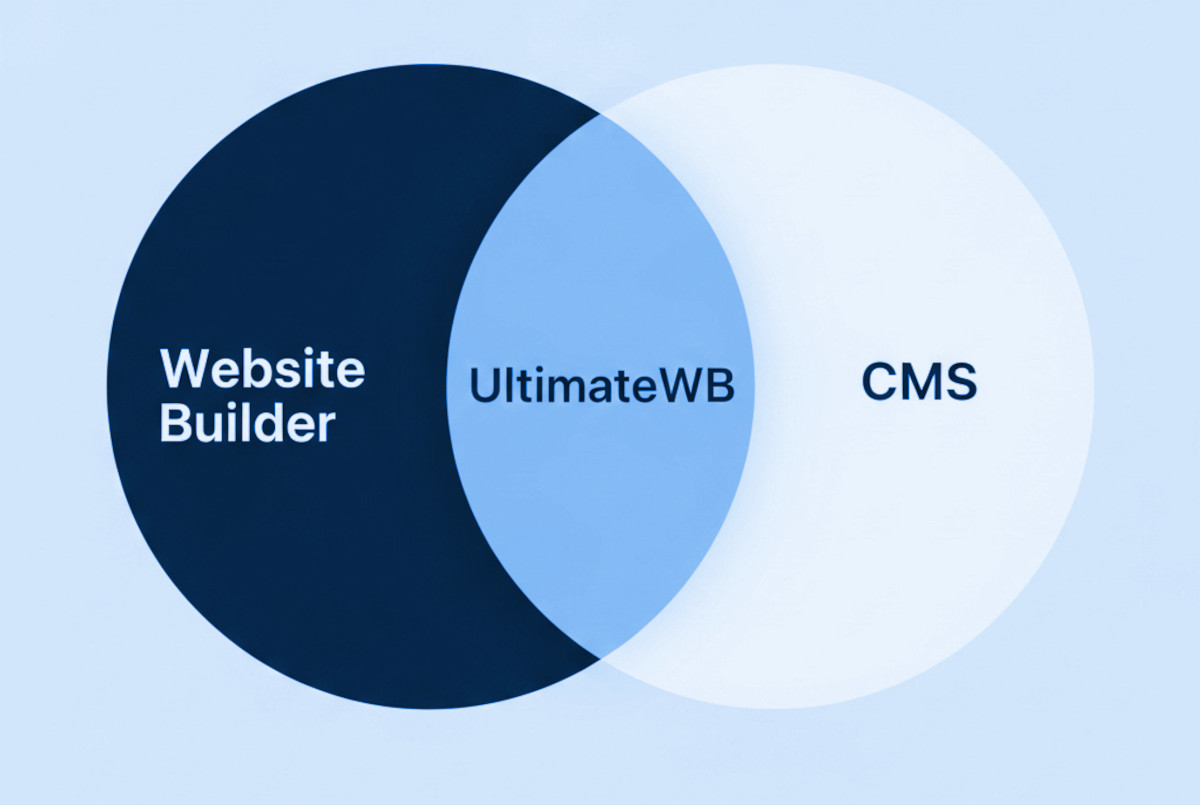
If you’re researching how to create a website, you’ve probably come across the terms “website builder” and “CMS” (Content Management System). Many people think a website builder and a CMS are completely different - and in the way these terms are used in marketing, they usually are. But in reality, a CMS is a type of website builder, and some website builders (like UltimateWB) are also full CMS platforms.
Think of it like squares and rectangles:
- All CMS
Posted in Ask David!, Compare Website Builders
Tagged beginner friendly, clean url, cms, content management system, css, customization, e-commerce website, fast website, html, javascript, meta tags, no coding required, no-code website builder, powerful website builder, search engine optimization, seo, seo-friendly, small business website, speed, web hosting, web hosting choice, website builder, website builder vs cms, website building, website design, website platform comparison, website speed
Leave a comment
HTML, CSS & JS: Minimized for Speed, Optimized for Web Developers

When it comes to website performance, every byte counts - but that doesn’t mean you need to sacrifice readability to get fast load times. At UltimateWB, we believe in smart minification: optimizing your website’s HTML, CSS, and JavaScript for performance without making your code unreadable or hard to update.
🚀 Why Minify at All?
Minifying code reduces file sizes by stripping out things like:
- Comments
- Unnecessary whitespace
- Line breaks
- Redundant characters
This helps:
- Speed up your website’s load
Posted in Website Design
Tagged bandwidth, clean code, code readability, compression, css, fast load times, fast loading times, html, javascript, js, minification, pagespeed insights, reduce file size, smart minification, user experience, web developer, website performance, website speed
Leave a comment
How Clean HTML Can Boost Your SEO (Even Without Coding)

Simple HTML structure tips that can help your site rank better - no coding required
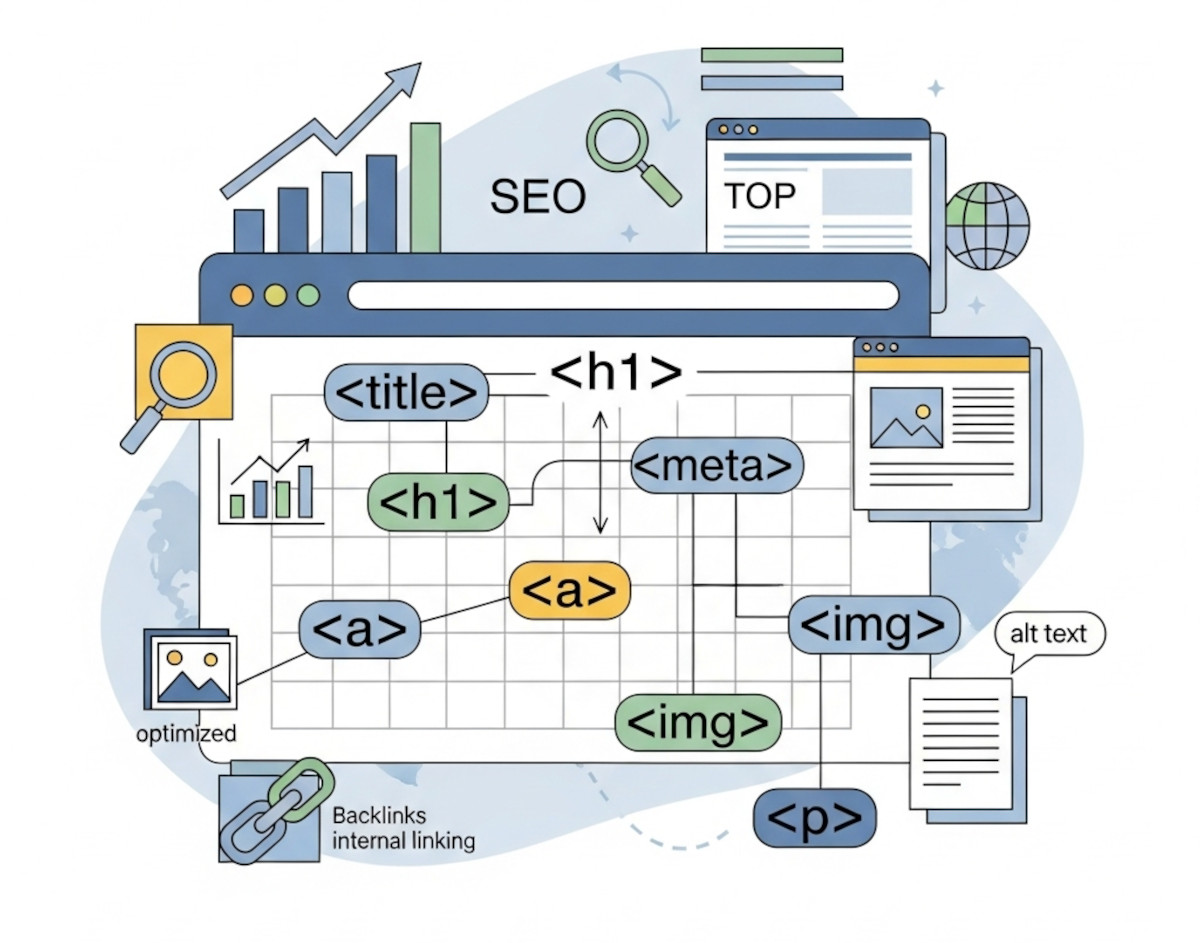
When it comes to SEO, most people think about keywords, backlinks, and blog content. But one of the most overlooked factors behind how your site ranks is the HTML structure.
Even if you’re using a website builder like UltimateWB and never write a line of code, the way your HTML is set up still matters - a lot. The awesome thing
... Continue reading
Posted in Search Engine Optimization (SEO)
Tagged accessibility, alt tag, authority, backlinks, bold, boost traffic, build trust, clean code, click-through rate, ctr, emphasized content, external links, footer, header, headings, high-quality content, html, internal links, italic, keywords, meta description, nav, search engine optimization, search engine ranking, section, semantic tags, seo, structured data, title tag, user experience, valid html
Leave a comment
Why Desktop Website Builders Are Outdated – And Why UltimateWB is the Better Choice

Compare iWeb, Dreamweaver, RapidWeaver & More to the Flexibility of UltimateWB
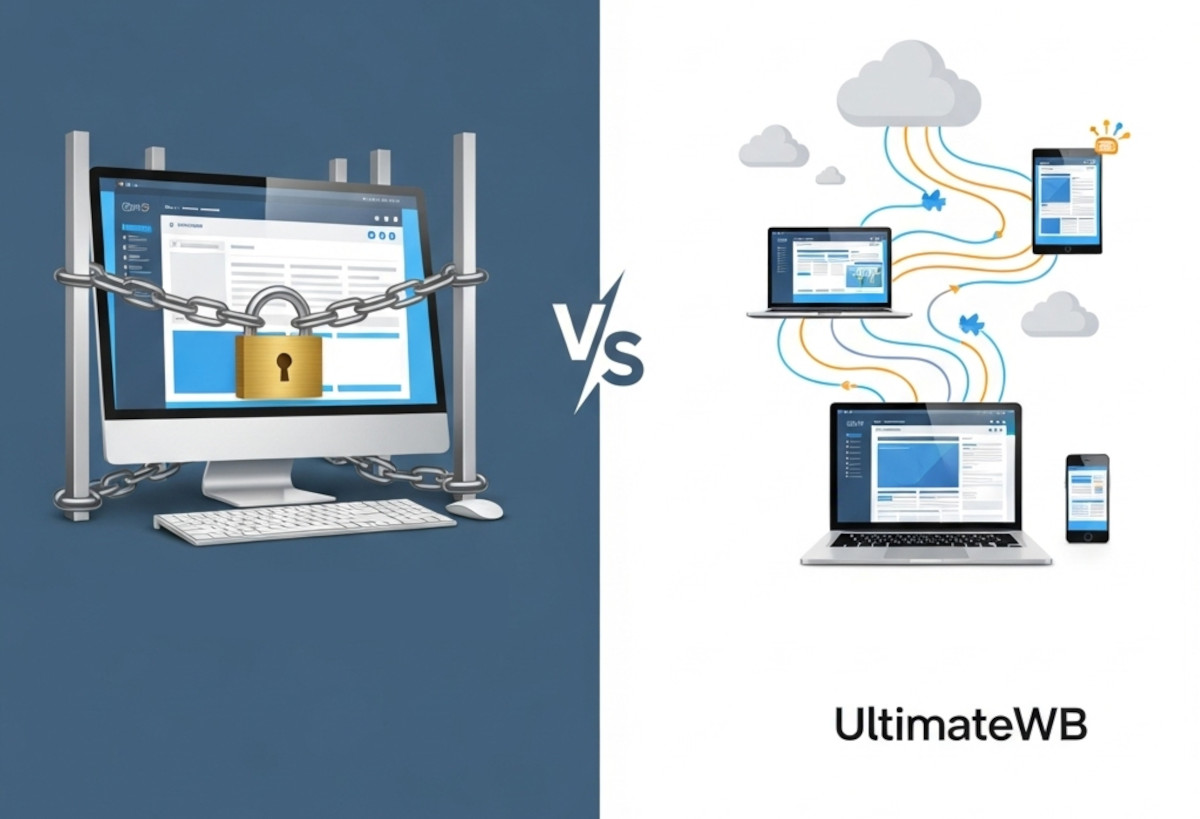
Thinking about using a downloadable website builder to get your site online? Maybe you used to work with iWeb, Dreamweaver, RapidWeaver, EverWeb, or another offline website tool and are looking for something similar - or something better.
While desktop website builders can offer some appealing benefits, they come with major limitations that can hold your website back in today’s web environment.
Here’s how they compare
... Continue reading
Posted in Compare Website Builders
Tagged adobe, adobe creative cloud, apple, browser-based, build websites offline, code from scratch, collaboration, css, customizable, desktop website builders, downloadable website builder, dreamweaver, everweb, flexibility, freedom, ftp, hidden costs, html, iWeb, mac, manual uploading, mobile-friendly, mobirise, no code, no monthly SaaS fees, offline editing, offline website tool, plugins, powerful website builder, rapidweaver, responsive app, responsive design, scalability, scalable, security, subscription, web hosting choice
Leave a comment
Best Website Builder for Developers – PHP/MySQL Flexibility with UltimateWB
If you're a developer, you've probably been frustrated by the limitations of most no-code website builders. They’re great for beginners, but when it comes to custom functionality - like PHP scripting, MySQL integration, or direct database access - they hit a wall fast.
Whether you're building a website for a client or launching your own project, you shouldn’t have to choose between convenience and control.
... Continue reading
Posted in Compare Website Builders
Tagged analytics, bloat, clean code, clean urls, cms, coders, css, custom code, database, drag-and-drop alternative, drag-and-drop website builder, dreamweaver, dreamweaver alternative, dreamweaver vs ultimatewb, fast loading times, fast web hosting, fast-loading website, flexibility, friendly urls, html, meta description, meta title, mobile-friendly, mysql, performance, php, plugins, request features, responsive, responsive design, scalability, schema, search engine optimization, seo, squarespace, structured data, ui, user interface, user-friendly, web developer, web hosting, web hosting choice, webflow, webp, webp converter, website speed, weebly, Wix, WordPress
Leave a comment
The Most Important HTML and CSS Codes You Should Know (Even If You Use a Website Builder)

HTML and CSS are the core building blocks of every website on the internet. If you’ve ever wondered how web pages are structured or styled, these are the languages behind it all. Whether you’re a beginner or just curious, learning some basic HTML and CSS can be incredibly useful - even if you’re using a powerful website builder like UltimateWB.
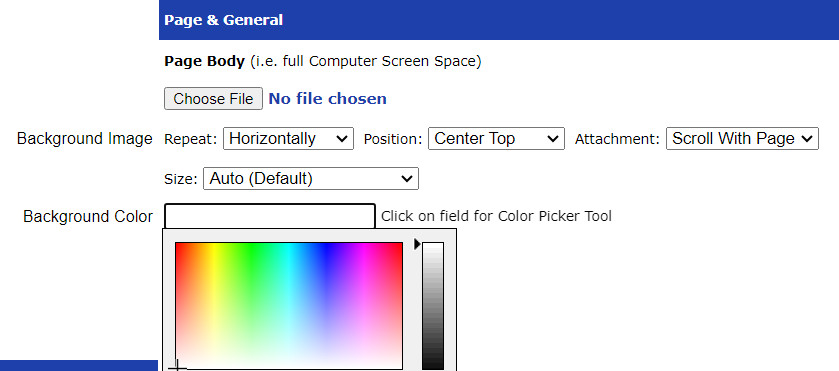
The good news? You don’t need to know any coding to build and customize your website with UltimateWB. Our
... Continue reading
Posted in Website Design
Tagged cms, colors, css, css basics, fonts, headings, html, html and css tutorial, html basics, html css, layouts, learn css, learn html, no code, page editor, spacing, styles manager, ultimatewb, web design, website builder
Leave a comment
Do You Need to Have Coding Experience to Build a Website with UltimateWB?

The short answer: No!
One of the most common questions people have when they’re thinking about building their own website is:
“Do I need to know how to code?”
With UltimateWB, you don’t.
You can start with no coding experience and build a complete, professional website using the built-in tools and applications.
But there’s another side to this, too.
If you do know how to code - or decide to learn along the way - you can use those
... Continue readingShade Your Service Area: Creating a Custom Map for Your Website

Do you need a map on your website that showcases your service area? Maybe you're a landscaper, a delivery company, or a local plumber with a specific range. A shaded map can be a visually appealing way to highlight the areas you cover. Here's how you can create and add this type of map to your website:
Building Your Shaded Map:
There are two main approaches to create a map with a shaded service area:
1. Google My Maps:
This
... Continue reading
Posted in Website Design
Tagged ad(d)s app, geographic information systems, GIS, Google My Maps, html, KML, map, mapping tools, service area, shaded map, website
Leave a comment
Web Design Fundamentals: A Beginner’s Guide

Introduction
Web design is the art and science of creating websites. It involves planning, creating, and maintaining websites. If you're interested in learning web design, this guide will provide you with the fundamental concepts and tools to get started. Click on the links for more discussion on the topic.
Core Principles of Web Design
- User Experience (UX): The focus should be on creating a seamless and intuitive experience for users.
Posted in Website Design
Tagged accessibility, adobe photoshop, atom, avoid clutter, cms, code editors, color theory, colors, content is king, create a mood, css, custom code, custom fonts, design tools, evoke emotions, Figma, fixed, fluid, fonts, grid, hierarchy, high-quality content, html, illustrator, javascript, keep it simple, keywords, layout, navigation, readability, responisve, responsive, responsive app, search engine optimization, seo, seo tips, styles manager, stylesheet, sublime text, typography, user experience, user interface, ux, visual appear, visual studio code, wcag, web content accessibility guidelines, web design trends, whitespace
Leave a comment
How Long Does It Really Take to Build a Website? (Timeline Breakdown)

Whether you are building your own website or hiring a web development company to design it for you, one of the first questions you will ask is: How long will it take?
It’s the web design equivalent of asking "Are we there yet?" on a long road trip. You just want to know when you will finally reach your destination and launch.
The short answer? It can take anywhere from a few hours to six months or more.
The actual
... Continue reading
Posted in Ask David!, Website Design
Tagged all-in-one website builder, beginner friendly website builder, best website builder, build a website, cms, css, custom code, easy web design, expert flexible, html, javascript, mysql, php, quick web design, responsive, styles manager, templates generator, third-party plugins, web design packages, web design services, website development time
Leave a comment