


-
Recent Posts
- Why AI Builders Become Unaffordable at Scale (And the UltimateWB Alternative)
- Why Is Google Indexing New Blog Posts So Much Slower in 2026?
- Why Does Google Gemini Keep Saying “Something went wrong (1099 or 1076)”?
- What Happened to Reddit? API Changes, Shadowbans, Bots, and Community Decline
- What’s Going On with the Etch WP Team? (Digital Gravy Drama Explained)
- Why is the Discover tab missing now from Google Search Console?
- Big Tech’s New Excuse: The AI Smoke Screen
- WooCommerce Subscriptions Cost: Avoid the $279 Add-On Trap
- The Dogfooding Test: What Happens When Web Platforms Don’t Use Their Own Tools?
- Webflow’s 2026 Layoffs Exposed the SaaS Illusion
- The 2026 Kadence WP Corporate Takeover: What Liquid Web’s Consolidation Means for Your WordPress Website
- Why Windows Suddenly Says “Activate Windows” – And How to Fix It Easily
- How to Restore Accidentally Closed Browser Windows and Tabs
- The Right Way vs. The Wrong Way to Do Programmatic SEO (pSEO)
- Stop Fighting Your Website: Absolute Positioning vs. Fluid Design
- Is Your Google Search Console “Average Position” Lying to You?
- Webflow’s 2026 Price Hike: When “Premium” Means Less Bandwidth
- The WordPress Events Calendar Pro Price Hike – and the Alternative
- How can I avoid “AI SEO sludge”?
- What is the difference between advertising and marketing?
Categories
- Accessibility
- Advertising
- Affiliate Programs
- Announcements
- Apps Comparison
- Ask David!
- Business
- Compare Website Builders
- Computer Tips
- Domain Names
- E-commerce
- Emails
- Facebook Application
- General
- Graphic Design
- Integration Tutorials
- Mailing List Application
- Marketing
- Photos Management
- Search Engine Optimization (SEO)
- Social Media
- Social Networking
- Software Showcase
- Technology in the News
- Traffic Statistics
- Troubleshooting
- Web Content
- Web Hosting
- Website Design
- Website Security
- Website Traffic
- WordPress Customization
Meta
Tag Archives: styles manager
Designing Your Own Website: A Step-by-Step Guide
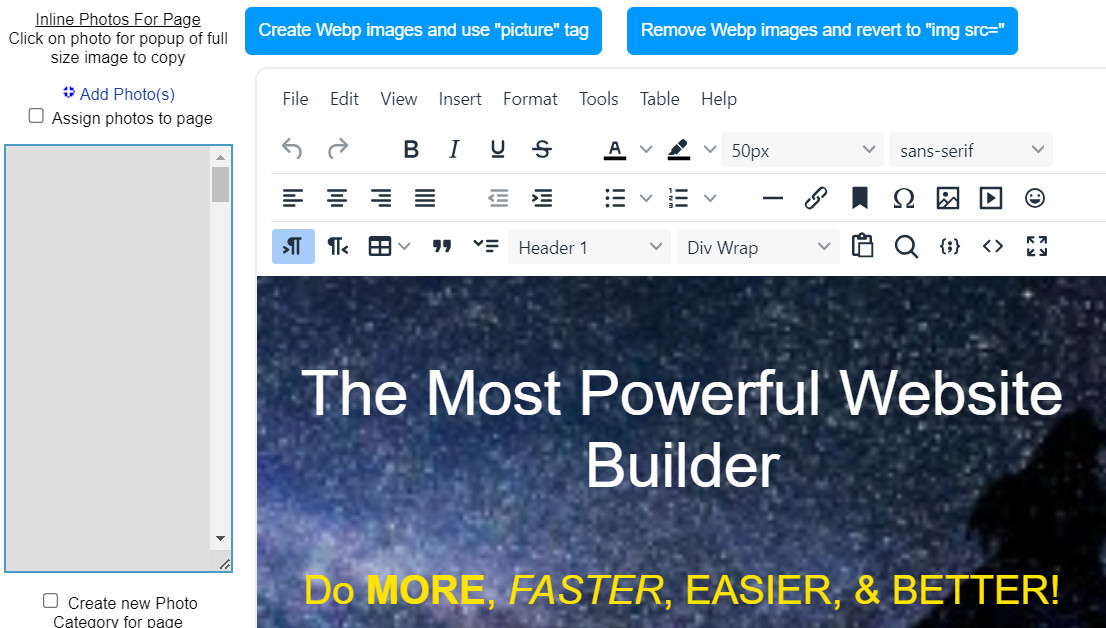
Creating a website is no longer exclusive to tech experts. With the right approach, anyone can build a digital space that reflects their vision. Let's break down the process into manageable steps.
Define Your Website's Purpose
Before diving into design, clarify your website's goal.
- Who is your audience? Understanding your target visitors is crucial.
- What do you want to achieve? Whether it's showcasing your portfolio, selling products, building a
Posted in Website Design
Tagged branding, choose website builder, cms, content is king, create your own website, design your own website, high-quality content, launch website, layout, navigation, search engine optimization, seo, site maintenance tool, sitemap, sitemap generator, styles manager, target audeince, test, update website, website maintainance, website objective
Leave a comment
What should I consider when designing a photography portfolio website?

Designing a photography portfolio website is a chance to showcase your unique talent and vision to the world. To create a site that truly shines, consider these key factors:
1. Define your target audience:
- Who do you want to reach with your photography? Understanding their interests and preferences will guide your design choices and content curation.
- Are you targeting clients in a specific niche, like weddings or fashion? Tailor your visuals and messaging to resonate with their needs.
2. Highlight
... Continue reading
Posted in Ask David!, Photos Management, Website Design
Tagged branding, color palette, create photo galleries, create slideshows, cyberattacks, fast loading times, fonts, high-resolution images, mosaic grid, photo collage, photo galleries, photo gallery, photo security, photography, photography portfolio website, photography website, photography website builder, responsive, scalable, security, seo tool, slideshows, social media, ssl, styles manager, target audience, third party plugins, visual identity, web hosting
Leave a comment
How can I choose the right colors for my brand if I lack experience in design?
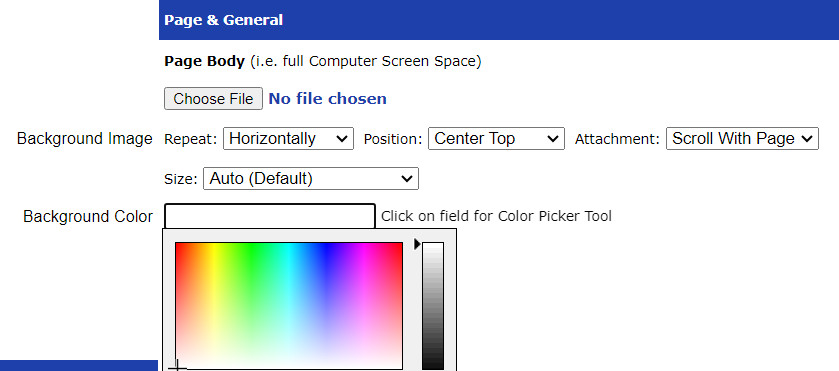
Don't worry! Choosing the right brand colors doesn't require expert design skills. You can play around with it and create different stylesheets easily with UltimateWB and the built-in Styles Manager, so the process can even be fun and headache-free. Here are some tips to help you make an informed decision even if you're new to the world of design:
1. Understand your brand:
- What are your brand's
How to add microinteractions on your website images that are links, the easiest way, without having to add more images?
UltimateWB website builder has built-in microinteractions for the navigation menu and links via hover effects. You can set the mouseover color and background colors easily via your website admin panel Styles Manager. If you would like to add microinteractions to your image links as well, you can do that with UltimateWB too - it is very flexible and customizable. Let's dive in the easiest way to do it! Spoiler: it's via CSS!
Adding Microinteractions to Your Linked Images: The Easy
... Continue reading
Posted in Ask David!, Website Design
Tagged accessibility, add class, brightness change on hover, change hue on hover, cms, css, custom code, image links, microinteractions, mouseover effects, page editor box, round edges, rounded background on hover, shadow effect, styles manager, user-friendly
Leave a comment
How to Test the Color Contrast of Your Website for Accessibility?
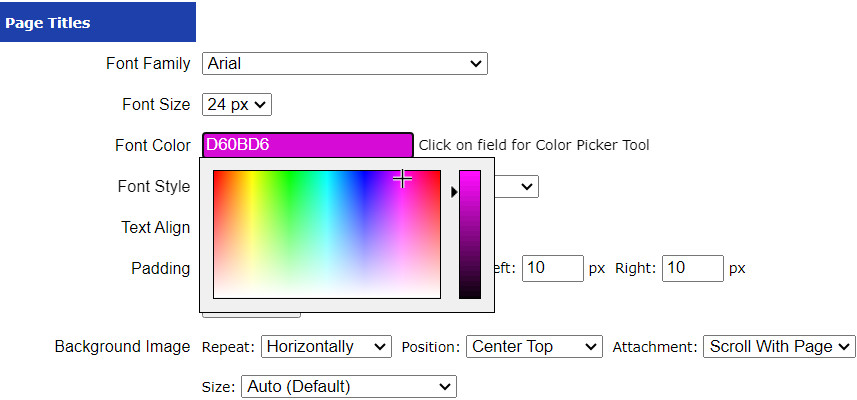
A website's success isn't solely determined by its visual appeal and functionality - it also hinges on how accessible it is to all users, including those with visual impairments. Color contrast is a critical component of web accessibility, as it directly impacts readability and usability. In this article, we will explore the importance of testing color contrast on your website and discuss various tools and methods you can use to
... Continue readingStep-by-Step Guide to Create a Responsive .com Website: Domain, Hosting, Design & Promotion
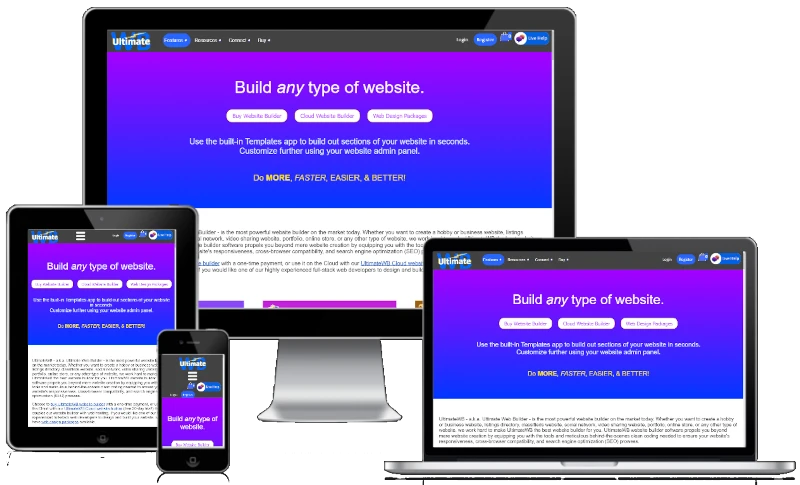
"Can you provide a detailed step by step guide to create a responsive .com website, including how and where to get a domain name, where to host my site, how to design it, and how to publicize the site?"
Having a professional and responsive website is essential for individuals and businesses alike. This guide will walk you through the detailed steps to create your own .com website using UltimateWB, an all-in-one website builder, including how to get a domain name,
... Continue reading
Posted in Ask David!, General, Website Design
Tagged buy domain name, buy website builder, check domain name availability, cms, design website, domain name, domain name availability, google analytics, Google Search Console, host website, mailing list, publicize website, register domain name, responsive app, step-by-step guide, styles manager, ultimatewb cloud, web hosting, web hosting choice
Leave a comment
How can I use a Custom Font on my website?
Using custom fonts for your website: A step-by-step guide
Custom fonts can add a unique and personal touch to your website. They can help your website stand out from the competition and make it more memorable. If you're not sure how to use custom fonts on your website, here's a step-by-step guide:
- Choose your fonts. There are many websites where you can download custom fonts, such as Google Fonts and Font Squirrel. Once you've found some fonts that you like,
Posted in Ask David!, Website Design
Tagged classes, css, custom fonts, fonts, html, styles manager
Leave a comment
How do I make my website look a bit handmade or like it is my own handwriting?
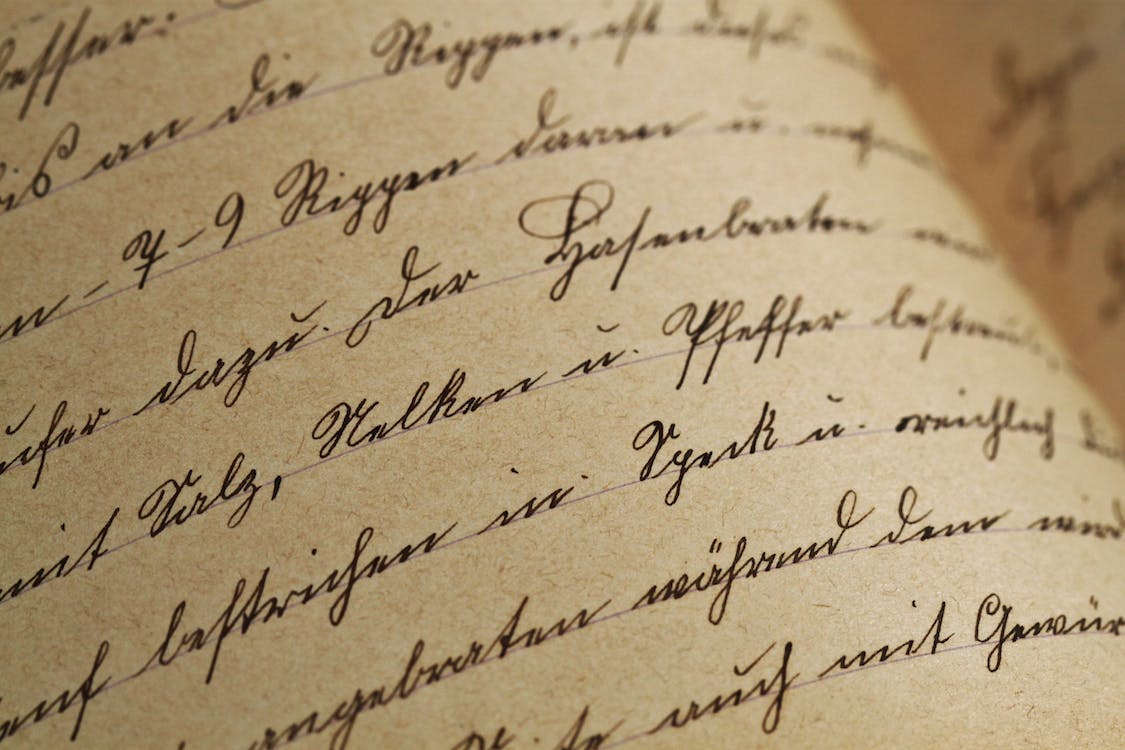
To give your website a handmade or handwritten feel, follow these steps:
Custom Fonts:
Choose unique, handwritten, or script-style fonts for your website's text. This can add a personalized touch to your content. Just be sure the font remains readable.
Handwritten Graphics:
Create custom graphics or icons using your own handwriting or hand-drawn designs. These can be used as logos, buttons, or decorative elements throughout your site.
Background Textures:
Consider using background textures that resemble paper or canvas to create
... Continue reading
Posted in Ask David!, Website Design
Tagged custom design, customization, handmade look, handwriting, page editor, styles manager
Leave a comment
What makes UltimateWB the best artist website builder?
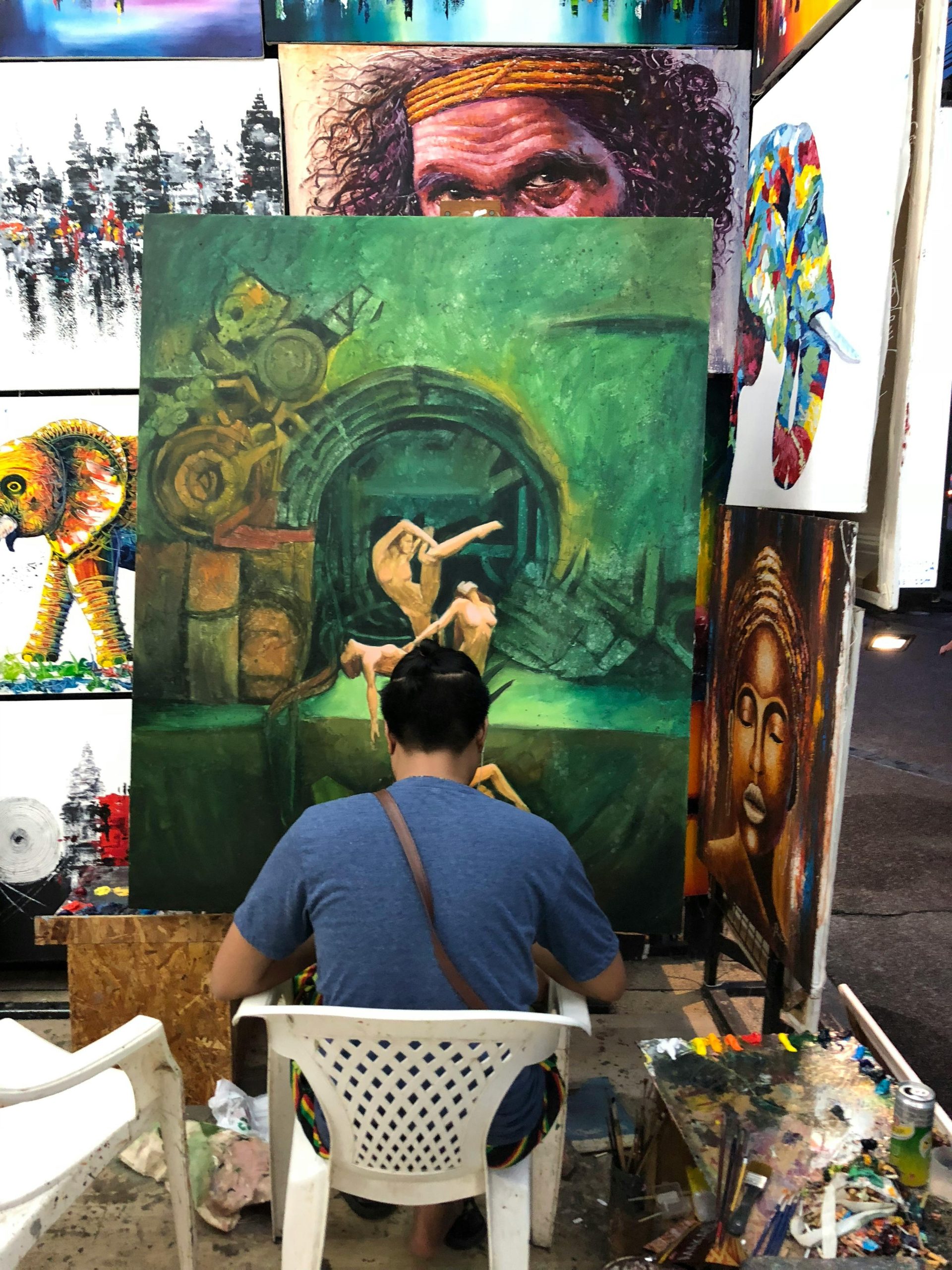
As an artist, you want a website that truly showcases your work. Whether you're a painter, sculptor, photographer, or any type of creative, your online presence should be as stunning as your art. That's where UltimateWB comes in - it's the ideal website builder for artists. Here's why it's the perfect choice for you:
1. Customizable Galleries and Slideshows, Showcasing your Portfolio:
UltimateWB offers highly customizable photo galleries and slideshows, so
... Continue reading
Posted in Website Design
Tagged artist website, artist website builder, batch upload photos, batch watermark photos, contact form, favicon, image management, mailing list, mosaic grid, photo galleries, scalable, seo tools, sitemap generator, slideshows, social share, styles manager, support
Leave a comment
Website Design Guide: Building a User-Friendly and Engaging Site
"What website design guide is the best strategy?"
This guide offers key principles and best practices to craft a website that excels in both user experience and visual appeal.
1. Planning and Foundation
- Define your goals: What do you want visitors to achieve on your site (e.g., contact you, make a purchase, learn more about your services)?
- Know your audience: Who are you trying to reach? Understanding their needs and online behavior is crucial.
- Content is king: Craft clear,
... Continue reading