






-
Recent Posts
- Could AI Make Humans Extinct Within the Next Decade?
- Is Weebly Getting Out of the Website-Builder Business?
- Are You “Leaking SEO” by Linking to Other Websites?
- Wix Harmony Is Now in Google Gemini. So Why Are Users Still Complaining?
- When AI Sounds Confident but Gets It Wrong: The Mount Shasta Rescue
- When AI Agents Start Working Together, Who Is Really in Control?
- WPForms and Rank Math: Did These WordPress Plugins Create a Backdoor With Admin Access?
- AI Can Text Your Friends for You. Wait, Who Am I Talking To?
- Bill Gates Is Betting on AI to Help Healthcare – While Warning About What AI Could Do to Jobs
- Wix Says AI Website Owners Should Care About Portability. There’s Just One Problem.
- WordPress 7.1 Broke WP Rocket: The Fatal Error and the Plugin Problem
- WordPress vs. UltimateWB for an Artist Website: Which Should You Choose?
- Thinking About Switching From WordPress? What Should You Consider Before You Move?
- The Airtable Acquisition Raises a Bigger Question: Do You Really Own the Software Your Business Runs On?
- How to Use Google Search Console’s New Generative AI Data to Improve Your SEO
- How to Update the Same Website Content on Multiple Pages at Once
- Discovered vs. Crawled Not Indexed in Google Search Console: What’s the Difference and How to Fix Each
- The Small Business Guide to Auditing Google Ads and Website Costs
Categories
Tag Archives: plugins
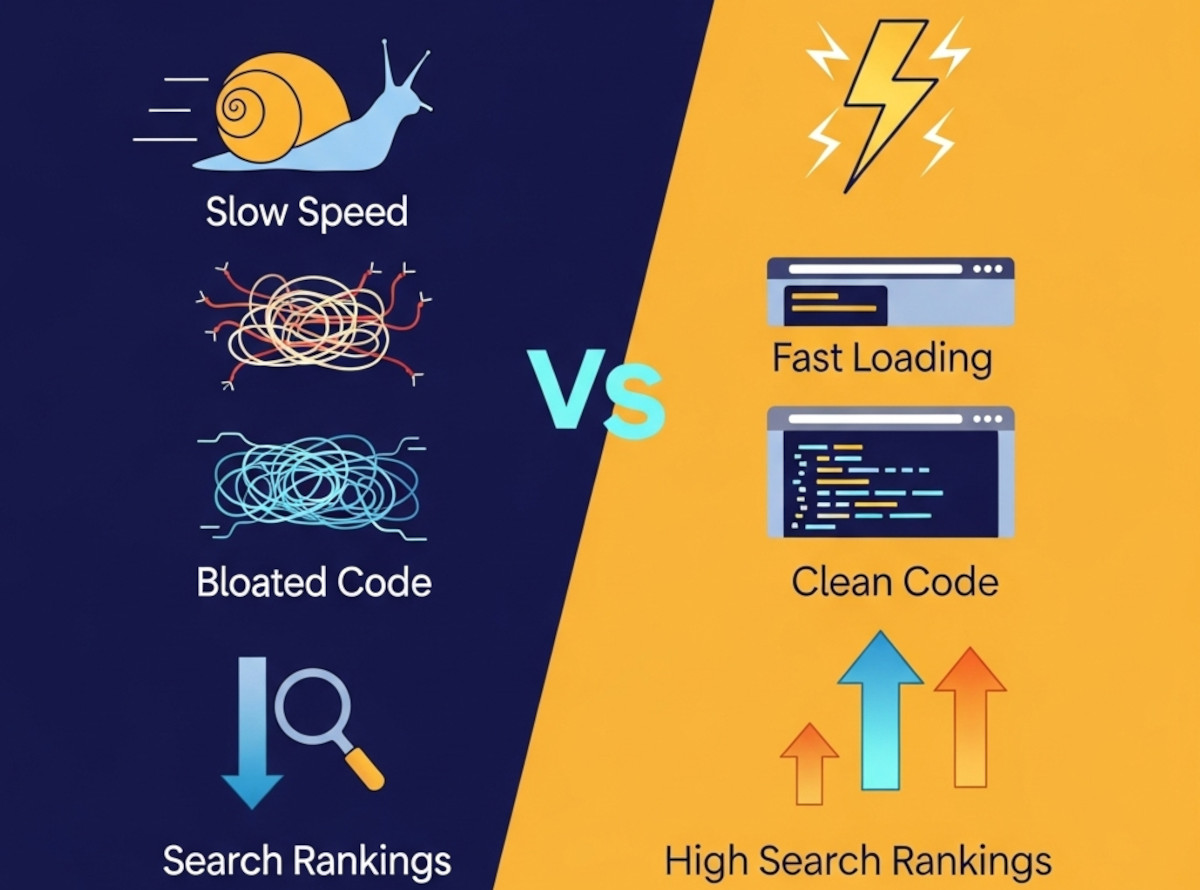
Do Website Builders Hurt SEO?

If you’ve been researching how to improve your website’s SEO, you’ve probably heard the rumor:
“Website builders are bad for SEO.”
But is it true?
The short answer: It depends on the builder.
Let’s break down the facts, so you know what to look for - and what to avoid - when choosing a website builder that won’t hold back your rankings.
Not All Website Builders Are Created Equal
Many drag-and-drop platforms on the market today - like Wix
... Continue reading
Posted in Compare Website Builders, Search Engine Optimization (SEO)
Tagged bloat, clean code, clean urls, compare website builders, fast load times, google ranking, headers, messy code, meta tags, mobile-friendly, plugins, responsive, responsive app, schema, search engine optimization, search engine ranking, seo, seo tools, seo-friendly, sitemap, sitemap generator, structure, user experience, webp converter, WebP images, website builders, website speed
Leave a comment
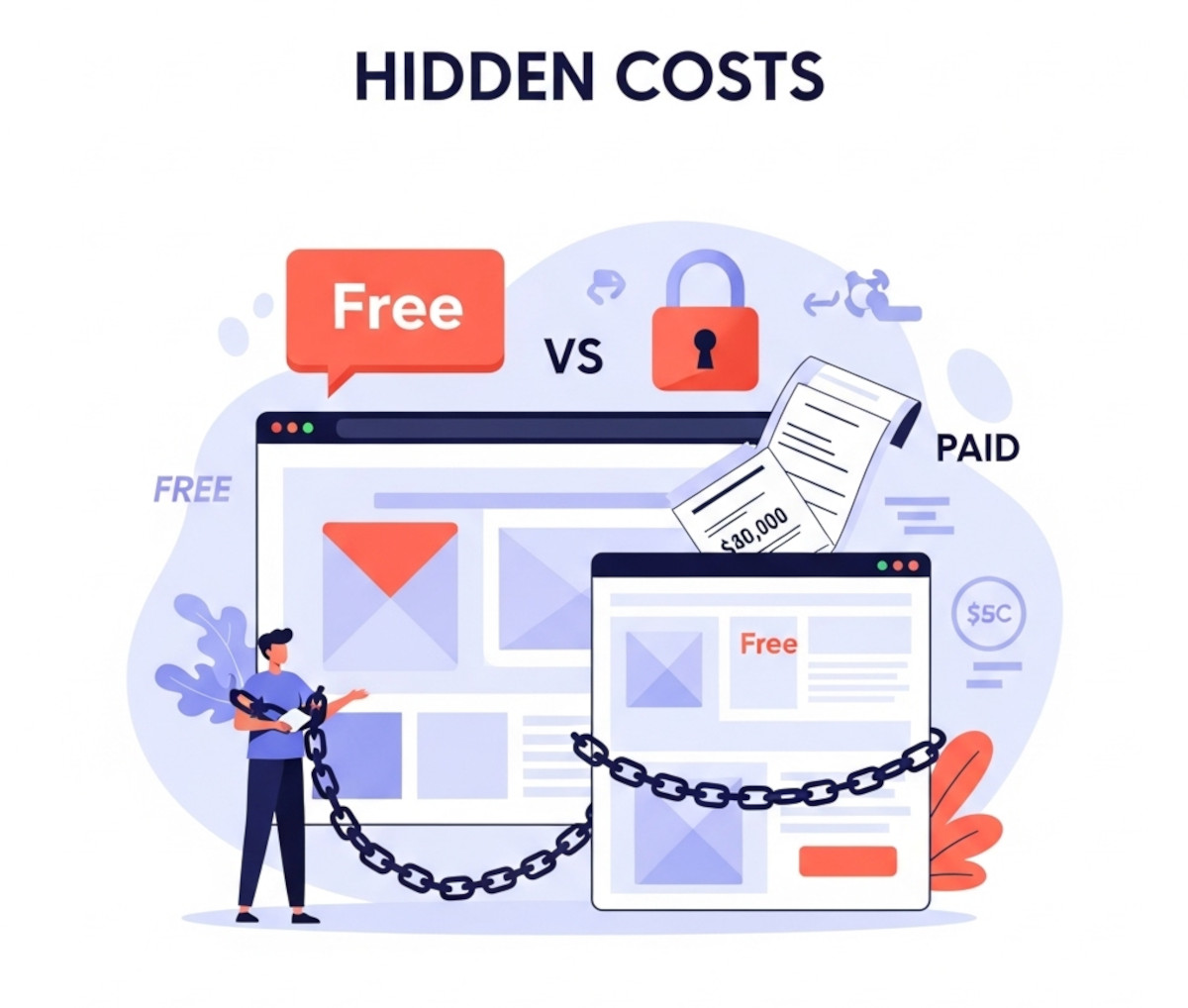
The Hidden Costs of Using Free Website Builders – What They Don’t Tell You

When you see the phrase “free website builder,” it sounds like a dream. Build a site without spending a dime? Who wouldn’t be tempted?
But the truth is, “free” website builders often come with a long list of hidden costs - ones that can quickly turn your free site into a money pit. In this post, we’ll break down the real costs behind so-called free website builders and explain why UltimateWB’s transparent pricing model gives you far more value -
... Continue reading
Posted in Compare Website Builders
Tagged analytics, bloat, branding, branding free, built-in features, clean urls, custom code, custom domain, domain name, free website builder, freemium, hidden costs, one-time fee, page load speed, plugins, search engine optimization, search engine ranking, seo, web hosting choice, webp, webp converter, website speed
Leave a comment
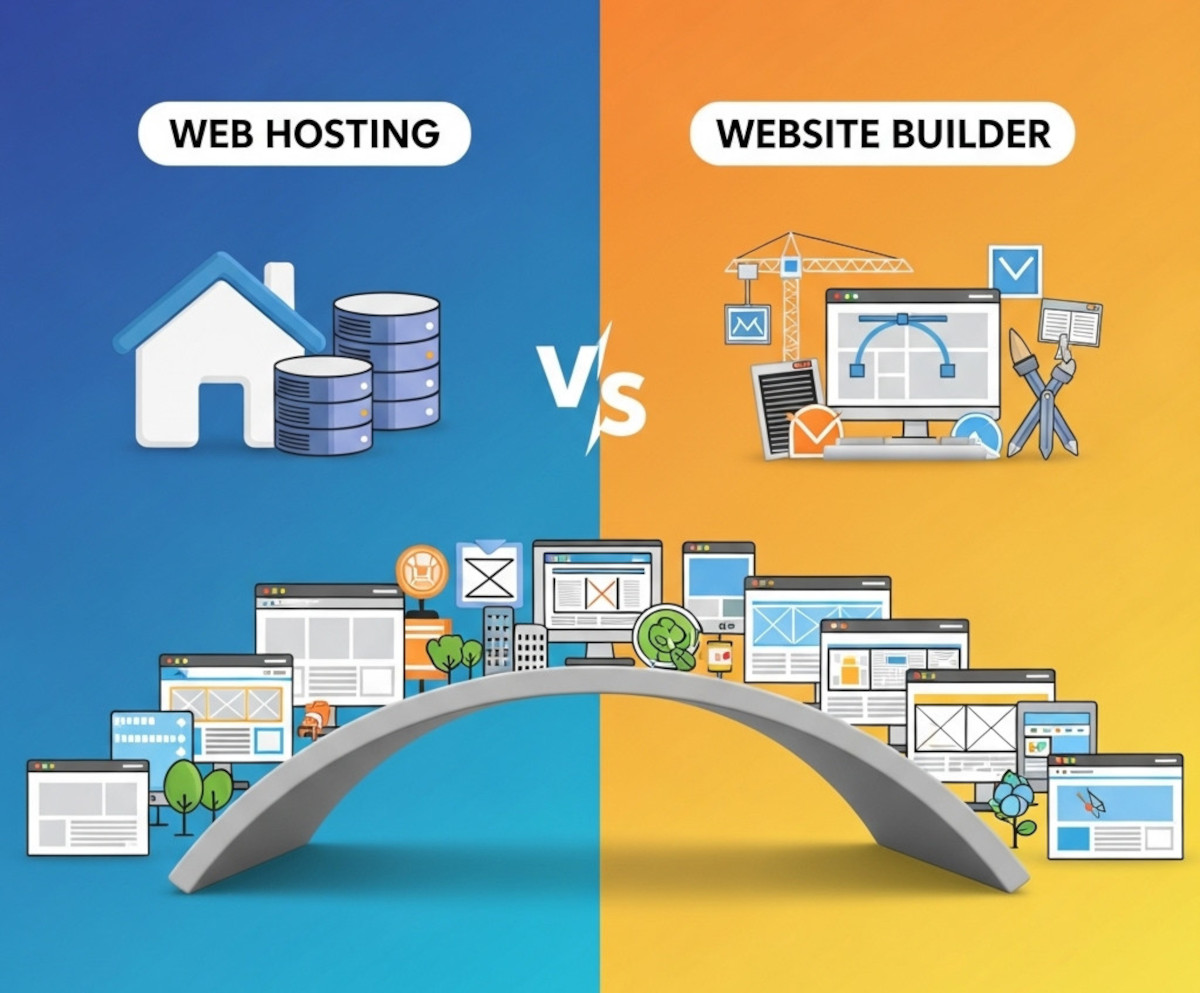
Web Hosting vs Website Builder: What You Actually Need

If you’re new to building a website, the terms web hosting and website builder can be confusing - and it’s not always clear what you actually need to get your site online.Understanding the difference between these two and how they work together will save you time, money, and frustration.
In this post, we’ll clarify what web hosting and website builders do, whether you need hosting when you choose a website builder, and why an all-in-one solution like UltimateWB could be
... Continue reading
Posted in Compare Website Builders, Web Hosting
Tagged all-in-one website builder, compatibility, custom code, flexible website builder, hidden fees, performance, plugins, scalability, security, squarespace, web hosting, web hosting vs website builder, website builder, Wix, wordpress.com, wordpress.org
Leave a comment
Why UltimateWB Is the Perfect Website Builder for Small Businesses

Choosing the right website builder can feel overwhelming - especially when you’re running a small business and every minute and dollar counts. You want something that’s easy to use but powerful enough to grow with your business. That’s exactly why so many small businesses choose UltimateWB.
What Makes UltimateWB Different?
UltimateWB is built to give you full control without the usual headaches of website building. Unlike many other platforms that lock you into monthly fees or limit your customization,
... Continue reading
Posted in Business
Tagged affordable website builder, best value website builder, best website builder 2025, build unlimited pages, built-in CMS, customizable website builder, drag-and-drop alternative, e-commerce website builder, fast website, fast website builder, hosted website builder, no monthly fee website builder, no plugins, one-time website builder, plugins, PromoU, responsive website builder, small business, small business website, ultimatewb cloud, ultimatewb essentials+, UltimateWB Full, ultimatewb lite, ultimatewb promo, ultimatewb promou, unlimited pages, web builder with social features, website builder comparison, website builder for small business, website builder with HTML CSS JS PHP, website builder with SEO, website speed
Leave a comment
Why Avoiding Third-Party Plugins Makes Your Website Faster, Safer, and Easier to Manage

Many website builders - like WordPress, Shopify, and Wix - rely heavily on third-party plugins to add features and functionality. While plugins can be convenient, they often come with trade-offs in speed, security, and maintenance, which can frustrate users and hold back your website’s performance. Here’s why choosing a plugin-free platform like UltimateWB gives you an edge.
1. Plugins Can Slow Your Website Down
Every plugin adds extra code, scripts, and server requests, which increases page
... Continue reading
Posted in Compare Website Builders, Search Engine Optimization (SEO), Website Design, Website Security
Tagged bloat, clean code, easy updates, fast load times, fast website, hacked, platform architecture, plugin vulnerabilities, plugin-free websites, plugins, search engine optimization, security risks, seo, SEO performance, Shopify, third party plugins, third-party plugins, user experience, web development best practices, web performance, website builder, website builders, website maintenance, website management, website performance, website reliability, website security, website speed, website speed optimization, Wix, WordPress, wordpress vulnerabilities
Leave a comment
The Powerful Website Builder for Beginners and Coders

"What is the most powerful website builder?"
The one that makes you feel like you know what you are doing!
When choosing a website builder, one question always comes up:
“Will this platform actually work for my skill level?”
Most builders fall into one of two categories:
- Beginner-friendly but restrictive
- Flexible but requires coding knowledge
UltimateWB breaks this mold completely.
It’s powerful because it adapts to you
Posted in Compare Website Builders
Tagged all-in-one website builder, beginner friendly, built-in features, clean code, code-friendly CMS, compatibility, contact form, css, custom code, custom design, custominzable urls, customizable, expert flexible, fast loading times, fast website, fast-loading times, flexible website builder, live chat, meta tags, mobile-friendly, most powerful website builder, no plugins, no‑code website builder, organic growth, organic traffic, performance, plugins, responsive, responsive app, responsive web builder, scalable website builder, search engine optimization, self-hosted website builder, seo, seo tool, sitemap, sitemap generator, support, website builder for beginners, website builder for coders, website builder for developers
Leave a comment
What is the best CMS for fast loading websites?

Ask David! Question:
I want to have websites that run really fast, with minimum effort. So which website builder or CMS is the best for fast loading websites?
David's Answer:
What you want is a website builder that is also a CMS, built with a performance-first mindset. That means there is an emphasis on clean code and avoiding third-party plugins for the most part, which can add unnecessary bloat.
Among dynamic CMS options, a platform that keeps core features built
... Continue reading
Posted in Ask David!
Tagged best cms, bloat, caching, clean code, cms, conversions, css, database, dynamic, fast load times, fast loading times, fast website, fast-loading speed, hosted website builders, html, image compression, javascript, no plugins, page speed, performance, plugins, saas, scalability, search engine ranking, search ranking, security risk, third-party plugins, trust, trustworthy, user experience, web hosting, website speed, WordPress, WordPress themes
Leave a comment
CMS Website vs. Custom Website Coded From Scratch: Which Is Better?

Ask David
What are the benefits of using a pre-made content management system (CMS) website over a custom website made from scratch?
There are many advantages to starting with a Content Management System (CMS) rather than building every part of a website from scratch.
The biggest advantage is simple: you don't have to reinvent the wheel.
A good CMS can give you a substantial foundation of already-built functionality, while still
... Continue reading
Posted in Ask David!
Tagged cms, CMS benefits, CMS vs custom website, CMS website, code from scratch, content management system, css, custom coding, custom website, custom website development, flexible website builder, html, mysql, one-time fee, plugins, scalable, website builder, website customization, website maintenance
Leave a comment
What are the Drawbacks of Using an Open Source Website Builder?

Open source website builders, such as WordPress, Joomla, Magento, or Drupal, have gained immense popularity for their affordability and flexibility, making them a tempting choice for individuals and businesses looking to establish an online presence. However, it's essential to be aware of the drawbacks associated with open source website builders, as they can significantly impact your web development experience. In this article, we'll explore some of the key drawbacks you should consider before opting for an open source solution.
1.
... Continue readingWhy do people choose WordPress over Weebly when they want to create a website from scratch?

The WordPress and Weebly logos may look quite similar, but they are indeed quite different website builders. WordPress is open source, and you get web hosting choice. Weebly is a hosted solution, where essentially you are renting your website, paying subscription fees to Weebly to keep using their website builder and web hosting. You get no web hosting choice with Weebly. Plus, you get a lot more flexibility in features in WordPress, though the learning curve can be
... Continue reading