







-
Recent Posts
- “My Partner Wants to Use WordPress Because 50% of the Web Uses It. Help!”
- Does EmDash Solve WordPress’s Problems, or Do You Need UltimateWB?
- How Not to Use AI: Stanford University Can Tell You
- Best Website Builder for SEO: WordPress vs. Wix vs. UltimateWB
- How to Make Sure Your Website Colors Have Enough Contrast for Accessibility
- Mobile-Friendly Website Checklist: 20 Things to Check
- Beehiiv Website Builder Review: The Problem Isn’t the Design – It’s the Lack of Control
- Elementor’s “Angie” AI Is More Than Bloat: Credits, Subscriptions, and a Growing Platform Problem
- How to Pass Google Business Profile Video Verification for Service Businesses
- The Great Deskilling: Why AI Dependence is Turning Developers into Prompt Babysitters
- The Three-Month Fuse: The Everest Forms Pro Attack and Why a Patched Plugin Can Still Put Websites at Risk
- Computer Screen Has Black Bars on the Sides: How to Fix It
- Could AI Make Humans Extinct Within the Next Decade?
- Is Weebly Getting Out of the Website-Builder Business?
- Are You “Leaking SEO” by Linking to Other Websites?
- Wix Harmony Is Now in Google Gemini. So Why Are Users Still Complaining?
- When AI Sounds Confident but Gets It Wrong: The Mount Shasta Rescue
- When AI Agents Start Working Together, Who Is Really in Control?
Categories
Category Archives: Website Design
The Pop-Up Dilemma: Balancing Engagement and User Experience

The Debate Continues
Sometimes you are on a website, and you just want to get out because of all the pop-ups invading the space. Who hasn't had the feeling that they are just so sick of the pop-ups?! They can be very annoying. But, sometimes, they can be good, like when you want that 10% discount. Pop-ups have long been a contentious topic in the world of web design. While they can be effective tools for capturing attention and driving
... Continue reading
Posted in Marketing, Website Design
Tagged lead generation, offers, pop-ups, targeted promotion, user experience
Leave a comment
Top 10 Website Fonts to Avoid Due to Compatibility Issues

These fonts may not be pre-installed on all devices, leading to potential font substitution issues.
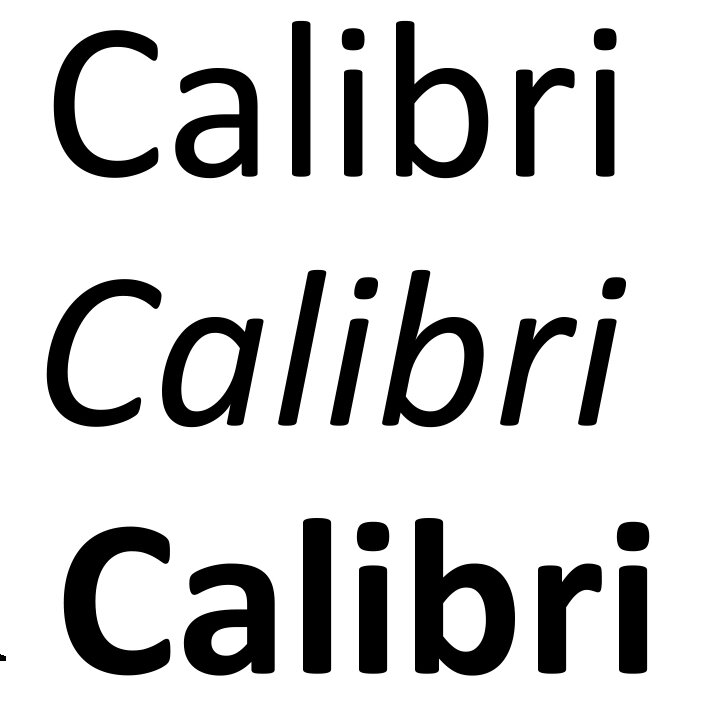
- Calibri, Cambria, Segoe UI, Trebuchet MS: While popular on Windows, these fonts might not be widely available on non-Windows platforms like Mac, iphones, ipads, or older devices.
- Conduit: This font has limited character support, making it unsuitable for international content.
- Impact, Papyrus, Wingdings, Comic Sans, Rockwell: These fonts, often used for informal or decorative purposes, can cause compatibility issues due to their less common nature
Why Infographics Still Drive High-Quality Backlinks and Traffic (And How to Create Them)
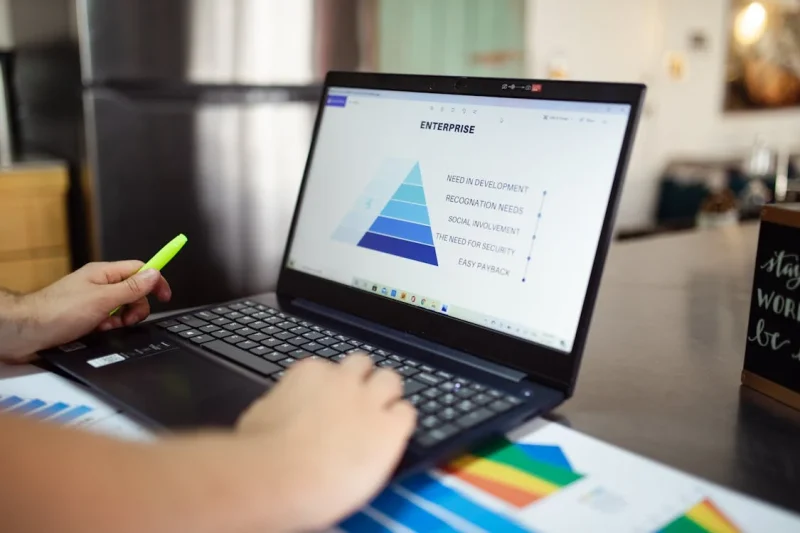
Visual content isn't just about making a web page look appealing; it directly influences how long visitors stay on your site and how frequently other platforms link back to your content. Infographics convert dense data, technical processes, or multi-step guides into single, scannable assets. When executed properly, a single infographic can generate organic search traffic, Pinterest referrals, and authority-building editorial backlinks for years.
The SEO and Engagement Impact of Infographics
Search engine algorithms prioritize pages that satisfy user intent efficiently
... Continue reading
Posted in Web Content, Website Design
Tagged backlinks, boost traffic, data visualization, domain authority, engagement, improved user experience, increase conversions, infographics, keep it simple, optimize for sharing, search engine optimization, search engine ranking, seo, tell stories
Leave a comment
What Makes a Website User-Friendly?

Websites are essential for businesses and individuals alike. However, a website is only as effective as its ability to engage and guide users. A user-friendly website is intuitive, easy to navigate, and visually appealing. It's a tool that helps users achieve their goals quickly and efficiently.
Key Elements of a User-Friendly Website
- Clear and Concise Navigation:
- Intuitive Menus: Use clear and concise labels for menu items. It's easy to organize your website's menu with UltimateWB.
- Breadcrumbs: Indicate the user's current
Can you give me some advice on starting a small web design business on the side?

Sure! Short Answer: Use UltimateWB to save on web development time and cost, and provide an admin panel for clients who would like to manage their own website after you design/build it. Brand your business to target potential clients, and network!
And Longer Answer:
Launching Your Web Design Business: Tips and TricksDreaming of turning your passion for web design into a thriving business? You're not alone! The digital age has created a booming demand
... Continue readingHow to Design Your Own Website: A Step-by-Step Guide

You don't have to be a professional web designer or developer to design your own website. With the right website builder and a good plan, you can create the pages, layout, navigation, and overall look of your website yourself.
The key is to approach website design as a process. Before you start adding colors and images, figure out what pages you
... Continue reading
Posted in Website Design
Tagged branding, choose website builder, cms, colors, content is king, create your own website, design your own website, fonts, high-quality content, launch website, layout, navigation, responsive, search engine optimization, seo, site maintenance tool, sitemap, sitemap generator, styles manager, target audeince, test, third-party plugins, typography, update website, website images, website maintainance, website objective
Leave a comment
What is a Favicon and Why Does Your Website Need One?

Favicons: The Tiny Image That Packs a Big Punch
Users juggle multiple tabs and bookmarks. As one user shares on Me We Too: "I've got 20 tabs open on chrome right now." So standing out is crucial. Enter the favicon: that small, often overlooked image that can significantly impact your website's identity and user experience.
What is a Favicon?
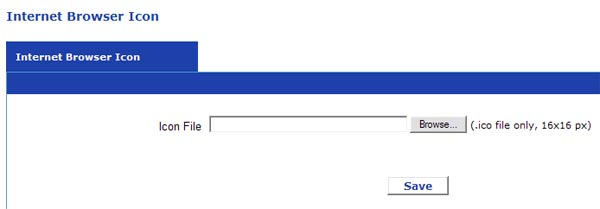
A favicon, short for "favorites icon," is a small square
... Continue reading
Posted in Ask David!, Website Design
Tagged branding, favicon, internet browser icon, seo, user experience, user friendly, website optimization
Leave a comment
How can web design support search engine optimization (SEO) efforts?

Web design and SEO go hand in hand. While web design focuses on the aesthetics and functionality of a website, SEO works to improve a website's ranking in search results. By creating a website that is both user-friendly and SEO-friendly, you can attract more visitors and achieve your business goals. Here are some ways web design can support SEO efforts:
Improved User Experience (UX):
- Clear and concise navigation: A website with a clear and intuitive navigation structure makes it
Posted in Ask David!, Search Engine Optimization (SEO), Website Design
Tagged build trust, clean code, content optimization, credibility, fast loading times, fresh content, high-quality content, improved user experience, internal linking, keyword integration, keyword stuffing, meta descriptions, mobile-friendly, responsive, search engine optimization, search engine ranking, security, seo, title tags, user experience, user-friendly, ux
Leave a comment
Why is my website not responsive even if I put the viewport tag in?
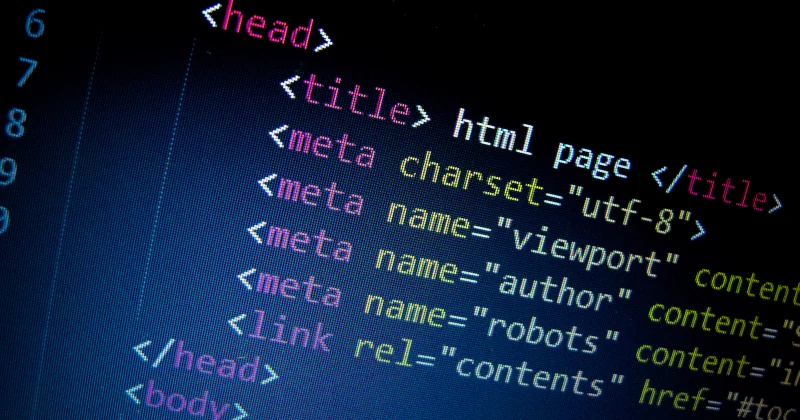
Thanks for the "Ask David" Question! Here's a breakdown of why the meta tag alone might not make your website responsive and how to achieve responsiveness...and a reminder that you don't need to worry about this with UltimateWB and the built-in Responsive app!
The Meta Tag's Role:
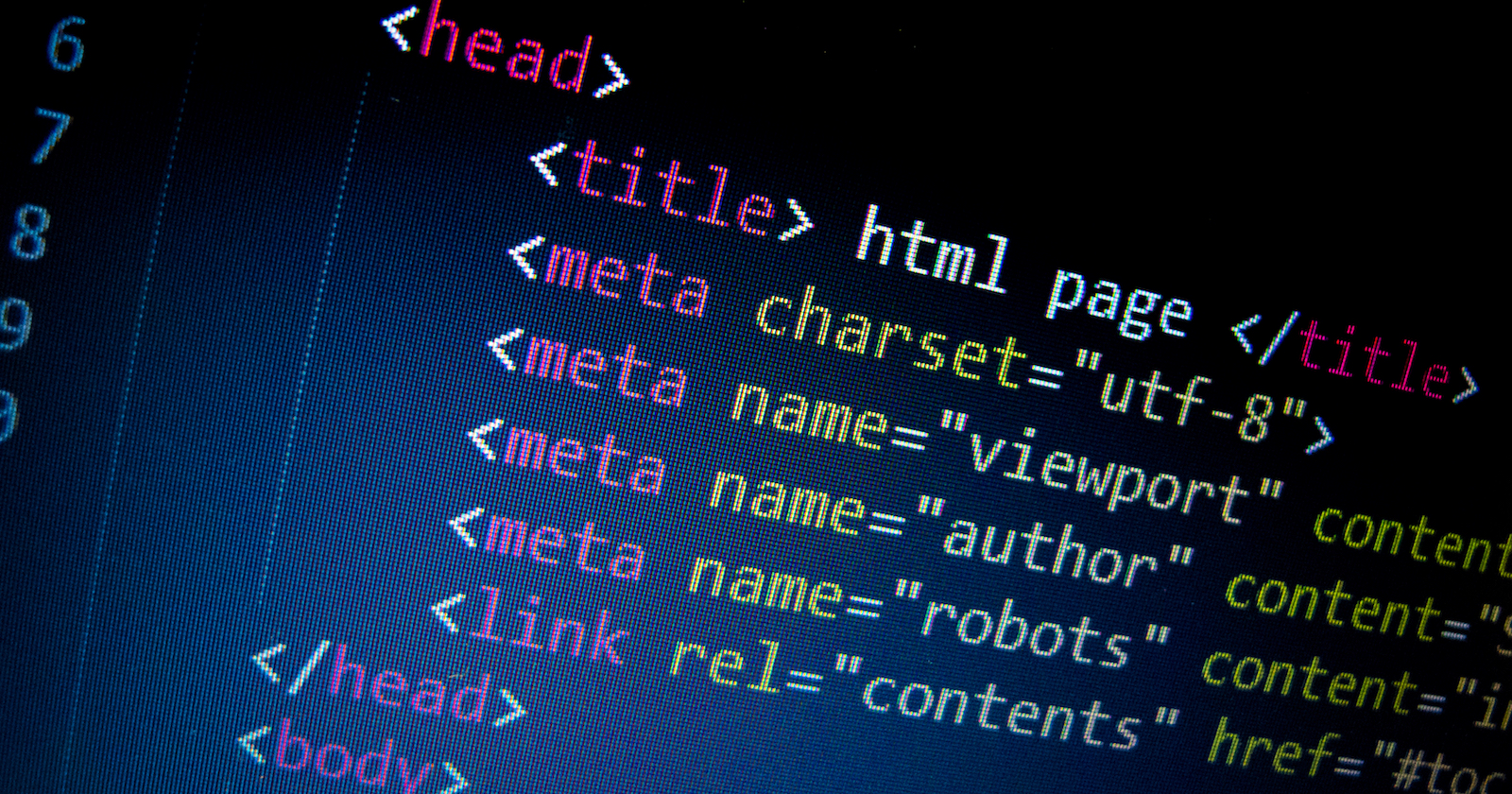
The <meta name="viewport"> tag is an important step, but it's just a messenger. It instructs the browser to control the viewport (the visible area of the webpage) based on the device's width. It
... Continue readingIs it better to post videos to your website directly or to embed your YouTube videos?

There are pros and cons to both uploading videos directly to your website and embedding YouTube videos. Here's a breakdown to help you decide:
Uploading directly to your website:
Pros:
- More control: You have complete control over the video player, playback options, and how the video is displayed on your site.
- No ads: You can avoid any third-party ads showing before or after your video.
Cons:
- Bandwidth and storage: Videos take up a lot of space and bandwidth, which can
Posted in Ask David!, Website Design
Tagged ads, bandwidth, disk space, embed videos, embed youtube, engagement, seo benefits, social apps, third-party ads, web hosting, youtube, youtube vs custom
Leave a comment