



-
Recent Posts
- Is WordPress Insecure and Slow Because It Uses PHP?
- “My Partner Wants to Use WordPress Because 50% of the Web Uses It. Help!”
- Does EmDash Solve WordPress’s Problems, or Do You Need UltimateWB?
- How Not to Use AI: Stanford University Can Tell You
- Best Website Builder for SEO: WordPress vs. Wix vs. UltimateWB
- How to Make Sure Your Website Colors Have Enough Contrast for Accessibility
- Mobile-Friendly Website Checklist: 20 Things to Check
- Beehiiv Website Builder Review: The Problem Isn’t the Design – It’s the Lack of Control
- Elementor’s “Angie” AI Is More Than Bloat: Credits, Subscriptions, and a Growing Platform Problem
- How to Pass Google Business Profile Video Verification for Service Businesses
- The Great Deskilling: Why AI Dependence is Turning Developers into Prompt Babysitters
- The Three-Month Fuse: The Everest Forms Pro Attack and Why a Patched Plugin Can Still Put Websites at Risk
- Computer Screen Has Black Bars on the Sides: How to Fix It
- Could AI Make Humans Extinct Within the Next Decade?
- Is Weebly Getting Out of the Website-Builder Business?
- Are You “Leaking SEO” by Linking to Other Websites?
- Wix Harmony Is Now in Google Gemini. So Why Are Users Still Complaining?
- When AI Sounds Confident but Gets It Wrong: The Mount Shasta Rescue
Categories
Category Archives: Website Design
What are some effective web page design tips, especially for mobile devices (smartphones/tablets)?

Here are some effective web page design tips, especially for mobile devices (smartphones/tablets):
Use a responsive design
A responsive design means that your website will automatically adjust its layout to fit the size of the screen it is being viewed on. This is important for mobile devices, as screens can vary in size from very small to very large.
Use large fonts
Make sure that your text is large enough to be easily read on a small screen. You can
... Continue reading
Posted in Ask David!, Website Design
Tagged high-contrast colors, large fonts, mobile devices, responsive, smartphone, tablet, web design tips
Leave a comment
Navigating the Digital Universe: How UltimateWB Ensures Seamless Cross-Browser Compatibility

Greetings, web wanderers and digital explorers! Have you ever visited a website that looked flawless on one browser but turned into a jumbled mess on another? In the ever-evolving realm of the internet, ensuring your website shines across all browsers is non-negotiable. That's where the magic of cross browser compatibility comes into play, and guess what? UltimateWB has it mastered.
It is pretty easy to make sure your website is cross-browser compatible when it is built on the UltimateWB website
... Continue readingThe UltimateWB Web Design Packages Process: How We Create Your Website

When you hire a web design service, understanding the step-by-step development process gives you full confidence in your launch timeline and final result.
Whether you are launching a business portal, an e-commerce shop, or an interactive community platform like Gym Chat, our custom web design packages provide a structured, transparent path from your initial idea to going live.
Here is an insider look at how we transform your project requirements
... Continue reading
Posted in Website Design
Tagged consultation, custom web design packages, custom website agency, custom website design, ultimatewb web design, web design, web design package, web design process, web design services, web design timeline, website build process, website development steps
Leave a comment
Why Go UltimateWB for Your Dream Website? Because We’ve Got Your Back!

Hey there, fellow internet explorer! So, you've got this fantastic idea for a website, but the thought of diving into the web design world has you feeling a bit overwhelmed. Fear not, because we've got the perfect solution: UltimateWB's web design packages. Buckle up as we spill the beans on why this is the way to go!
Built by UltimateWB Pros
Picture this: a team of web design wizards who know the UltimateWB platform inside and out. When you
... Continue readingHow do you use visuals effectively on your website?

Visuals can help visitors understand your website, find important information, and know what to do next. Images, graphics, colors, diagrams, videos, and other visual elements can also make a website more engaging.
The key is to use visuals intentionally rather than simply adding images to fill space.
1. Choose Visuals That Fit Your Brand
Your website's visuals should reinforce your brand's identity and
... Continue reading
Posted in Ask David!, Website Design
Tagged accessibility, branding, captions, fast-loading speed, high-quality images, image optimization, responsive web design, stock photos, user experience, visual design, visual hierarchy, visuals, web design, web graphics, website accessibility, website design, website images, website layout, website usability, website visuals, whitespace
Leave a comment
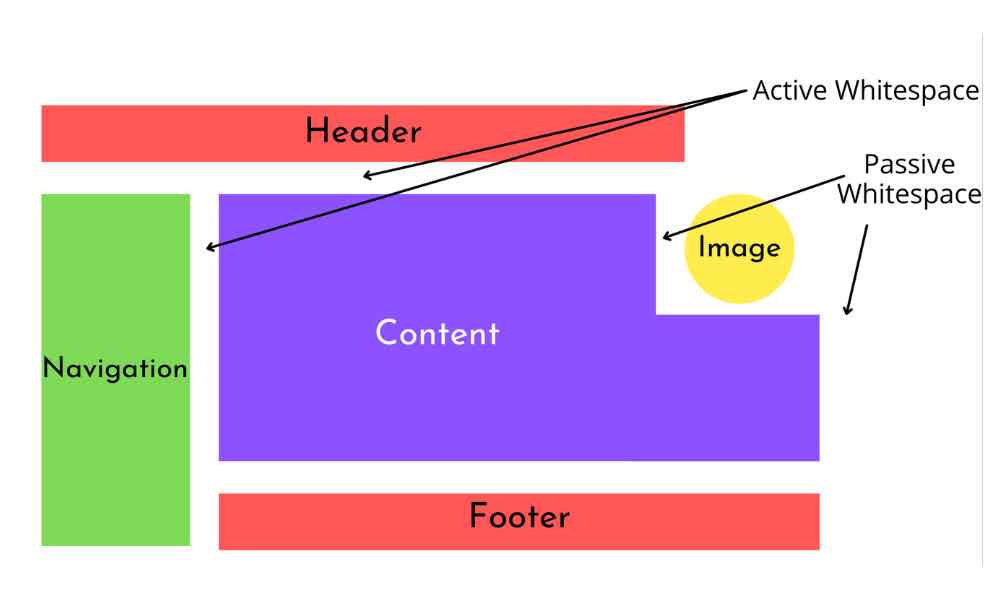
Embracing Whitespace: The Secret Ingredient to Stunning Web Design

Hey there, web design enthusiasts! Today, let's dive into a topic that might seem simple, but holds immense power when it comes to crafting jaw-dropping websites – whitespace. You might call it the "breathing room" of web design, and trust me, it's not to be underestimated!
So, what's whitespace? No, it's not some invisible ink. It's the empty space between elements on a webpage. And believe it or not, it's one of the
... Continue readingWhat are some effective strategies for designing a user-friendly and visually appealing website?

A website can be easy to use without being particularly attractive. It can also look impressive while making visitors work too hard to figure out what they are looking at or where they should go.
Good web design brings the two together.
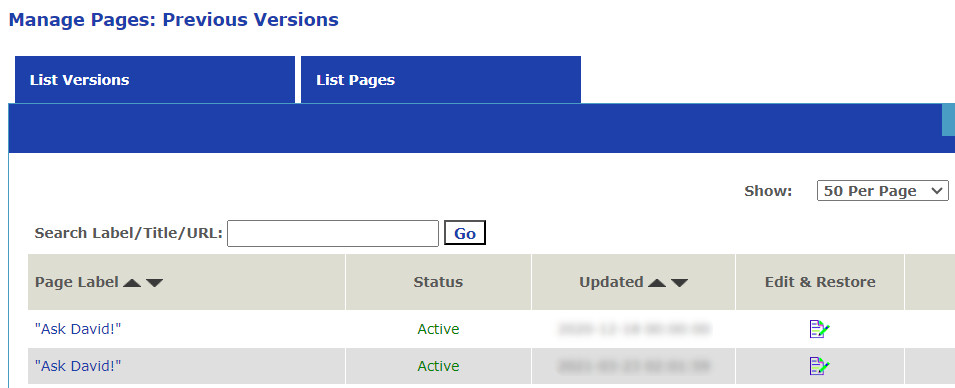
A visually appealing website should catch attention, communicate the personality of the site, and make the content more
... Continue reading
Posted in Ask David!, Website Design
Tagged a/b testing, accessibility, branding, cms, color, cta, fast-loading times, images, page history tool, personality, seo, storytelling, styles manager, user testing, user-friendly, user-friendly website, visual hierarchy, visual storytelling, visually appealing website, web design, web design tips, website colors, website design, website images, website layout, website typography, website usability
Leave a comment
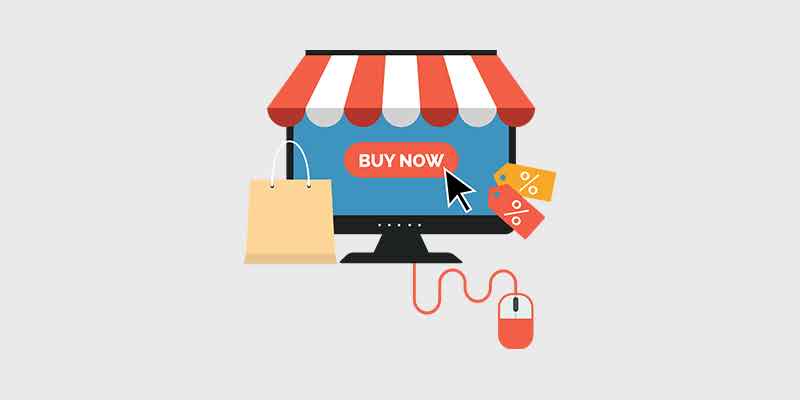
What is the best way to structure an ecommerce website with lots of products and several categories/subcategories?

Structuring an e-commerce website with a large number of products and multiple categories and subcategories requires careful planning to ensure a user-friendly experience and efficient navigation. Here's a recommended approach to structuring such a website. The process is a lot easier with the UltimateWB built-in e-commerce app and its many features!
1. Clear Main Navigation: Create a top-level navigation menu that features the main product categories. Keep the menu items concise and intuitive to help users quickly identify where they
... Continue reading
Posted in Ask David!, Website Design
Tagged advanced search, breadcrumb navigation, categories, e-commerce website, fast loading times, featured products, filters, internal linking, navigation, new products, online store, performance optimization, product pages, responsive, search, seo, sitemap, subcategories, user testing, user-friendly urls, website speed, website structure
Leave a comment
What makes a website modern – and good?

A modern website is one that is designed with the latest trends in web design in mind, and incorporates the principles of good web design.
Here are some of the key elements of modern website design:
Responsive design
A responsive website will adjust its layout to fit any screen size, from desktop computers to mobile phones. This is important for ensuring that users have a good experience on all devices. UltimateWB makes this easy with the built-in Responsive app
... Continue readingWhat is web accessibility testing? Is it free or paid? What tools can be used to do accessibility testing?

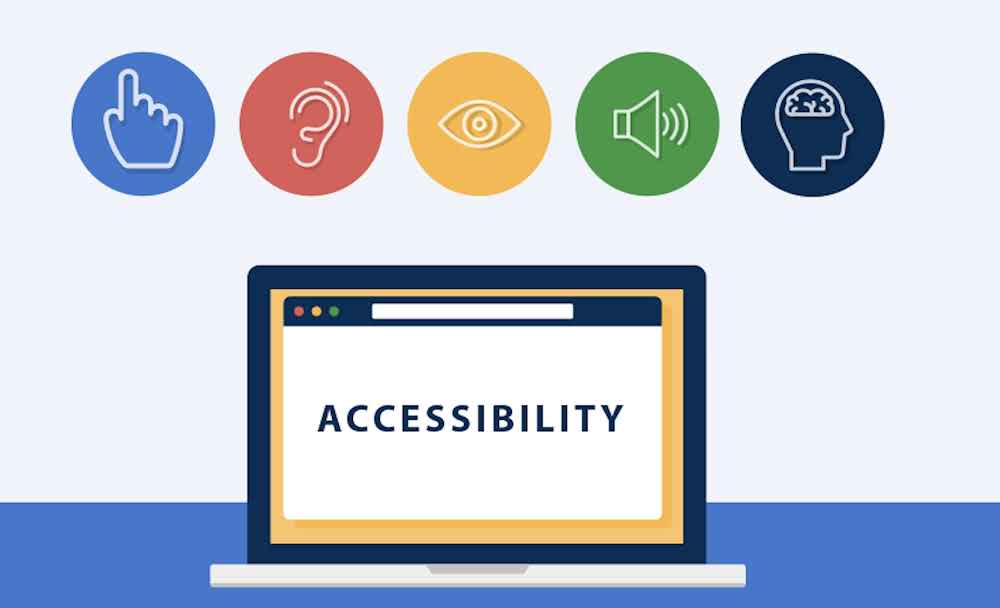
Web accessibility testing is the process of evaluating a website or web application to ensure that it is usable and accessible to people with disabilities. The goal of accessibility testing is to identify and address barriers that might prevent individuals with disabilities from effectively using and navigating a website. This includes considerations for users with visual, auditory, motor, and cognitive impairments.
Web accessibility testing can be both free and paid, depending on the tools and methods you choose to use.
... Continue reading