


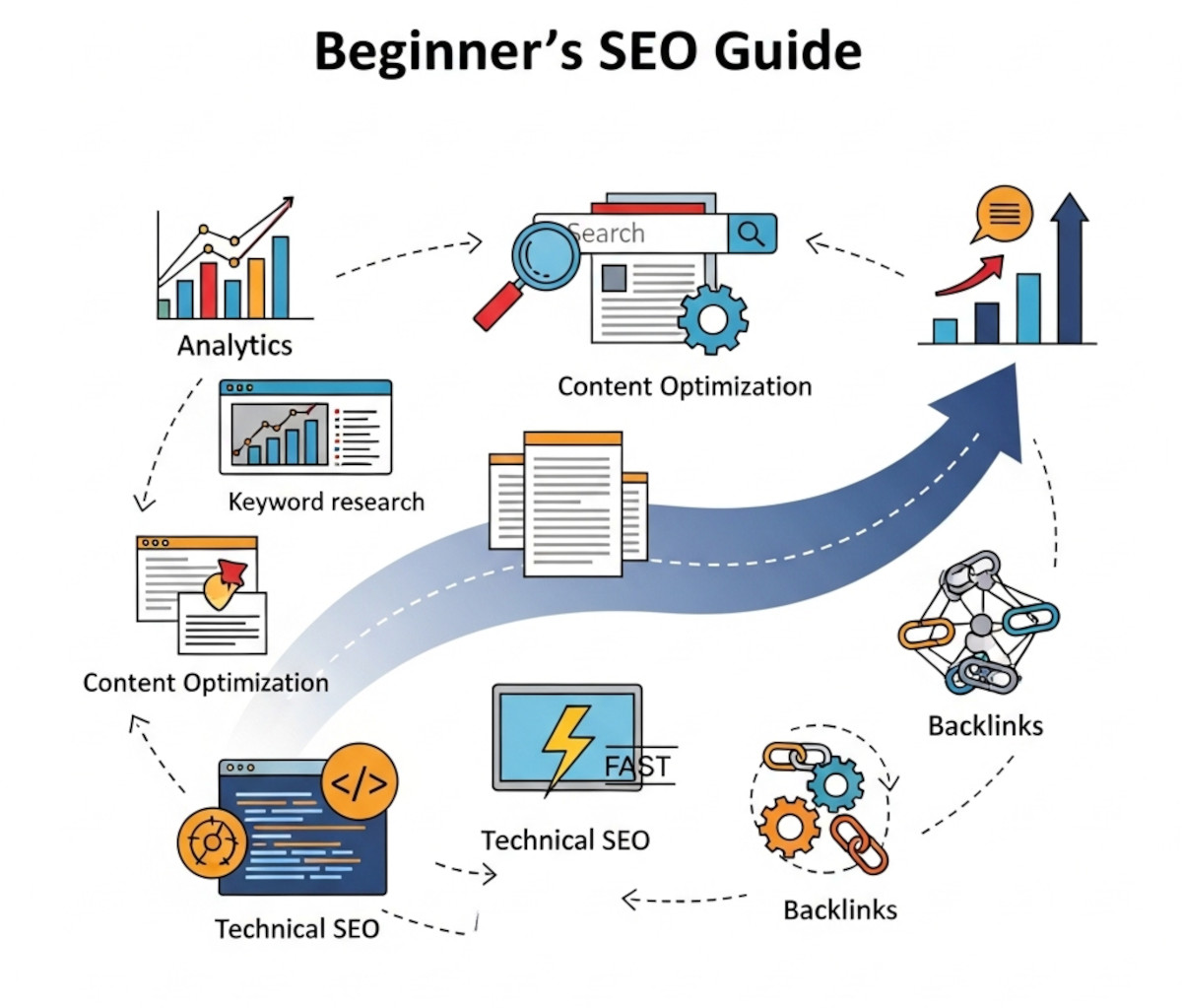
Step 1: Set Up Website Analytics and Tracking
- Why? To understand who visits your site, where they come from, and how they interact with your pages.
- How?
- Create a Google Analytics account and install the tracking code on your website.
- Set up Google Search Console to monitor your website’s presence in Google search results and detect any issues.
See: How to Set Up Google Analytics 4 (GA4) for Your Website: A Step-by-Step Guide
How to Set Up Google Search Console for Your Website: A Step-by-Step Guide
Google Analytics is not required, but you may want it… Why We Don’t Use Google Analytics on Our Website
Step 2: Perform Keyword Research
- Why? Keywords are the foundation of SEO – they help you discover what your target audience is searching for.
- How?
- Use tools like Google Keyword Planner, Ahrefs, or Ubersuggest to find relevant keywords.
- Focus on a mix of short-tail (broad) and long-tail (specific) keywords.
- Choose keywords with reasonable search volume and manageable competition.
Step 3: Optimize Your Website Content for Keywords
- Why? Search engines rank your pages based on how well they answer user queries.
- How?
- Place your primary keywords naturally in important areas such as page titles, meta descriptions, headers (H1, H2), and throughout the body text.
- Avoid keyword stuffing – keep content readable and helpful.
- Optimize images by adding descriptive alt text with relevant keywords.
Step 4: Make Sure Your Website Loads Fast (This Is Critical)
- Why? Page speed is a direct ranking factor for Google – and a major factor in user experience. Slow websites drive visitors away, increase bounce rates, and hurt your rankings and conversions.
- How?
- Use a fast website builder that’s built on clean, optimized code – like UltimateWB.
- Compress and lazy-load images – you can automatically convert images to the compressed and fast WebP format with the UltimateWB built-in WebP converter.
- Minimize code bloat and avoid unnecessary plugins or scripts.
- Choose high-performance web hosting (UltimateWB has you covered there too).
A fast-loading website isn’t optional anymore – it’s essential for ranking well and keeping visitors engaged.
Related: Why Avoiding Third-Party Plugins Makes Your Website Faster, Safer, and Easier to Manage
Step 5: Improve Technical SEO
- Why? A technically sound website helps search engines crawl and index your site efficiently.
- How?
- Use a responsive, mobile-friendly design. UltimateWB makes this easy with the built-in Responsive app.
- Create and submit an XML sitemap to Google Search Console. Use the UltimateWB built-in Sitemap Generator tool to have your sitemap automatically created and updated for you.
- Fix broken links and properly redirect outdated URLs.
- Use HTTPS to secure your site. All UltimateWB web hosting plans and UltimateWB Cloud plans come with free SSL.
👉 What makes a website builder the best for SEO
Step 6: Build Quality Backlinks
- Why? Backlinks from reputable websites signal authority and trust to search engines.
- How?
- Reach out to blogs or partners for guest posts or mentions.
- Create valuable, link-worthy content (guides, tools, infographics).
- List your business in relevant directories and industry platforms.
Related: How to Leverage Broken Link Building to Get High-Quality Backlinks for Your Website
What is the best strategy to get high-quality SEO backlinks?
10 Top Ways to Build Quality Backlinks
How to Increase Website Domain Authority Fast?
What Makes a Simple Website Feel Trustworthy? (From Real User Experience, Not Theory)
Step 7: Monitor Performance and Continuously Improve
- Why? SEO isn’t one-and-done. Search trends change, and competitors evolve.
- How?
- Track your performance in Google Analytics and Search Console.
- Review which keywords and pages drive traffic.
- Update and improve content regularly based on insights.
- Watch your competitors and adjust your strategy to stay ahead.
Bonus Tips:
- Add a blog or resource section to publish fresh, helpful content.
- For local businesses, optimize your Google Business Profile and use local keywords.
- Use strong calls-to-action to convert traffic into leads or customers.
Related: How Much Content Does Google Need to Trust Your Site?
Local SEO Tips: How to Boost Your Business Visibility in Your Neighborhood
What Factors Does Google Consider When Ranking Websites?
With the right tools, a fast platform like UltimateWB, and a clear strategy, you can build a solid SEO foundation that works for any business. Whether you’re brand new to SEO or just need a structured roadmap, these steps will help you stay on the right track.
Ready to design & build your own website? Learn more about UltimateWB! We also offer web design packages if you would like your website designed and built for you.
Got a techy/website question? Whether it’s about UltimateWB or another website builder, web hosting, or other aspects of websites, just send in your question in the “Ask David!” form. We will email you when the answer is posted on the UltimateWB “Ask David!” section.