



-
Recent Posts
- Could AI Make Humans Extinct Within the Next Decade?
- Is Weebly Getting Out of the Website-Builder Business?
- Are You “Leaking SEO” by Linking to Other Websites?
- Wix Harmony Is Now in Google Gemini. So Why Are Users Still Complaining?
- When AI Sounds Confident but Gets It Wrong: The Mount Shasta Rescue
- When AI Agents Start Working Together, Who Is Really in Control?
- WPForms and Rank Math: Did These WordPress Plugins Create a Backdoor With Admin Access?
- AI Can Text Your Friends for You. Wait, Who Am I Talking To?
- Bill Gates Is Betting on AI to Help Healthcare – While Warning About What AI Could Do to Jobs
- Wix Says AI Website Owners Should Care About Portability. There’s Just One Problem.
- WordPress 7.1 Broke WP Rocket: The Fatal Error and the Plugin Problem
- WordPress vs. UltimateWB for an Artist Website: Which Should You Choose?
- Thinking About Switching From WordPress? What Should You Consider Before You Move?
- The Airtable Acquisition Raises a Bigger Question: Do You Really Own the Software Your Business Runs On?
- How to Use Google Search Console’s New Generative AI Data to Improve Your SEO
- How to Update the Same Website Content on Multiple Pages at Once
- Discovered vs. Crawled Not Indexed in Google Search Console: What’s the Difference and How to Fix Each
- The Small Business Guide to Auditing Google Ads and Website Costs
Categories
Tag Archives: videos
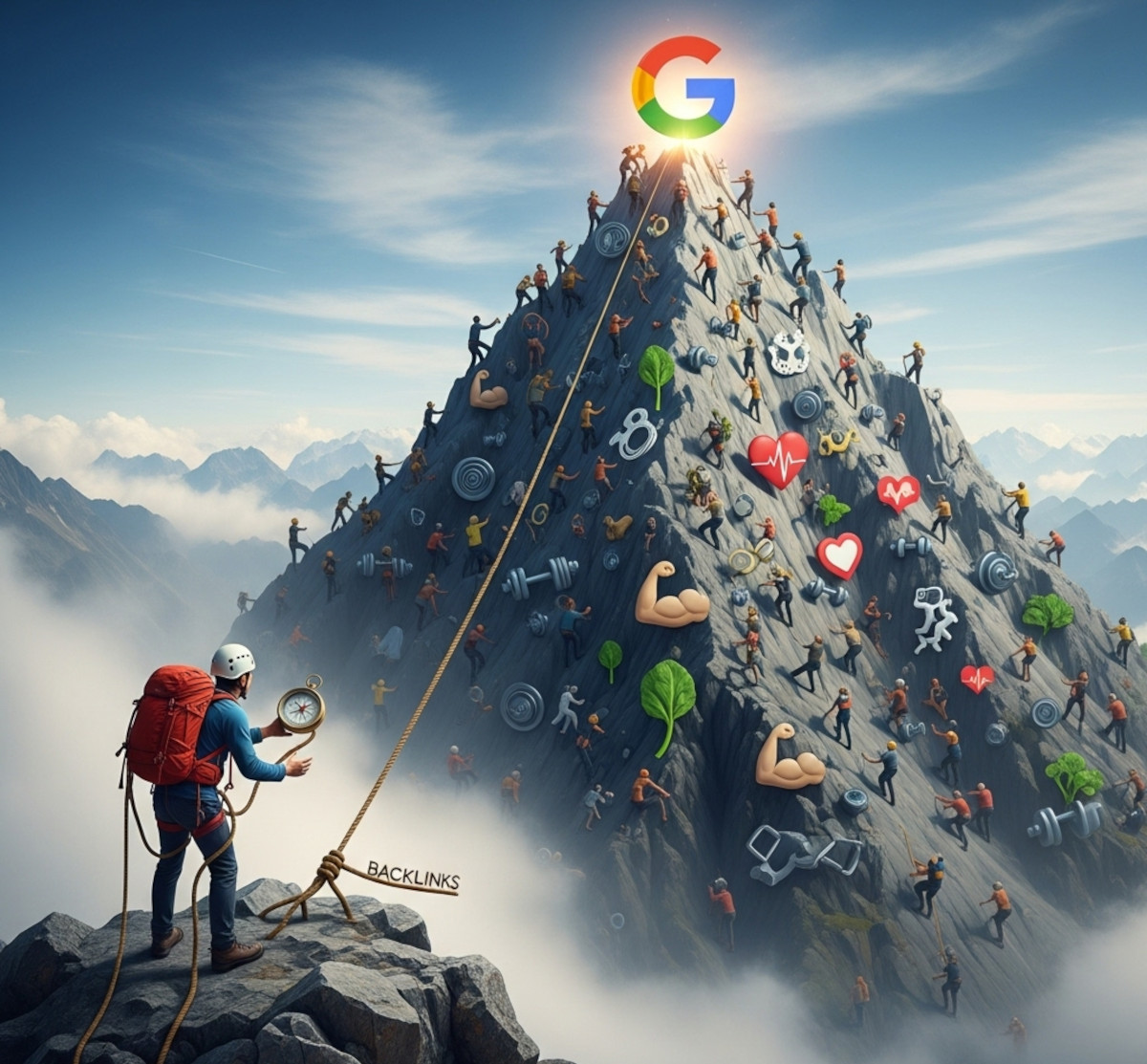
How Hard Is It for a Health and Wellness Blog or Website to Rank on Google?

Starting a health and wellness blog or website can be exciting - you get to share tips on fitness, nutrition, mental health, and overall well-being. But if your goal is to get traffic from Google, there’s a hard truth: ranking in this competitive niche is challenging. Understanding how to rank a health blog effectively is essential for success.
In this post, we’ll explore why ranking a health and wellness blog is difficult, how Google evaluates health content, and practical
... Continue reading
Posted in Ask David!, Search Engine Optimization (SEO)
Tagged ahrefs, alt tag, alt text, authority, backlinks, boost seo, boost traffic, building authority in health niche, competitive health niches, credibility, dwell time, E-A-T, E-E-A-T, eat guidelines, engagement, expertise, fast website, google keyword planner, google search engine ranking, guest posting, health and wellness blog, health blog SEO, health blog traffic, health content strategy, high-quality backlinks, high-quality content, how to rank health blog, influencers, infographics, keyword research, keyword research tool, long-tail keywords, meta description, meta titles, mobile-friendly, multimedia content, niche, on-page seo, podcasts, rank on google, responsive, responsive app, search engine optimization, semrush, seo, SEO for wellness blog, seo mistakes, seo tips, shareable content, styles manager, thin content, trustworthiness, value, videos, wellness website, ymyl, your money or your life
Leave a comment
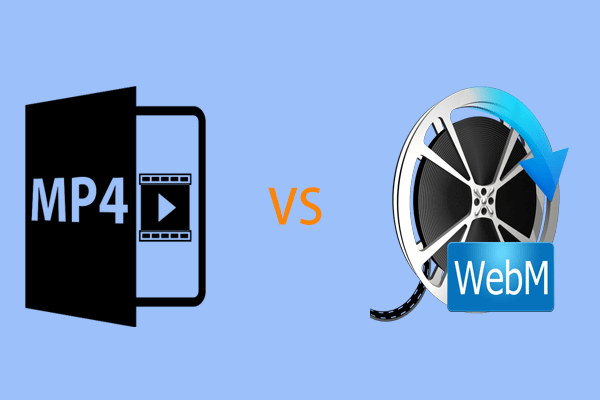
What are the advantages / disadvantages of replacing all the .mp4 videos on the website with .webm?

There are both advantages and disadvantages to consider when switching all your website's videos from .mp4 to .webm format:
Advantages:
- Reduced File Size and Faster Loading: WebM uses codecs (VP8 or VP9) designed for efficient web streaming. This translates to smaller file sizes compared to .mp4 with similar video quality. Smaller files lead to faster loading times, improving user experience and website performance.
- Open Format, Encoded Content: Both WebM and MP4 are technically open container formats, meaning their specifications are
Posted in Ask David!, Website Design
Tagged browser compatibility, fallbacks, fast loading times, faster loading, mp4, reduced file size, videos, webm
Leave a comment
How do I create amazing content?

Creating amazing content isn't just about stringing words together, it's about crafting experiences that captivate, inform, and leave a lasting impression. Here are some tips to help you level up your content game:
1. Know your audience:
- Who are you talking to? Understanding their interests, needs, and challenges is crucial for tailoring your content to resonate with them.
- What are their pain points? Address their problems and offer solutions or resources that add value to their lives.
2. Find your
... Continue reading
Posted in Ask David!
Tagged amazing content, analytics, audience, create content, images, niche, quality, storytelling, unique, videos, visaally appealing
Leave a comment
What should you watch out for on your website to make sure it is responsive and mobile friendly?
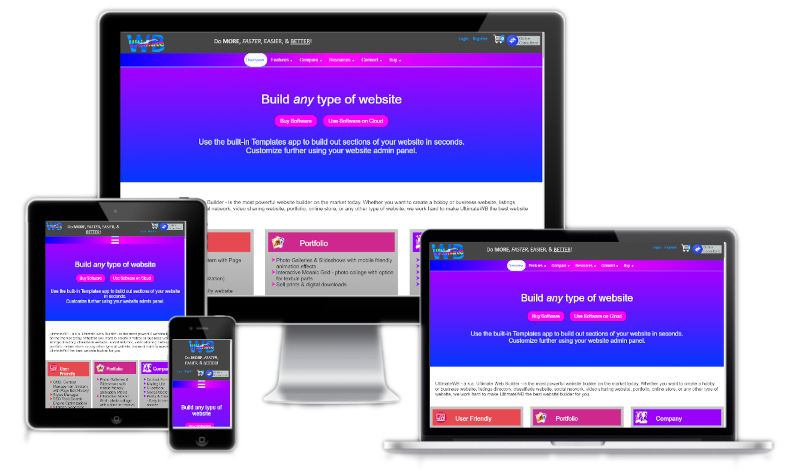
To ensure your website is responsive and mobile-friendly, here are key elements to watch out for and optimize:
Text Fonts and Sizes
Choose fonts that are legible on smaller screens and consider using scalable font sizes. Using the UltimateWB built-in Responsive App (all versions!), you can easily set different font sizes based on viewing screen size. Avoid overly intricate or thin fonts that may become difficult to read on mobile devices. Test different font sizes to find the right balance
... Continue reading
Posted in Website Design
Tagged background images, buttons, contrast, cross browser, device testing, forms, graphics, grids, input fields, interactive elements, media, mobile friendly, navigation menus, page load speed, responsive, responsive layout, text colors, text fonts, text sizes, videos
Leave a comment