







-
Recent Posts
- “My Partner Wants to Use WordPress Because 50% of the Web Uses It. Help!”
- Does EmDash Solve WordPress’s Problems, or Do You Need UltimateWB?
- How Not to Use AI: Stanford University Can Tell You
- Best Website Builder for SEO: WordPress vs. Wix vs. UltimateWB
- How to Make Sure Your Website Colors Have Enough Contrast for Accessibility
- Mobile-Friendly Website Checklist: 20 Things to Check
- Beehiiv Website Builder Review: The Problem Isn’t the Design – It’s the Lack of Control
- Elementor’s “Angie” AI Is More Than Bloat: Credits, Subscriptions, and a Growing Platform Problem
- How to Pass Google Business Profile Video Verification for Service Businesses
- The Great Deskilling: Why AI Dependence is Turning Developers into Prompt Babysitters
- The Three-Month Fuse: The Everest Forms Pro Attack and Why a Patched Plugin Can Still Put Websites at Risk
- Computer Screen Has Black Bars on the Sides: How to Fix It
- Could AI Make Humans Extinct Within the Next Decade?
- Is Weebly Getting Out of the Website-Builder Business?
- Are You “Leaking SEO” by Linking to Other Websites?
- Wix Harmony Is Now in Google Gemini. So Why Are Users Still Complaining?
- When AI Sounds Confident but Gets It Wrong: The Mount Shasta Rescue
- When AI Agents Start Working Together, Who Is Really in Control?
Categories
Category Archives: Website Design
FAQ Alternatives for Websites: Help Centers, Guides & More

What are some alternatives to using an FAQ list on a website? Why might these alternatives be more effective than an FAQ list?
FAQ lists, while a tried-and-true method, can sometimes feel clunky and impersonal. Here are some creative alternatives that can present information in a more engaging way:
1. Interactive Help Center:
- Imagine a search bar: Instead of a static list, allow users to type
What are some best practices for designing a homepage that converts visitors into customers?
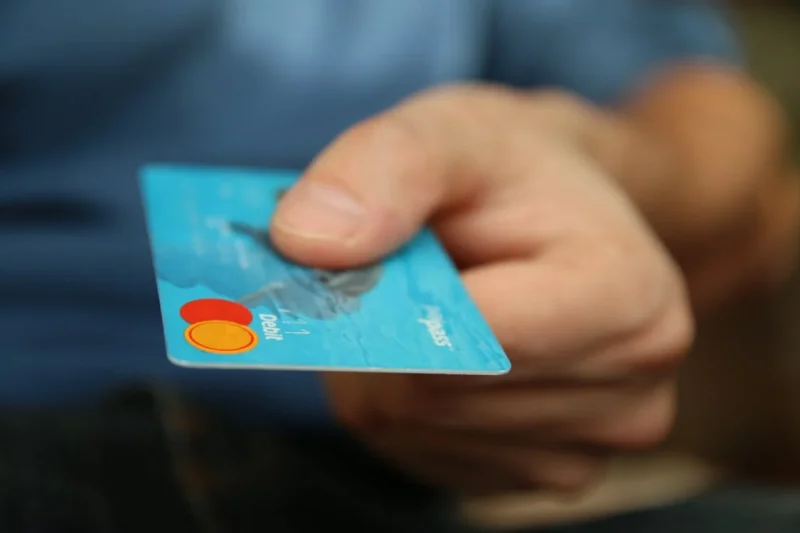
A homepage that converts visitors into customers should be designed with a clear understanding of your target audience and their needs. Here are some key best practices to follow:
Focus on Value Proposition:
- Clear and Concise Headline: Your headline should immediately communicate what your product or service does and its key benefit to the visitor.
- Benefit-Oriented Content: Instead of technical jargon, explain how your product or service solves the visitor's problem or improves their life.
- Visually Appealing Hero Section: The
Posted in Ask David!, Website Design
Tagged a/b testing, benefit-driven features, benefit-oriented content, call to action, clean design, clean layout, contrast, conversions, cta, fast loading times, headline, hero banner, homepage, mobile friendly, page history tool, simple layout, social proff, technical jargon, testimonials, trust signals, user experience, user friendly, value proposition
Leave a comment
What color background will make your website more successful?

There's no single "best" color background to guarantee your website's success.
Factors Affecting Background Color Choice
The most impactful background color depends on several factors:
- Your Website's Goal: Are you selling a product, showcasing a portfolio, or providing information? Different goals might call for different color schemes. For instance, e-commerce sites often use light backgrounds to make products pop, while photography portfolios might benefit from darker backgrounds to make
What are three things every website needs?

Here are three fundamental things every website needs:
1) Clear Purpose and User-Friendly Design:
A website should have a clear goal, whether it's informing visitors about a product, selling something online, or providing a platform for creative expression. This purpose should be evident from the moment someone arrives on the site. Additionally, the design needs to be user-friendly with intuitive navigation that allows visitors to find what they're looking for quickly and easily.
2) High-Quality Content:
Engaging and informative content
... Continue readingWhy do most websites have their logo in the top left corner?

There are two main reasons why most websites place their logo in the top left corner:
- User familiarity: People who read languages written left-to-right, like English, naturally look at web pages starting from the top left corner. This is similar to how we read books and documents. By placing the logo there, websites follow this established user behavior, making it easier for visitors to find what they're looking for.
- Navigation and branding: Clicking the logo on most websites typically brings
Posted in Ask David!, Website Design
Tagged branding, left-to-right, logo, logo placement, navigation, top left, user-friendly
Leave a comment
What are some common mistakes that restaurants make with their websites?

Restaurants can make a number of mistakes with their websites that can drive away customers. Here are some of the most common ones:
- Missing key information: This is a big one. People visit restaurant websites for specific reasons, like finding the menu, location, hours of operation, and contact information. Make sure this information is clear, easy to find, and up-to-date on every page of your website.
- Bad mobile experience: Most people use their phones to browse the web. If your
Posted in Ask David!, Website Design
Tagged call to action, fast loading times, mobile-friendly, navigation, pdf, photo quality, responsive, restaurant website, user-friendly, ux
Leave a comment
How should a personal website look like?

The design of your personal website depends on a couple of things:
- Your Purpose: What are you using the website for? Are you trying to showcase your work as a freelancer or artist? Are you looking to build a personal brand or online presence? Knowing your goals will influence the kind of content you have and the overall feel of the site.
- Your Audience: Who are you trying to reach with your website? If it's potential employers, you might want
Posted in Ask David!, Website Design
Tagged audience, clean design, clutter, keep is simple, mobile-friendly, navigation, personal website, purpose, responsive, user-friendly, white space
Leave a comment
What is Neubrutalism in Web Design?

Ever felt the monotony of sleek, polished websites just wasn't cutting it? Enter neubrutalism – the digital rebel here to shake things up. Let's unravel the mystery of neubrutalism in web design and explore how it flips the script.
Imagine taking the rawness of Brutalist architecture (think exposed concrete and bold geometric shapes) and injecting it into the web. Add a dash of Y2K nostalgia (think glitchy visuals and funky typography) and a sprinkle of modern minimalism, and you've got
... Continue reading
Posted in Ask David!, Website Design
Tagged asymmetry, bold colors, edgy, high-contrast, imperfection, neubrutalism, rebellion, typography, unconventional, uncurated, unpolished, unpredictable
Leave a comment
Little Tweaks, Big Impact: Navigating Your Website’s Make-or-Break Moments

Hey web buddies! Today, let's chat about websites and those low-key changes that can totally rock (or wreck) your website's vibe.
1. The Power of First Impressions:
Imagine someone stumbling upon your website. What's the first thing they notice? Details like font choice, color schemes, and a clean layout can either say, "Welcome, stay a while!" or murmur, "Eh, I'll pass." You can play around with your website design with the UltimateWB built-in Styles Manager. It's both easy to
... Continue readingShould you avoid using stock photos on your website?
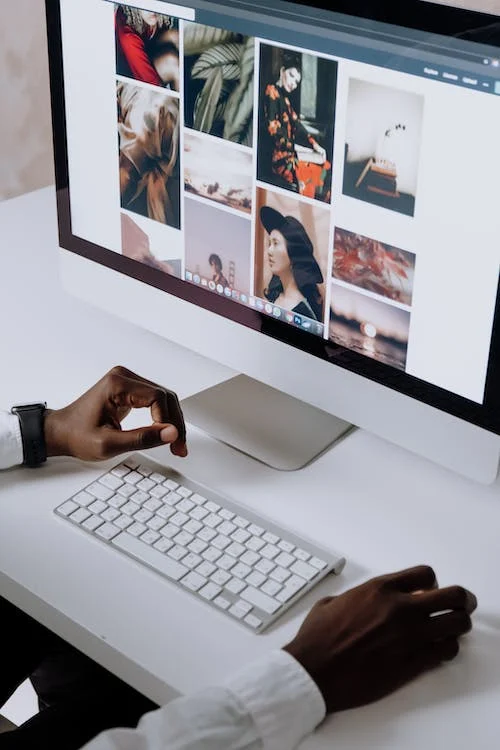
We offer customers the option to incorporate stock photos on their website in our UltimateWB web design packages. We will search and find ones that match the branding and content. If it's so bad to use stock photos on your website, we wouldn't provide it as an option, right?! Whether your website should use stock photos does depend on your specific needs, goals, and the context of your site. Here are some considerations to help you decide, and of
... Continue reading
Posted in Ask David!, Website Design
Tagged cost-effective, creative commons, custom photography, customize, customize stock photos, free stock photos, free stock videos, free-to-use image resources, originality, overuse, professional quality, public domain images, stock photos, stock videos, time-saving, ugc, user-generated content
Leave a comment