


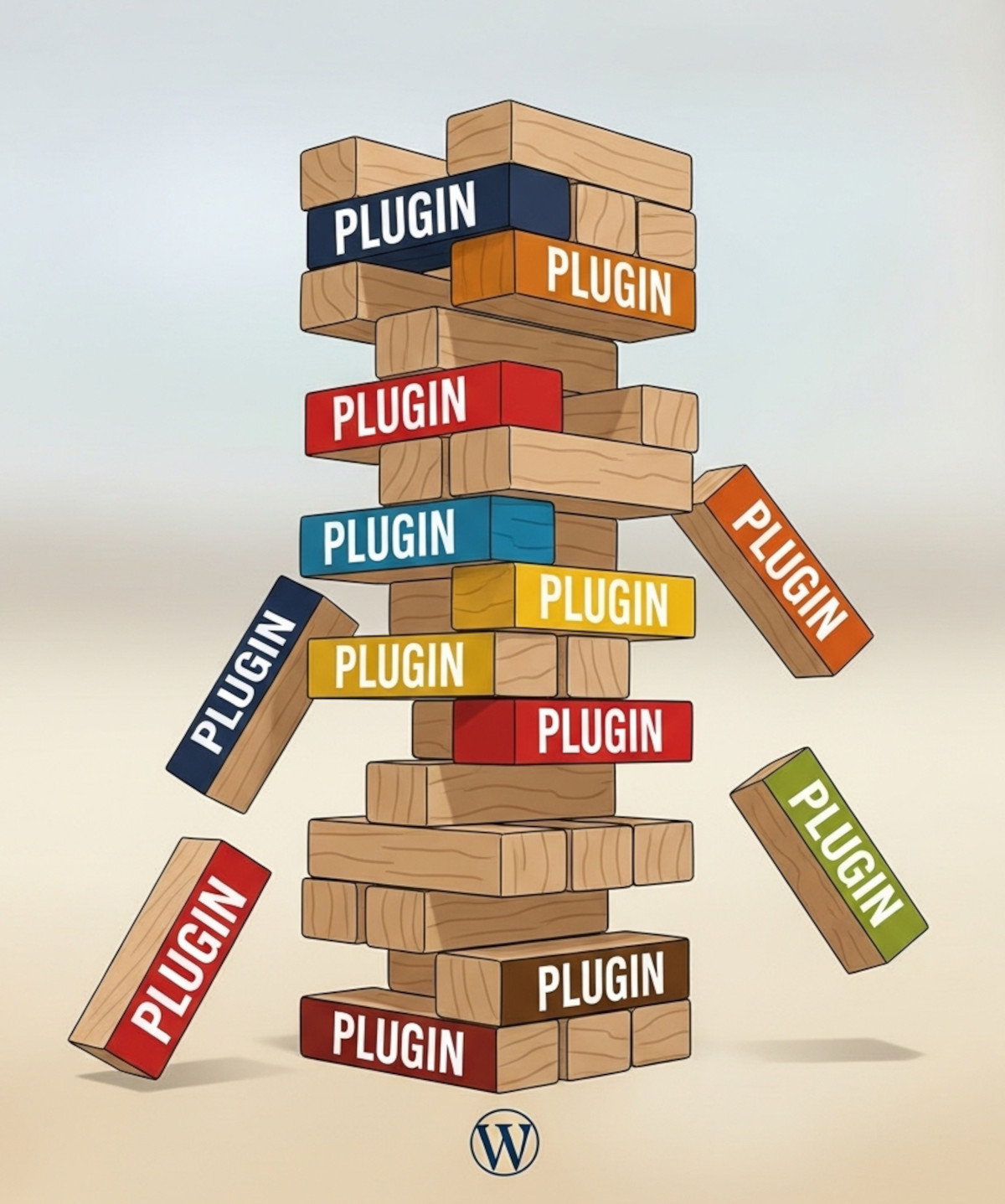
Many people choose WordPress because they think “you own it” and can do whatever you want. While WordPress does offer flexibility, there’s a hidden risk: relying heavily on third-party plugins.
Plugins can add powerful functionality to your WordPress website – forums, SEO tools, sliders, analytics – but they’re maintained by independent developers. That means your site’s features and stability are dependent on someone else’s decisions. And history shows this can lead to real problems.
Real-Life Examples of Plugins That Caused Issues
Here are concrete examples where WordPress users ran into trouble with plugins:
- WP Symposium (Forum plugin) – No longer supported. Sites that depended on it had to migrate or risk broken forums.
- bbPress & BuddyPress (Forum/Community plugins) – Free plugins, but require frequent updates; older versions can break on newer WordPress releases.
- ExactMetrics (formerly Google Analytics Dashboard for WP) – Rebranded and removed features from the free version; users had to upgrade to regain functionality they previously had for free.
- Revolution Slider (Slider Revolution) – Older versions had serious security vulnerabilities; sites that didn’t update were at risk.
- Yoast SEO – Moved features such as internal linking suggestions and cornerstone content from free to premium, limiting what free users could access.
- All in One SEO (AIOSEO) – Removed certain schema markup and social media features from the free version, requiring a paid upgrade to regain them.
- Jetpack modules – Several modules have been deprecated or removed over time, leaving users with missing functionality.
- NextGEN Gallery – Some gallery features moved to premium versions, causing free users to lose functionality.
- Envira Gallery – Added paid features over time; some previously free functionality is now restricted.
- WooCommerce extensions – Many third-party WooCommerce plugins stop being supported or require subscriptions to continue updates.
- WPForms / Gravity Forms – Premium features are sometimes removed or restricted in newer updates; free users may lose functionality.
- TablePress – Free plugin, but some features now require third-party add-ons that are not included in the core version.
- Akismet Anti-Spam – Originally free for all users, but over time certain features became restricted, and commercial users are now required to pay.
Even if you “own” a plugin, you’re not guaranteed ongoing functionality, security, or features. Developers can stop updates, remove features, or change pricing at any time. Sites that rely on these plugins can suddenly find themselves with broken features, security issues, or unexpected costs.
How to Avoid Plugin Headaches
The best way to avoid these risks is to use a platform where essential features are built-in, not bolted on with third-party plugins. With all features included, you:
- Stay in control – no relying on third-party developers.
- Reduce security risks – no abandoned or outdated plugins creating vulnerabilities.
- Simplify maintenance – updates are handled consistently.
- Protect your investment – no sudden costs for features you previously had for free.
UltimateWB offers this all-in-one approach. With built-in forums, SEO tools, analytics, galleries, and more, you can focus on building your website rather than constantly managing plugins or worrying about abandoned tools.
Bottom Line
WordPress gives flexibility, but heavy reliance on third-party plugins comes with real risks – broken features, abandoned plugins, and unexpected costs. By using a platform where essential features are integrated and included, you maintain control and stability. That’s why many website owners choose an all-in-one builder that truly lets them own and manage their sites.
Related: Why Avoiding Third-Party Plugins Makes Your Website Faster, Safer, and Easier to Manage
Is WooCommerce Safe? Drawbacks and Security Risks You Should Know
Ready to design & build your own website, without a need for third-party plugins? Learn more about UltimateWB! We also offer web design packages if you would like your website designed and built for you.
Got a techy/website question? Whether it’s about UltimateWB or another website builder, web hosting, or other aspects of websites, just send in your question in the “Ask David!” form. We will email you when the answer is posted on the UltimateWB “Ask David!” section.