


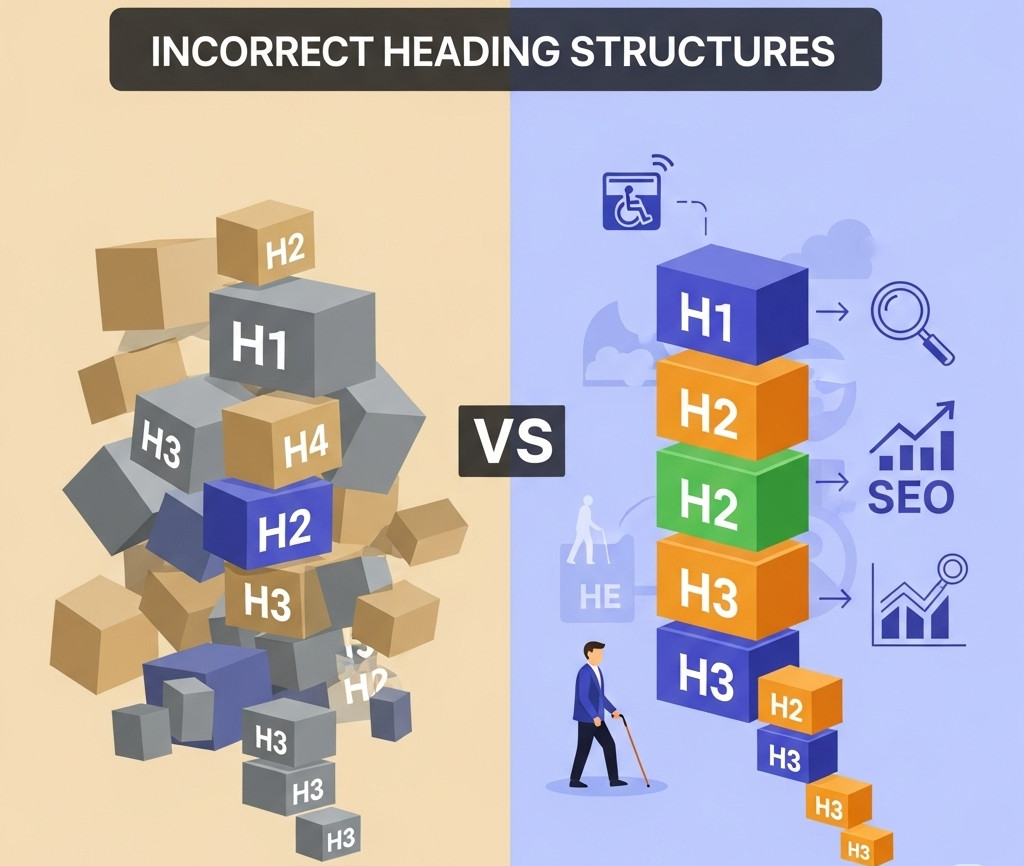
When you’re building a website, it’s easy to focus on how things look – but how your site is structured under the hood is just as important. One commonly overlooked issue? Incorrect heading order.
We recently came across a website where the first visible heading was an <h3>, and the <h1> appeared after it. While it might not break the layout or cause visible problems, this kind of structure can negatively impact both SEO and accessibility. Here’s why heading order matters – and how UltimateWB handles it the right way.
Heading Tags: More Than Just Styling
Headings (<h1> to <h6>) aren’t just for making text bold and big. They serve as semantic markers that give search engines and screen readers a clear roadmap of your content.
<h1>is the main heading – the top-level topic of your page.<h2>to<h6>are subheadings that break content into sections and subsections.
The correct order is crucial. If a page starts with an <h3> and the <h1> shows up later, it’s like starting a book in Chapter 3 before seeing the title – confusing for search engines, and even more so for people using assistive technologies.
Accessibility: Why Heading Order Impacts User Experience
For users relying on screen readers, heading tags are used to navigate and understand the page. Many screen readers allow users to skip through headings to quickly get the gist of content. But that only works if the headings are structured logically.
When the <h1> comes after an <h3>, assistive technologies may assume that content before the <h1> is unrelated or out of order. This can disorient users and make the site harder – or even impossible – to navigate effectively.
In fact, WCAG (Web Content Accessibility Guidelines) recommend using headings in a logical order. Skipping levels or misordering them can cause your site to fall short of accessibility standards, making it less inclusive and potentially exposing your business to legal risk in some jurisdictions.
SEO: Search Engines Read Structure Too
Search engines like Google also use heading tags to understand the hierarchy and focus of your page. While they’ve gotten better at parsing content, a misordered structure (like an <h3> appearing before the <h1>) can still muddy the waters.
That may result in:
- Missed opportunities for keyword relevance
- Less accurate snippets in search results
- Lowered page quality signals
Bottom line: a clean, logical heading structure supports better indexing and visibility.
Why Some Developers Ignore It (and Why That’s a Mistake)
Some vendors or developers may say “it doesn’t affect the functionality” – meaning everything works and looks okay to users. But functionality isn’t the full picture. Just because a page loads and looks fine doesn’t mean it’s semantically or structurally correct.
Ignoring heading order can result in:
- Poor accessibility
- Weakened SEO signals
- Missed compliance with web standards
That’s why it’s worth fixing – and it’s usually a simple code update that doesn’t impact how the site looks or behaves.
You Are Not Forced Into Issues Like This on UltimateWB
At UltimateWB, we build with best practices in mind – and that includes heading structure. The UltimateWB website builder follows correct semantic HTML by default. You won’t find <h3> tags placed above the <h1> unless you intentionally code it that way.
We believe that good design isn’t just about appearance – it’s also about performance, usability, and accessibility. That’s why we make it easy to customize your content while keeping the code clean and standards-compliant.
Related: Valid HTML Isn’t OCD – It’s Smart SEO, Accessibility, and Professionalism
Final Thoughts
Heading order might seem like a small technical detail, but it plays a big role in your website’s SEO, accessibility, and professionalism. Don’t overlook it.
If you’re using a website builder that doesn’t give you control over heading tags – or worse, structures them incorrectly – it might be time for an upgrade.
👉 Ready to build a better, more accessible website?
Check out UltimateWB’s features or get started today.
We also offer web design packages if you’d like us to build your site for you – using best practices from the start.
Got a techy/website question? Whether it’s about UltimateWB or another website builder, web hosting, or other aspects of websites, just send in your question in the “Ask David!” form. We will email you when the answer is posted on the UltimateWB “Ask David!” section.