





-
Recent Posts
- Thinking About Switching From WordPress? What Should You Consider Before You Move?
- The Airtable Acquisition Raises a Bigger Question: Do You Really Own the Software Your Business Runs On?
- How to Use Google Search Console’s New Generative AI Data to Improve Your SEO
- How to Update the Same Website Content on Multiple Pages at Once
- Discovered vs. Crawled Not Indexed in Google Search Console: What’s the Difference and How to Fix Each
- The Small Business Guide to Auditing Google Ads and Website Costs
- Do Professional Writers Still Need SEO in the Age of AI?
- Search Engine First vs. People First Content: Why Generic FAQ Dumps Harm Your SEO
- Looking for a Website Builder Without AI? Which One Should You Choose?
- Keyword Cannibalization: How to Find and Fix the Pages Stealing Your Own Google Traffic
- Why Great Content Gets Stuck on Page 8 (And How to Fix It)
- Why MySQL FULLTEXT Search Returns 0 Results (And How to Fix It)
- The Reality of Domain Speculation on New TLD Launches: Is It Still Worth It?
- The Hidden Domain Name Lock-In: Which Registrars Restrict Nameservers?
- Paying $10,000 a Month for SEO? Here’s How to Tell If You’re Getting Your Money’s Worth
- Introducing New WordPress Magazine Layouts in UltimateWB 9 (With Early Access)
- How to Fix the WordPress “Critical Error” on the Widgets Page After a PHP Upgrade
- The Hidden Risk of SaaS Website Builders: Lessons from the Recent Wix Outage
Categories
Tag Archives: domain name
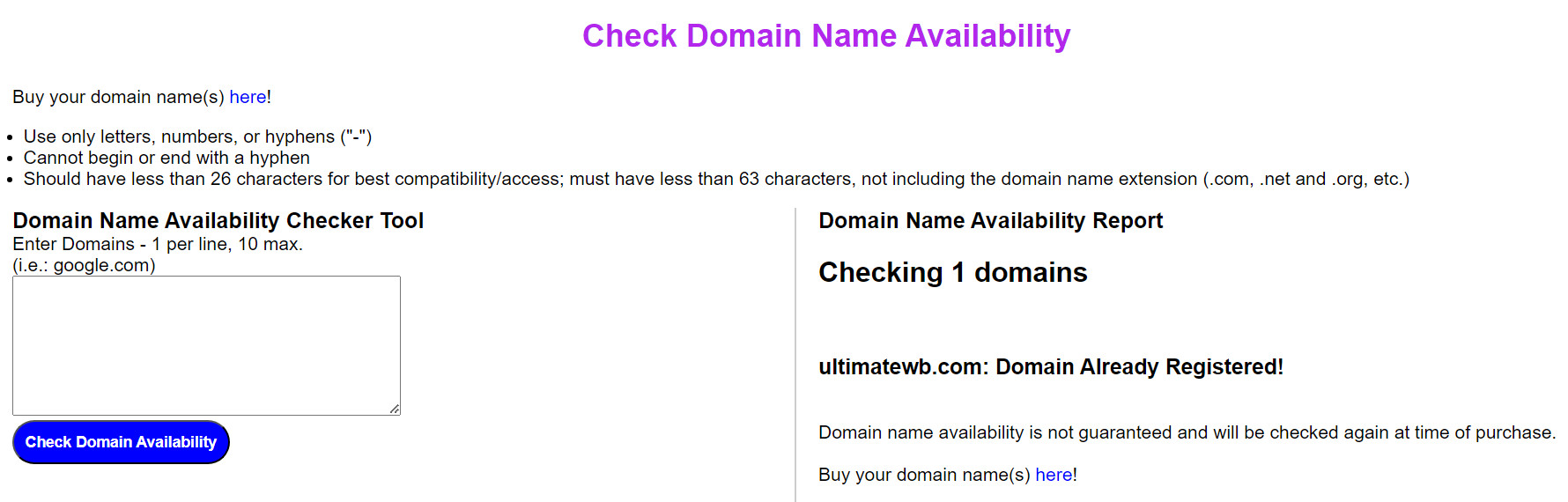
How do you check if your desired domain name for your website is available?

Quickly Check Domain Name Availability with UltimateWB!
Look no further than UltimateWB's check domain name availability tool. This handy tool allows you to quickly check multiple domain names at once, saving you time and effort.
Here's how to use it:
- Visit the UltimateWB Domain Name Availability Checker: Go to https://www.ultimatewb.com/check-domain-names.
- Enter Your Domain Names: In the provided field, input the domain names you want to check, separating each with a new line. One domain name per line, 10
If you code your own website, do you still need to purchase a domain?

Yes, if you want a domain name you will need to purchase it. There’s a yearly cost to domain names. Coding your own website would just be instead of a website builder, not a domain name. You also will need web hosting to get your website online. You upload your coded files to your web hosting, and connect your domain name to your web hosting.
Are you ready to design & build your own website? Learn more about UltimateWB!
... Continue readingWhat is the monthly cost of running an e-commerce website after initial development?
There is a yearly domain registration cost and monthly web hosting cost. You can make your web hosting payments yearly to get a discount. How much this is depends on the web hosting company you choose, and how much traffic/content you have.
Then there is the cost of managing your website, adding items, updating content, etc. You can do this with UltimateWB software without any experience, with the built-in website admin panel. It makes building an e-commerce website easy too.
... Continue readingWhat would be the cost of designing an eCommerce website?
You need a domain name, web hosting, and website builder or web developer. You can cut on costs/development time needed with website builder software. The best one is UltimateWB because it is very flexible and customizable. It has a lot of built-in apps. The UltimateWB built-in e-commerce app has a lot of features. It’s very easy to use. You can use the UltimateWB built-in Styles Manager to create your website design. You can use the UltimateWB built-in Templates app to
... Continue readingIs it worth paying for a domain name in 2020?
Yes, if you want to create a website, it is good to get a domain name. The other alternative you have is to use a hosted website builder that allows you to choose a username and then puts your website on a subfolder or subdomain of their own website/server. Paying the yearly fee for your own domain name and web hosting (can be monthly payments), gets you flexibility and choice of website builder, and access to your website files/content, plus
... Continue reading
Posted in Ask David!
Tagged domain name, domain name fee, pay for domain name, web hosting
Leave a comment
Should I use Google’s website builder?

Short Answer: Probably not: Google’s website builder is very basic and lacks the features you most likely want.
Long Answer:
Don't Settle for Basic: Why Google's Website Builder Might Not Cut It for Your Needs
Building a website can be an exciting venture, but choosing the right platform is crucial. While Google's website builder offers a seemingly easy solution, it might be tempting to look elsewhere if you have specific needs or ambitions for your online presence. Here's why Google's
... Continue readingWix charges you and posts ads on your website in “Connect Domain” plan

Posted in Compare Website Builders, Web Hosting
Tagged ads, connect domain, custom email address, domain name, google adsense, web hosting, Wix, wix ads
Leave a comment
Why use “WWW” for your website?

Naked domains & CNAME records for server traffic redirects
So, what makes the "www"... Continue reading
Posted in Domain Names, Web Hosting, Website Security
Tagged .htaccess, alphabet, domain name, domain redirect, google, naked domain, non-www, security, twitter, website speed, www
Leave a comment
Should you get the .com, .org, .net, .biz., country tld … all tld’s … or what?
If you are new to buying a domain name for your website, you might be wondering which tld - top level domain - extension to get. The main ones to choose from are .com, .org, and .net. But then there are also .biz, and of course the .[country abbreviations], like .us for USA domains, .co.uk for the United Kingdom, etc. And there are even some new ones that registers are starting to advertise. Here are some tips to help you
... Continue reading
Posted in Domain Names
Tagged .com, .net, .org, country tlds, domain name, non-profit, tlds
Leave a comment
WWW or no WWW – That is the question

We are talking about whether your website is "www.your-website.com" or just "your-website.com" . You want your website to be accessible both ways of course, whether the user types in the "www" or not (most people won't take the extra time to type what's not necessary right?). You would lose traffic if you didn't make your website accessible both ways. But you actually want your website to recognize one version as "the one", and redirect the other to it.
Why? SEO
... Continue reading