


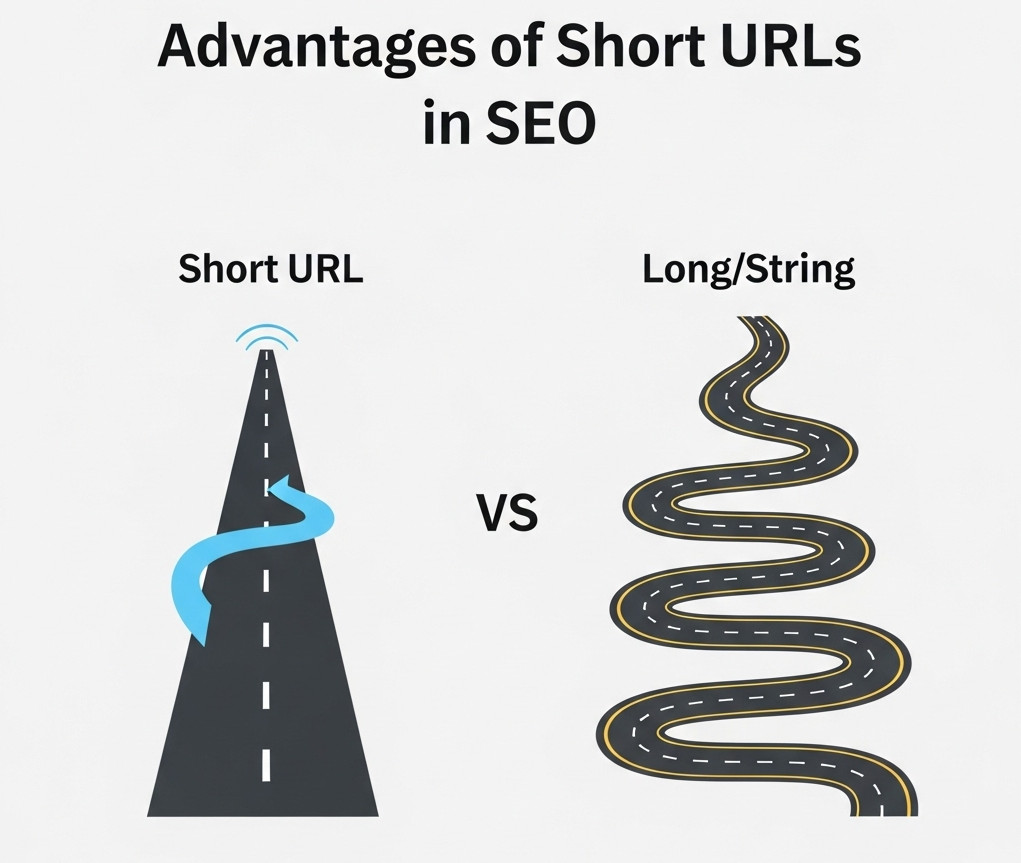
“Does it matter how long my Page URL is?”
Short Answer: Yes.
When it comes to SEO, many website owners focus heavily on keywords, content quality, backlinks, and technical site health – and with good reason. But one often overlooked factor that can impact your search engine rankings and user experience is URL length.
What Is URL Length?
A URL (Uniform Resource Locator) is the web address of a page on your site – like:
https://example.com/seo-tips-for-small-business
URL length refers to the total number of characters in the URL, including the domain, subfolders, and the page slug (the part after the domain).
Why Does URL Length Matter for SEO?
1. Search Engines Prefer Clean, Concise URLs
Google and other search engines aim to provide the best user experience. Shorter URLs are easier for both users and search engines to understand. Clear URLs that describe the page content succinctly help search engines determine relevance quickly.
2. Better User Experience and Click-Through Rates
A short, descriptive URL is more likely to be clicked and shared. Long, complicated URLs with many parameters, numbers, or irrelevant words can look suspicious or confusing. Users tend to trust URLs that are easy to read and remember.
3. URLs Are Used as Anchor Text Sometimes
If someone copies and pastes your URL as a link, a shorter URL is cleaner and more meaningful as anchor text, helping search engines associate the link with relevant keywords.
4. Avoids Truncation in Search Results and Social Shares
Very long URLs can get truncated in search results or social media posts, hiding important parts of the URL and potentially reducing click-through rates.
5. Easier to Manage and Share
Short URLs are easier to share offline (like in print) and are less prone to errors when typed manually or copied.
How Long Should Your URLs Be?
There’s no hard and fast rule, but SEO experts generally recommend:
- Keep URLs under 60 characters if possible.
- Include relevant keywords without keyword stuffing.
- Avoid unnecessary words like “and,” “the,” or stop words.
- Use hyphens (-) to separate words for readability.
What to Avoid in URLs
- Excessive length or deep nested folders
- Random numbers or session IDs
- Dynamic parameters like
?id=12345&ref=abc - Stop words or filler words that add no meaning
Examples: Good vs. Bad URLs
| Good URL | Bad URL |
|---|---|
example.com/seo-tips | example.com/index.php?id=12345&ref=seo |
example.com/organic-traffic-strategies-2023 | example.com/organic-traffic-strategies-2023-new |
example.com/blog/how-to-write-seo-content | example.com/blog/post/9876543210 |
Summary: Keep It Short and Sweet
While URL length alone isn’t a major ranking factor, it definitely contributes to the overall SEO picture. A clean, concise URL helps search engines and users understand your content better, which can indirectly improve your rankings and click-through rates.
If you’re building or optimizing your site, review your URLs and trim unnecessary length where possible. It’s a simple fix that can make your SEO strategy stronger.
Are you ready to design & build your own website? Learn more about UltimateWB! We also offer web design packages if you would like your website designed and built for you.
Got a techy/website question? Whether it’s about UltimateWB or another website builder, web hosting, or other aspects of websites, just send in your question in the “Ask David!” form. We will email you when the answer is posted on the UltimateWB “Ask David!” section.