


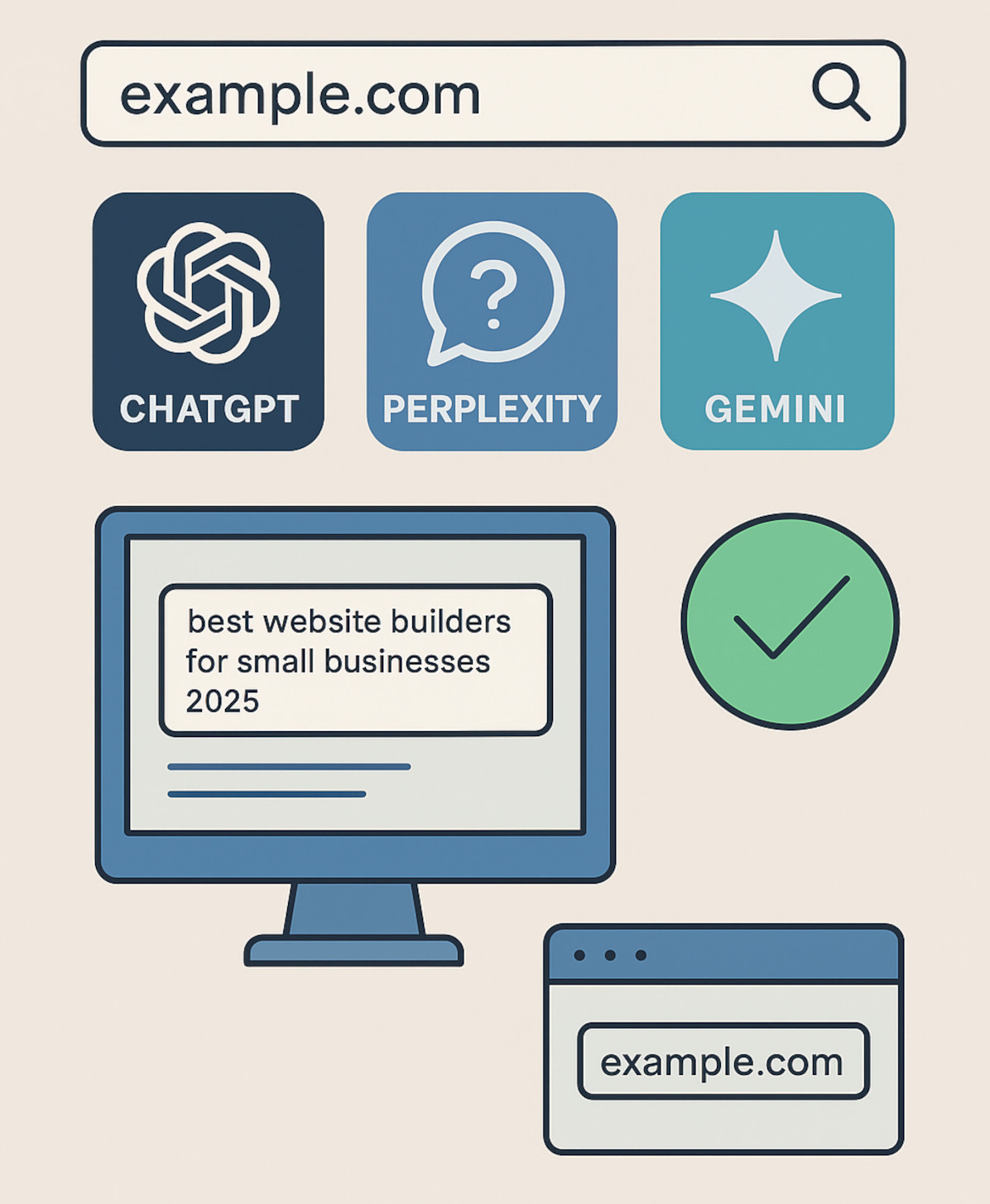
AI tools like ChatGPT, Perplexity, and Google Gemini are quickly becoming the go-to search method for many users. Instead of typing queries into Google, people are getting instant answers directly from AI – sometimes with source links, sometimes without.
If you run a website, the question is simple:
Is your content showing up in those AI answers?
Here’s how you can find out.
1. Manual Testing (The Direct Way)
The most straightforward way to check is to ask the AI the same types of questions your target audience might ask.
Steps:
- Open ChatGPT, Perplexity, Gemini, or the AI you want to check.
- Ask a question related to your niche, product, or service.
- Example for a cooking site: “What are the best substitutes for buttermilk in baking?”
- Example for a tech blog: “Best website builders for small businesses 2025.”
- Check the results for your domain:
- Perplexity: Scroll to the citations at the bottom or side – your site might be listed directly.
- ChatGPT with browsing: Sometimes lists sources inline or in footnotes. If not, ask: “What sources did you use for that answer?”
- Gemini: Similar to Google search results, may show cards or links.
💡 Pro tip: Run multiple variations of the same question. AI models can phrase or source differently depending on wording.
2. Track AI-Driven Referrals in Analytics
If the AI tool links to your site, you may see it as a referral source in your analytics platform.
In Matomo:
- Go to Referrers > Search Engines & Keywords.
- Some AI tools (like Perplexity) appear here as referrers.
- Note: Keywords are usually hidden, but you can still confirm visits.
- Go to Reports > Acquisition > Traffic acquisition.
- Change the dimension to “Session source.”
- Look for entries like
perplexity.aioropenai.com.
💡 Pro tip: If you don’t see them, set up a custom filter for “perplexity” or “openai” in the referral path – it might catch hidden visits.
3. Use AI Visibility Tools (Still Emerging)
Some SEO platforms are starting to track AI search visibility. While this is early tech, it can save you time.
Examples:
- Ahrefs recently began showing AI citation data.
- Other tools like Semrush and Similarweb are testing similar features.
💡 Pro tip: Treat these as guides, not gospel. Always confirm with manual checks.
4. Build a Simple Monitoring Script
If you want automation, you can set up a script that regularly queries AI tools and searches the responses for your domain.
High-level approach:
- Use the AI’s API (e.g., OpenAI API for ChatGPT or Perplexity’s API).
- Run queries you want to monitor.
- Parse the AI’s output for your domain name.
- Log results to track changes over time.
💡 Pro tip: Even without coding, you can use no-code tools like Zapier + API calls to create a lightweight tracker.
5. Check at Regular Intervals
AI responses change over time. You might appear in an answer today and be gone tomorrow.
- Weekly checks are good for competitive niches.
- Monthly checks may be enough for evergreen topics.
- Keep a log of which questions return your site and when – it helps spot patterns.
Why Bother Tracking AI Visibility
Tracking whether your website appears in AI-generated answers isn’t just curiosity – it can have real business benefits:
Content Improvement Insights: By seeing which queries your site appears for, you can identify which topics AI considers authoritative and adjust your content strategy accordingly – improving both AI visibility and traditional SEO performance.
Brand Visibility: Even if users don’t click through to your website, being cited by AI tools like ChatGPT or Perplexity increases your brand’s exposure. Repeated mentions help reinforce authority and trust in your niche.
Traffic Potential: While some users may only read the AI answer, many will click the reference link to get more in-depth information, visit product pages, or explore related content. Tracking these citations helps you capture that potential referral traffic.
Competitive Advantage: Few websites are actively monitoring AI visibility today. By checking regularly and optimizing for AI citations, you can gain an early lead over competitors, ensuring your content becomes the “go-to” source in your niche.
Final Thoughts
Tracking AI search visibility isn’t as simple as checking Google rankings – at least not yet. But by running a few manual queries, monitoring your analytics for AI referrals, and using some basic automation, you can see where your site shows up today. With AI answers already becoming a go-to for many users, staying on top of your visibility now helps ensure your content reaches the right audience as search continues to evolve.
If you start now, you won’t be scrambling when everyone else finally realizes AI optimization (AIO!) is part of SEO’s future.
Don’t have a website yet? Learn more about UltimateWB! We also offer web design packages if you would like your website designed and built for you.
Got a techy/website question? Whether it’s about UltimateWB or another website builder, web hosting, or other aspects of websites, just send in your question in the “Ask David!” form. We will email you when the answer is posted on the UltimateWB “Ask David!” section.