


If you’ve ever tried to speed up how fast Google indexes and ranks your website pages, you’ve probably used the URL Inspection Tool in Google Search Console. It’s super handy – you plug in a URL, hit “Request Indexing,” and boom, you’ve told Google, “Hey, check this out!…(and please index and rank it ASAP!)”
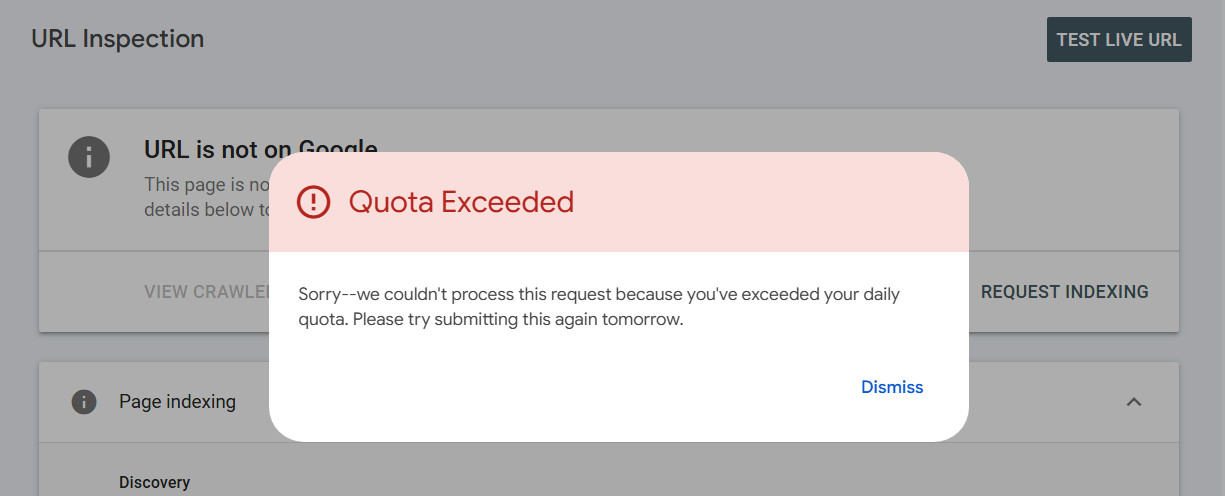
But if you go a little overboard with it, you might run into this annoying message:
Quota Exceeded
Sorry–we couldn’t process this request because you’ve exceeded your daily quota. Please try submitting this again tomorrow.
Yeah… that one. So what’s the deal?
How Many URLs Can You Actually Submit Per Day?
Google doesn’t spell it out exactly, but most people who use the tool regularly say you can manually request indexing for about 10 to 20 URLs per day. That’s per account, not per website.
So if you’ve got a bunch of new blog posts, product pages, or updates to push live, you’ll need to pace yourself.
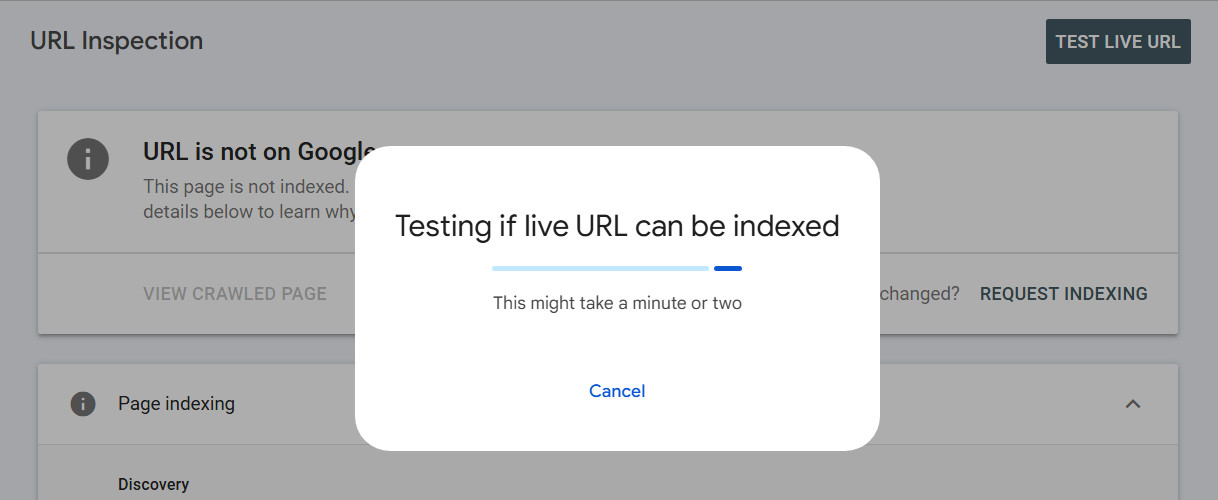
What Happens When You Hit the Limit?
Once you hit the daily limit, it doesn’t necessarily mean you’re blocked for a full 24 hours. The limit is based on a rolling 24-hour window, so you might only need to wait an hour or two before you can submit URLs again – it just depends on when your previous submissions were made. If you try too soon, you’ll see the “Quota Exceeded” message, so just give it some time and try again later.
Any Way to Get Around It?
Not really. But there are smarter ways to handle indexing:
- Focus on your most important URLs – the pages you really want Google to see ASAP.
- Submit a sitemap if you haven’t already. That’s the best way to help Google discover your pages at scale. UltimateWB makes it easy to create your sitemap automatically with the built-in Sitemap Generator tool.
- Make sure your internal links are solid, so Google can naturally find new or updated content through your site’s structure.
- And don’t waste submissions on the same page over and over – Google won’t index it faster just because you keep asking.
Final Thoughts
It’s tempting to try and rush everything into Google, especially if you’ve just launched something new. But remember: SEO is a long game. If you see that quota message, don’t stress – it just means you’re being proactive (maybe a little too proactive).
Take a breather, come back tomorrow – or in an hour or two, and keep pushing your best content forward.
Related: How to Submit a Sitemap to Google Search Console: A Step-by-Step Guide
Submitting Many URLs at Once: Google Search Console URL Inspection API
Get Google to Notice Your New Content: Sitemap Strategies and Search Console Power
Should you submit your sitemap to other search engines besides Google?
Are you ready to design & build your own website? Learn more about UltimateWB! We also offer web design packages if you would like your website designed and built for you.
Got a techy/website question? Whether it’s about UltimateWB or another website builder, web hosting, or other aspects of websites, just send in your question in the “Ask David!” form. We will email you when the answer is posted on the UltimateWB “Ask David!” section.