



When it comes to website speed testing tools, “accuracy” isn’t a straightforward concept because different tools measure different things, from different locations, and with varying methodologies. Instead of one being definitively “more accurate,” it’s better to understand what each tool is best for and how to use them together for a comprehensive view.
What Speed Testing Tools Stand Out
However, if I had to pick tools that are generally considered the most reliable for understanding real-world user experience and Google’s perspective, these stand out:
1) Google PageSpeed Insights (PSI):
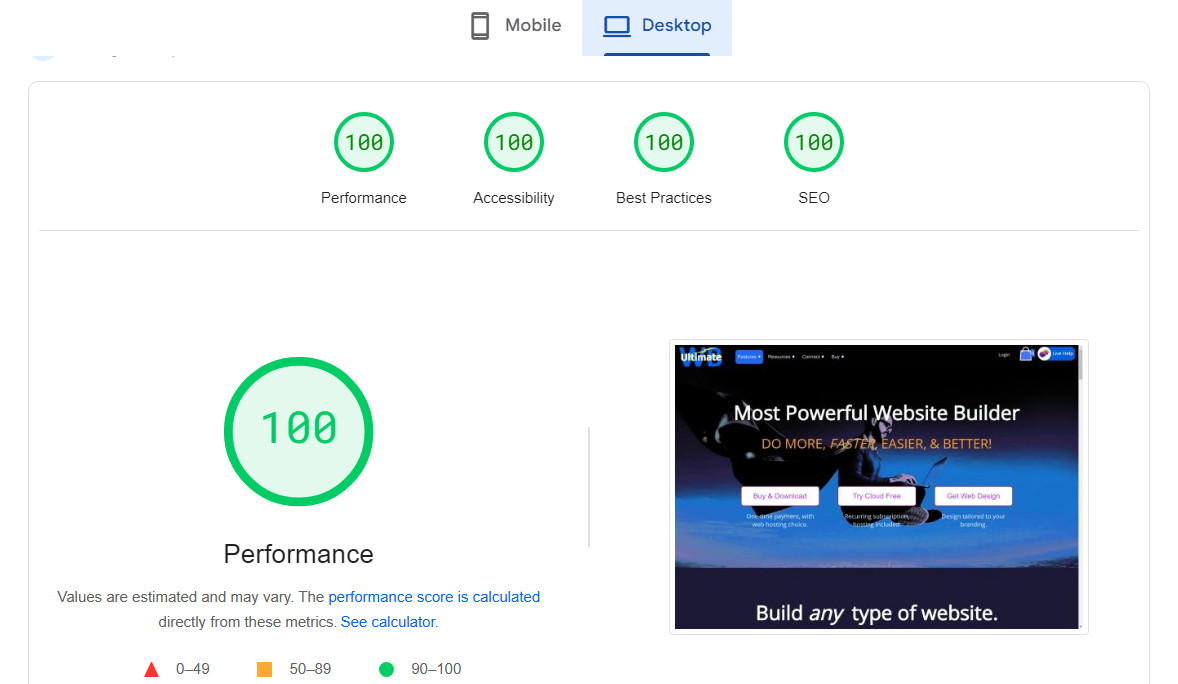
Why it’s “accurate” in a Google context: It’s Google’s own tool, and it uses Lighthouse (an open-source, automated tool for improving the quality of web pages) to audit performance, accessibility, SEO, and more. Crucially, it provides both Lab Data (simulated performance under consistent conditions) and Field Data (real-world user experience data collected from Chrome users via the Chrome User Experience Report – CrUX).
Best for: Understanding how Google sees your site’s performance, identifying Core Web Vitals issues, and getting actionable recommendations directly from Google. The Field Data is incredibly valuable as it reflects actual user experience.
Limitations: Lab data can sometimes vary slightly between runs. The simulated environment might not perfectly reflect every real-world user’s device or network.
2) WebPageTest.org:
Why it’s highly regarded: This is a very powerful and granular tool that gives you immense control over the testing environment. You can choose test locations globally, select different browsers, devices, connection speeds (e.g., Cable, 3G, 4G), and even run multiple tests to get averages. It provides extremely detailed waterfall charts showing every request, render blocking resources, and optimization suggestions.
Best for: Deep technical diagnostics, pinpointing exactly where slowdowns occur (e.g., specific images, scripts, external calls), comparing performance from different geographical locations, and understanding how various network conditions affect your site. Its detailed waterfall is invaluable for developers.
Limitations: Can be overwhelming for beginners due to the sheer amount of data. Doesn’t directly provide real-world user data like PSI.
Other Notable Tools and Their Strengths:
3) GTmetrix:
Strengths: Combines Lighthouse metrics with its own additional audits (formerly PageSpeed and YSlow scores). Presents data in a very user-friendly way with clear grades and actionable recommendations. Provides a good waterfall chart and historical data tracking.
Best for: A good all-around diagnostic tool that’s easier to interpret than WebPageTest for many users.
Limitations: Primarily uses lab data.
4) Pingdom Tools:
Strengths: Excellent for simple, quick checks from various global locations. Provides clear performance grades and a straightforward waterfall chart. Good for monitoring uptime and basic speed.
Best for: Quick checks, monitoring, and understanding overall load time from different geographic regions.
Limitations: Less detailed diagnostics than WebPageTest or GTmetrix.
Which One to Use?
Instead of choosing just one, the best practice is to use a combination:
- Start with Google PageSpeed Insights: Always check PSI first. The Field Data is the closest you’ll get to what your actual users are experiencing, and the Lab Data gives you Google’s performance assessment and specific optimization recommendations. This is your primary report card from Google.
- Deep Dive with WebPageTest.org: If PSI highlights issues or you need to understand precisely why something is slow, head to WebPageTest.org. Use it to simulate various user conditions, analyze the waterfall chart, and identify specific blocking resources or slow external calls.
- Supplement with GTmetrix/Pingdom: Use these for different perspectives, easier-to-read reports, or for continuous monitoring. GTmetrix, in particular, offers a nice balance of detail and user-friendliness.
In Summary
For “accuracy” in terms of Google’s perspective and real user experience data, Google PageSpeed Insights (especially its Field Data) is paramount. For deep technical debugging and highly customizable testing scenarios, WebPageTest.org is the gold standard. Use them in tandem for the most complete and actionable insights.