


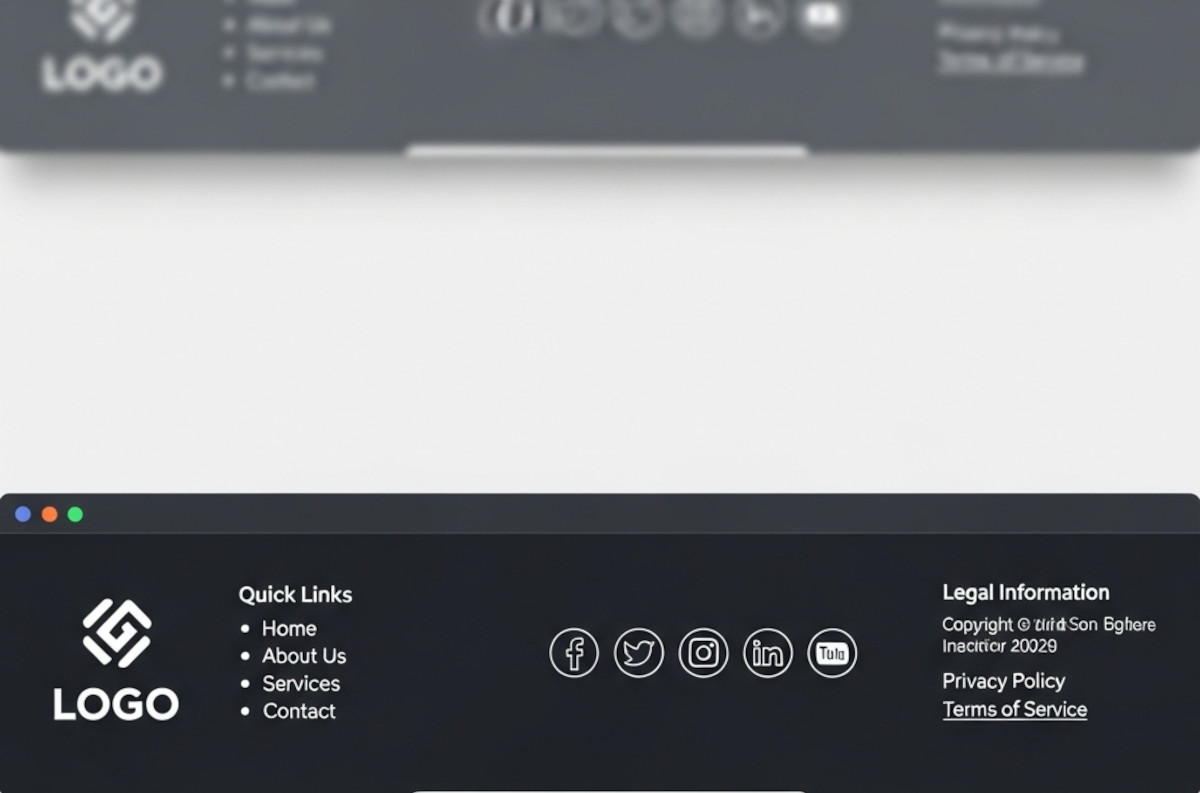
Ah, the footer. That humble strip at the bottom of your website that most people ignore until they need it – or until they realize their website looks like it stops abruptly, like a book with no last page.
If you’ve ever wondered, “Do I really need a footer? What should even go in there?”, you’re not alone. Let’s break it down.
1. The Basics: What a Footer Is For
Think of your footer as the “everything else” section. It’s where you can place important links, info, and extras that don’t quite fit in your main navigation but are still essential. It’s also the last chance to grab a visitor’s attention before they leave your site.
A good footer should:
- Make your website feel complete.
- Help visitors find what they need quickly.
- Build trust with credibility signals (like contact info or certifications).
2. What to Actually Put in Your Footer
Here are the essential bits you probably want to include:
1. Contact Info
Even if it’s just an email or phone number, make it easy for people to get in touch. Bonus points if you include your address for credibility.
2. Quick Links / Site Navigation
Include links to your main pages, especially if your header menu doesn’t cover everything. Things like:
- About
- Services / Products
- Blog / Resources
- FAQ
👉 Pro tip: Organizing links doesn’t have to be a headache. With UltimateWB and its easy CMS, you can tell the program exactly where each link should go – your main navigation, footer, or other sections – without manually re-coding menus. That way, your footer links stay consistent and professional as your site grows.
3. Legal Stuff
Not glamorous, but necessary:
- Privacy Policy
- Terms of Service
- Cookie Policy (if applicable)
4. Social Media Links
If you’re active on social platforms, give people an easy way to follow you.
👉 Pro tip: You can use the UltimateWB built-in Templates Generator to quickly and easily add social media icons to your footer. Use the Add/Edit Page to customize with your social media links.
5. Newsletter Signup / Call to Action (Optional)
A small signup form in the footer can capture leads without being intrusive.
👉 Pro tip: UltimateWB makes this easy with the built-in Mailing List app.
6. Branding / Tagline (Optional)
A tiny reminder of who you are – logo, slogan, or short mission statement.
3. Bonus Tips for Designing a Footer That Works
- Keep it organized: Use columns or sections so visitors can scan easily.
- Make it readable: Don’t cram everything in tiny text.
- Avoid clutter: Only include what’s useful. “Just because you can add it, doesn’t mean you should.”
4. A Little Sarcasm for Free
Yes, footers matter. No, footers aren’t just a catch-all for links you didn’t know where to place. Think of it this way: your footer is like the bow on a gift. It’s the finishing touch – and yes, people do notice when it’s missing.
TL;DR: A Good Footer
- Include contact info, legal pages, social links, and quick navigation.
- Optional: newsletter, tagline, or branding elements.
- Keep it organized, readable, and minimal.
If your website footer is empty, missing, or just “whatever I slapped at the bottom,” now you have a blueprint to turn it into something actually useful – and maybe even impressive.
Ready to design & build your own website that takes away the hassle of organizing your links? Learn more about UltimateWB! We also offer web design packages if you would like your website designed and built for you.
Got a techy/website question? Whether it’s about UltimateWB or another website builder, web hosting, or other aspects of websites, just send in your question in the “Ask David!” form. We will email you when the answer is posted on the UltimateWB “Ask David!” section.