


When you’re visiting a website built by a solo creator or small team – not a big-name brand – you make a snap judgment: Can I trust this? That first impression often decides whether you stick around or bounce.
As someone who loves studying user behavior and indie websites, I’ve noticed a few key elements that consistently build trust, even on simple, self-made sites.
Here’s what makes me – and many others – stay.
1. Clear Purpose, Fast
If I land on your site and instantly understand what it’s about – whether you’re selling handmade goods, showcasing a project, or offering a service – I’m much more likely to explore.
🟢 Green flag: A short headline and subheading that say exactly what the site is and who it’s for.
🔴 Red flag: Vague taglines like “We bring visions to life” with no supporting explanation.
2. Real Human Touch
A small site shouldn’t try to feel like a corporate machine. I trust it more when I can sense there’s a real person behind it.
🟢 Green flag: A casual “About Me” page with a photo, a bit of your story, and why you made the site.
🔴 Red flag: Generic stock photos and third-person bios that feel like filler.
3. No Weird Surprises
Trust dies the moment something sketchy happens – a pop-up asking for my email before I even know what the site is, or autoplaying sound.
🟢 Green flag: Smooth, simple navigation. No dark patterns. Nothing asking me for too much, too soon (kind of like dating!).
🔴 Red flag: Sudden redirects, mysterious download prompts, or form fields that ask for weirdly personal info.
4. Clean, Readable Design
Design doesn’t need to be fancy – it just needs to not get in the way of the content.
🟢 Green flag: Legible fonts, good contrast, spacing that makes it easy to read.
🔴 Red flag: Tiny gray text, cluttered layouts, or random animations that distract more than delight.
5. Proof of Life
Even if it’s just a blog or portfolio, I look for signs the site is maintained. A last updated date, a recent post, or a functioning contact form goes a long way.
🟢 Green flag: A “Last updated in May 2025” note or social feed with recent activity.
🔴 Red flag: Broken links, 404 pages, or posts from 2019 with nothing since.
6. Grammar & Tone Matter More Than You Think
Sloppy writing feels careless – and carelessness doesn’t build trust. But you don’t need perfect grammar. You just need clarity and consistency.
🟢 Green flag: Conversational tone, no glaring typos, clear calls to action.
🔴 Red flag: “Your in the right place for solution’s.” (Yes, I’ve seen it.)
7. No Pressure, Just Help
Sites that make me feel welcome and informed – instead of rushed or sold to – make me stay longer.
🟢 Green flag: Helpful info, FAQs, demo videos, or screenshots that answer my questions.
🔴 Red flag: “Limited-time offer!” banners on every page with no substance behind them.
8. Visual Clarity Helps Too (When It’s Relevant)
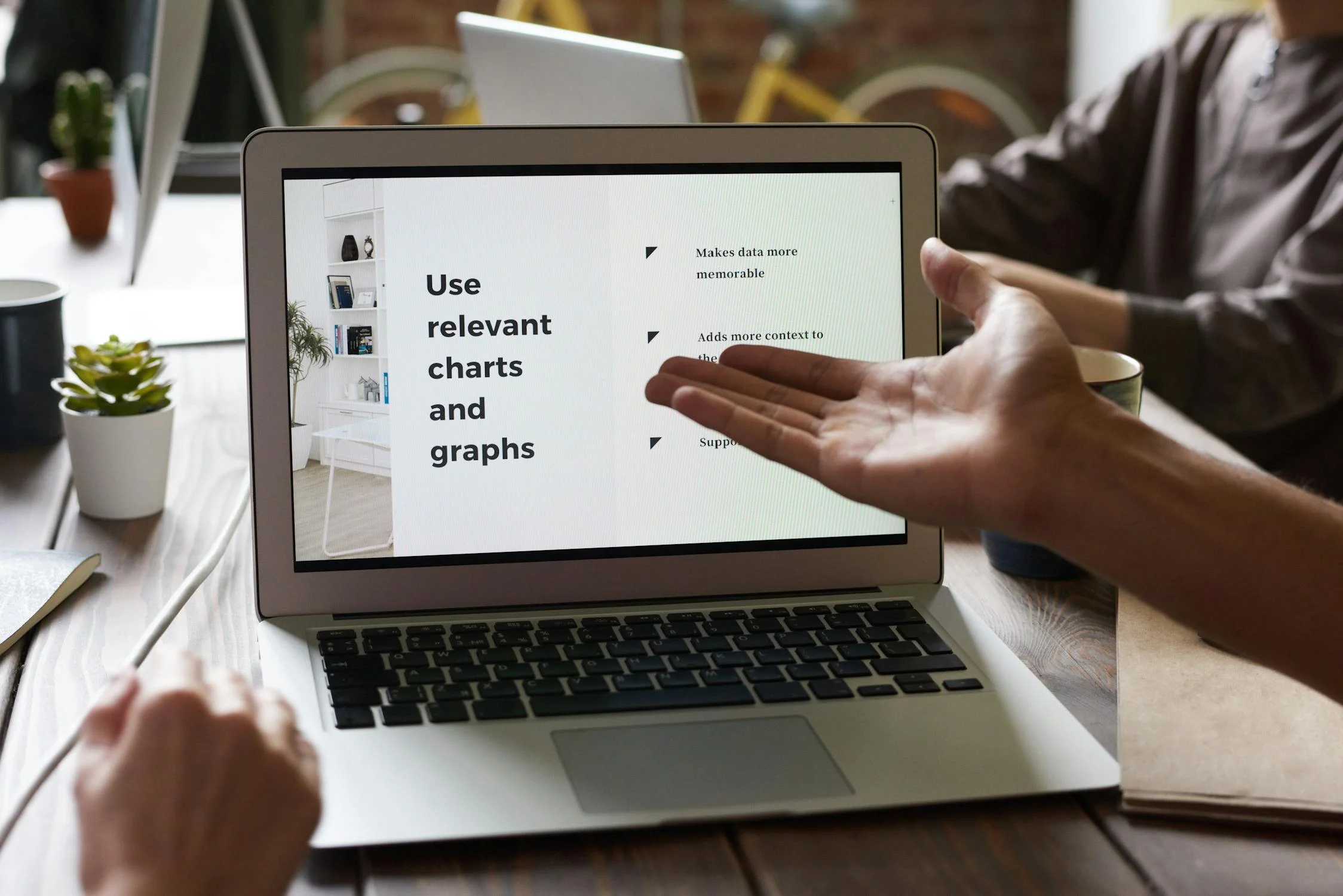
A clean layout is great – but sometimes, adding a simple visual like a chart, graph, or screenshot can help build trust even faster. It shows you’re organized and transparent.
🟢 Green flag: A pricing comparison chart, a visual timeline of your process, or a graph that explains your results.
🔴 Red flag: Overly complex diagrams, random stock infographics, or visuals that feel out of place.
Even one relevant visual can boost credibility. Just make sure it adds value, not noise.
TL;DR: Trust Comes From Clarity + Care
You don’t need big-brand polish to build trust. You just need to communicate clearly, care about the details, and let your personality come through. The best self-made websites feel like a conversation with a friendly, capable person – not a pitch from a faceless marketer.
If your site gives off those vibes, people will stick around.
Are you ready to design & build your own website? Learn more about UltimateWB! We also offer web design packages if you would like your website designed and built for you.
Got a techy/website question? Whether it’s about UltimateWB or another website builder, web hosting, or other aspects of websites, just send in your question in the “Ask David!” form. We will email you when the answer is posted on the UltimateWB “Ask David!” section.