


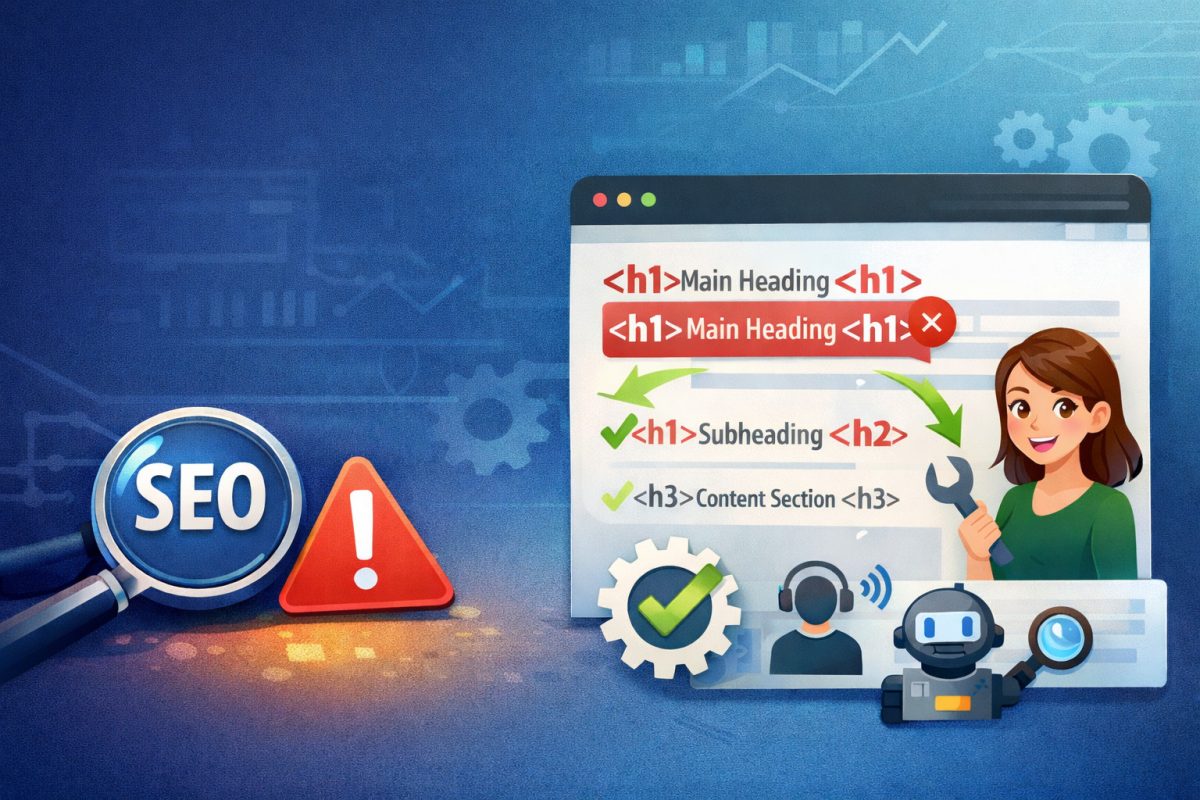
For a long time, SEO tools and platforms like Bing Webmaster Tools will flag this message:
“Remove redundant
<h1>tags from the page source, so that only one<h1>tag exists.”
Why? Because having multiple <h1> tags can confuse both search engines and users about what your page is really about – even though modern search engines are more flexible than they used to be.
📌 What An <h1> Tag Is
The <h1> tag is the main heading of your page. It tells users and search engines, “This is the primary topic of this page.” It’s usually – but not always – the same as your title. With UltimateWB, we have it set up so that your chosen page title is automatically the h1 tag for your page.
Related: How to Optimize Your Website for Both Search Engines and Users
❓ Why One <h1> Tag Matters
Even though modern HTML5 technically allows multiple <h1> tags, best practice for SEO and accessibility still recommends using only one. Here’s why:
✔️ Clear Structure for Search Engines
A single <h1> makes it easier for search engines to understand the main focus of the page. Too many conflicting <h1> tags can dilute that signal.
✔️ Better Accessibility
Screen readers use heading tags to help users navigate your content. Multiple <h1> tags can make this navigation confusing for those using assistive technologies.
✔️ Cleaner, Hierarchical Content
Headings aren’t just for SEO – they help organize your content for people. <h1> should always be your top-level heading, followed by <h2>, <h3>, and so on.
Related: Why an H1 Shouldn’t Come After an H3 – And Why It Matters for SEO and Accessibility
🛠 How to Fix Redundant <h1> Tags
🔍 1. Audit Your Page
Look at the HTML source of your page (right‑click → View Source) and search for <h1>. If you see more than one, that’s what’s triggering Bing’s warning.
✏️ 2. Choose One Primary <h1>
Decide which <h1> best represents the main topic of the page. This will usually be your page title or a clear headline.
🔄 3. Change Extras to Lower Headings
Change all other <h1> tags to appropriate levels such as:
<h2>for major sections<h3>for subsections<h4>and beyond for deeper nesting
For example:
<!-- Good -->
<h1>Main Topic of Page</h1>
<h2>Subheading One</h2>
<h2>Subheading Two</h2>

<!-- Better structured -->
<h1>Main Topic of Page</h1>
<h2>Feature Section</h2>
<h3>Detail Point</h3>
👩💻 4. Update Templates or Page Builder Settings
If your website builder layout or theme automatically inserts multiple <h1> tags in different areas – such as within each section – update those modules to use <h2> or <h3> instead; UltimateWB, however, follows best practices and avoids this issue entirely.
🧩 Should You Always Have Just One?
While some SEO pros argue that Google can technically handle multiple <h1> tags, using just one is still the best practice – especially if tools like Bing and many SEO analyzers flag it as a problem.
That’s because:
- Search engines do understand multiple
<h1>tags - But tools and user agents often expect only one
- And clarity for users and accessibility stays strong when you stick with one
📈 Bottom Line
✅ Only one <h1> tag per page
🎯 Structure your content with <h2> and <h3> for subheads
🔍 Audit your pages regularly to catch redundant headings
By cleaning up redundant <h1> tags, you ensure your website communicates clearly with both search engines and users – and you’ll stop Bing’s SEO warnings in its tracks.
Related: What Factors Does Google Consider When Ranking Websites?
Ready to design & build your own website and work that SEO magic? Learn more about UltimateWB! We also offer web design packages if you would like your website designed and built for you.
Got a techy/website question? Whether it’s about UltimateWB or another website builder, web hosting, or other aspects of websites, just send in your question in the “Ask David!” form. We will email you when the answer is posted on the UltimateWB “Ask David!” section.