


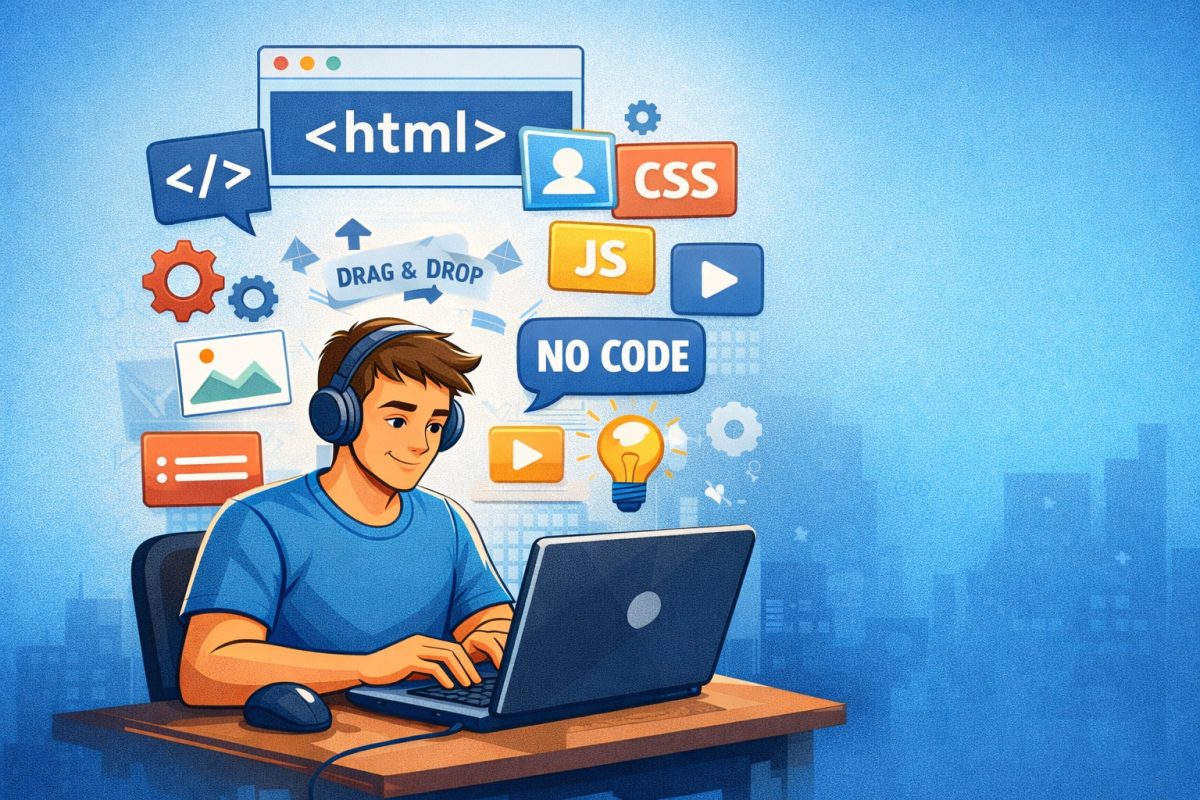
“Ask David” Question: “How can someone with no experience in coding start web development, and approximately how long will it take for them to be able to make something useful/successful?”
Web development can be learned without prior coding experience.
Beginners can start by using no-code website builders to create real websites immediately, or by learning core skills like HTML, CSS, and JavaScript over time.
The time it takes to build something useful depends on the approach. With a website builder, beginners can launch a functional site on day one. With coding, most people can build simple projects within 1–3 months and more advanced websites within 6–12 months.
Longer Answer:
Whether you’re a complete beginner or someone curious about building websites or apps, getting started with web development doesn’t require a computer science degree – and it doesn’t have to be intimidating.
In this guide, we’ll walk you through practical steps to begin, explain the skills you’ll need, and give you a realistic timeline for becoming capable of building something useful – from simple personal sites to functional web apps.
1. Understand What Web Development Really Is
Web development generally breaks down into two areas:
- Front‑end: The parts people see – layout, text, images, buttons.
- Back‑end: The systems behind the scenes – databases, logic, server responses.
Some paths focus on visual site building (no code), while others involve writing code like HTML, CSS, and JavaScript. You can choose based on how deep you want to go.
2. Tools for Beginners – No Coding Needed (Optional)
If your goal is to build useful sites quickly without writing code, you can start with beginner‑friendly platforms. These tools may let you:
- Create layouts either through a page editor or drag & drop
- Choose templates
- Add content and features or plugins/apps
UltimateWB is one such platform built to help beginners design and launch websites without coding – with customizable built-in features, responsive design, and support tools included.
You still learn web concepts, but you don’t need to learn syntax first.
With this method, you can actually build your website on the first day. If you get stuck, just ask for help.
3. Core Web Skills Worth Learning (Optional But Valuable)
Even if you use no‑code tools, learning the basics of the web will help you build better, more customized projects:
✔️ HTML
The basic structure of webpages.
✔️ CSS
Controls styles, layout, and presentation.
✔️ JavaScript
Adds interactive features and dynamic content.
✔️ Version Control (Git)
Keeps track of changes and is essential for real projects.
That said, if you’re using UltimateWB, you can keep track of your page edits with the built-in Page History tool. You can revert to previous versions of your pages too.
You can learn these fundamentals online through courses, tutorials, and coding communities. Some users just ask AI when they want a certain CSS or JavaScript snippet to do a certain thing, and they copy/paste it into their UltimateWB admin panel, for example.
4. Realistic Timeline to Build Useful Projects via Coding
There’s no single “correct” timeframe, but here are common benchmarks based on experience and effort:
🟩 0–1 Month:
Learn the basics of HTML and CSS. You should be able to build simple static pages (e.g., a personal homepage).
🟦 1–3 Months:
Begin adding JavaScript and interactive features – like forms, dynamic menus, or basic web apps. Many beginners reach this level with consistent practice.
🟧 3–6 Months:
You can start building more complex projects (portfolios, small business sites, eCommerce basics), especially if you practice daily or follow structured courses.
🟥 6–12 Months:
With projects under your belt and portfolio pieces, many people begin freelancing or applying for junior roles. Some get their first paid work within this timeframe.
💡 Note: Timelines vary – people who study part‑time will progress more slowly than those learning full‑time.
A lot of developers who know how to code opt for using a website builder as the base, as clients do love having an admin panel, and also a platform that can be easily updatable to the latest coding requirements.
5. Learn by Doing – Build Real Projects
The single most important growth factor is hands‑on experience. Start with small ideas:
- A personal website
- A blog
- A small business landing page
- A hobby project (photography portfolio, recipe site, etc.)
Publishing actual work helps you learn faster and makes your progress visible.
6. Get Support & Feedback
Don’t learn in isolation. Join communities or ask questions in forums. Having guidance keeps you motivated and helps you solve problems faster.
With platforms like UltimateWB, you also get access to tutorials, documentation, and support channels that help you build and launch your site smoothly.
7. Keep Improving Over Time
Even experienced developers continue learning. Once you build simple projects, you can:
- Explore frameworks like React or Next.js
- Learn back‑end tech like Node.js or PHP
- Build full‑stack applications
Web development is a journey – but starting is easier than most people think.
Even if you do choose to build on top of a website builder, platforms like UltimateWB let you add server-side login like PHP, unlike Wix or other hosted website builders.
Summary: What You Can Expect
| Stage | Skills | What You Can Build |
|---|---|---|
| Beginner (0‑1 mo) | HTML, CSS basics | Simple static sites |
| Foundation (1‑3 mo) | JavaScript fundamentals | Interactive pages |
| Intermediate (3‑6 mo) | Full front‑end projects | Complete websites |
| Growth (6+ mo) | Back‑end, portfolio | Freelance & jobs |
Or just jump in with a website builder like UltimateWB and start building out your basic to advanced website on the first day.
Ready to Start?
Whether you want to build things with no code or learn deeper technical skills, there’s a path that fits your pace and goals. The key is to begin with a project in mind and build consistently.
Start small, keep learning, and you’ll be amazed at where you can go.
Got a techy/website question? Whether it’s about UltimateWB or another website builder, web hosting, or other aspects of websites, just send in your question in the “Ask David!” form. We will email you when the answer is posted on the UltimateWB “Ask David!” section.