


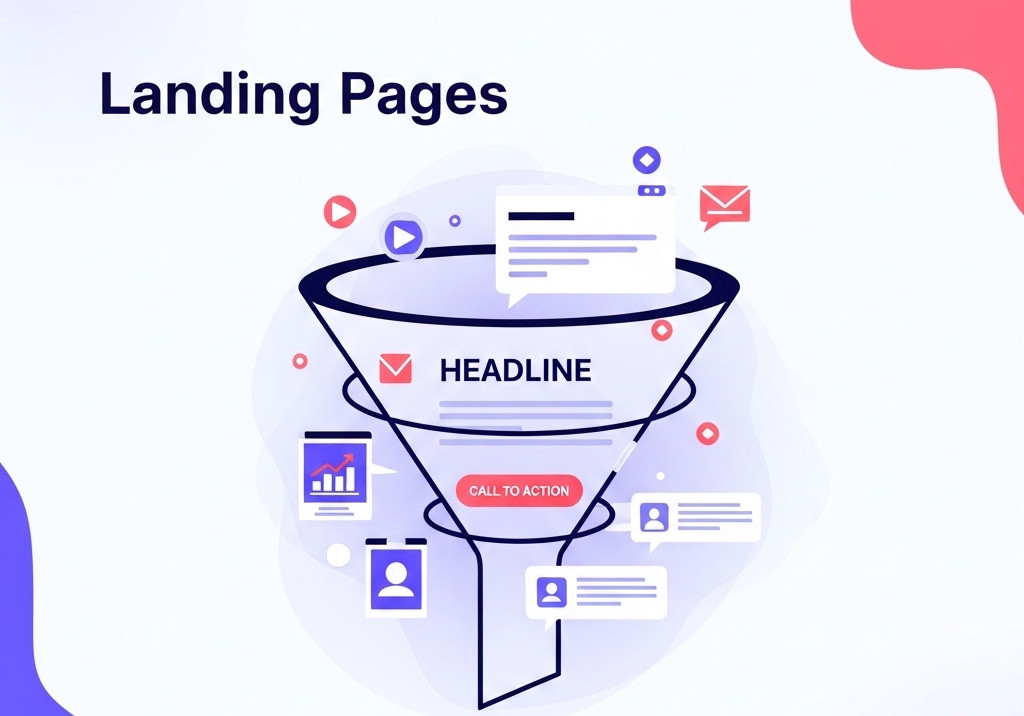
A well-structured landing page can make or break your conversion rates. Whether you’re promoting a product, service, or collecting email signups, the layout and content order on your page should guide your visitor seamlessly from arrival to action.
Here’s the ideal structure and content flow, section by section:
1. Above the Fold: The Hook
This is what visitors see without scrolling. You have seconds to grab attention.
Include:
- Headline: Clear, benefit-focused. State what and why.
- Subheadline: Brief support for the headline – elaborate on how you solve their problem.
- Primary Call-to-Action (CTA): A button like “Start Free Trial,” “Get Started,” “Book a Demo.”
- Hero Image or Video: Show your product, service, or audience outcome.
Tips:
- Be visually appealing and clutter-free.
- Make sure the CTA stands out.
Related: What should the dimensions of a website’s hero image be?
2. Social Proof (Trust Boosters)
Once they’re intrigued, show you’re credible.
Include:
- Customer logos or “As seen in” media logos
- Testimonials or star ratings
- Short user quotes or video testimonials
Related: What Makes a Simple Website Feel Trustworthy? (From Real User Experience, Not Theory)
3. Problem + Solution
Now explain what you do, and why it matters.
Include:
- A short paragraph identifying the problem your audience faces
- Follow with how your product/service provides a solution
4. Features & Benefits
Break down how your product works and how it helps them.
Structure:
- Feature + Short Benefit
- Repeat in 3-6 bullets, cards, or icon sections
- Keep it skimmable
5. Visual Demo / Screenshots / Explainer Video
Let them see it in action.
Include:
- Short walkthroughs
- Interactive demo or carousel
- A short explainer video (1–2 min max)
6. Use Cases / Who It’s For
Help users self-identify.
Include:
- Personas or segments (e.g., “For Freelancers,” “For Marketing Teams”)
- Use-case scenarios or outcomes
- Industry examples
7. Pricing or Offer Details
Only if relevant to your goal (may not be needed for lead-gen).
Include:
- Clear, simple pricing tables
- What’s included in each plan
- FAQs about pricing or trial
8. Urgency / Scarcity (Optional but Powerful)
Encourage action now.
Include:
- Limited-time offer
- Countdown timer
- “Only 3 spots left this week!”
9. FAQ Section
Address objections before they bounce.
Include:
- 5–10 common questions
- Keep answers concise and reassuring
10. Final CTA
Reinforce the action.
Include:
- A repeat of your main CTA
- A quick recap of the value
- Button that scrolls or jumps to your signup form
11. Footer
Wrap it up professionally.
Include:
- Contact info
- Links to Privacy Policy, Terms
- Social media links
- Optional mini CTA (newsletter, etc.)
🧪 Bonus Tips for High-Converting Landing Pages
- Use visual hierarchy: big, bold headlines, lots of white space
- Make sure CTAs are visible and repeated
- Keep text conversational and benefit-driven
- Optimize for mobile users
- Run A/B tests regularly
❓ Landing Page FAQ
What is a landing page for?
A landing page is a standalone web page designed to get a visitor to take a specific action – such as signing up, buying something, or downloading content. It’s often used in marketing campaigns to drive focused conversions.
Is a landing page different from a homepage?
Yes. A homepage is the front door to your entire website – it links to many parts of your site. A landing page has one specific purpose and usually avoids distractions like navigation menus. It’s all about focus and conversion.
Is a landing page just for advertising?
Not necessarily. While they’re commonly used for ad campaigns (Google Ads, social media, etc.), landing pages can also be used for:
- Email list building
- Product launches
- Event registrations
- Free trial signups
- Webinar signups
Any time you want users to complete a single, clear action, a landing page is a great tool.
Do I need a separate landing page for each campaign?
Ideally, yes. Tailoring landing pages to specific campaigns, audiences, or even keywords improves conversion rates because the message is more relevant and targeted.
Should landing pages have navigation menus?
Usually not. Removing navigation helps keep visitors focused on the main call to action without getting distracted by other pages. Some marketers include a small logo or minimal footer, but no full menu.
Can I use my landing page as a homepage?
Technically, yes – but only if your website has one single purpose (e.g., promoting a single product or service). Otherwise, it’s best to keep them separate: use the homepage for general navigation and a landing page for conversions.
How long should a landing page be?
As long as needed to answer objections and convince the visitor to act – but no longer. A simple offer might only need a short page, while a high-ticket item may require testimonials, FAQs, and deeper explanation.
Do I need a landing page?
If you’re running ads, promoting something specific, or trying to get people to take one focused action – yes, you need a landing page. Landing pages eliminate distractions and increase the chances that visitors will do what you want them to do (sign up, buy, etc.). Even if you have a full website, a landing page can significantly improve conversions for specific campaigns.
Why do you include pricing on a landing page but not a homepage?
A landing page is focused on conversions, so showing pricing can help users make a quick, informed decision – especially if they’re already interested (like after clicking an ad or email). It removes friction and avoids the need to click around.
In contrast, a homepage serves many purposes: brand awareness, exploration, navigation – it’s not always the right place to introduce pricing. Visitors might not be ready for that yet. A landing page, however, is often where someone lands after showing interest, so pricing becomes more relevant.
Ready to design & build your own website? Learn more about UltimateWB! We also offer web design packages if you would like your website designed and built for you.
Got a techy/website question? Whether it’s about UltimateWB or another website builder, web hosting, or other aspects of websites, just send in your question in the “Ask David!” form. We will email you when the answer is posted on the UltimateWB “Ask David!” section.